 ProMapRanker
Best Tools for HVAC Technicians in 2026

Key takeaways
- Housecall Pro is our pick for small HVAC shops because it pairs clear pricing with scheduling, invoicing, and payments.
- Jobber suits very small crews that want to start fast and keep monthly costs low.
- ServiceTitan and FieldEdge suit larger shops that need deep reporting, pricebooks, and dispatch control.
- The best apps for hvac technicians are the ones techs will use on site, not just the ones office staff like.
- Price alone is a poor guide, since per-tech pricing, flat pricing, and quote-only pricing scale very differently.
Quick comparison
| Pick | Great for | Pricing starts at | Free tier | |
|---|---|---|---|---|
 Housecall Pro | Small HVAC shops | $59 per month | Free trial | Visit |
 Jobber | Very small crews | $29 per month | Free trial | Visit |
 ServiceTitan | Larger HVAC operations | See website | No | Visit |
 FieldEdge | Mid-sized contractors | See website | No | Visit |
 Service Fusion | Flat-rate pricing for growing shops | See website | Free trial | Visit |
 Workiz | Lead and call tracking | See website | Free trial | Visit |
 Bluon | On-site tech support and parts lookup | Free | Yes | Visit |
 BuildOps | Commercial HVAC operations | See website | No | Visit |
The best tools for hvac technicians
HVAC work lives in two places: on site, where techs need job details and parts info, and in the office, where dispatch, invoicing, and follow-up happen. These tools cover scheduling, dispatch, invoicing, payments, and on-site support for HVAC teams of different sizes.
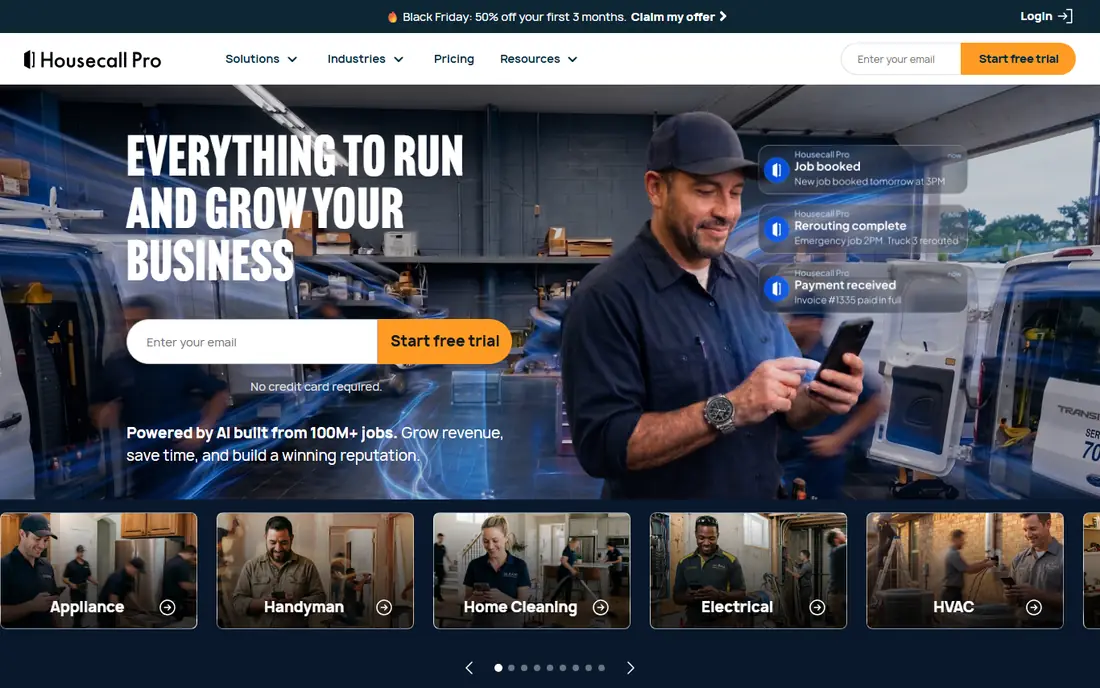
Housecall Pro is our pick for small HVAC shops because it covers the daily loop without a sales call to learn the price. Office staff can schedule jobs, send estimates, and invoice customers, while techs can see job details, update status, and collect payment on site. That single loop cuts down on paper, phone tag, and end-of-day admin.
The catch is depth. Housecall Pro is strong on simplicity, but larger shops that need complex pricebooks, detailed marketing attribution, or deep commercial reporting may find its ceiling. Check which plan includes the proposal and pipeline tools you need, since those vary by tier.
- Clear published pricing
- Scheduling, estimates, invoicing, and payments in one app
- Mobile app for techs
- Advanced HVAC features vary by plan
- Larger shops may outgrow reporting depth
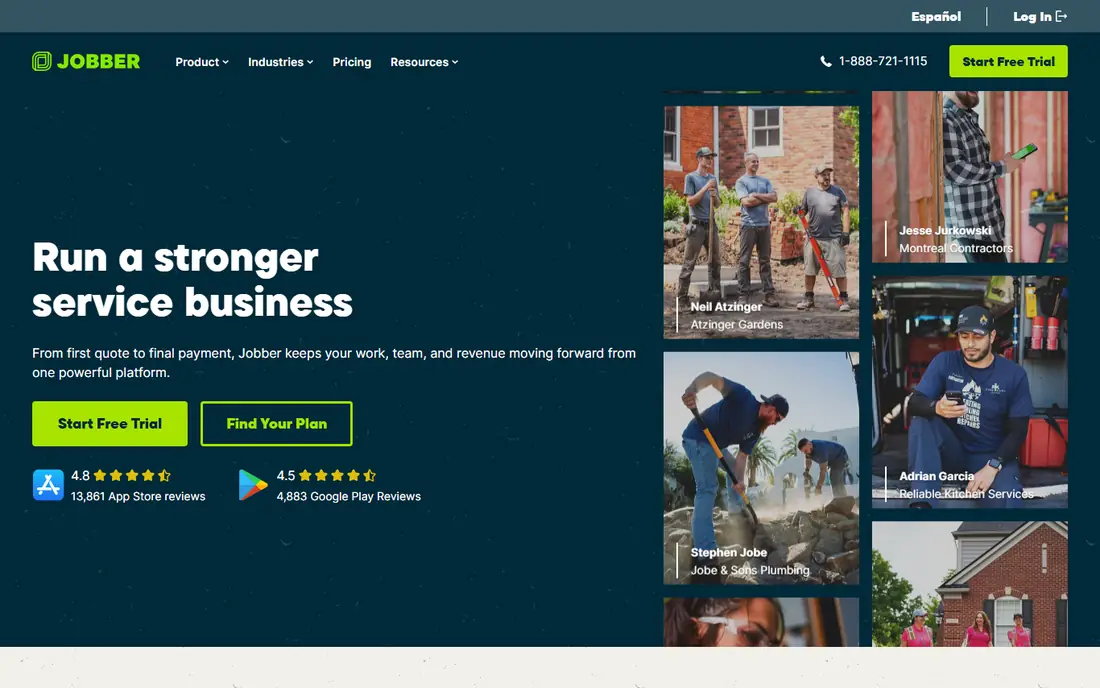
Jobber suits a one-truck shop or a very small crew that needs to look professional fast. You can send quotes, schedule work, invoice, and take payments without a long implementation project, and the low starting price keeps overhead down in slow months. For mixed-trade shops that also do plumbing or electrical work, Jobber's general approach is a plus.
The honest limit is HVAC depth. Jobber does not match ServiceTitan or FieldEdge on HVAC-specific pricebooks, equipment history, or commercial job costing. If your shop is small and general, that may not matter. If HVAC is your core trade and you run maintenance agreements at scale, check those features before you commit.
- Low starting price
- Fast setup
- Quoting, scheduling, invoicing, and payments
- Reporting is lighter than enterprise platforms
- HVAC-specific depth is limited
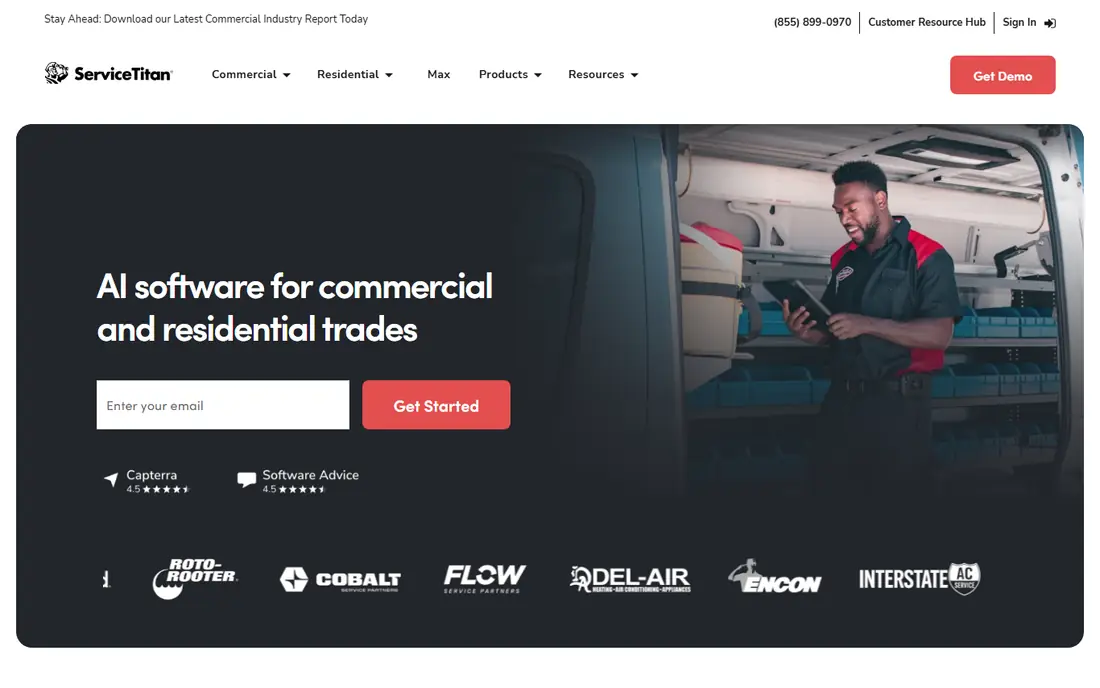
ServiceTitan is the enterprise-grade pick for larger residential and commercial HVAC operations. It covers dispatch, CRM, scheduling, invoicing, pricebooks, and marketing attribution in one system, which helps a shop with many techs see which jobs, campaigns, and techs actually drive profit. For a large operation, that visibility can justify a higher price.
The catch is cost and complexity. Pricing is quote-based, implementation can take weeks or months, and smaller shops may pay for depth they never use. Get a written quote, ask about implementation fees and contract terms, and make sure your office team has time to learn the system before you switch.
- Deep HVAC reporting and dispatch tools
- Pricebook and marketing attribution
- Strong integrations
- Pricing is quote-based and can be high
- Implementation takes time and training
FieldEdge suits mid-sized HVAC contractors that already run heavily on QuickBooks. Its real-time QuickBooks sync, dispatch tools, and inventory features help office and field staff stay on the same job record, which matters when parts, invoices, and customer history all need to match. Proposal tools for good, better, and best options are also useful for replacement sales.
The downside is pricing transparency. FieldEdge does not publish prices, so you need a sales quote to budget properly, and you should ask which proposal, GPS, and reporting tools are included versus added on. That extra diligence matters, since add-ons can change the monthly total.
- Strong QuickBooks integration
- Dispatch and inventory tools
- Proposal tools on higher plans
- Pricing is not published
- Some advanced tools cost extra or sit on higher tiers
Service Fusion suits growing shops that want predictable costs as they add users. Flat-rate pricing can beat per-user pricing once a team passes a certain size, since adding a tech or office user does not automatically raise the bill in the same way. It covers scheduling, dispatch, invoicing, payments, and a customer portal for job updates.
The catch is the entry cost. Smaller shops may find the starting price high compared with Jobber or Housecall Pro, and HVAC-specific depth still needs a careful check against your pricebook and maintenance agreement needs. Use the trial to test dispatch and invoicing with real jobs before you sign.
- Flat pricing that suits larger teams
- Scheduling, dispatch, invoicing, and payments
- Customer portal
- Starting price is higher than Jobber or Housecall Pro
- HVAC-specific features vary by plan
Workiz suits shops that lean on paid leads and phone calls to fill the schedule. Call tracking helps you see which ads and sources actually produce booked jobs, and the scheduling and invoicing tools cover the rest of the job loop. For a shop spending real money on lead generation, that attribution is more useful than another generic dashboard.
The downside is that pricing is quote-based, so budgeting takes a sales conversation, and some features depend on add-ons. Ask for a full quote that includes the phone system, call tracking, and any automation you plan to use, so the monthly total has no surprises.
- Call tracking and lead tools
- Scheduling and invoicing
- Phone system options
- Pricing is quote-based
- Some features depend on add-ons and plan level
Bluon is different from the rest of this list, and that is why it belongs here. It is a support tool for techs on site, helping with parts lookup, model information, and technical resources when a unit does not match the manual in the truck. For a tech facing an unfamiliar system, that kind of lookup can save a return visit.
The catch is scope. Bluon does not replace a scheduling, dispatch, or invoicing platform, so think of it as a companion app for the field, not as your business system. Check equipment coverage for the brands you service most, since that coverage decides how useful it is day to day.
- Free app for techs
- Parts and model lookup support
- Tech support resources
- Not a full scheduling or invoicing platform
- Value depends on equipment coverage
BuildOps suits commercial HVAC contractors that handle service agreements, project work, and larger job costing. Its commercial focus shows in how it handles agreements, dispatch, and project tracking, which residential-first tools sometimes treat as an afterthought. For a commercial shop, that fit can matter more than a low starting price.
The downside is fit for small residential teams. BuildOps is quote-based, and a one-truck or small residential shop may pay for commercial depth it never uses. If most of your work is residential repair and replacement, Housecall Pro or Jobber will likely fit better and cost less.
- Built for commercial service and projects
- Service agreements and job costing
- Dispatch tools
- Pricing is quote-based
- Overkill for small residential shops
How we picked these
We compared official feature pages, pricing pages, and current field service comparisons for tools that HVAC technicians and shops use in October 2026. We looked for scheduling, dispatch, invoicing, payments, and on-site support, and we kept a mix of low-cost starters, mid-sized platforms, and larger commercial systems. We used published prices where vendors publish them and wrote See website where pricing is quote-based, rather than guessing a number.
How to choose tools for an HVAC shop
Start with shop size and work type. A residential repair shop needs fast scheduling, clear estimates, and on-site payments. A commercial shop needs service agreements, job costing, and project tracking. A mixed shop needs both, but should still pick the work type that brings in most revenue and optimise for that first.
Next, test the tech experience, not just the office demo. Give two techs the mobile app for a week of real jobs, and watch whether job notes, photos, parts, and payments flow without extra calls to the office. A tool that office staff love but techs avoid will create double entry and missed invoices.
Finally, price the whole system, not just the base plan. Ask about per-tech versus flat pricing, implementation fees, contract length, payment processing fees, and add-ons for proposals, GPS, or call tracking. Compare that total at your current headcount and at the headcount you expect in a year, since the cheapest starter plan is not always the cheapest at scale.
Frequently asked questions
What are the best apps for hvac technicians?
For business operations, Housecall Pro and Jobber are strong starting points for small shops, while ServiceTitan and FieldEdge suit larger operations. For on-site help, Bluon is a useful companion app for parts lookup and technical support. The best tools for hvac technician work depend on shop size and whether the work is residential or commercial.
How much does HVAC field service software cost?
It varies widely. Jobber starts at $29 per month and Housecall Pro starts at $59 per month on published plans, while ServiceTitan, FieldEdge, and BuildOps use quote-based pricing. Always ask for a total that includes users, add-ons, and implementation before you compare.
Do HVAC techs need a separate app for parts lookup?
Not always, but it helps. Field service platforms handle jobs and invoices, while a support app like Bluon helps with model and parts information on site. Many techs use both: a business platform for the job, and a lookup tool for the unit in front of them.
Can small HVAC shops start with a free tool?
A tech support app like Bluon offers a free tier, but full scheduling and invoicing platforms usually offer trials rather than permanent free plans. Start with a trial, test real jobs, and pick the lowest paid plan that covers scheduling, invoicing, and payments.
What should an HVAC shop check before switching software?
Check data migration for customers, equipment history, open estimates, and unpaid invoices. Check QuickBooks sync, contract terms, and training time. Run both systems for a short overlap period if you can, so no open job or invoice gets lost in the move.
Sources
See where you really rank - block by block
ProMapRanker scans Google Maps across a grid of your service area. Simple monthly plans from $19, white-label on every plan.
Start freeKeep reading
 wpforms alternatives
Best WPForms Alternatives in 2026
We compare 9 wpforms alternatives for WordPress forms, with free and paid options, current pricing notes, and honest limits for small business sites in 2026.
Read → windows task scheduler alternatives
Best Windows Task Scheduler Alternatives in 2026
Looking for Windows Task Scheduler alternatives? We compare 9 schedulers for Windows and cross-platform work, from free tools to enterprise automation.
Read → which ai video service is best
Which AI Video Service Is Best in 2026
which ai video service is best? We compare 10 legitimate AI video services on price, avatars, editing and output quality to help you pick the right tool.
Read →