 ProMapRanker
Best Tools for HR Analytics in 2026

Key takeaways
- Visier and Workday People Analytics suit large enterprises that need deep workforce planning and multi-system data.
- ChartHop suits mid-sized teams that want org charts, headcount planning and a clear price per employee.
- Crunchr and One Model suit teams that need self-service dashboards without a large technical project.
- Lattice and BambooHR suit teams that already use those HR systems and want analytics added to performance or core HR data.
- Rippling suits companies already on Rippling that want custom reports across HR, IT and finance data.
- Pricing is often quote based, so budget for implementation and data work, not just the licence price.
Quick comparison
| Pick | Great for | Pricing starts at | Free tier | |
|---|---|---|---|---|
 Visier Visier | Enterprise people analytics | See website | No | Visit |
 Workday People Analytics Workday People Analytics | Workday customers | See website | No | Visit |
 ChartHop ChartHop | Org planning and headcount | $5 per employee per month | No | Visit |
 Crunchr Crunchr | Self-service people analytics | See website | No | Visit |
 One Model One Model | Multi-system workforce data | See website | No | Visit |
 Lattice Lattice | Performance plus analytics | See website | No | Visit |
 BambooHR BambooHR | SMB HR plus reporting | See website | Free trial | Visit |
 Rippling Rippling | HR, IT and finance reports | $8 per employee per month | No | Visit |
The best tools for hr analytics
We compared the best hr analytics software on data connections, dashboards, benchmarks, planning features and price transparency. HR analytics and people analytics are the same category under two names, so the list below covers both enterprise platforms and tools for smaller teams.
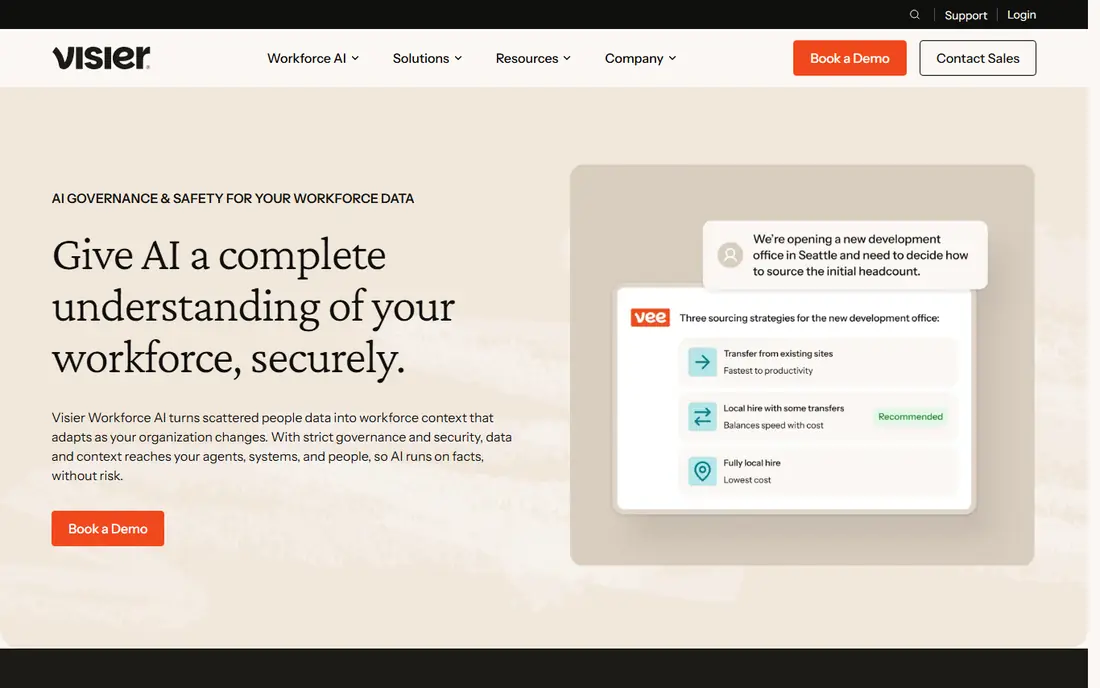
Visier is the enterprise benchmark in this category, with dashboards, benchmarks and planning tools for hiring, retention, compensation and workforce costs. It connects data from HR, payroll, recruiting and other business systems into one view, which helps large companies answer questions that spreadsheets cannot handle at scale. External benchmarks also help leaders compare their workforce against peers.
The cost and implementation effort put it out of reach for small teams, and a dedicated project is usually needed to get data right. For a large enterprise that needs the best hr analytics platforms at scale, Visier is the first platform to evaluate.
- Deep workforce planning and benchmarking
- Connects many HR and business systems
- Strong for large, complex workforces
- Custom pricing, often enterprise level
- Implementation needs time and data work
Workday People Analytics suits organisations already running Workday, since it draws on the same HCM and finance data without a separate data project. Managers can model workforce changes, test staffing scenarios and track skills, retention and costs in one system. Global compliance and reporting features also help multinational teams.
Companies not on Workday will find it hard to justify as a standalone analytics purchase, and pricing is custom. If your company already uses Workday, its analytics tools are the natural first step before adding a separate platform like Visier or One Model.
- Built into Workday HCM and finance data
- What-if planning for staffing
- Strong for global enterprises
- Best value only for existing Workday customers
- Custom pricing
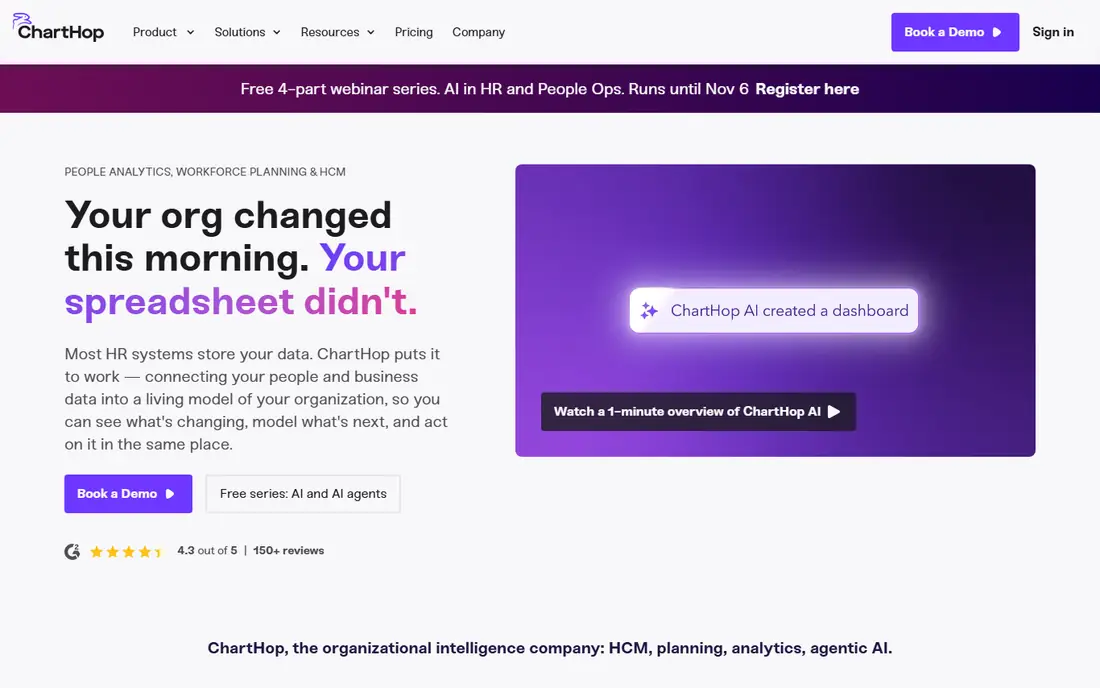
ChartHop combines people analytics with org design, headcount planning and compensation views, so HR and finance can plan hiring together. Visual org charts make reporting lines and team changes easy to see, while dashboards track headcount, turnover and performance data. The published starting price makes budgeting easier than with quote-only rivals.
Smaller teams under 100 people may find the depth more than they need, and additional modules add cost. For a mid-sized company that wants the best people analytics software with clear pricing, ChartHop is a strong pick.
- Clear per-employee starting price
- Visual org charts and headcount planning
- AI questions for workforce data
- Works best for teams of 100 or more
- Some modules are priced separately
Crunchr is a people analytics platform for teams that need HR insights without a complex technical setup. Users connect existing HR systems and access ready-made dashboards for hiring, retention and engagement, while an AI assistant answers workforce questions in plain language. Benchmarks help teams compare their metrics against industry standards.
Pricing is custom, so small teams should confirm costs early, and some users note that integrations could be broader. For an HR team that wants self-service analytics without building reports from scratch, Crunchr is one of the top hr analytics software options.
- Hundreds of ready-made analytics
- AI assistant for workforce questions
- Industry benchmarking
- Custom pricing
- Some integrations and modules are still growing
One Model focuses on joining data from many HR, payroll and business systems into a single, trusted source for workforce reporting. Leaders get story-based reports that explain trends, not just charts, which helps in board and executive discussions. The platform suits companies with data spread across several systems that need one consistent view.
That breadth comes with enterprise pricing and a setup project, so it is not a fit for a small team with one HR system. For a larger company juggling several systems, One Model is a strong candidate among the best hr analytics tools.
- Connects data from many HR systems
- Story-based reporting for leaders
- Strong data modelling
- Custom enterprise pricing
- Needs data work to set up well
Lattice is best known for performance, engagement and feedback, and its analytics build on that data to show trends in performance, retention and manager effectiveness. Teams that already run reviews and engagement surveys in Lattice get more value, since the data is already in one place. Manager dashboards help leaders act on team trends without waiting for HR reports.
Companies that only want standalone analytics may find a dedicated platform like Crunchr or ChartHop a better fit. If performance culture is your focus, Lattice is the best hr analytics software to add to an existing Lattice setup.
- Links performance, engagement and HR data
- Useful manager dashboards
- Good for performance-led cultures
- Analytics are strongest when you already use Lattice
- Pricing varies by module
BambooHR is a core HR system for small and mid-sized businesses, with employee records, time off, onboarding and reporting in one friendly interface. Its analytics cover headcount, turnover and basic workforce trends, which is enough for many teams that do not need enterprise planning tools. The mobile app and self-service options also help managers and staff.
Teams that need external benchmarks, multi-system modelling or advanced planning will outgrow it and need Visier, One Model or Crunchr. For a team that needs the best hr analytics tools inside a simple HR system, BambooHR is a practical starting point.
- Friendly core HR system for small and mid-sized teams
- Built-in reporting and mobile app
- Good for teams up to a few hundred staff
- Analytics depth is thinner than dedicated platforms
- Pricing is per employee and needs a quote for some plans
Rippling combines HR, IT and finance data, so its analytics can answer questions that span departments, such as headcount costs by team or device and app use by role. Custom reports and a dashboard builder let teams build views without waiting for analysts, which suits fast-growing companies. The platform also automates onboarding, offboarding and payroll tasks.
The catch is that analytics come as part of the Rippling platform, not as a standalone tool, and the base fee sits on top of the per-employee price. If your company already uses Rippling, its analytics are a strong addition. If you only need reports, a dedicated tool may be cheaper.
- Custom reports across HR, IT and finance
- Dashboard builder from plain questions
- Strong automation for employee lifecycle
- You buy the full platform, not just analytics
- Base fee is not always listed clearly
How we picked these
We compared official product pages, pricing information and recent HR analytics comparisons, and checked each tool for data connections, dashboards, benchmarks, planning features and price transparency. We favoured tools that are widely used in 2026, and noted where pricing is quote based rather than published. We did not claim hands-on testing, and prices marked as See website were not published in a verifiable form at the time of writing.
What to check before you choose an HR analytics tool
Start with the question you need to answer, not the dashboard you want to buy. Common starting questions include why turnover is rising in one team, whether hiring plans match budget, and where pay gaps exist. If your existing HR system plus a spreadsheet already answers those questions, you may not need a dedicated platform yet.
Next, check data connections and quality. A tool is only as good as the HR, payroll and recruiting data feeding it, so confirm which systems it connects to, how often data syncs and who cleans errors. Budget time for that data work, since it often takes longer than the software setup itself.
Privacy and trust
Workforce data is sensitive, so check permission controls, data residency and how employee data is used in AI features. Managers should see only their own teams, and sensitive fields like pay and health data need extra controls. Share with staff what data is used and why, since trust affects whether analytics work is accepted.
Size and growth
Under 300 people with one HR system, a dedicated platform may be more than needed, unless you need external benchmarks or join several systems by hand. Mid-sized teams benefit most when they join four or more systems or lose days each month to the same report. Large enterprises benefit when planning, benchmarking and multi-system reporting become regular work.
Frequently asked questions
What is the best hr analytics software?
It depends on size and systems. Visier and Workday lead for large enterprises, ChartHop leads for mid-sized teams with clear pricing, and Crunchr and One Model lead for multi-system reporting. Small teams may find BambooHR or Rippling reporting enough without a dedicated platform.
What are the best people analytics software options for a mid-sized company?
ChartHop, Crunchr and Lattice suit mid-sized companies, with ChartHop for headcount planning, Crunchr for self-service dashboards and Lattice for performance-linked analytics. Check data connections and total module costs before choosing, since pricing varies by add-on.
How much do HR analytics tools cost?
Entry-level tools like ChartHop start around 5 dollars per employee per month, while Rippling starts around 8 dollars per employee per month plus a base fee. Enterprise platforms like Visier and Workday use custom pricing that can reach five or six figures per year depending on size and modules.
What are the top 10 hr analytics software features to look for?
Look for data connections to your HR and payroll systems, headcount and turnover dashboards, hiring and retention trends, compensation views, headcount planning, external benchmarks, permission controls, custom reporting and AI question support. Prioritise the features that answer your top three workforce questions.
Do I need HR analytics software for a small business?
Not always. A small business with one HR system and a stable team can often use built-in reports plus a spreadsheet. Buy a dedicated tool when you need external benchmarks, join several systems by hand, or spend days each month rebuilding the same report. Start with the question, not the tool.
How do HR analytics tools handle employee privacy?
Good tools offer role-based permissions, so managers see only their teams, plus controls for sensitive fields and audit logs. Check data residency, retention and AI data use before buying, and tell staff what is measured and why. Privacy and trust matter as much as dashboard quality for workforce analytics.
Sources
See where you really rank - block by block
ProMapRanker scans Google Maps across a grid of your service area. Simple monthly plans from $19, white-label on every plan.
Start freeKeep reading
 zoom alternatives
Best Zoom Alternatives in 2026
Compare Zoom alternatives in 2026, with free meeting limits and prices, so you can pick the best alternative to Zoom for your team, class, or community.
Read → which software is best for remote work
Which Software Is Best for Remote Work in 2026
Answering which software is best for remote work, we compare Slack, Zoom, Asana, Notion, Teams and more, with pricing and honest tradeoffs in 2026 now.
Read → which ai tool is best for content writing
Which AI Tool Is Best for Content Writing in 2026
Wondering which ai tool is best for content writing? We compare ChatGPT, Claude, Jasper, Grammarly, and more on price, quality, and best use in 2026 now.
Read →