 ProMapRanker
Best Tools for Creative Design in 2026

Key takeaways
- Canva is the easiest starting point for non-designers who need social posts, presentations, and marketing graphics fast.
- Figma is the best choice for interface design and team collaboration, while Adobe Illustrator and Photoshop remain the pro standards.
- Affinity is now free and gives professional vector, photo, and layout tools without a subscription.
- Inkscape and GIMP are the strongest fully free options for vector work and photo editing, with a steeper learning curve.
Quick comparison
| Pick | Great for | Pricing starts at | Free tier | |
|---|---|---|---|---|
 Canva Canva | Fast marketing graphics | See website | Yes | Visit |
 Figma Figma | Interface design and collaboration | $16 per editor per month | Yes | Visit |
 Adobe Illustrator Adobe Illustrator | Professional vector design | $22.99 per month | Free trial | Visit |
 Adobe Photoshop Adobe Photoshop | Photo editing and raster work | $22.99 per month | Free trial | Visit |
 Affinity Affinity | Pro design without a subscription | Free | Yes | Visit |
 Adobe Express Adobe Express | Quick branded content | $9.99 per month | Yes | Visit |
 CorelDRAW CorelDRAW | Print and signage work | See website | Free trial | Visit |
 Inkscape Inkscape | Free vector editing | Free | Yes | Visit |
 GIMP GIMP | Free photo editing | Free | Yes | Visit |
The best tools for creative design
Creative design covers more than one job, from a social post to a logo to a full product interface. The tools below span that range, so pick by the work you do most often, not by the longest feature list.
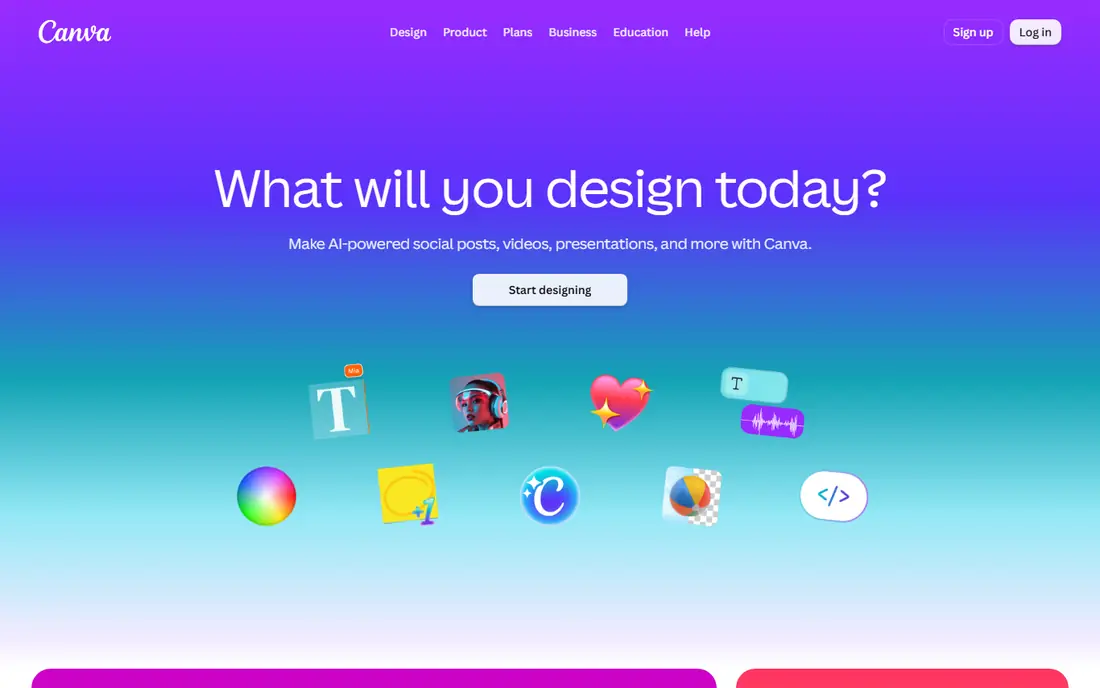
Canva is the tool most non-designers reach for first, and for good reason. You start from a template, swap in your text and images, and export a post, flyer, or presentation in minutes. The free plan covers real work, with a large template set and basic brand tools.
The limits show up when you move into serious print or custom typography. Controls are simpler than Illustrator, and the best stock, background removal, and resize tools require Pro. For social, decks, and everyday marketing, Canva remains the fastest route from blank page to finished graphic.
- Huge template library
- Very easy to learn
- Brand kits and resizing on paid plans
- Limited typographic control for print
- Best features sit behind Pro
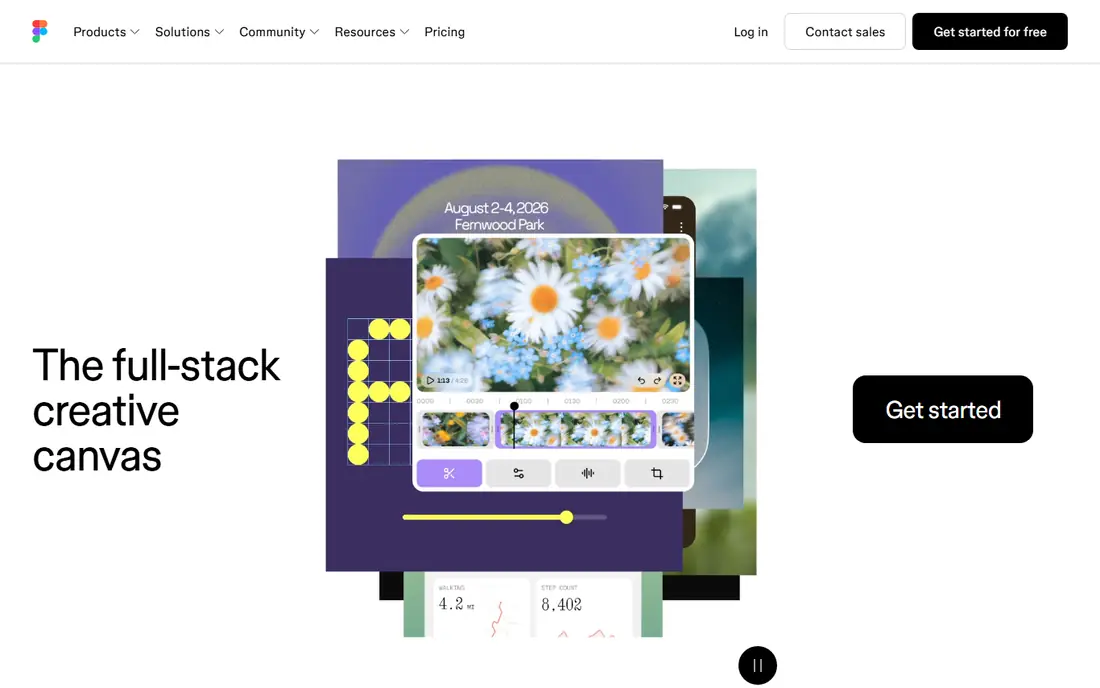
Figma is built for interface and product design, where several people work on the same file at once. Components, styles, and prototyping keep a design system consistent, and developers can inspect specs without extra handoff files. The browser based approach means no heavy install for most team members.
Figma is not a print tool, and it is not the best place for heavy photo editing. Its strength is screens, flows, and shared systems. If your work is websites, apps, or product interfaces, Figma is the standard most teams now expect.
- Real time collaboration
- Strong component system
- Works in the browser
- Less suited to print layout
- Paid seats add up for large teams
Illustrator remains the reference tool for logos, icons, illustrations, and print vector work. Its pen tools, type controls, and colour management are built for work that must scale from a business card to a billboard without losing quality. Files move easily into Photoshop, InDesign, and other Adobe tools.
That power comes with a learning curve and a monthly cost. Beginners may feel lost in the panels and options. For professional brand and print work, though, Illustrator is still the tool clients and printers expect.
- Industry standard for logos and vector art
- Precise typography and print controls
- Deep Adobe integration
- Subscription cost
- Steep learning curve for beginners
Photoshop is the standard for photo editing, retouching, compositing, and raster illustration. Its selection, masking, and adjustment tools handle work that simpler editors cannot, from product photos to complex composites. The tutorial and plugin ecosystem is also unmatched.
For a quick social post, Photoshop is slower than Canva or Express. It earns its cost when image quality matters, when you retouch photos regularly, or when you need precise control over colour, layers, and export for print or web.
- Deepest photo editing toolset
- Strong selection and retouching
- Wide plugin and tutorial support
- Subscription cost
- Overkill for simple social graphics
Affinity, from Serif, now offers its design suite free, covering vector design, photo editing, and page layout. That makes it a serious option for designers who want professional tools without a monthly bill. Performance is strong, and the tools cover most day to day brand and print work.
The ecosystem is smaller than Adobe's, with fewer plugins and templates, and some teams may miss Adobe specific workflows. For freelancers, small studios, and students, Affinity removes the main barrier to pro tools, which is cost, without removing the core craft.
- Professional vector, photo, and layout tools
- No subscription
- Fast performance
- Smaller plugin ecosystem than Adobe
- Fewer ready made templates
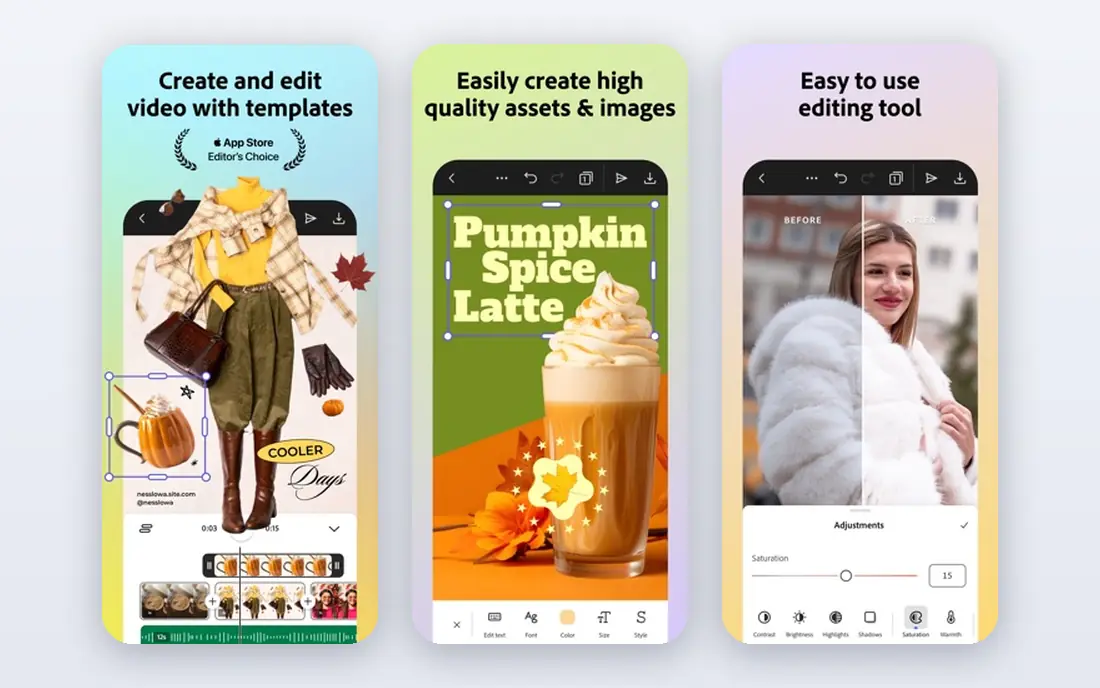
Adobe Express is Adobe's answer to Canva, built for quick social posts, videos, and branded content. It pairs templates with Adobe Fonts and stock, and it keeps brand colours and logos close at hand. Teams that already use Adobe will find the handoff to other Adobe tools smoother than with a separate app.
Express is not a replacement for Illustrator or Photoshop. It is a speed tool for volume content, and custom work will hit its limits sooner. If you publish a lot of similar posts and want Adobe assets without opening a pro app each time, Express fits well.
- Fast templates with Adobe stock and fonts
- Easy brand kits
- Good for teams already in Adobe
- Less depth than Illustrator or Photoshop
- Template led by design
CorelDRAW Graphics Suite is a long standing choice for print shops, sign makers, and packaging teams. It combines vector illustration, layout, and photo editing in one suite, with tools tuned for large format output and colour control. Some editions still offer a one time purchase, which appeals to buyers who dislike subscriptions.
The community and tutorial base is smaller than Adobe's, and Mac support has been more limited in the past. For print led work, especially signage and packaging, CorelDRAW remains a practical and capable alternative to an Adobe only workflow.
- Strong print and signage workflows
- One time purchase option in some editions
- Good vector and layout tools
- Smaller community than Adobe
- Windows focused history
Inkscape is the best free vector editor for logos, icons, and illustrations. It supports SVG natively, offers solid pen, shape, and text tools, and runs on all major desktop systems. For students, open source teams, and anyone on a zero budget, it covers most vector tasks.
The interface is less polished than Affinity or Illustrator, and very complex files can feel slow. Those are fair trade offs for a free tool with no subscription and no locked features. If you are learning vector design, Inkscape teaches the same core skills as paid tools.
- Fully free and open source
- Strong vector tools
- Runs on Windows, Mac, and Linux
- Interface feels dated
- Slower with very large files
GIMP is the free alternative to Photoshop for photo editing, retouching, and raster art. It offers layers, masks, filters, and a wide plugin library, and it runs on Windows, Mac, and Linux. For budget conscious creators, it handles most photo tasks without a monthly fee.
The interface takes time to learn, and Photoshop users will need to relearn some shortcuts and workflows. GIMP also lacks some of Adobe's newer AI features. If your priority is cost and control, and you are willing to learn, GIMP is the strongest free photo editor available.
- Fully free and open source
- Deep photo editing and retouching
- Large plugin community
- Learning curve
- Interface differs from Photoshop
How we picked these
We compared official pricing pages, feature pages, and app listings for tools that cover graphic design, interface design, photo editing, and social content. We favoured tools that are current in 2026, widely used, and clearly suited to a distinct job, from free learning tools to pro print standards. We did not include ProMapRanker itself in this list.
How to choose a creative design tool
Start with the output you make most. Social and marketing graphics point to Canva or Adobe Express. Interfaces and product screens point to Figma. Logos and print point to Illustrator, Affinity, or CorelDRAW. Photos point to Photoshop or GIMP.
Next, test the free tier before you pay. Most tools here offer a free plan or trial, and a week of real projects will tell you more than a feature list. Finally, check file compatibility with clients or printers. A free tool is only cheap if the files it exports work where they need to go.
Frequently asked questions
What is the best free graphic design software?
Canva Free is best for quick social and marketing graphics, while Inkscape is best for free vector work and GIMP is best for free photo editing. Affinity is now free and covers all three areas at a professional level, so it is worth testing first.
What is the best graphic design tool for beginners?
Canva is the easiest for beginners, thanks to templates and a simple editor. Adobe Express is a close alternative, especially for teams already using Adobe. Beginners who want to learn professional skills can start with Affinity or Inkscape.
Is Figma better than Canva?
They do different jobs. Figma is better for interface design, prototypes, and team design systems. Canva is better for fast marketing graphics, presentations, and social content. Many teams use both, with Figma for product screens and Canva for marketing assets.
Do I need Adobe for professional design work?
Not always. Affinity and CorelDRAW cover much professional vector and print work, and Figma covers interface work. Adobe still leads for Photoshop level photo work and for clients who require Adobe files, so check what your clients and printers expect.
What is the best design app for social media?
Canva and Adobe Express lead for social media, thanks to templates, resizing, and scheduling friendly exports. VistaCreate and Snappa are also worth a look for budget social content, though they are narrower than Canva.
Sources
See where you really rank - block by block
ProMapRanker scans Google Maps across a grid of your service area. Simple monthly plans from $19, white-label on every plan.
Start freeKeep reading
 zoom alternatives
Best Zoom Alternatives in 2026
Compare Zoom alternatives in 2026, with free meeting limits and prices, so you can pick the best alternative to Zoom for your team, class, or community.
Read → which software is best for remote work
Which Software Is Best for Remote Work in 2026
Answering which software is best for remote work, we compare Slack, Zoom, Asana, Notion, Teams and more, with pricing and honest tradeoffs in 2026 now.
Read → which ai tool is best for content writing
Which AI Tool Is Best for Content Writing in 2026
Wondering which ai tool is best for content writing? We compare ChatGPT, Claude, Jasper, Grammarly, and more on price, quality, and best use in 2026 now.
Read →