 ProMapRanker
Best Tool to Generate an AI Video in 2026

Key takeaways
- Runway and Kling are the strongest picks for original cinematic clips.
- Google Veo stands out for clips with synced audio.
- Synthesia and HeyGen are the practical picks for avatar-led training and marketing video today.
- Sora is not listed here because OpenAI retired it in 2026. Check availability before you pay for any AI video tool.
Quick comparison
| Pick | Great for | Pricing starts at | Free tier | |
|---|---|---|---|---|
 Runway | Cinematic clips and camera control | $12 per month | Yes | Visit |
 Google Veo | Realistic clips with synced audio | See website | No | Visit |
 Kling | Realistic human motion on a budget | $6.99 per month | Yes | Visit |
 Pika | Cheap stylized social clips | $8 per month | Yes | Visit |
 Luma Dream Machine | Smooth camera motion and restyling | $30 per month | No | Visit |
 Hailuo | Photoreal short clips | See website | Yes | Visit |
 Synthesia | Avatar-led training and explainers | $18 per month | Yes | Visit |
 HeyGen | Multilingual avatar marketing video | $24 per month | Yes | Visit |
The best tool to generate an ai video for most people
We compared official pricing pages, feature lists, and public reviews to build this list. The picks below cover different budgets and workflows, so the right choice depends on what you publish, how often, and what you are willing to pay. Start with the comparison table, then read the two or three entries that match your main job.
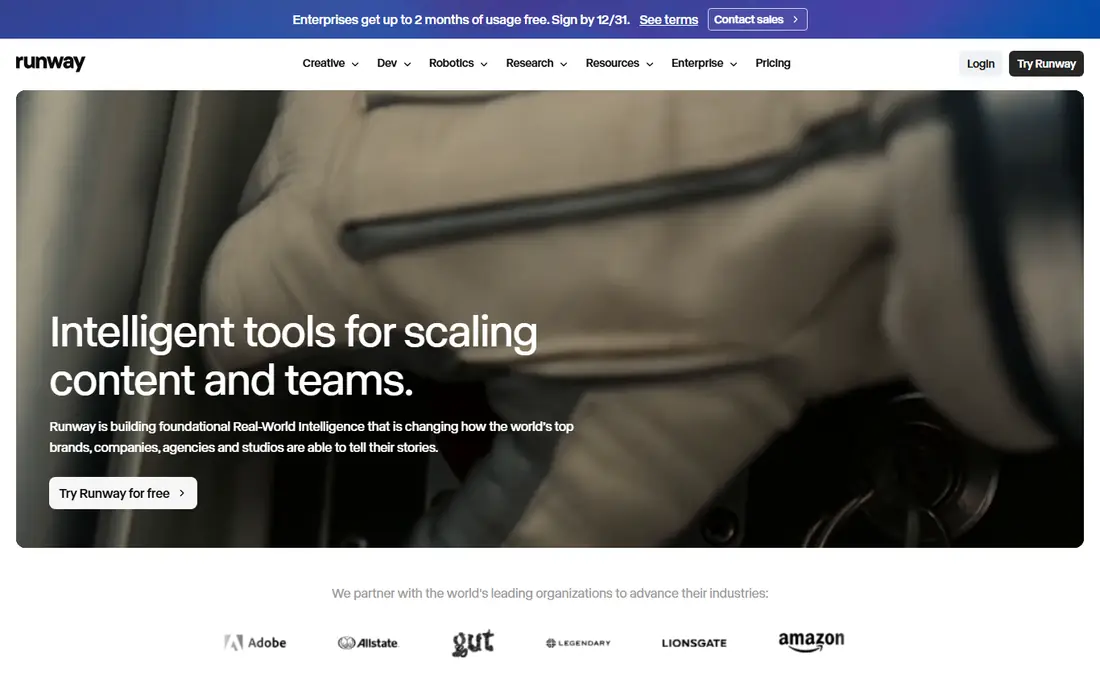
Runway is the creator studio pick. Its strength is control. Camera moves, style references, and editing tools help filmmakers shape clips rather than accept a single random output. The trade-off is audio and cost. Many clips are silent, so you add sound later, and credit use varies by length and quality. A typical workflow is to write a prompt or upload an image, generate a short clip, refine it, and edit clips together in a timeline. Pick Runway if you want cinematic control and are comfortable editing clips and audio together.
- Gen-4.5 video model
- Camera and style controls
- Editing tools
- No native audio on many clips
- Credit costs vary by clip
Google Veo is the audio-first pick. Its strength is sound. Veo can generate video with synced dialogue, sound effects, and ambient audio, which makes clips feel more complete. The trade-off is access. Veo is available through Google AI plans and APIs, so pricing and availability depend on the plan you choose. A typical workflow is to write a detailed prompt, generate an 8-second clip with audio, and stitch clips into a longer sequence. Pick Google Veo if synced audio matters and you already work inside Google AI tools.
- Veo 3.1 model
- Synced audio and dialogue
- Realistic motion
- Access is through Google AI plans
- Pricing varies by plan and API use
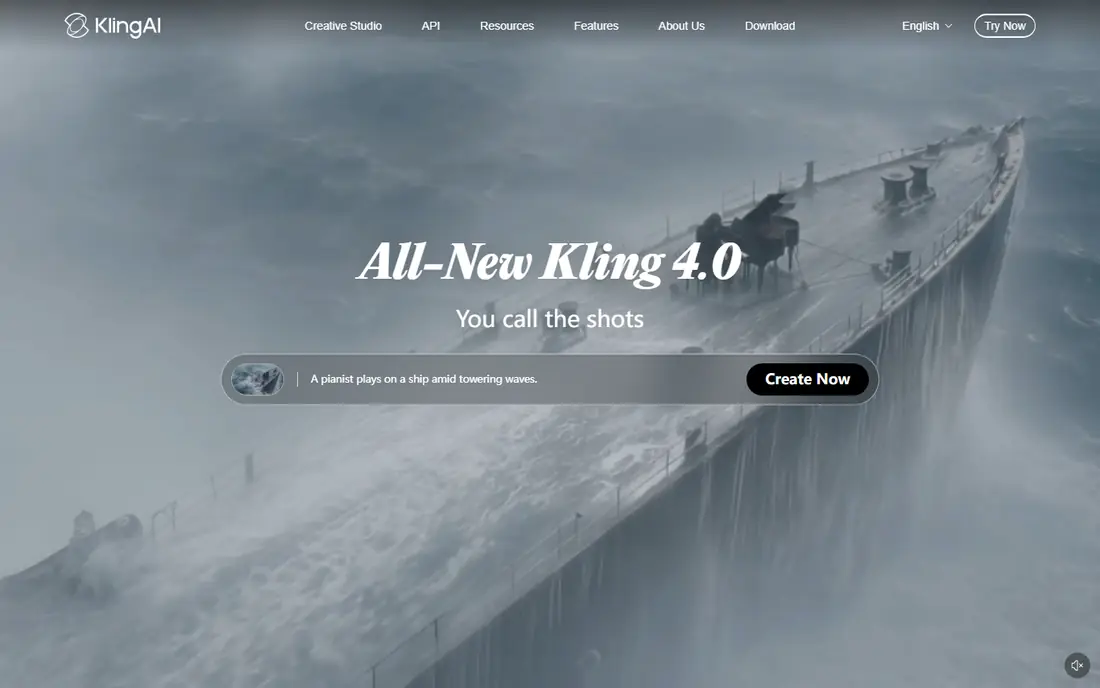
Kling is the value realism pick. Its strength is motion. Human movement, facial expression, and multi-shot clips look strong for the price, especially on paid plans. The trade-off is waiting. Generation queues can be slow at peak times, and higher quality settings use more credits. A typical workflow is to upload a reference image or write a prompt, generate a clip, and retry with adjusted prompts for motion and framing. Pick Kling if you want realistic motion at a lower entry price and can accept occasional queue delays.
- Kling 3.0 model
- Realistic motion
- Up to 15-second clips on some plans
- Queue times can be long at peak times
- Credit costs vary by quality
Pika is the beginner pick. Its strength is ease. A simple interface and free credits make it easy to test ideas fast, and stylized effects suit social content. The trade-off is realism. It is less suited to photorealistic scenes than higher-priced rivals, and clips stay short. A typical workflow is to upload an image, pick an effect or write a prompt, generate a short clip, and post or edit it for social. Pick Pika if you want fast, affordable experiments and stylized social clips.
- Easy interface
- Stylized effects
- Free credits for testing
- Realism is lower than Runway or Kling
- Clip length is limited
Luma Dream Machine is the camera-motion pick. Its strength is movement. Camera motion feels smooth and natural, and video-to-video tools can restyle existing footage in a new look. The trade-off is price. Entry plans cost more than Pika or Kling, so it suits agencies and creators who use it often. A typical workflow is to generate a clip from text or an image, adjust camera motion, and restyle footage for a consistent look. Pick Luma Dream Machine if camera work and restyling matter more than the lowest monthly price.
- Ray models
- Smooth camera work
- Video-to-video restyling
- Higher entry price
- No free plan listed on some pricing pages
Hailuo, from MiniMax, is the photoreal pick. Its strength is detail. Short clips show strong facial expression and realistic textures, which suits product and portrait-style scenes. The trade-off is clarity. Pricing is credit-based and varies by plan, and audio support is more limited than Veo or Kling. A typical workflow is to upload an image, write a prompt for motion, generate a short clip, and edit it with sound in another tool. Pick Hailuo if you want photoreal short clips and are comfortable with credit-based pricing.
- MiniMax video models
- Photoreal detail
- Image-to-video
- Pricing and credit packs vary
- Audio support is limited
Synthesia is the training video pick. Its strength is consistency. One avatar presenter can deliver many training videos in many languages, with the same look and voice each time. The trade-off is naturalness. Avatars are clear and professional, but they do not match the warmth of a real presenter for every audience. A typical workflow is to write a script, pick an avatar and language, generate the video, and update the script when content changes. Pick Synthesia if you make training, onboarding, or explainer videos at scale.
- AI avatar presenters
- Many languages
- Consistent presenter across videos
- Avatar videos can feel less natural than real presenters
- Free plan has limits
HeyGen is the marketing avatar pick. Its strength is localization. Avatars can present in many languages, and Creator plans support longer videos for marketing and sales content. The trade-off is free plan limits. Free videos are for testing, with watermarks and no commercial use, so client work needs a paid plan. A typical workflow is to write a script, choose an avatar, generate a video, translate it for other markets, and share it on social or sales pages. Pick HeyGen if you need multilingual avatar video for marketing and want longer presenter videos than a clip generator offers.
- Realistic avatars
- Translation and localization
- Longer avatar videos
- Free plan limits commercial use
- Higher tiers needed for long videos
How we picked these
We checked each vendor official feature page, pricing page, and app store listing where available, and we read privacy policies and public reviews for context. We only listed products that are available in October 2026 and that truly fit the topic. Where a price could not be confirmed as a single public figure, we wrote See website rather than guessing. We did not claim hands-on testing, and we treated free plans, trials, and paid tiers as different things, since they often are. We also weighed fit over fame. A well-known tool that does not match the topic was left out, and a smaller tool that does the job well was kept in. Prices change, so check the vendor site before you buy, and test the free plan or trial on a real task before committing to a paid plan. A final check matters as much as the feature list. Read the plan limits for seats, storage, exports, and monthly credits, and confirm how support works when something goes wrong. A tool that fits your budget but caps the exact job you do every day will cost more in workarounds than a slightly pricier plan that covers that job. Keep notes from your trial, compare the total at your real team size, and only then choose a plan that you can keep for at least a year.
How to choose an AI video tool
Start with the output you need. A short cinematic clip, a talking avatar, and a full marketing video are different jobs, and no single tool does all three best. Check clip length, resolution, and whether audio is generated with the video or added later. Also check credit costs: a low monthly price can still be expensive if each clip uses many credits. Test each tool with the same prompt and the same image, then compare faces, hands, motion, and text. Text in AI video is still unreliable, so plan to fix labels in an editor. Review commercial use rights, especially for client work, and check whether free plans allow commercial use. Finally, keep a human review step for brand safety, likeness, and factual claims in any published video. Set a review date after the first month. Check whether you used the paid features, whether the reports or exports matched what you needed, and whether anyone on your team struggled with the tool. If the answer is no on two of those points, try the next pick on your shortlist before the renewal date. A good tool should feel easier after a month, not harder, and it should save time on the jobs you repeat most often.
Frequently asked questions
What is the best AI video generator for beginners?
Pika is a good starting point for short stylized clips, with a free tier and a simple interface. Runway is better if you want more control over camera and style.
Can AI video tools make long videos?
Most tools make short clips, usually 5 to 15 seconds, which you stitch together in an editor. Avatar tools such as Synthesia and HeyGen can make longer presenter videos from a script.
Do AI video tools include audio?
Some do, such as Google Veo and Kling, which can generate synced audio. Others generate silent clips, so you add music, voiceover, or sound in an editor.
Are AI videos safe for commercial use?
It depends on the plan and the tool. Paid plans usually allow commercial use, while free plans may limit it or add a watermark. Check the license terms before client work.
Why is Sora not on this list?
OpenAI retired Sora in 2026, with the app closed and API access ending. We only list tools that are available in October 2026, so Sora is excluded.
Sources
See where you really rank - block by block
ProMapRanker scans Google Maps across a grid of your service area. Simple monthly plans from $19, white-label on every plan.
Start freeKeep reading
 eventbrite alternatives
Eventbrite Alternatives in 2026
Find Eventbrite alternatives in 2026 with lower fees, free events and better check-in, compared by pricing, features, payouts and who each platform suits.
Read → ebay alternatives
eBay Alternatives in 2026
Find the best eBay alternatives in 2026. We compare 8 marketplaces for sellers on fees, buyer reach, categories, shipping and ease of selling online today.
Read → cursor alternatives
Cursor Alternatives in 2026
Compare the best Cursor alternatives for AI coding, from GitHub Copilot and Windsurf to Zed, Claude Code, Cline, Aider, and Amazon Q Developer in 2026.
Read →