 ProMapRanker
Best Tools for Versatile Use in Digital Media in 2026


small businesses that need graphics, video and print in one account · Pricing starts at: $15 per month
Key takeaways
- Canva and Adobe Express suit everyday graphics, social posts and short video in one account.
- Kapwing, VEED and Descript suit browser and transcript-based video work.
- DaVinci Resolve suits creators who want professional depth, including a strong free version.
- Clipchamp and CapCut suit simple, low-cost video for Windows users and short-form creators.
- No single tool is best at everything: pick for the media type you make most.
Quick comparison
| Pick | Great for | Pricing starts at | Free tier | |
|---|---|---|---|---|
| Canva | small businesses that need graphics, video and print in one account | $15 per month | Yes | Visit |
 Adobe Express | teams already in the Adobe ecosystem who need quick on-brand visuals | $9.99 per month | Yes | Visit |
 Kapwing | small teams that edit social video together in a browser | $16 per member per month billed annually | Yes | Visit |
 Descript | podcast and interview teams that edit from a transcript | $16 per month billed annually | Yes | Visit |
 VEED | creators who need browser video editing plus translation and subtitles | $12 per user per month billed annually | Yes | Visit |
 CapCut | short-form creators who publish on phone and web | See website | Yes | Visit |
 Clipchamp | Windows and Microsoft 365 users who want simple video editing | Free | Yes | Visit |
 DaVinci Resolve | creators who want professional editing and colour tools for free | Free | Yes | Visit |
 Filmora | beginners and small creators who want guided video editing | See website | Free trial | Visit |
 Simplified | small businesses that want design, writing and video in one subscription | See website | Yes | Visit |
The best tools for versatile use in digital media
Versatile digital media work means one tool, or a small set of tools, that can handle graphics, short video, audio cleanup and social formats without a new app for every job. We compared all-round creators and browser editors, with attention to what each tool does well and where a specialist still wins.
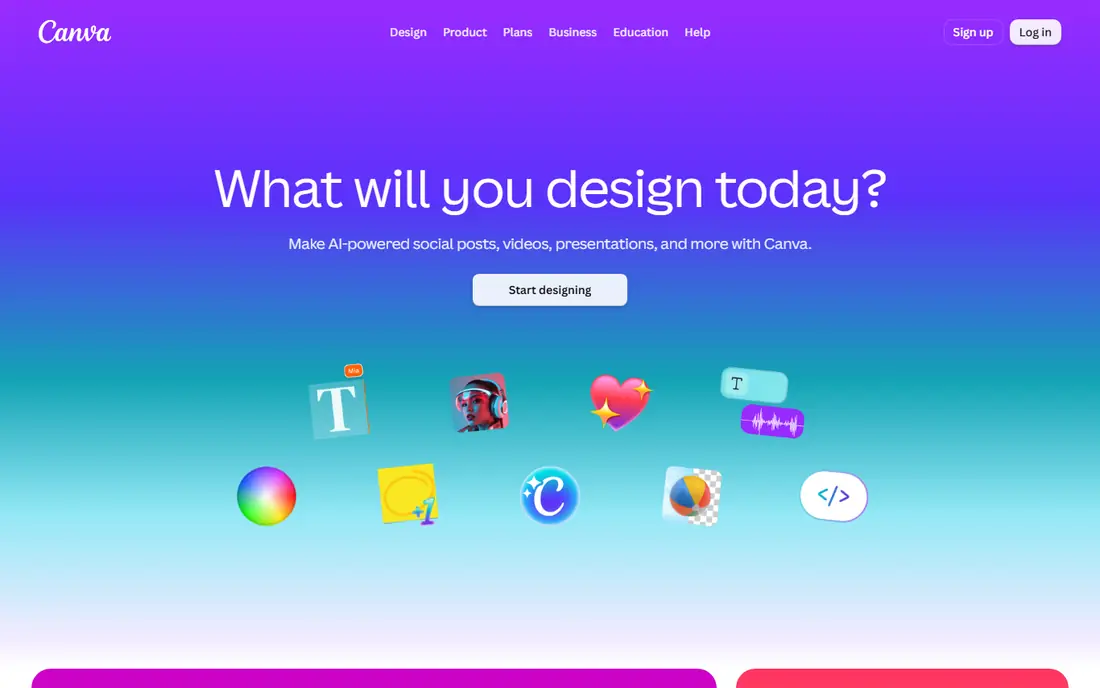
Canva is a strong match for small businesses that need graphics, video and print in one account. For everyday marketing, one account can cover a social post, a flyer and a short video without new software. In practice, that helps when a small team must turn one idea into a graphic, a short video and a social post in the same day.
The catch is worth stating plainly. Long-form video or complex audio work still belongs in a dedicated editor. Check the plan limits and the export or reporting options before you commit, since those details decide whether the tool fits your workflow. Our view is that Canva earns its place for small businesses that need graphics, video and print in one account, as long as you buy it for that job and not for every job at once.
- Huge template library
- Graphics, video, docs and print
- Brand kit on paid plans
- Video editing is lighter than a dedicated editor
- AI features sit mainly on Pro
Adobe Express
Great for: teams already in the Adobe ecosystem who need quick on-brand visuals
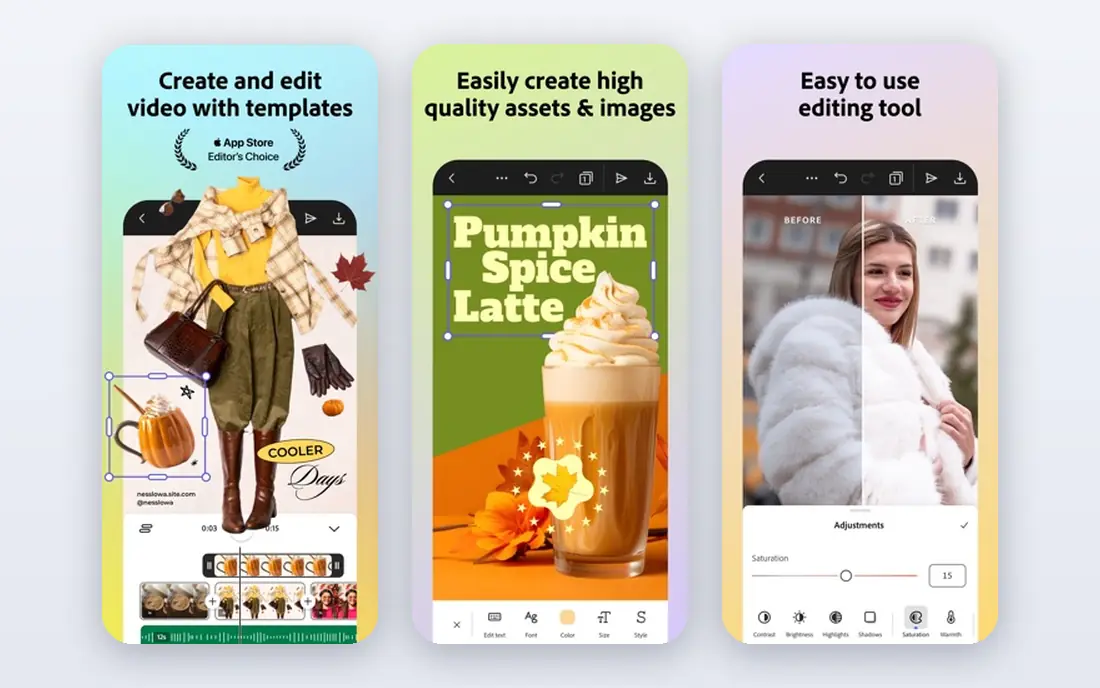
For teams already in the Adobe ecosystem who need quick on-brand visuals, Adobe Express stands out because adobe assets and fonts give small teams a polished look without opening a professional design app. That matters in daily work, since a small team must turn one idea into a graphic, a short video and a social post in the same day.
There is a trade-off to weigh. Heavy editing or print production still needs the full Creative Cloud apps. Look at the current pricing page and test the tool on a real example before paying, since a demo can hide limits that only show up in daily use. For teams already in the Adobe ecosystem who need quick on-brand visuals, Adobe Express remains a solid pick when that trade-off is acceptable.
- Quick templates
- Adobe stock and fonts
- Video and social formats
- Generative credits are capped by plan
- Depth is below full Adobe apps
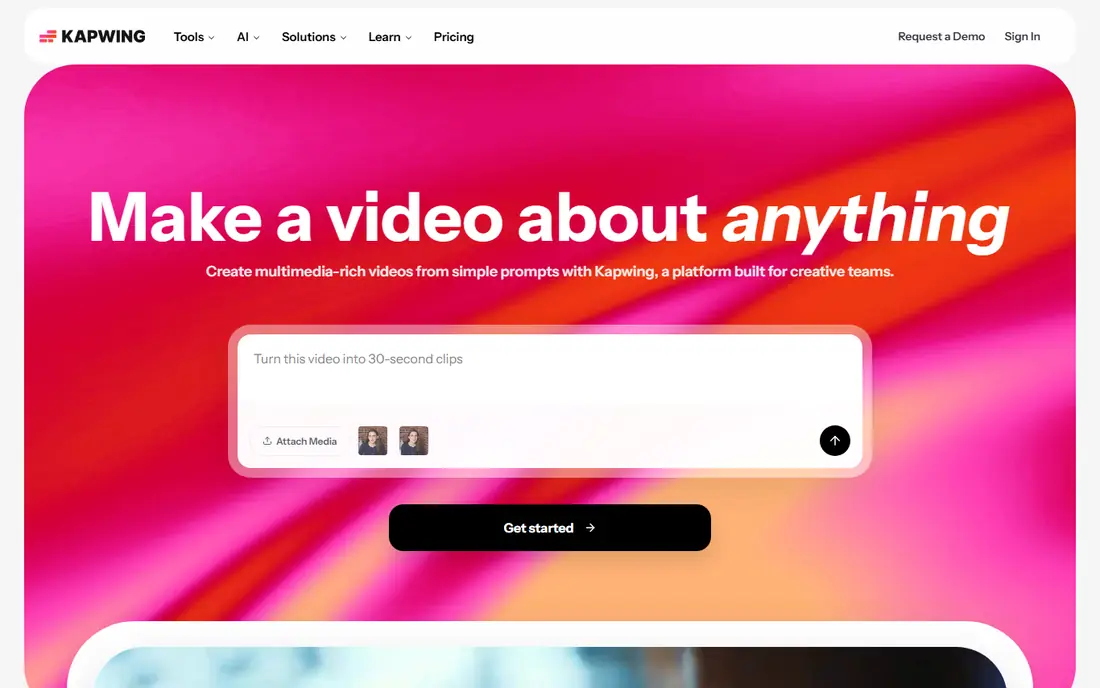
Kapwing fits small teams that edit social video together in a browser well. Browser collaboration is the practical win, since teammates can edit and comment without installing software. The practical effect is clear when a small team must turn one idea into a graphic, a short video and a social post in the same day.
Be clear-eyed about the limit. Long or complex projects may run into credit and timeline limits. Confirm what the plan includes, try a realistic task, and compare the result with your current tool. For small teams that edit social video together in a browser, Kapwing is worth shortlisting, provided the limit above does not block your main use.
- Browser video editing
- Collaboration
- Subtitles and repurposing tools
- Free exports carry a watermark
- Credits meter heavy AI use
Descript is a strong match for podcast and interview teams that edit from a transcript. Editing by deleting words in a transcript feels fast for spoken content, and it keeps audio and video in step. In practice, that helps when a small team must turn one idea into a graphic, a short video and a social post in the same day.
The catch is worth stating plainly. Music, effects-heavy video and live recording are not its main strengths. Check the plan limits and the export or reporting options before you commit, since those details decide whether the tool fits your workflow. Our view is that Descript earns its place for podcast and interview teams that edit from a transcript, as long as you buy it for that job and not for every job at once.
- Transcript-based editing
- Studio Sound cleanup
- Filler removal and captions
- Media hours meter usage, so long projects need the right tier
For creators who need browser video editing plus translation and subtitles, VEED stands out because subtitles and translation in the same editor save a separate tool for creators who publish in more than one language. That matters in daily work, since a small team must turn one idea into a graphic, a short video and a social post in the same day.
There is a trade-off to weigh. Desktop editors still offer more control for complex timelines. Look at the current pricing page and test the tool on a real example before paying, since a demo can hide limits that only show up in daily use. For creators who need browser video editing plus translation and subtitles, VEED remains a solid pick when that trade-off is acceptable.
- Browser editing
- Subtitles and translation
- AI voices and avatars
- Free plan exports carry a watermark
- Advanced features need higher tiers
CapCut fits short-form creators who publish on phone and web well. For short social video, templates and mobile editing match how the content is actually made. The practical effect is clear when a small team must turn one idea into a graphic, a short video and a social post in the same day.
Be clear-eyed about the limit. Brand controls and team review are lighter than business-focused editors. Confirm what the plan includes, try a realistic task, and compare the result with your current tool. For short-form creators who publish on phone and web, CapCut is worth shortlisting, provided the limit above does not block your main use.
- Trend-led templates
- Mobile and web editing
- Captions and effects
- Pro pricing varies by region and device, so confirm before buying
Clipchamp
Great for: Windows and Microsoft 365 users who want simple video editing
Clipchamp is a strong match for Windows and Microsoft 365 users who want simple video editing. A free, simple editor that exports without a watermark on the free tier is a good starting point. In practice, that helps when a small team must turn one idea into a graphic, a short video and a social post in the same day.
The catch is worth stating plainly. Advanced effects and team features are limited compared with paid editors. Check the plan limits and the export or reporting options before you commit, since those details decide whether the tool fits your workflow. Our view is that Clipchamp earns its place for Windows and Microsoft 365 users who want simple video editing, as long as you buy it for that job and not for every job at once.
- Free tier with 1080p exports
- Templates
- Microsoft integration
- Premium features sit inside Microsoft 365 plans for many users
DaVinci Resolve
Great for: creators who want professional editing and colour tools for free
For creators who want professional editing and colour tools for free, DaVinci Resolve stands out because depth for free is unmatched here, since colour, audio and editing sit in one professional app. That matters in daily work, since a small team must turn one idea into a graphic, a short video and a social post in the same day.
There is a trade-off to weigh. Beginners should expect time to learn the interface before projects feel fast. Look at the current pricing page and test the tool on a real example before paying, since a demo can hide limits that only show up in daily use. For creators who want professional editing and colour tools for free, DaVinci Resolve remains a solid pick when that trade-off is acceptable.
- Free version is deep
- Professional colour and audio tools
- Studio adds more
- Learning curve is steep for beginners
Filmora
Great for: beginners and small creators who want guided video editing
Filmora fits beginners and small creators who want guided video editing well. Guided templates help a new editor finish a clean video without learning a professional timeline first. The practical effect is clear when a small team must turn one idea into a graphic, a short video and a social post in the same day.
Be clear-eyed about the limit. Advanced colour and audio work is lighter than DaVinci Resolve. Confirm what the plan includes, try a realistic task, and compare the result with your current tool. For beginners and small creators who want guided video editing, Filmora is worth shortlisting, provided the limit above does not block your main use.
- Guided effects and templates
- Desktop and mobile versions
- AI tools
- Free exports carry a watermark
- AI features vary by plan
Simplified
Great for: small businesses that want design, writing and video in one subscription
Simplified is a strong match for small businesses that want design, writing and video in one subscription. One subscription for several content types suits a small team that cannot buy five separate tools. In practice, that helps when a small team must turn one idea into a graphic, a short video and a social post in the same day.
The catch is worth stating plainly. Specialist needs in any one area will still call for a dedicated app. Check the plan limits and the export or reporting options before you commit, since those details decide whether the tool fits your workflow. Our view is that Simplified earns its place for small businesses that want design, writing and video in one subscription, as long as you buy it for that job and not for every job at once.
- All-in-one design, writing and video tools
- Templates
- Collaboration
- Breadth means each area is lighter than a specialist tool
How we picked these
We compared official product and pricing pages for digital media tools that cover more than one media type, such as graphics plus video or video plus audio. We favoured tools that are still sold and supported, that state free and paid limits plainly, and that a small business or creator can learn without professional training. Where pricing varies by region, we used See website.
How to choose a versatile digital media tool
Start with your most common output
List the last ten pieces of media you made. If most are social graphics, a design-first tool wins. If most are videos, a video-first tool wins. A versatile tool should serve the majority first, not cover every rare format equally.
Check export quality and watermarks
Free plans often limit resolution or add a watermark. Check export size, format and watermark rules before you build a workflow around a free tier. A tool that looks free can cost time when every export needs a paid upgrade.
Watch credit and media-hour meters
AI features, media hours and credits are the hidden limits in many plans. Estimate monthly video minutes, AI generations and team seats, then compare the meter you will hit first. The cheapest plan is not cheap if it runs out mid-month.
Frequently asked questions
What does versatile mean for a digital media tool?
It means the tool handles more than one media type in a usable way, such as graphics and short video, or video and audio cleanup. It does not mean the tool beats every specialist app in each area.
Can one tool replace a professional editor?
For everyday marketing and social content, yes. For long-form video, complex audio or print production, a specialist editor still offers more control. Many creators pair a versatile tool with one specialist app.
Are free plans good enough for a small business?
They can be, for testing and occasional posts. Check watermarks, resolution limits and export caps. Once content is regular, a paid plan usually pays for itself in time saved and cleaner exports.
Do I need a desktop app or is a browser editor enough?
Browser editors suit short social video and graphics, with easy collaboration. Desktop editors suit long projects, large files and offline work. Choose by project size and internet reliability, not by trend.
How important are templates?
Templates speed up routine posts and keep branding consistent. They matter less for original creative work, where a blank canvas and full controls matter more. Check whether templates can be saved with your own brand assets.
Sources
See where you really rank - block by block
ProMapRanker scans Google Maps across a grid of your service area. Simple monthly plans from $19, white-label on every plan.
Start freeKeep reading
 wpforms alternatives
Best WPForms Alternatives in 2026
We compare 9 wpforms alternatives for WordPress forms, with free and paid options, current pricing notes, and honest limits for small business sites in 2026.
Read → windows task scheduler alternatives
Best Windows Task Scheduler Alternatives in 2026
Looking for Windows Task Scheduler alternatives? We compare 9 schedulers for Windows and cross-platform work, from free tools to enterprise automation.
Read → which ai video service is best
Which AI Video Service Is Best in 2026
which ai video service is best? We compare 10 legitimate AI video services on price, avatars, editing and output quality to help you pick the right tool.
Read →