 ProMapRanker
Best To Do List App for Small Business in 2026

Key takeaways
- The best to do list apps for small business balance fast personal capture with shared lists, deadlines, and simple accountability.
- Todoist and TickTick suit small teams that want a pure task list, while Asana, ClickUp, and Monday.com suit teams that also need projects.
- Trello suits visual teams, Notion suits teams that want docs and tasks together, and Microsoft To Do suits Microsoft 365 shops.
- Free plans differ sharply: ClickUp and Trello allow larger free use, while Asana and Monday.com limit free use to very small teams.
Quick comparison
| Pick | Great for | Pricing starts at | Free tier | |
|---|---|---|---|---|
 Todoist | Fast shared task lists | See website | Yes | Visit |
 Asana | Clean team task coordination | $10.99 per user per month | Yes | Visit |
 ClickUp | All-in-one work hub | $7 per user per month | Yes | Visit |
 Monday.com | Visual project tracking | $9 per seat per month | Yes | Visit |
 Trello | Simple visual boards | $5 per user per month | Yes | Visit |
 Notion | Docs, wikis, and tasks together | $10 per seat per month | Yes | Visit |
 TickTick | Affordable planner with habits | $35.99 per year | Yes | Visit |
 Any.do | Simple lists with calendar | See website | Yes | Visit |
 Microsoft To Do | Microsoft 365 teams | Free | Yes | Visit |
The best to do list app for small business
A small business to do list app must do two jobs at once: let one person capture a task in seconds, and let a manager see who owns what and when it is due. The apps below range from pure lists to light project tools, so the right pick depends on if your team needs tasks only or tasks plus projects, docs, and reporting.
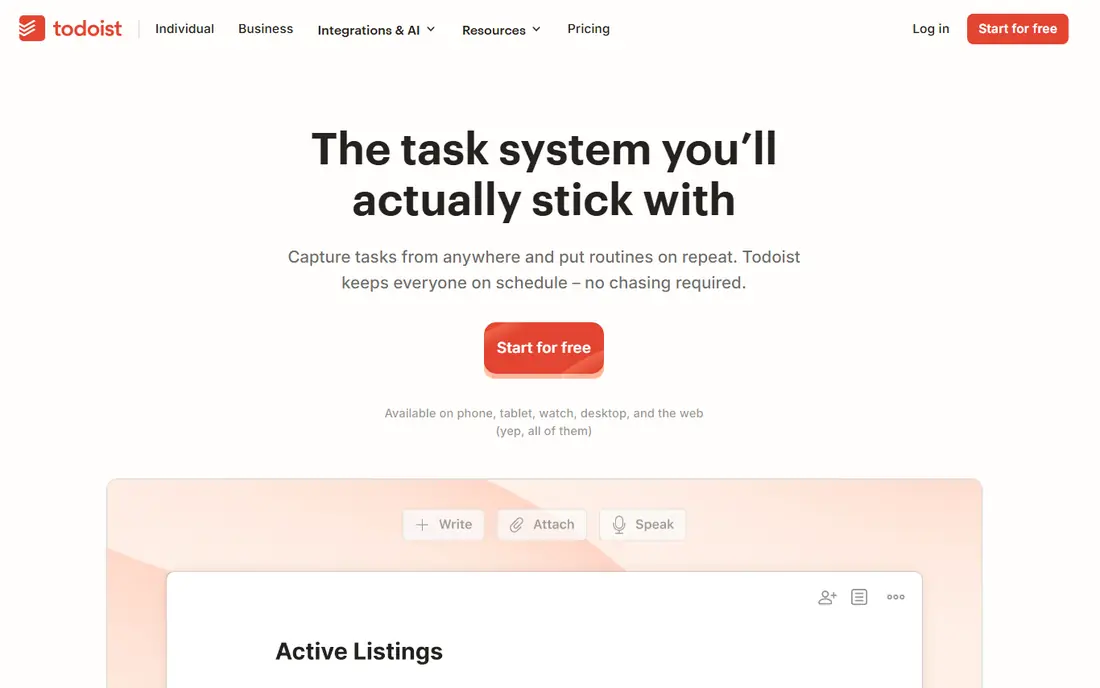
Todoist is the fastest capture tool here. Type "Call supplier tomorrow at 9am" and it creates a dated task without menus, which matters when a small business owner juggles sales, operations, and admin in one day. Shared projects let you assign tasks, set priorities, and comment, so a team of five can run daily work from shared lists.
The limit is scope. Todoist handles lists beautifully but lacks the timelines, workload views, and reporting that larger projects need. If your work is mostly recurring tasks and short checklists, Todoist is the best fit. If you run multi-week projects with dependencies, pair it with, or replace it by, Asana or ClickUp.
- Natural-language quick add
- Shared projects and task assignment
- Fast apps on phone and desktop
- Not a full project management tool
- Timelines and advanced reporting need higher plans
- Team features are lighter than Asana
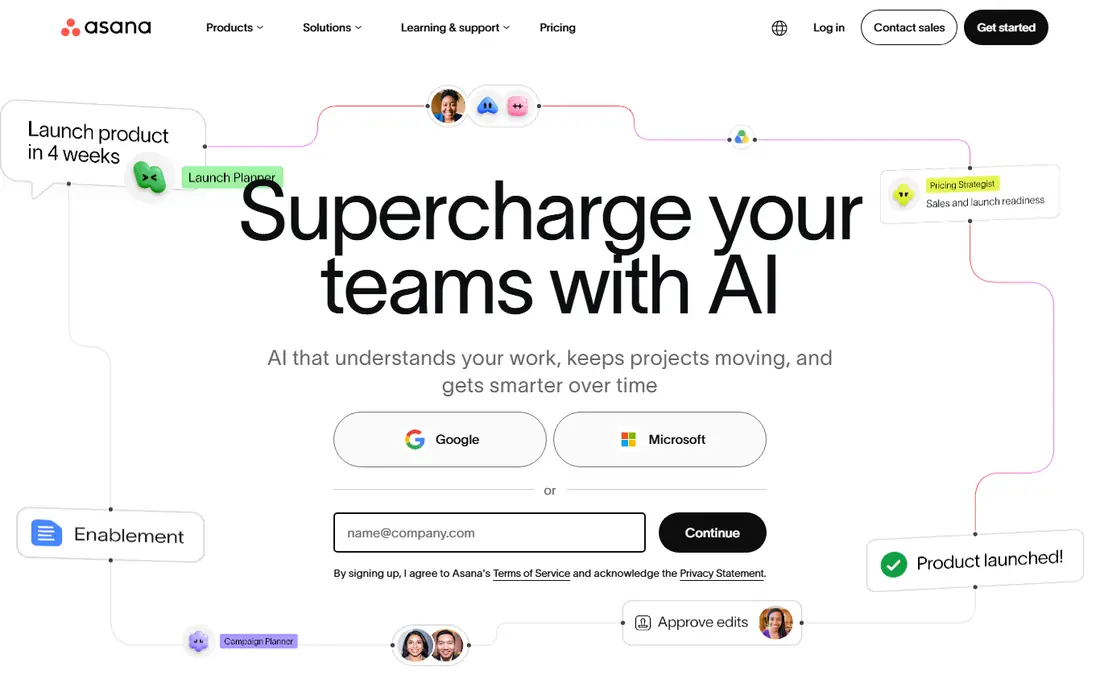
Asana suits a small business that has outgrown shared lists but does not want a heavy system. Projects hold tasks, owners, due dates, and comments in one place, and the Starter plan at $10.99 per user per month when billed annually adds timelines, dependencies, and automation. Templates for marketing, operations, and client work shorten setup.
The free plan covers only a very small team, so most businesses will pay once they add staff. Higher features such as workload views sit on pricier tiers. If your team needs real project structure and you value a clean interface, Asana is a strong, dependable choice.
- Clear projects, tasks, and deadlines
- Timelines and dependencies on paid plans
- Templates for common workflows
- Free plan is limited to very small teams
- Workload and portfolios need higher plans
- Per-user cost adds up as you grow
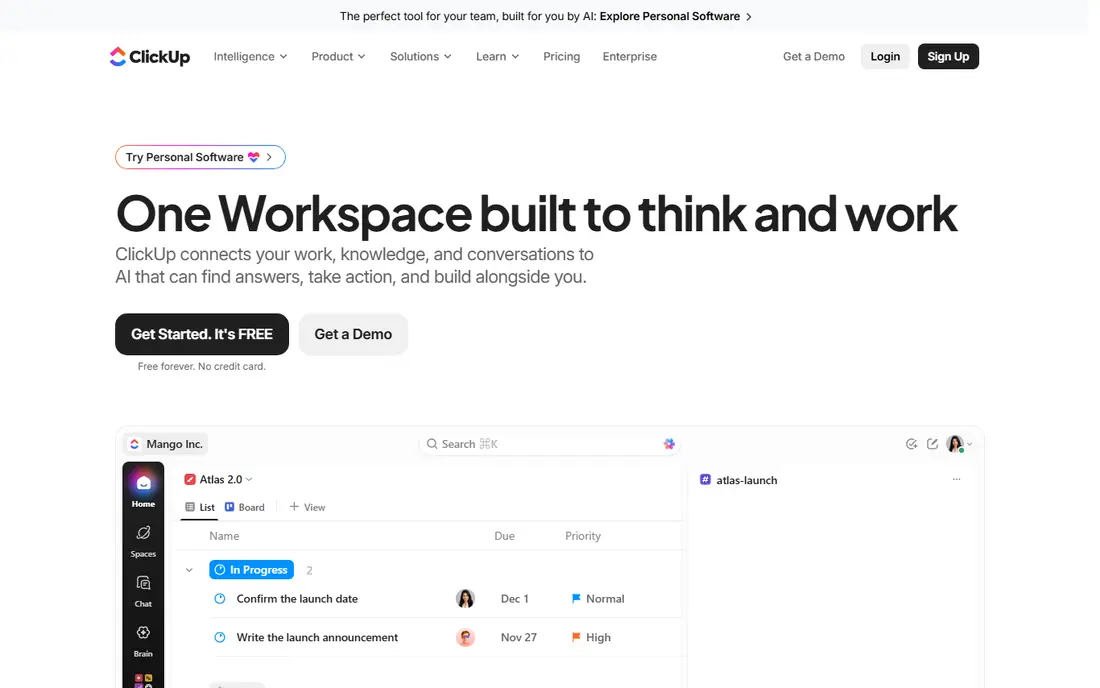
ClickUp offers the most features per dollar here. Its free plan allows unlimited tasks and members, which is genuinely useful for a small team testing a system, and the Unlimited plan at $7 per user per month when billed annually adds storage, integrations, and dashboards. Lists, boards, calendars, docs, and goals live in one workspace, so a team can stop switching tools.
That breadth is also the drawback: ClickUp needs setup time, and a team that configures everything at once can feel overwhelmed. Start with lists and one board, add features only when a real need appears, and assign one owner to keep the workspace tidy. For a growing business that wants one hub, ClickUp is hard to beat on value.
- Free plan allows unlimited tasks and members
- Lists, boards, docs, and goals in one place
- Low entry paid price
- Depth of settings takes time to configure
- Interface can feel busy
- AI and advanced features cost extra
Monday.com suits teams that think in boards and color. You build a board for sales, operations, or client work, add columns for owner, status, date, and budget, and watch progress visually. Automations move tasks, send reminders, and update statuses, which reduces manual chasing in a busy small business.
The entry price of $9 per seat per month when billed annually sounds low, but the free plan covers only two seats, and the features most teams want sit on the Standard tier or above. Seat minimums also matter for very small teams. If visual tracking and automation appeal to you, trial Monday.com with a real workflow before committing.
- Highly visual boards with custom columns
- Automations and dashboards
- Templates for many business types
- Free plan is limited to two seats
- Useful project features start above the Basic tier
- Seat minimums affect small teams
Trello remains the simplest way to run a small business board. Lists such as To Do, Doing, and Done hold cards for tasks, and anyone can drag a card forward without training. The Standard plan at $5 per user per month when billed annually adds checklists, custom fields, and more boards, while the free plan covers small boards well.
Trello struggles when work needs dependencies, timelines, or detailed reporting. It is a task board, not a full project system, and that honesty is part of its appeal. If your team works in clear stages, such as leads, jobs, or orders moving through steps, Trello will feel natural from day one.
- Easiest board to adopt
- Drag-and-drop cards
- Free plan suits small boards
- Reporting and dependencies are thin
- Large boards get messy without discipline
- Advanced features need paid plans
Notion suits a small business that wants tasks next to its docs. You can keep a company handbook, standard operating procedures, client notes, and task databases in one workspace, with board, list, and calendar views of the same work. The Plus plan at $10 per seat per month when billed annually adds collaboration features and version history.
Notion requires discipline: because it is so flexible, a team can build a messy system without realizing it. Assign templates, agree on a simple task structure, and resist adding databases you do not need. If docs matter as much as tasks, Notion is the best combined tool here.
- Docs, databases, and tasks in one workspace
- Flexible views including boards and calendars
- Good for handbooks and SOPs
- Needs setup to work as a disciplined task system
- Team features and AI sit on paid plans
- Can feel slow on very large workspaces
TickTick is the affordable personal planner that small teams often adopt first. Premium at $35.99 per year adds calendar views, habit tracking, a Pomodoro focus timer, and richer lists, all for less than most rivals charge per month. Capture is fast, the calendar view shows tasks beside meetings, and shared lists work for small teams.
The team ceiling is real: shared lists cap at 29 members, and TickTick lacks the project reporting of Asana or ClickUp. For a team under ten people that mainly needs shared lists, habits, and calendars, TickTick offers excellent value. Larger teams should choose a tool built for team projects.
- Low annual price for Premium
- Calendar, habits, and focus timer in one app
- Fast task capture
- Shared lists cap at 29 members
- Team features are lighter than Asana or ClickUp
- Business reporting is limited
Any.do suits a small business owner who wants a clean list and a calendar in one app, without project complexity. You capture tasks, set reminders, share lists with a colleague or assistant, and see the day ahead in one view. The mobile apps are fast, which matters when most capture happens on a phone between jobs.
Any.do is not a project tool, so teams that need timelines, reporting, or client workflows will outgrow it. It wins for simplicity: an owner and one or two helpers can run daily tasks, errands, and follow-ups without learning a new system. Check current paid pricing on the vendor page before upgrading.
- Clean lists with calendar and reminders
- Shared lists for households and small teams
- Fast mobile apps
- Team and project features are limited
- Advanced features need a paid plan
- Less suited to complex project work
Microsoft To Do is the obvious pick for a business already on Microsoft 365. It is free, it syncs with Outlook tasks and flagged emails, and it shares lists easily with colleagues who use Teams or Outlook. The My Day view helps an owner focus on today's tasks without wading through a full project board.
The feature set is basic next to Todoist or ClickUp, with no timelines, workload views, or rich project reporting. If your team lives in Microsoft tools and needs simple shared lists, To Do costs nothing extra and works well. If you need project structure, use Planner or Asana alongside it rather than forcing To Do to do more than it should.
- Free with a Microsoft account
- Integrates with Outlook, Teams, and Planner
- Simple shared lists
- Task features are basic
- No advanced project views
- Best value only inside Microsoft 365
How we picked these
We compared official pricing pages, free plan limits, and public feature lists for task apps that suit small business teams in 2026. We favored apps with shared lists, task assignment, due dates, and mobile apps, and we noted where free plans cap users or features. We did not run a live business team on each app, and where pricing varies by billing period, we point to the vendor page or the annual figure vendors publish.
What to check before you choose
Start with team size and work type. A team of three running daily checklists needs Todoist, TickTick, or Trello, while a team of ten running client projects needs Asana, ClickUp, or Monday.com. Buying a project system for a checklist problem wastes money and training time, while buying a checklist app for project work creates workarounds within weeks.
Next, trial with real work, not sample data. Move one real workflow, such as weekly orders or client onboarding, into the trial app for two weeks, and watch where tasks stall. Check mobile capture speed, notification reliability, and whether managers can see overdue work at a glance. Those three tests reveal more than a feature list.
Finally, count the total cost for your actual team, including seat minimums and the tier that holds the features you need. A $5 app that needs a higher tier for timelines can cost more than a $7 app that includes them. Agree on one owner to maintain lists, archive done work, and review overdue tasks weekly, since even the best app fails without that habit.
Frequently asked questions
What is the best to do list app for small business?
The best to do list app for small business depends on your team size and work type. Todoist suits fast shared lists, Asana suits clean team coordination, and ClickUp suits teams that want tasks, docs, and projects in one hub. Trello suits visual teams, while TickTick offers strong value for small teams.
What are the best to do list apps for small business on a budget?
ClickUp and Trello offer the most generous free plans for small teams, while TickTick Premium at $35.99 per year is the cheapest paid option here. Todoist and Microsoft To Do also offer useful free tiers. Compare free user caps and feature limits, since a free plan that caps at two users will not serve a team of five.
Is Todoist good for small business teams?
Yes, Todoist works well for small business teams that mainly need shared lists, assignments, and due dates. It captures tasks faster than most rivals and runs well on phones. It is less suited to complex projects with dependencies and reporting, where Asana or ClickUp fit better.
Should a small business use Trello or Asana?
Use Trello if your work fits on visual boards and you value speed and simplicity, and use Asana if you need timelines, dependencies, and structured projects. Many teams start on Trello and move to Asana as projects grow more complex. Both offer free plans, so trial each with a real workflow.
Does Microsoft To Do work for small business?
Microsoft To Do works for small businesses already on Microsoft 365 that need simple shared lists and Outlook integration. It is free and easy to adopt, but it lacks project views and reporting. Pair it with Planner for light projects, or choose Asana or ClickUp for deeper project work.
How much does a to do list app cost for a small team?
Entry paid tiers here range from $5 per user per month for Trello Standard to $10.99 per user per month for Asana Starter, with ClickUp at $7 and Monday.com at $9. TickTick Premium costs $35.99 per year per user. Multiply by your team size and check seat minimums, since the tier with the features you need may cost more than the entry price.
Sources
See where you really rank - block by block
ProMapRanker scans Google Maps across a grid of your service area. Simple monthly plans from $19, white-label on every plan.
Start freeKeep reading
 wpforms alternatives
Best WPForms Alternatives in 2026
We compare 9 wpforms alternatives for WordPress forms, with free and paid options, current pricing notes, and honest limits for small business sites in 2026.
Read → windows task scheduler alternatives
Best Windows Task Scheduler Alternatives in 2026
Looking for Windows Task Scheduler alternatives? We compare 9 schedulers for Windows and cross-platform work, from free tools to enterprise automation.
Read → which ai video service is best
Which AI Video Service Is Best in 2026
which ai video service is best? We compare 10 legitimate AI video services on price, avatars, editing and output quality to help you pick the right tool.
Read →