 ProMapRanker
Best Timer App in 2026: 8 Apps Compared

Key takeaways
- Forest is the strongest pick when your phone is the main distraction, because leaving the app ends your growing tree.
- Pomofocus and Marinara Timer are the fastest free starts, since both run in a browser with no install needed.
- Toggl Track and Clockify suit people who also need to log billable hours, not just run a focus session.
- Focus To-Do and TickTick combine a timer with a task list, so you do not need two apps to plan a work block.
- Be Focused is the cleanest choice for Apple users who want a simple timer that stays out of the way.
Quick comparison
| Pick | Great for | Pricing starts at | Free tier | |
|---|---|---|---|---|
 Forest | Staying off your phone | $3.99 one-time | Yes | Visit |
 Toggl Track | Tracking work by project | Free | Yes | Visit |
 Pomofocus | A no-install browser timer | Free | Yes | Visit |
 Focus Keeper | Clean Pomodoro timing on mobile | Free | Yes | Visit |
 Focus To-Do | Timer plus full task list | Free | Yes | Visit |
 Be Focused | Apple users who want simplicity | Free | Yes | Visit |
 TickTick | Task lists with a built-in timer | Free | Yes | Visit |
 Clockify | Free team time tracking | Free | Yes | Visit |
The best timer apps
We compared timers that are still available in October 2026, that run focus sessions reliably, and that state their pricing plainly. Our pick for most people is Forest for phone focus, with Pomofocus as the best free browser option.
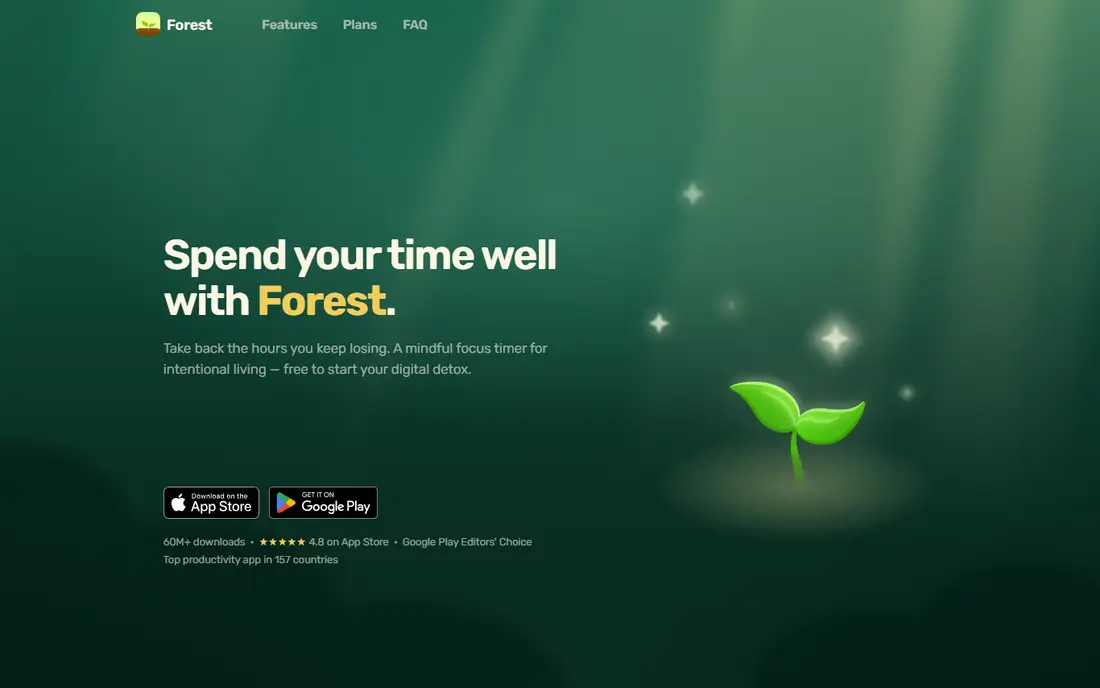
Forest turns a focus session into a small stake. You plant a virtual tree when you start, and it grows while you stay in the app; leave to scroll and the tree dies. That simple consequence changes the moment you reach for your phone, which is exactly where most focus plans fail. It also includes a basic task list and custom session lengths, so you can match it to short tasks or long study blocks.
The trade is that Forest is phone-first. Desktop workers get less from it, and you will not get deep reports or time exports for client work. If your main problem is phone distraction rather than reporting, though, no plain countdown timer in this list applies pressure in the same way.
- Tree mechanic gives phone use a visible cost
- Custom intervals from 10 to 120 minutes
- Works offline once installed
- IOS version is paid while Android is free with ads
- No detailed analytics or export
- Desktop use is limited to a Chrome extension
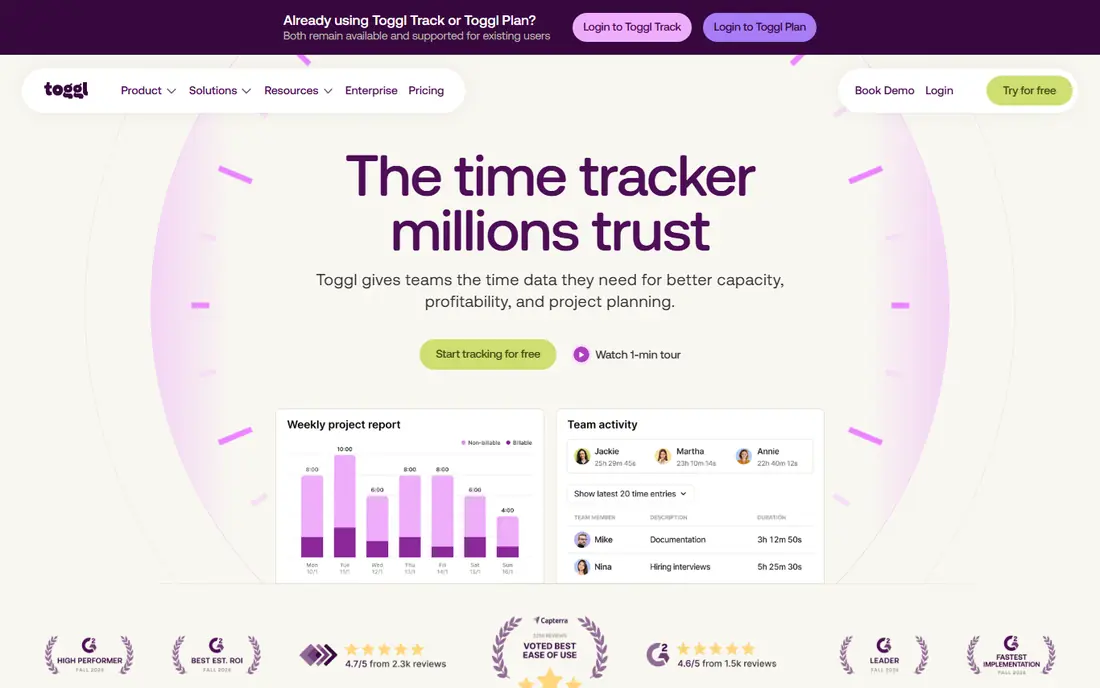
Toggl Track is a time tracker first and a Pomodoro tool second, and that order matters. Its focus mode adds countdown timers to a system that already logs hours by project, client, and tag, so a focus session can become a billable entry without extra work. Freelancers who need weekly reports will get far more value here than from a standalone timer.
If you only want a countdown, Toggl Track will feel heavy. The Pomodoro options are basic next to dedicated focus apps, and the interface carries features you may never open. Choose it when time records matter as much as focus itself.
- Free plan covers up to five users
- Project and client tagging on every entry
- Strong reports for freelancers and teams
- Pomodoro mode is secondary and tucked into settings
- Paid plans start at $9 per user per month
- Setup takes longer than a simple timer
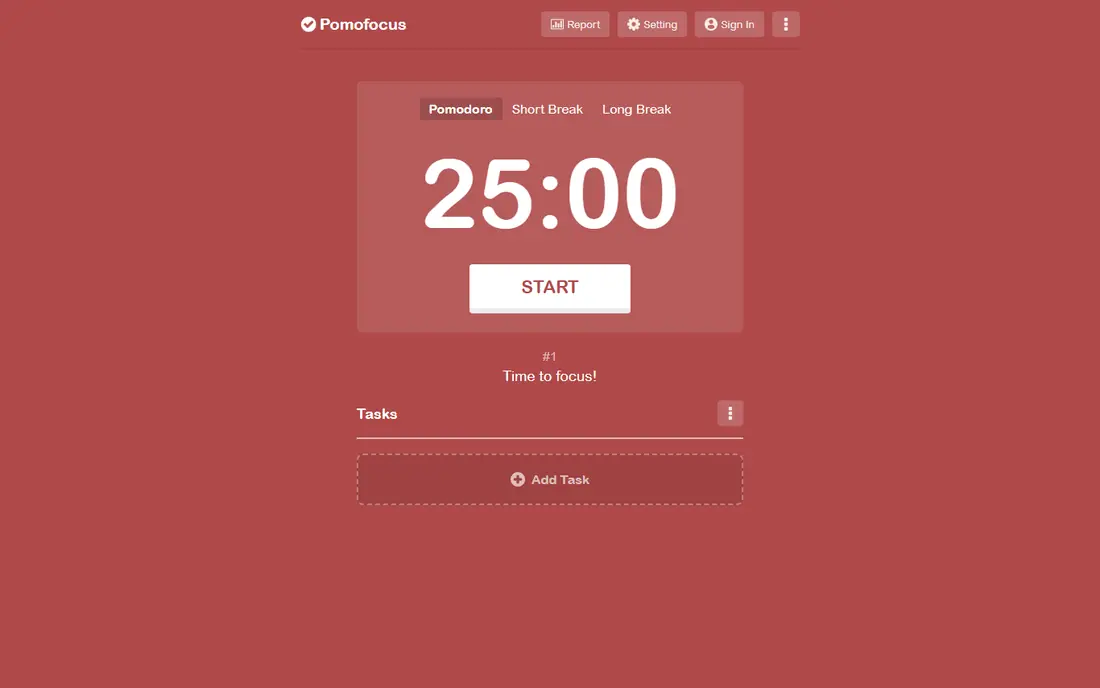
Pomofocus is the timer to open when you want to start in ten seconds. Open a browser tab, press start, and it cycles through focus and break periods with a task list beside the countdown. You can estimate how many sessions each task needs, which turns a vague to-do list into a timed plan for the day.
The free plan covers the core well, while Premium at around $3 per month adds projects, yearly reports, and integrations, plus an ad-free view. It will not block distracting sites or track billable hours, but for pure Pomodoro timing on a computer, it is hard to beat for simplicity.
- No account needed for basic use
- Tasks with estimated Pomodoro counts
- Daily, weekly, and monthly visual reports
- Projects and yearly reports need Premium
- Integrations need the paid plan
- No native mobile app focus
Focus Keeper keeps the Pomodoro method close to its original form. You get focus sessions, short and long breaks, reminders to start, and counts of how many cycles you complete each day. There is little to learn and little to configure, which is a strength when you want a timer rather than a productivity system.
The app is less useful if you plan complex projects or need cross-device power features. Reports are clear but basic, and the web version is simpler than the mobile app. For students and solo workers who want a dependable countdown with session history, it is a strong free choice.
- All core features are free on web and mobile
- Focus reminders help start sessions
- Daily, weekly, and monthly session reports
- Ad-free upgrade costs $3.99 per month
- Web app has only basic features
- No task manager depth
Focus To-Do solves the most common Pomodoro problem: knowing what to work on when the timer starts. You build a task list, attach sessions to each task, and watch the timer run against real work rather than a vague intention. Reminders and statistics then show which tasks actually received focus time during the week.
That extra power comes with a busier screen than Pomofocus or Focus Keeper, and some users will find the task manager more than they need. If you already keep tasks in another app, a simpler timer may fit better. If you want one app for planning and timing, Focus To-Do is the most complete option here.
- Combines Pomodoro timer with tasks and reminders
- Syncs across phone and desktop
- Statistics show focus time by task
- Some sync and detail features need Premium
- Interface is busier than a plain timer
- Pricing varies by platform
Be Focused feels like part of the Mac rather than an app bolted on top of it. The timer lives in the menu bar, tasks sync through iCloud to iPhone and iPad, and sessions and breaks run with almost no setup. For Apple users who dislike web tools and heavy dashboards, that quiet fit is the main reason to choose it.
The limits are platform and depth. There is no Android or Windows app, and detailed analytics sit behind the Pro upgrade. If you work across Apple and Windows devices, pick a cross-platform timer instead. Inside the Apple world, Be Focused is one of the tidiest timers available.
- Native Mac and iOS design
- Syncs through iCloud
- Menu bar timer stays visible without clutter
- No Android or Windows version
- Advanced reports need the Pro upgrade
- Task features are basic
TickTick is a task manager that happens to include a solid Pomodoro timer, and that combination suits people who plan their day as a list. You can set a task, start a focus session from it, and see completed sessions in your history without switching apps. Calendar views, reminders, and habit tracking add structure around the timer itself.
The timer alone is not the reason to choose TickTick; the task system is. If you only need a countdown, a lighter app will start faster and distract less. If your day already runs on task lists, adding the timer here keeps planning and focus in one place.
- Full task manager with lists, reminders, and calendar views
- Pomodoro timer is built in
- Works on phone, desktop, and web
- Pomodoro features are stronger on Premium
- App can feel large if you only want a timer
- Some views take time to learn
Clockify is best understood as a free time tracker with a timer, rather than a focus coach. You can start a timer for a task, log time by project, and pull reports that show where hours went across a week or a team. For small teams and freelancers who need records without a monthly fee, the free plan is unusually generous.
It will not nudge you away from your phone or build a Pomodoro routine the way Forest or Focus Keeper do. Use Clockify when records, billing, and team visibility matter most, and pair it with a dedicated focus timer if distraction is your main problem.
- Generous free plan for teams
- Timer, manual entry, and calendar views
- Reports by project, client, and team member
- Focus and Pomodoro features are basic
- Interface is built for tracking, not deep focus work
- Some advanced reports need paid plans
How we picked these
We compared official feature pages, pricing pages, and app store listings for timers still available in October 2026, and we checked that each one can run a focus or countdown session without a paid plan or a complex setup. We favoured tools with clear pricing, cross-device or browser access where claimed, and a distinct use case, so the list covers distraction control, task timing, and billable tracking rather than eight copies of the same countdown. We did not claim hands-on testing; our comparisons rest on published features, pricing, and public reviews.
Choosing a timer that matches your work
Start with your main problem, not the longest feature list. If your phone breaks every session, Forest gives you a reason to leave it alone. If you work at a computer and want the fastest start, Pomofocus or Focus Keeper will get you going in seconds. If your day is a task list, Focus To-Do or TickTick keeps timing tied to real work.
Match the session length to the task
The classic 25-minute focus block with a five-minute break works well for admin, reading, and study, but longer creative work often suits 50-minute blocks with a ten-minute break. Most apps here let you change interval lengths, so test both patterns for a week each and keep the one that leaves you less tired. Short breaks should be real breaks: stand up, drink water, and look away from the screen before the next session starts.
Keep the system light
A timer should reduce decisions, not add them. Pick one app, use it for two weeks, and resist adding a second timer or a new tracking tool in the same period. If you need records for clients, use Toggl Track or Clockify as your single source. If you only need focus, a simple timer with a short task list will serve you better than a dashboard you never open.
Frequently asked questions
What is the best timer app for focus?
Forest is the best pick when phone distraction is the main problem, while Pomofocus is the best free browser timer for computer work. Focus To-Do is better if you want timing tied to a task list, and Toggl Track is better if you also need billable records.
What are the best timer apps that are free?
Pomofocus, Focus Keeper, and the free plans of Toggl Track, Clockify, Focus To-Do, and TickTick all cover core timing at no cost. Forest is free on Android with ads and costs $3.99 once on iOS. Check the checkout screen before paying, since app store prices can vary by region.
Do timer apps really help with focus?
A timer helps most when it is paired with a clear task and a distraction plan, such as silencing notifications during a session. The timer alone will not stop interruptions, but a visible countdown plus a rule about phone use makes it easier to stay with one task until the break.
What is the difference between a timer app and a time tracker?
A timer app runs countdown or stopwatch sessions to support focus, while a time tracker records how long tasks and projects took. Toggl Track and Clockify do both, while Forest, Pomofocus, and Focus Keeper focus mainly on the session itself.
Can I use a timer app on both phone and computer?
Pomofocus runs in a browser on any computer, and Focus To-Do, TickTick, Toggl Track, and Clockify offer phone, desktop, and web apps. Be Focused is limited to Apple devices, and Forest is mainly a phone app with a Chrome extension.
Is the Pomodoro Technique 25 minutes of work and 5 minutes of rest?
That is the classic pattern, but it is a starting point rather than a rule. Most apps here let you change focus and break lengths, so you can try 25-minute blocks for routine tasks and longer blocks for deep work, then keep the pattern that fits your attention best.
Sources
See where you really rank - block by block
ProMapRanker scans Google Maps across a grid of your service area. Simple monthly plans from $19, white-label on every plan.
Start freeKeep reading
 wpforms alternatives
Best WPForms Alternatives in 2026
We compare 9 wpforms alternatives for WordPress forms, with free and paid options, current pricing notes, and honest limits for small business sites in 2026.
Read → windows task scheduler alternatives
Best Windows Task Scheduler Alternatives in 2026
Looking for Windows Task Scheduler alternatives? We compare 9 schedulers for Windows and cross-platform work, from free tools to enterprise automation.
Read → which ai video service is best
Which AI Video Service Is Best in 2026
which ai video service is best? We compare 10 legitimate AI video services on price, avatars, editing and output quality to help you pick the right tool.
Read →