 ProMapRanker
Best Time Tracking and Invoicing Software in 2026

Key takeaways
- Harvest is the best classic pairing of time tracking and invoicing, with a free plan for one seat and two projects.
- FreshBooks is the best single tool for invoices, payments and basic books, especially for solo operators who bill by the hour.
- Clockify and Toggl Track offer the best free tracking, but invoicing sits behind paid plans, so check the price at the level you need.
- Paymo and Bonsai suit project-based teams and studios that want time, tasks and client billing in one workflow.
- Zoho Invoice is the best free invoicing option, while Everhour fits teams whose work already lives in Asana, Jira or ClickUp.
Quick comparison
| Pick | Great for | Pricing starts at | Free tier | |
|---|---|---|---|---|
 Harvest | Classic tracking plus invoicing | Free | Yes | Visit |
 FreshBooks | Invoices, payments and books | $23 per month | Free trial | Visit |
 Clockify | Low-cost team tracking | Free | Yes | Visit |
 Toggl Track | Simple timer with billing | Free | Yes | Visit |
 Paymo | Project-based team billing | Free | Yes | Visit |
 Bonsai | Studios and freelancers | $19 per user per month | Free trial | Visit |
 Zoho Invoice | Free invoicing | Free | Yes | Visit |
 Everhour | Teams in Asana, Jira or ClickUp | Free | Yes | Visit |
The best time tracking and invoicing software
The job sounds simple: track hours, turn them into an invoice, get paid. In practice the tools differ where it costs you money: client caps, seat minimums, usage charges and whether invoicing is included or only an export away. We compared official feature pages and pricing pages, and we kept only tools that are live in October 2026 and that genuinely combine time tracking with invoicing or a direct billing workflow.
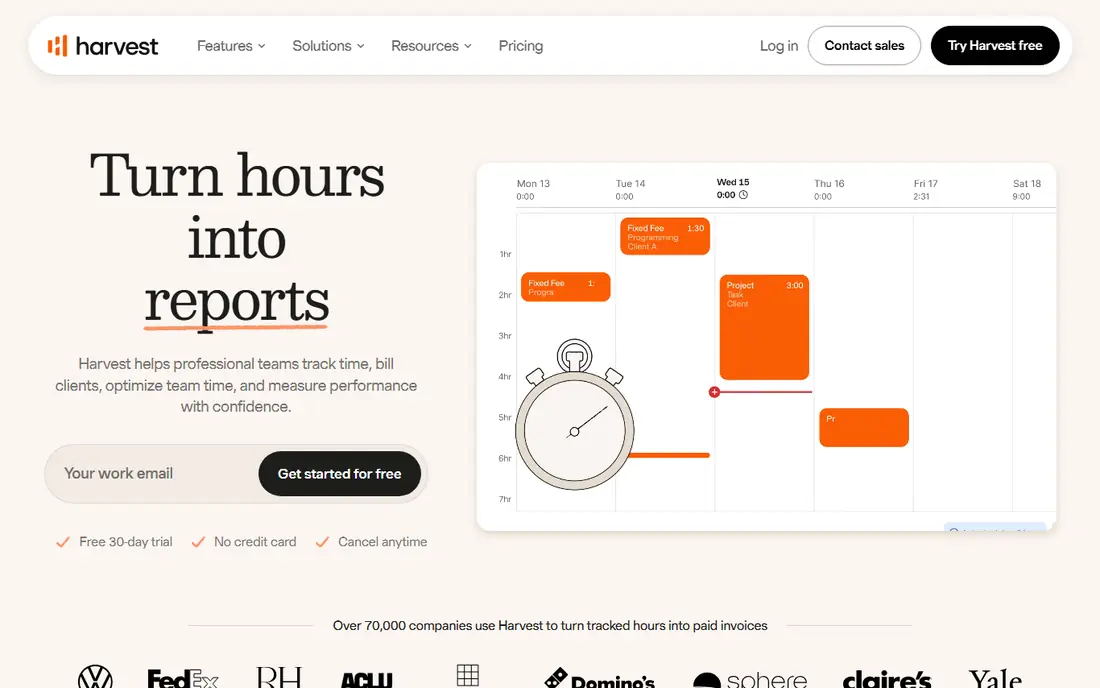
Harvest is the benchmark pairing of timesheets and invoices. You track time against projects and tasks, add expenses, and turn unbilled hours into an invoice in a few clicks, with online payment through PayPal and Stripe. Reports show where time went, which helps when a client questions a bill, and reminders nudge you to log time before the week ends.
The free plan covers one seat and two projects with invoicing included, which is enough for a solo freelancer starting out. Paid Teams plans start at $9 per seat per month billed annually, but some plans add usage charges for active projects, clients, tasks and invoicing above an allowance. Read the plan detail before you scale, because that usage element can push the real monthly cost above the headline seat rate.
- Free plan includes invoicing for 1 seat and 2 projects
- Invoices built from time and expenses
- PayPal and Stripe payments
- Paid Teams plan from $9 per seat per month billed annually, plus usage-based charges on some plans
- Costs rise with projects and clients
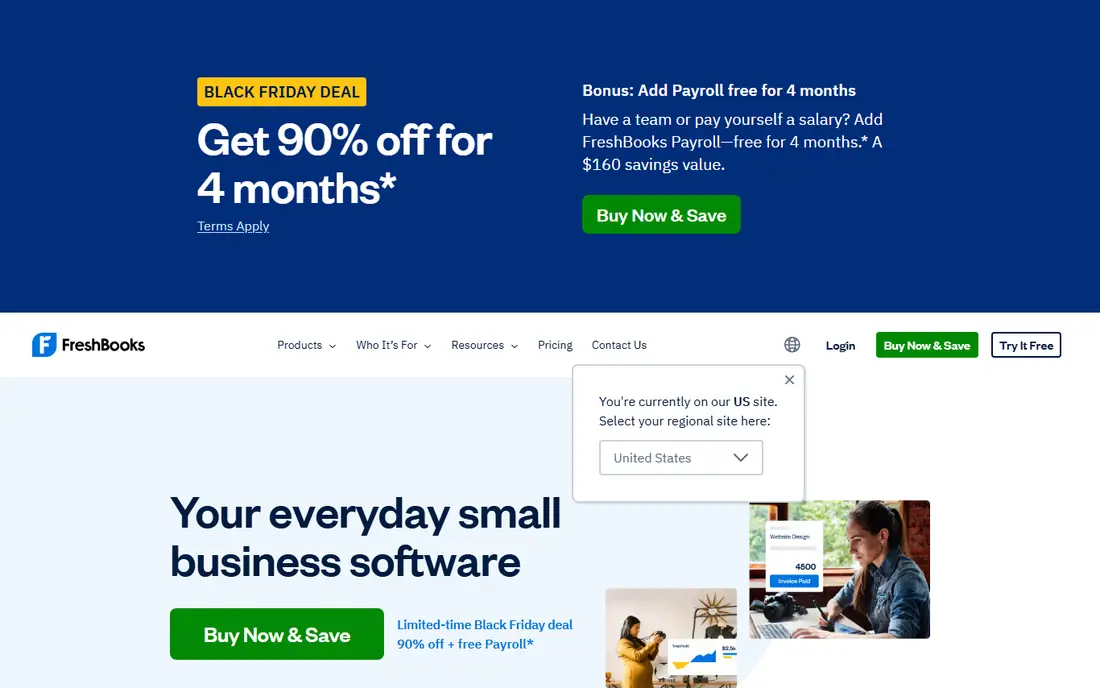
FreshBooks is the best choice if invoicing and getting paid matter more than deep time reports. Tracked time, billable or unbillable, can be pulled onto an invoice automatically, and clients can pay by card or bank transfer from the invoice itself. Expenses, estimates and basic accounting sit in the same tool, so a solo operator can run billing and books without a second app.
The entry plan starts at $23 per month for 5 billable clients, with team members billed extra, and there is no permanent free plan, only a 30-day trial. That makes FreshBooks pricier than Harvest or Clockify for a solo user with few clients, but the value shows when you want payments, reminders and books together. If you only need a timer plus an invoice, Harvest's free plan will do the job for less.
- Unbilled time flows straight onto invoices
- Card and bank payments built in
- Expenses and basic accounting included
- No permanent free plan, only a 30-day trial
- Entry plan covers 5 billable clients, with extra team members billed separately
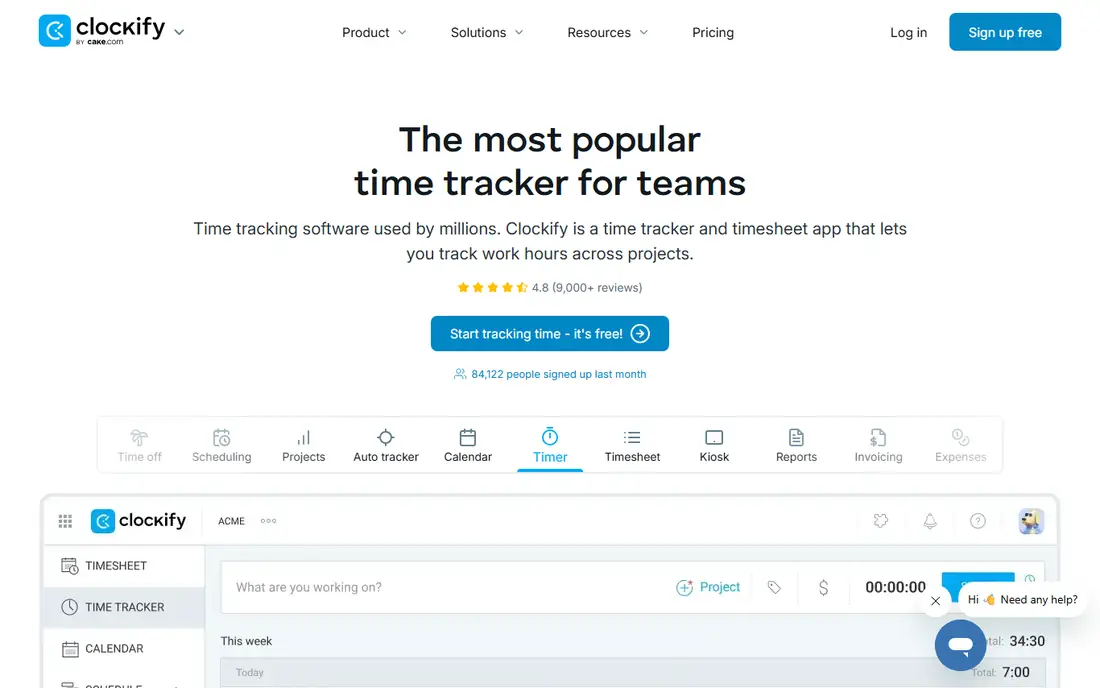
Clockify is the budget pick for teams. Its free plan covers tracking for up to 5 users with unlimited projects and clients, plus timesheet templates and basic reports. That free tier alone handles the hardest habit, which is getting everyone to log time consistently, without a subscription argument first.
Invoicing arrives on paid plans from $5.49 per seat per month billed annually, where uninvoiced time and expenses can be imported per client into invoices. That price still undercuts most rivals here, but note the gap: a team that tracks free and invoices rarely may find the paid tier worth it only in billing months. Clockify also exports to accounting tools, which suits teams that invoice in one place and keep books in another.
- Free for up to 5 users for tracking
- Unlimited projects and clients on free tracking
- Paid invoicing from $5.49 per seat per month
- Invoicing is not in the free plan
- Paid features are spread across tiers, so check which tier includes what you need
Toggl Track wins on ease. The timer starts in one click, browser extensions let you start it inside tools like Asana, Jira and GitHub, and calendar integration helps you log time against meetings. The free plan covers up to 3 users, which suits a tiny team or a freelancer with a helper, and paid Starter plans from $9 per user per month billed annually add billable rates and project estimates.
The honest limit is invoicing depth. Toggl Track produces invoices from reports as PDFs, but it is not a full billing system with payment collection and reminders like FreshBooks or Harvest. It fits freelancers who track carefully and invoice simply, or teams that export time into an accounting tool. If you need payment links and overdue chasing, pick Harvest or FreshBooks instead.
- Easiest timer here, with browser extensions for many apps
- Free for up to 3 users
- Billable rates and reports on paid plans
- Invoicing is light, with PDF invoices from reports rather than full billing
- Paid plan from $9 per user per month
Paymo suits small teams that bill from projects rather than from a simple timer. Tasks, timesheets, expenses and invoices live in one workflow, so unbilled time moves to an invoice without an export step, and clients can pay online. That project view also shows budget against actual hours, which helps agencies spot a project going over before the invoice surprises anyone.
The free plan includes invoicing for one user, one client and two projects, which is enough to test the full billing loop at no cost. Team plans start at $10.90 per user per month billed annually. The main drawback is that the free plan's client limit bites fast for a freelancer with several clients, so budget for the paid tier once your client list grows past one.
- Free plan includes invoicing for 1 user
- Projects, tasks and timesheets in one workflow
- Online payments supported
- Team plan from $10.90 per user per month billed annually
- Free plan limits you to 1 client and 2 projects
Bonsai is built for freelancers and studios who want the whole client workflow, not just a timer. Proposals, contracts, time tracking, invoicing and payments run in one flow, so a project moves from quote to paid invoice without switching tools. Unbilled time can be added to invoices directly, and clients pay online from the invoice.
The price reflects that breadth. Invoicing plans start at $19 per user per month billed annually, with only a trial rather than a permanent free plan. A freelancer who only needs a timer and an invoice will find Harvest or Paymo cheaper. A studio juggling proposals, contracts and several clients will save more admin time with Bonsai than the price difference suggests, so judge it on total admin saved, not on the timer alone.
- Proposals, contracts, time tracking and invoices in one flow
- Unbilled time added to invoices easily
- Online payments included
- No permanent free plan, only a trial
- $19 per user per month billed annually is pricier than simple trackers
Zoho Invoice is the best free invoicing tool on this list, and it earns its place because its free plan is genuinely usable: two users, three projects and up to 500 invoices a year, with project timesheets that convert into invoices and payment gateways for client payment. For a freelancer or tiny business starting out, that free tier can carry billing for a long time.
The trade-off is tracking depth. Zoho Invoice tracks project time well enough to bill it, but it is not a full time-tracking app with the timers, idle detection and reports of Toggl Track or Clockify. If your work is project-based and your time entries are simple, Zoho Invoice may be all you need. If you track time across many tasks and clients daily, pair it with Clockify or pick Harvest instead.
- Completely free for 2 users, 3 projects and 500 invoices a year
- Project timesheets convert to invoices
- Payment gateways supported
- Time tracking is lighter than Harvest or Toggl Track
- No accounting depth without other Zoho apps
Everhour is the pick for teams whose work already lives in a project tool. It adds time tracking directly inside Asana, Jira, ClickUp and similar apps, so timers, estimates and reports sit where the tasks already are, instead of in a separate app people forget to open. The free plan covers up to 5 seats for tracking, which lets a small team test it properly.
Invoicing works differently here. Everhour pushes invoices to QuickBooks, Xero or FreshBooks rather than generating them itself, and the Team plan costs $8.50 per seat per month billed annually with a 5-seat minimum. That makes it a poor fit for solo users, but a strong fit for a team that already pays for one of those accounting tools and wants time data to flow into it without double entry.
- Time tracking inside Asana, Jira and ClickUp
- Free for up to 5 seats without invoicing
- Invoicing through QuickBooks, Xero or FreshBooks
- Team plan from $8.50 per seat per month billed annually with a 5-seat minimum
- Invoicing is via integration, not built in
How we picked these
We searched for software that combines time tracking with invoicing, then checked each one against its official pricing and feature pages. We kept tools that are live in October 2026 and that either generate invoices from tracked time or feed time data directly into an invoicing or accounting tool. Where a vendor did not publish a single price, we wrote See website instead of guessing. We favored a mix of free plans, classic pairs, accounting-led tools and project-led tools, because a solo freelancer and a ten-person agency need different billing setups.
What to check before you choose
Start with the billing loop, not the timer. Track a test project, add an expense, turn the time into an invoice, and send it to yourself. That loop shows whether invoicing is built in, as in Harvest, FreshBooks and Paymo, or only an export, as in Toggl Track and Everhour. The export route works fine if you already use an accounting tool, but it adds a step every billing cycle.
Next, read the pricing limits that matter to you: client caps, seat minimums and usage charges. FreshBooks caps billable clients on its entry plan, Everhour sets a 5-seat minimum, and Harvest adds usage charges on some plans. Finally, try the free plan or trial with real client work for two weeks. Check whether reminders, billable rates and reports match how you actually bill, and confirm the renewal price on annual billing before you commit a whole team.
Frequently asked questions
What is the best time tracking and invoicing software?
Harvest is our best overall pick, because it pairs solid time tracking with invoices built from time and expenses, plus a free plan for solo users. FreshBooks is better if you want invoices, payments and books in one tool. The best choice depends on whether time tracking or accounting leads your workflow.
What is the best invoicing app with time tracking for freelancers?
Harvest and Paymo both suit freelancers, with free plans that include invoicing at a small scale. Zoho Invoice is the best free invoicing option if your time entries are simple. Toggl Track suits freelancers who track carefully and invoice simply, since its invoicing is lighter than the others here.
Is there a free time tracking and invoicing tool?
Yes. Harvest offers a free plan for one seat and two projects with invoicing included, Paymo offers free invoicing for one user, and Zoho Invoice is free for two users and up to 500 invoices a year. Clockify, Toggl Track and Everhour offer free tracking, but invoicing needs a paid plan or an integration with an accounting tool.
How do I turn tracked time into an invoice?
In Harvest, FreshBooks and Paymo, you select unbilled time and expenses for a client and generate an invoice from them, then send it with a payment link. In Toggl Track, you build an invoice from a report and export it as a PDF. In Everhour, time data flows into QuickBooks, Xero or FreshBooks, where the invoice is created. In every case, check billable rates and unbillable entries before you send.
Should I pick a tracker or an accounting tool?
Pick a tracker-led tool like Harvest or Clockify if time accuracy and project reports drive your billing. Pick an accounting-led tool like FreshBooks if invoices, payments and books matter most and time tracking is secondary. Many small businesses end up with both: a tracker for daily hours and an accounting tool for books, connected by export or integration.
Sources
See where you really rank - block by block
ProMapRanker scans Google Maps across a grid of your service area. Simple monthly plans from $19, white-label on every plan.
Start freeKeep reading
 wpforms alternatives
Best WPForms Alternatives in 2026
We compare 9 wpforms alternatives for WordPress forms, with free and paid options, current pricing notes, and honest limits for small business sites in 2026.
Read → windows task scheduler alternatives
Best Windows Task Scheduler Alternatives in 2026
Looking for Windows Task Scheduler alternatives? We compare 9 schedulers for Windows and cross-platform work, from free tools to enterprise automation.
Read → which ai video service is best
Which AI Video Service Is Best in 2026
which ai video service is best? We compare 10 legitimate AI video services on price, avatars, editing and output quality to help you pick the right tool.
Read →