 ProMapRanker
Best Time Recording Software in 2026


Free tracking for any team size · Pricing starts at: $3.99 per user per month
Key takeaways
- Clockify and TimeCamp offer the most generous free plans for teams that need basic time recording.
- Toggl Track is the simplest timer for freelancers and small teams that want low friction.
- Harvest fits service firms that turn tracked hours straight into invoices.
- Hubstaff and Time Doctor add monitoring features that suit distributed teams, not solo users.
- Timely and RescueTime suit people who forget manual timers and want automatic capture.
Quick comparison
| Pick | Great for | Pricing starts at | Free tier | |
|---|---|---|---|---|
| Clockify | Free tracking for any team size | $3.99 per user per month | Yes | Visit |
 Toggl Track | Simple timer for freelancers | $9 per user per month | Yes | Visit |
 Harvest | Billing hours with invoicing | $9 per seat per month | Yes | Visit |
 TimeCamp | Free tracking with invoicing | $3.99 per user per month | Yes | Visit |
 Hubstaff | Remote team oversight | $4.99 per seat per month | Free trial | Visit |
 Time Doctor | Auditable team hours | $6.67 per user per month | Free trial | Visit |
 Timely | Automatic timesheets | $9 per user per month | Free trial | Visit |
 Everhour | Tracking inside project tools | $10 per user per month | Yes | Visit |
 RescueTime | Automatic personal tracking | $6.50 per month | Yes | Visit |
The best time recording software
Time recording fails for one simple reason: people forget to start the timer. The best tool is therefore the one your team will actually use at the end of a long day, not the one with the longest feature list. Some people need a one-click timer, others need automatic capture, and managers of remote teams may need proof of hours that a client will accept.
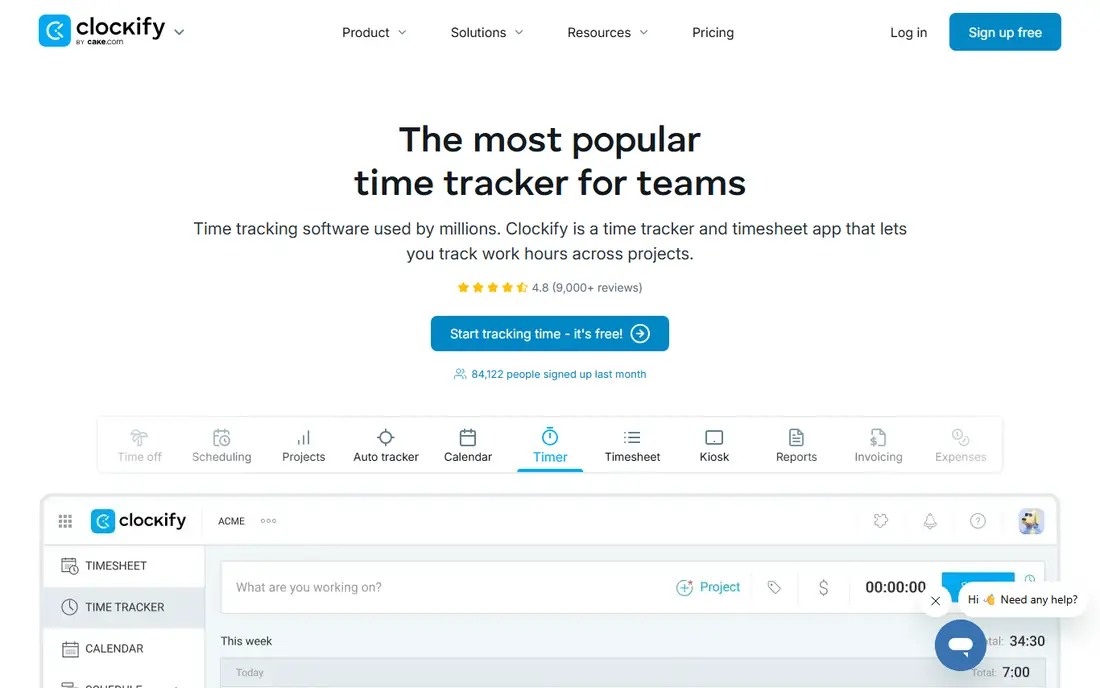
Clockify wins on value, because the free plan covers unlimited users and projects. That makes it a practical choice for a large team that only needs reliable time recording, without paying per seat for a basic timer. The timer, manual timesheets and reports are easy to learn, and the paid Basic plan starts at $3.99 per user per month billed annually.
The plain design is both a strength and a limit. Clockify does not try to be a project management tool, so teams that want tasks, budgets and invoicing in one place will need a paid plan or a second tool. For a team that mainly needs honest hours recorded and exported, Clockify is hard to beat on price.
- Free plan for unlimited users and projects
- Simple timer and timesheets
- Invoicing on paid plans
- Paid features such as invoicing need a subscription
- Interface is plain
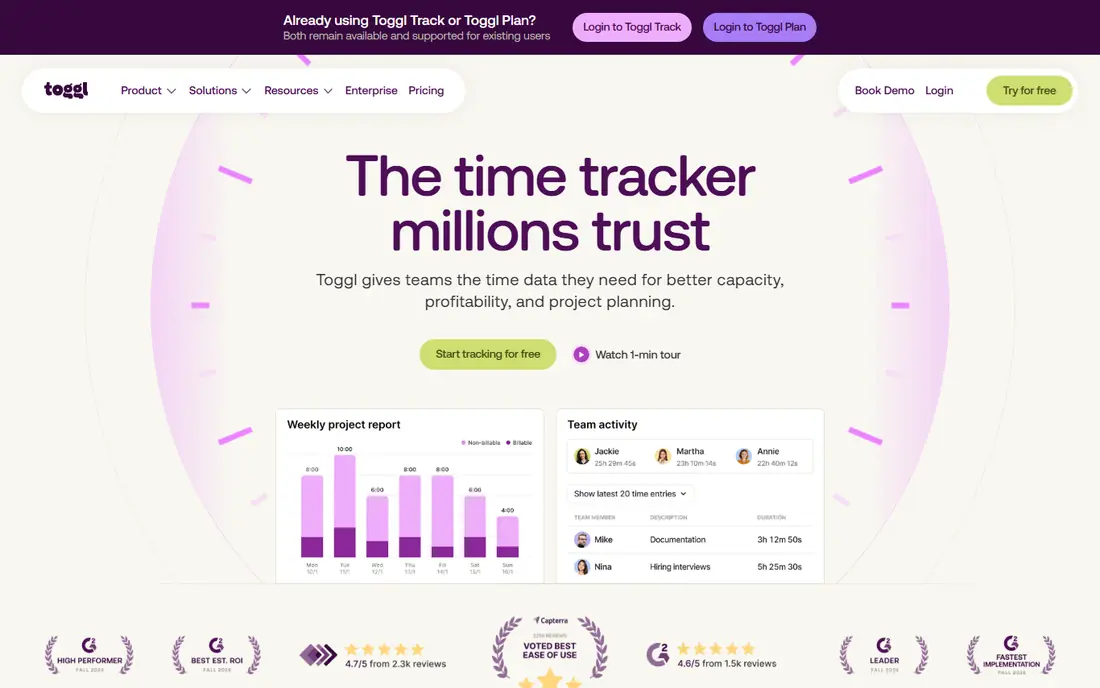
Toggl Track is the tool people recommend when someone asks for the simplest timer that still works. The timer starts with one click, syncs across browser, desktop and mobile, and the reports filter by client, project, tag or team member. There are no screenshots and no activity monitoring, which matters for teams that value privacy.
The free plan covers up to 5 users, so a growing team will move to the Starter plan at $9 per user per month billed annually. Billable rates, project estimates and capacity planning also sit on paid plans. If you want tracking without surveillance, and your team resists complex tools, Toggl Track remains a strong default choice.
- One-click timer on web, desktop and mobile
- Clean reports by client and project
- No screenshots or monitoring
- Free plan covers up to 5 users
- Billable rates and estimates need a paid plan
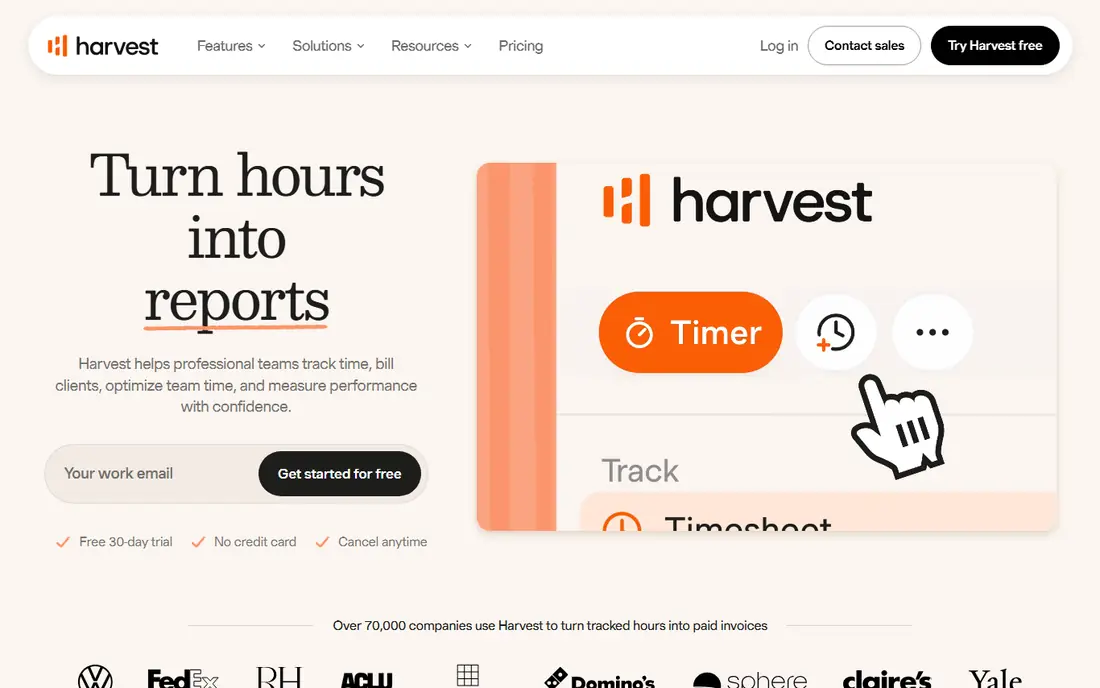
Harvest fits agencies and service firms where tracked time must become an invoice without a second system. You set a billable rate, track time against a project, and send an invoice from the same hours. Budgets show when a project is drifting over its planned hours, which helps before a client conversation turns awkward.
The free plan is narrow, with 1 seat and 2 projects, so it works as a trial for a solo freelancer rather than a long-term free tool. The Pro plan starts at $9 per seat per month billed annually in recent pricing checks, though you should confirm the current figure on the vendor site. If billing is the main job, Harvest saves more time than a cheaper timer that exports to another invoicing tool.
- Time tracking tied to invoicing
- Budgets and billable rates
- Simple team reports
- Free plan covers 1 seat and 2 projects
- Larger teams pay per seat
TimeCamp combines a generous free plan with automatic time capture, which suits teams that forget manual timers. The free plan covers unlimited users and projects, and the Starter plan starts at $3.99 per user per month billed annually. Invoicing and deeper reporting are part of the wider platform, so a small service firm can record time and bill it without adding another subscription.
Automatic tracking needs care during setup, because you must decide which apps and documents count as work and which do not. Once that is set, TimeCamp quietly builds a record that a manager can review at the end of the week. For budget-conscious teams, it is one of the best free starting points in this guide.
- Free plan for unlimited users and projects
- Automatic tracking options
- Invoicing features
- Automatic features need setup
- Advanced reports sit on paid plans
Hubstaff is built for remote and field teams that need more than a timer. It adds screenshots, activity levels, GPS tracking and scheduling, plus payroll tools that turn approved hours into pay. The Starter plan starts at $4.99 per seat per month billed annually, with a 14-day free trial.
That oversight is the point, and also the risk. Teams that trust each other may find screenshots intrusive, and clients may not need that level of detail. Hubstaff fits best where hours must be proven, such as field work, contractor teams or hourly staff working away from an office. Tell the team what is recorded before you switch it on.
- GPS and activity tracking for field teams
- Scheduling and payroll tools
- 14-day free trial
- No free plan
- Monitoring features may not suit every team culture
Time Doctor suits distributed teams that need an auditable record of hours, especially when clients or managers ask how time was spent. It records activity, takes optional screenshots, and produces reports that link hours to projects and tasks. Payroll features help turn approved time into pay without rebuilding timesheets in another tool.
The starting price is $6.67 per user per month on annual billing in recent checks, and there is no free plan, only a trial. Like Hubstaff, Time Doctor works best when the team understands why monitoring is in place and what it covers. For solo freelancers, it is more tool than needed, but for a remote team with accountability needs, it is a serious option.
- Screenshots and activity monitoring
- Payroll and reporting tools
- Many integrations
- No free plan
- Monitoring can feel intrusive if poorly explained
Timely is for people who hate manual timers. It captures work in the background and drafts a timesheet from apps, documents and meetings, which you then review and approve. That review step matters, because automatic capture can mislabel a task, but it is far faster than rebuilding a week from memory on a Friday afternoon.
The Starter plan starts at $9 per user per month, with a 14-day free trial and no free plan. Agencies and consultancies that bill by project often find the time saved on timesheets pays for the subscription. If your team already tracks time reliably by hand, Timely may feel like an extra layer, but if timesheets are always late, it is worth testing.
- Automatic time capture
- One-click timesheet approval
- Clean project reports
- No free plan
- Automatic capture needs review to stay accurate
Everhour is different because it lives inside the project tool your team already uses. Instead of opening a separate timer, you start time from a task in Asana, ClickUp, Jira or Trello, and the hours stay attached to that task. Budgets, billing rates and reports then show whether a project is on track without exporting data elsewhere.
The paid plan starts at $10 per user per month in recent checks, and a free plan covers small teams. The catch is clear: if you do not use one of those project tools, much of the value disappears. For teams already living in Asana or ClickUp, Everhour is often a better fit than a standalone timer.
- Timer inside Asana, ClickUp, Jira and Trello
- Budgets and billing rates
- Free plan for small teams
- Needs a project tool to shine
- Pricing can rise with team size
RescueTime is a personal tool first. It runs in the background, records which apps and sites you use, and shows where the day actually went. Focus sessions and blocking features help you protect deep work, and the Lite plan gives a free starting point for solo users. The paid plan starts at $6.50 per month in recent checks.
RescueTime is not built for client billing or team payroll, so do not buy it for that job. It shines for freelancers and knowledge workers who want to see their own habits and cut distractions. Pair it with a billing timer such as Harvest or Toggl Track if you also need invoices from the same hours.
- Automatic personal productivity tracking
- Focus sessions
- Lite plan available
- Not a team billing tool
- Automatic data needs review
How we picked these
We compared official pricing pages, product documentation and public reviews for time recording tools in October 2026. We kept tools that exist and work today, and we favoured tools with a clear timer or automatic capture, usable reports, and a stated free plan or trial. Where pricing differed across sources, we used the vendor figure where we could confirm it and See website in other cases, rather than inventing a number.
How to choose a time recording tool
Start with the job, not the price. A solo freelancer needs a fast timer and clean exports. A service firm needs billable rates and invoicing. A remote team may need screenshots and payroll, while a person who forgets timers needs automatic capture. Buying the wrong type costs more in wasted hours than a few dollars a month saved.
Manual, automatic, or monitored
Manual timers give you control and privacy, but they depend on habit. Automatic tools such as Timely and RescueTime capture more hours, but you must review the draft timesheet. Monitored tools such as Hubstaff and Time Doctor give managers proof, but they change team trust if they are introduced without a clear explanation. Pick the level of oversight your work actually requires, and no more.
Reports, exports and billing
Check the report before you buy. Filter by client, project and team member, export to a format your client accepts, and test the invoice step if you bill hourly. A timer that records hours well but exports them badly will cost you time every month. Also check whether billable rates, budgets and approvals sit on the plan you intend to buy, not just on the top tier.
Free plans and per-seat costs
Per-seat pricing grows fast. A $9 tool for 20 people costs $180 per month, while a free plan for unlimited users may cover the same basic need. Model the cost at your team size in six months, and check whether the free plan limits users, projects or history. A trial is useful, but a free plan is the only way to learn whether a team will keep using a tool after the novelty fades.
Frequently asked questions
What is the best time recording app?
The best time recording app depends on your workflow. Clockify is the best free option for teams, Toggl Track is the simplest timer for freelancers, Harvest is best when hours must become invoices, and Timely is best when you forget manual timers. Try the free plan or trial with real work for a week before you decide.
Is there a free time recording tool for teams?
Yes, Clockify and TimeCamp both offer free plans for unlimited users and projects, and Toggl Track offers a free plan for up to 5 users. Free plans cover core timers and reports, while paid plans add invoicing, budgets, approvals and deeper reporting. Check project and history limits before you roll a free plan out to a large team.
What is the difference between time recording and time tracking?
The terms are used for the same job in most tools: recording how time is spent against a client, project or task. Some vendors use time tracking for manual timers and automatic capture for background recording, while others add monitoring features such as screenshots. Read the feature list rather than relying on the product name alone.
Do automatic time trackers record everything I do?
Automatic tools record app and document use so they can draft a timesheet, and you review that draft before it becomes a record. You can usually pause tracking, exclude private apps, and delete entries. Check the privacy policy and the settings before you install an automatic tracker on a work device, and tell your team what it captures.
Can time recording software create invoices?
Yes, Harvest and TimeCamp include invoicing, and Clockify adds invoicing on paid plans. Toggl Track and Everhour focus on tracking and reporting, so you may export hours to a separate invoicing tool. If billing is central to your work, test the full path from timer to invoice, not just the timer itself.
Should I use monitoring features such as screenshots?
Only when the work requires proof of hours, such as hourly contractors, field teams or client-audited projects. Monitoring can damage trust if it is added without explanation, and it is rarely needed for salaried teams that deliver by outcome. If you use it, state what is recorded, who can see it, and how long it is kept.
Sources
See where you really rank - block by block
ProMapRanker scans Google Maps across a grid of your service area. Simple monthly plans from $19, white-label on every plan.
Start freeKeep reading
 wpforms alternatives
Best WPForms Alternatives in 2026
We compare 9 wpforms alternatives for WordPress forms, with free and paid options, current pricing notes, and honest limits for small business sites in 2026.
Read → windows task scheduler alternatives
Best Windows Task Scheduler Alternatives in 2026
Looking for Windows Task Scheduler alternatives? We compare 9 schedulers for Windows and cross-platform work, from free tools to enterprise automation.
Read → which ai video service is best
Which AI Video Service Is Best in 2026
which ai video service is best? We compare 10 legitimate AI video services on price, avatars, editing and output quality to help you pick the right tool.
Read →