 ProMapRanker
Best Time Clock App With GPS in 2026

Key takeaways
- Connecteam and Homebase offer free tiers for small teams, with GPS clock-in and scheduling in the same app.
- Timeero and ClockShark are the strongest picks for field crews that need mileage, job costing and GPS records together.
- Deputy, Hubstaff and QuickBooks Time suit teams that already use scheduling, monitoring or QuickBooks workflows.
- Employee location tracking must be disclosed and lawful, with clear policies, consent where required, and limits on tracking outside work hours.
Quick comparison
| Pick | Great for | Pricing starts at | Free tier | |
|---|---|---|---|---|
 Connecteam | Mobile and deskless teams in one app | Free | Yes | Visit |
 Homebase | Hourly teams that want scheduling and payroll together | Free | Yes | Visit |
 Deputy | Shift teams with compliance needs | $5 per month | Free trial (31 days) | Visit |
 Hubstaff | Remote and distributed teams with time tracking | $4.99 per month | Free trial (14 days) | Visit |
 Timeero | Field crews that need mileage and GPS together | $4 per month | Free trial (14 days) | Visit |
 ClockShark | Construction and field-service job costing | $42 per month | Free trial (14 days) | Visit |
 QuickBooks Time | Teams already using QuickBooks Online | $20 per month | Free trial (30 days) | Visit |
 Buddy Punch | Photo-verified clock-ins and pay rules | $19 per month | Free trial (14 days) | Visit |
 OnTheClock | Small teams needing payroll-ready GPS data | $5 per month | Free trial (30 days) | Visit |
The best time clock app with gps
Every tool here offers genuine GPS clock-in and clock-out, not just manual time entry. That means the app records location at the moment of clock-in, and many also offer geofencing, which limits clock-ins to a set area around a job site. Employee location tracking must be disclosed and lawful. Tell staff what is tracked, when tracking starts and stops, and how the data is used, and follow local labour and privacy law for your state and industry.
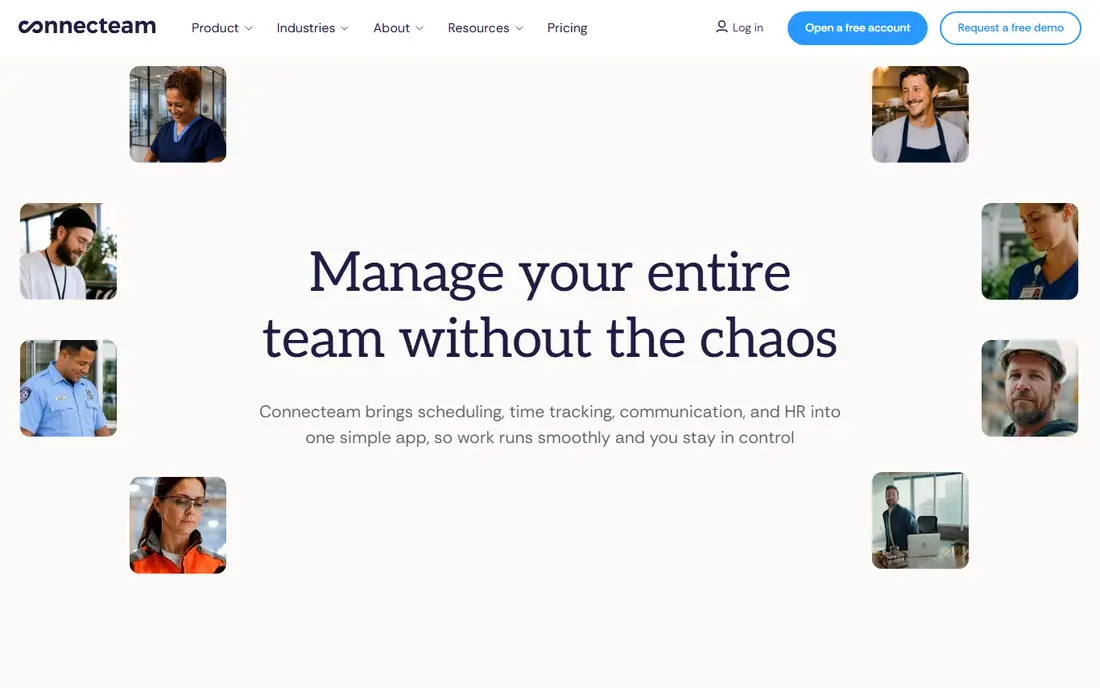
Connecteam is an all-in-one app for mobile teams, covering time clock, scheduling, team chat, forms and training in one place. The GPS time clock lets staff clock in from a phone, and managers can see time records, schedules and messages without switching tools. That breadth suits cleaning, construction and delivery teams that need more than a clock alone.
The free plan covers up to 10 users, with paid Operations plans from $29 per month for the first 30 users billed annually. Geofencing starts on the Advanced plan, so check the plan that includes the location control you need before you rely on it for site compliance.
- Free for up to 10 users
- GPS time clock with geofencing on higher plans
- Scheduling, chat and forms in one app
- Geofence coverage starts on Advanced plan
- Hubs are billed separately
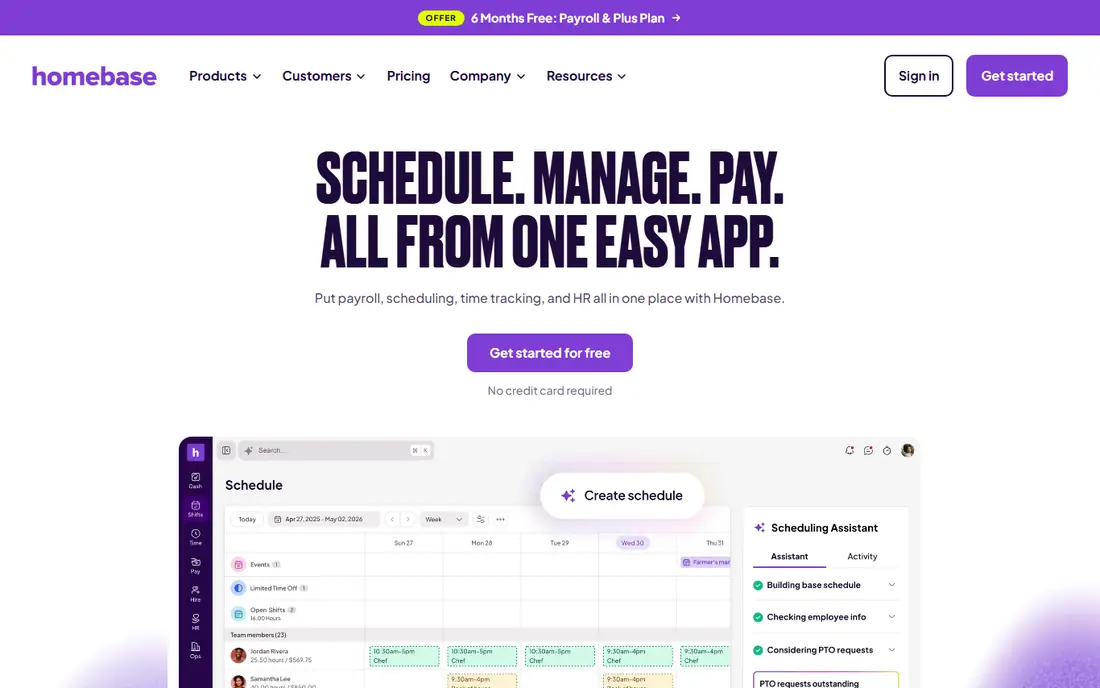
Homebase is built for hourly teams in restaurants, retail and services, where scheduling and time tracking belong together. Staff can clock in with GPS location, managers can build schedules and approve timesheets, and hiring and payroll tools sit in the same system on paid plans. That combination reduces the gap between a schedule and a paycheck.
The free plan covers one location and up to 10 employees, with Essentials listed from $30 per location per month. For a multi-site team, per-location pricing changes the total quickly, so model your site count before comparing Homebase with a per-user tool.
- Free for one location and up to 10 employees
- GPS time clock and scheduling
- Hiring and payroll tools
- Per-location pricing grows with sites
- Advanced time clock features need paid plans
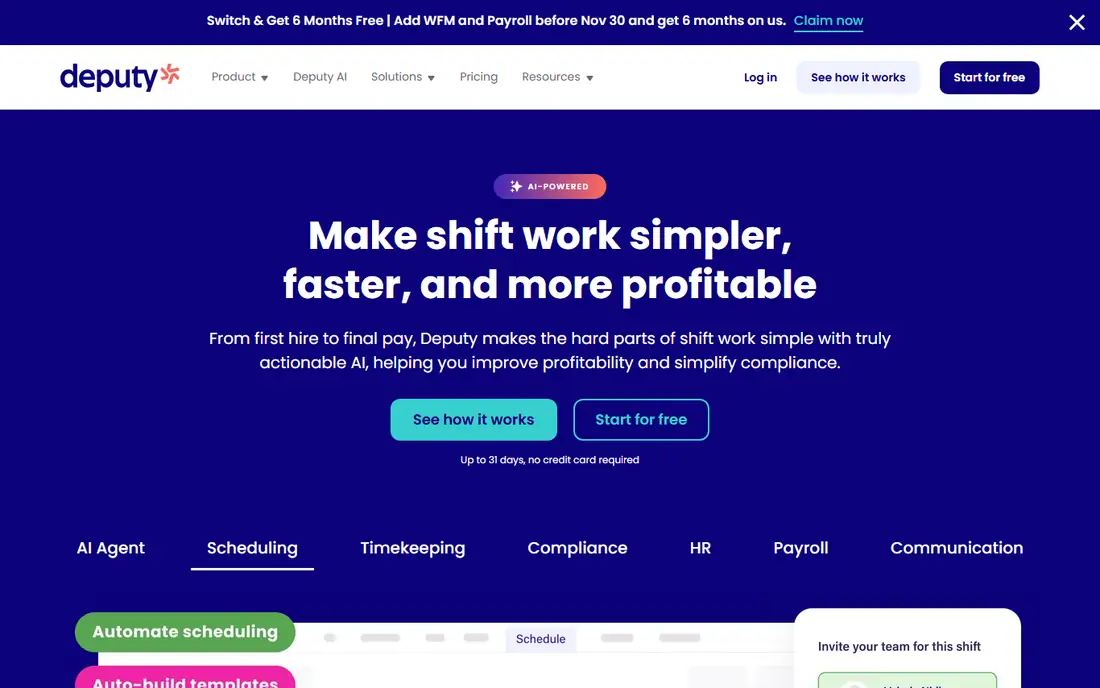
Deputy suits hospitality, retail and healthcare teams with complex shift patterns. Scheduling, time clock, leave and compliance tools sit together, and GPS clock-in helps confirm staff are at the right site. Managers can set rules for overtime, breaks and shift swaps, which matters when labour law varies by location.
Pricing starts at $5 per user per month, with a monthly minimum noted in comparisons, and a 31-day trial. The strength is compliance depth, not low cost alone. Test Deputy if your main problem is scheduling rules and audit-ready timesheets, not just a simple clock.
- Scheduling and time clock in one system
- GPS clock-in and compliance tools
- Integrations with payroll providers
- Minimum monthly spend applies on some plans
- Full compliance features need higher tiers
Hubstaff combines time tracking with GPS location for field and remote teams, plus activity reports for desk-based work. Staff can clock in from mobile, managers can review time, location and project data, and payroll and invoicing tools help turn tracked time into pay. That mix suits a team that works both on site and remotely.
The monitoring side needs care. Tell staff exactly what is tracked, including screenshots or activity levels where those features are used, and limit tracking to work hours. Hubstaff starts at $4.99 per user per month, with a 14-day trial, and it is best for teams that already accept structured time tracking.
- GPS time tracking for mobile teams
- Activity and productivity reports
- Payroll and invoicing tools
- Monitoring features need clear staff disclosure
- Some controls need the web app rather than mobile
Timeero is built for mobile crews who drive between jobs. It records GPS location at clock-in, tracks mileage automatically, and lets managers see time by job or segment. Offline GPS recording helps in areas with weak signal, with data syncing when connection returns, which matters for rural and construction work.
Pricing is listed from $4 per user per month for smaller teams, with Pro at $9 per user per month in comparisons for scheduling and more integrations. If mileage is a major cost for your crew, Timeero pairs location and mileage in a way that a scheduling-only tool does not.
- GPS clock-in with mileage tracking
- Offline GPS recording
- Job and segment tracking
- Scheduling and some integrations start on Pro plan
- Per-user cost grows with large crews
ClockShark is designed for construction and field-service crews that need time by job. Staff clock in with GPS location, managers assign jobs and cost codes, and timesheets feed job costing and payroll. Crew clock-in from one device helps when not every worker carries a phone with the app installed.
Pricing is listed at $42 per month base plus $9.50 per user per month in comparisons, with a 14-day trial. That total is higher than a simple tracker, but it fits a crew where job costing, not just attendance, drives the buying decision.
- GPS clock-in with geofencing
- Job costing and scheduling
- Crew clock-in from one device
- Base fee plus per-user cost
- Higher total than simple trackers for small teams
QuickBooks Time, formerly TSheets, is the natural pick if you already run QuickBooks Online. Time tracked with GPS location flows into QuickBooks for payroll and invoicing, without manual re-entry or a separate export step. Scheduling, timesheet approval and mobile clock-in cover the daily workflow.
The limit is the ecosystem. Pricing is listed at $20 per month base plus $10 per user per month, and it requires paid QuickBooks Online. If you do not use QuickBooks, a standalone tool will be cheaper and simpler. If you do, the native sync can save hours each pay period.
- GPS time tracking with native QuickBooks sync
- Scheduling and timesheet approval
- Mobile clock-in
- Requires paid QuickBooks Online
- Base fee plus per-user cost
Buddy Punch focuses on verified clock-ins. Staff can clock in from web, mobile or QR code, with photo capture and GPS location to confirm who clocked in and where. Multiple wage rates, overtime rules and a detailed edit history help managers handle complex pay structures and audit timesheet changes.
Pricing is listed at $19 per month base plus $4.99 per user per month billed annually, with a 14-day trial. There is no free plan, so it suits a team that needs verification and pay-rule depth more than a free starting tier.
- GPS and photo capture to prevent buddy punching
- Multiple pay rates and overtime rules
- Detailed edit history
- No free plan
- Per-user cost plus base fee grows with team size
OnTheClock is a straightforward GPS time clock for small businesses. Staff clock in with GPS verification, managers approve timesheets, and reports feed payroll through integrations with QuickBooks, Gusto, ADP and Square. Scheduling and messaging support the daily routine without turning the app into a full HR system.
Pricing is listed at $5 per month base plus $4 per employee per month, with a 30-day trial and no free plan. For a small team that wants clean, payroll-ready GPS records without extra crew-app features, OnTheClock is a clear, low-friction pick.
- GPS-verified clock-ins
- Scheduling and payroll-ready reports
- Integrations with QuickBooks, Gusto and ADP
- No free plan
- Per-user cost plus base fee
- Simpler than all-in-one crew apps
How we picked these
We compared official pricing pages, feature pages and public comparisons, and we kept only tools with genuine GPS clock-in and clock-out, not manual entry alone. We included free, per-user, per-location and base-plus-user pricing models, because the cheapest model depends on team size and site count. We also checked geofencing, offline recording, job costing and payroll integration, since those features decide whether a GPS clock actually helps payroll.
Using GPS tracking lawfully and fairly
Start with disclosure. Tell employees in writing what location data is collected, when collection starts and stops, and who can see it. Limit tracking to work hours and work locations, and turn it off outside shifts. If your state or industry requires consent or a specific notice, follow that rule and keep a record of the notice you gave.
Next, set geofences that match real job sites, not whole neighbourhoods, and allow a grace area for GPS drift near a building. Give staff a way to flag a wrong location, a missed clock-in or a phone problem, and fix those records promptly. A GPS record that cannot be corrected will damage trust faster than any feature will rebuild it.
Finally, use location data only for the purpose you stated, such as attendance, job costing and safety. Do not use it to monitor breaks, personal trips or off-duty movement, and review access regularly. A clear policy, a short training session and a simple correction process will make a GPS clock a payroll tool, not a source of conflict.
Frequently asked questions
What is the best gps time clock app?
Connecteam and Homebase are strong free starts for small teams, Timeero and ClockShark are strong for field crews, and QuickBooks Time is best for QuickBooks users. The best pick depends on team size, site count and payroll system.
What are the best gps time clock apps for field teams?
Timeero, ClockShark, Connecteam and Hubstaff all offer GPS clock-in for field work, with Timeero adding mileage and ClockShark adding job costing. Test offline recording and geofencing on a real job site before you commit.
Do employees need to consent to GPS tracking?
Rules vary by state and industry, and some places require notice or consent. Disclose tracking in writing, limit it to work hours, and check local labour and privacy law or seek legal advice for your situation.
Can GPS time clocks work without internet?
Some tools, including Timeero, record GPS offline and sync later. Check offline support for each app, because not every GPS clock handles weak signal in the same way.
How much does a GPS time clock cost?
Free tiers exist for small teams, while paid plans range from about $4 to $10 per user per month, plus base or per-location fees on some tools. Add up your full team and site count to compare totals.
Sources
See where you really rank - block by block
ProMapRanker scans Google Maps across a grid of your service area. Simple monthly plans from $19, white-label on every plan.
Start freeKeep reading
 wpforms alternatives
Best WPForms Alternatives in 2026
We compare 9 wpforms alternatives for WordPress forms, with free and paid options, current pricing notes, and honest limits for small business sites in 2026.
Read → windows task scheduler alternatives
Best Windows Task Scheduler Alternatives in 2026
Looking for Windows Task Scheduler alternatives? We compare 9 schedulers for Windows and cross-platform work, from free tools to enterprise automation.
Read → which ai video service is best
Which AI Video Service Is Best in 2026
which ai video service is best? We compare 10 legitimate AI video services on price, avatars, editing and output quality to help you pick the right tool.
Read →