 ProMapRanker
Best Time and Billing Software for Accountants in 2026

Key takeaways
- Karbon and Canopy suit accounting firms that want client work, time and billing in one practice system.
- Ignition suits firms that want proposals, billing and payments agreed before work starts.
- FreshBooks and Harvest suit small firms and solo accountants who need simple time capture and invoicing.
- Bill4Time and TimeSolv suit firms with detailed rate, matter and invoice rules.
- The best time and billing software depends on whether you bill by hour, by fixed fee, or by a mix of both.
Quick comparison
| Pick | Great for | Pricing starts at | Free tier | |
|---|---|---|---|---|
 Karbon | Accounting firms managing client work | See website | Free trial | Visit |
 Canopy | Firms needing practice management | See website | Free trial | Visit |
 Ignition | Proposal-led billing and payments | See website | Free trial | Visit |
 FreshBooks | Small firms and solo accountants | See website | Free trial | Visit |
 Harvest | Simple time tracking and invoicing | See website | Free trial | Visit |
 Bill4Time | Detailed billing rules | See website | Free trial | Visit |
 TimeSolv | Firms with complex invoicing | See website | Free trial | Visit |
 Toggl Track | Lightweight time capture | Free | Yes | Visit |
 Clockify | Free time tracking for teams | Free | Yes | Visit |
The best time and billing software for accountants
Accountants lose money in two quiet ways: time that never gets recorded, and invoices that go out late or with errors. Good time and billing software fixes both by making capture easy, linking time to clients and jobs, and turning approved work into clean invoices. This article is general information only, not tax, financial or legal advice.
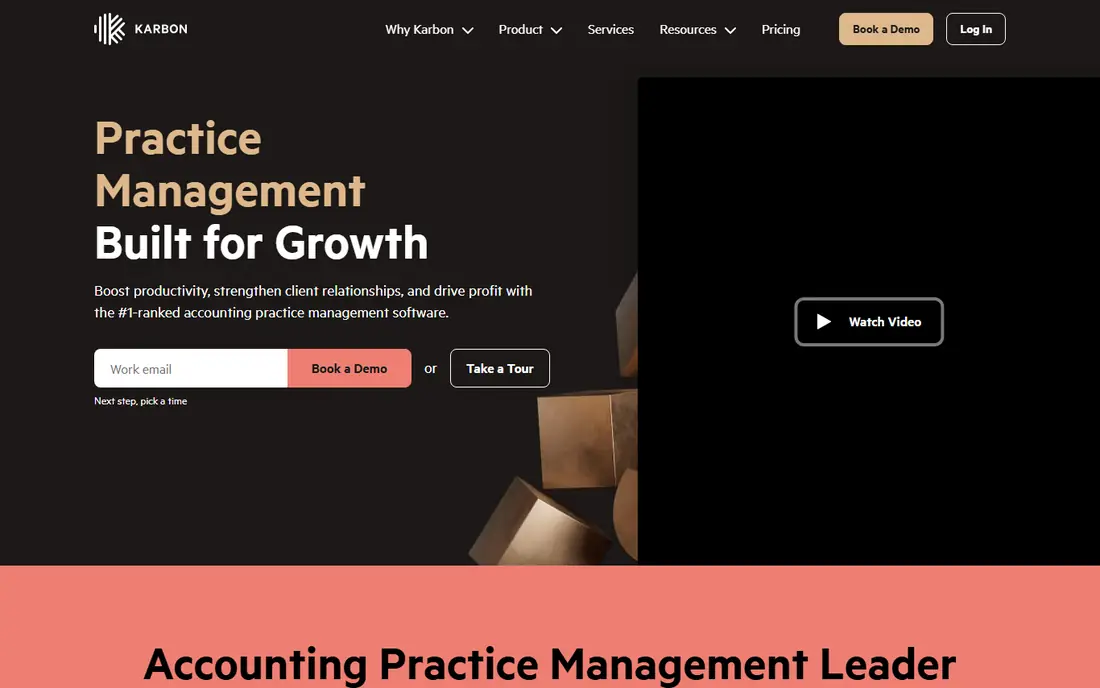
Karbon is built for accounting firms, not adapted from a generic project tool. Work, clients, tasks, messages and time sit together, so a staff member can record time against the right client job without switching systems. Managers can see workload, deadlines and bottlenecks in one place, which helps during tax season peaks.
The catch is that Karbon is a practice platform, so solo accountants who only need invoicing may find it more than they need. For firms with several staff and recurring client work, though, the link between work tracking and billing is exactly where the return shows up.
- Client work, tasks, time and billing in one system
- Email and workflow automation
- Clear team workload views
- Pricing is quote-based
- Best value for firms, not solo users
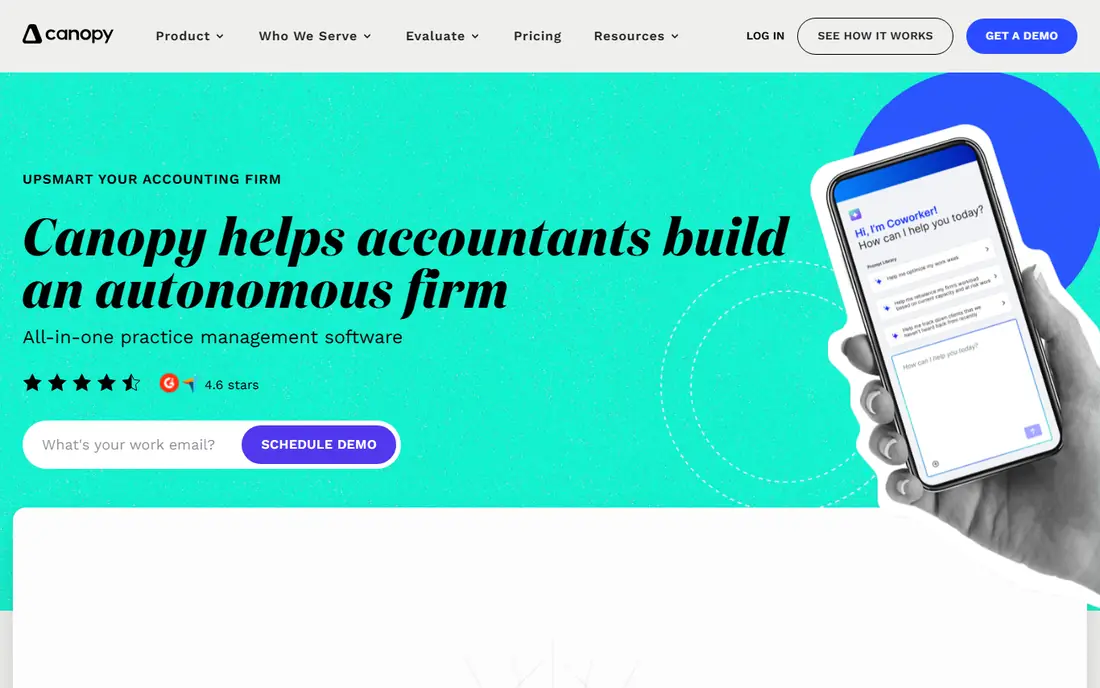
Canopy gives accounting firms a central place for clients, engagements, documents, time and invoices. Staff can track time as they work, managers can review it, and billing can draw on recorded work without retyping. Workflow templates help firms repeat monthly bookkeeping and annual tax work in a consistent way.
Larger firms should plan for onboarding, since the value comes from using templates and portals consistently. Firms that commit to that setup get a system that covers most practice needs in one login, rather than a patchwork of time, billing and file tools.
- Practice management with time and billing
- Client portal and document tools
- Workflow templates for recurring work
- Pricing is quote-based
- Setup takes time for larger firms
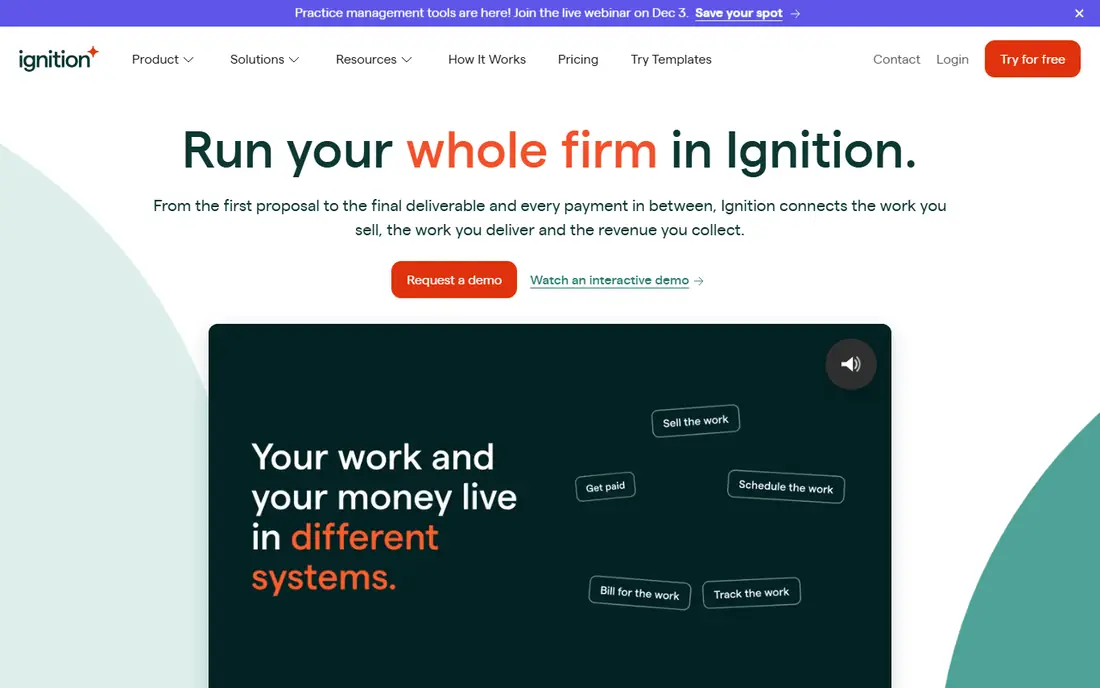
Ignition solves a different billing problem: getting paid for agreed work on time. Firms send a proposal with services, fees and terms, the client accepts online, and billing and payments run from that agreement. That reduces scope disputes and late invoices, especially for fixed-fee and recurring services.
It is not a complete practice management replacement for every firm, and some teams pair it with Karbon or Canopy. If your main pain is proposals, collections and recurring billing, Ignition is a strong first pick. If work tracking is the main pain, start with a practice platform instead.
- Proposals, engagement terms and billing in one flow
- Automated payments and invoicing
- Clear scope for clients
- Less of a full practice system than Karbon or Canopy
- Pricing is quote-based
FreshBooks suits a solo accountant or small firm that wants time and billing without a heavy system. Time can be tracked against clients and projects, then turned into professional invoices with online payment options. Expenses and basic reporting sit alongside, so month-end billing takes less admin.
Firms with complex staff workflows, review chains and recurring engagement templates will outgrow it. For small practices where speed and simplicity matter more than firm-wide workflow control, FreshBooks keeps billing moving with little training.
- Simple time tracking and invoicing
- Clean client-facing invoices
- Expense and payment tools included
- Less practice depth than Karbon or Canopy
- Advanced firm workflows need workarounds
Harvest is the simplest time tool on this list, and that is its strength. Staff start a timer or enter time against a client and project, managers review totals, and invoices are built from approved time. Reports show where hours went, which helps firms spot unprofitable clients and fix rates.
It does not try to manage engagements, documents or firm workflows, so larger firms will need another system alongside it. For small teams that mainly need accurate capture and clean invoices, Harvest is fast to adopt and easy for staff to use every day.
- Easy timers and timesheets
- Clear project and client reporting
- Invoicing from tracked time
- Not an accounting practice system
- Payroll and tax tools are not included
Bill4Time has long served professional firms that bill by time with detailed rules. It supports multiple rates, timers, expenses and invoice layouts, and it handles the kind of billing detail that simple invoicing tools miss. Firms that bill different rates by staff, task or client will appreciate that control.
The design is practical rather than polished, and new users should expect a short learning period. For firms where invoice accuracy and rate control matter more than a modern look, Bill4Time is a dependable, focused choice.
- Flexible rates, timers and invoice formats
- Trust and client accounting features
- Reporting by client and matter
- Interface feels functional rather than modern
- Pricing varies by plan
TimeSolv suits firms that need time capture, expense tracking and invoicing to follow their own billing rules. It supports varied fee arrangements, multiple timers and detailed invoices, and it connects to QuickBooks for accounting. That pairing helps firms that already run their books in QuickBooks.
Complex billing rules need careful setup, and firms should test invoice formats during a trial before rolling out to all clients. Once configured, TimeSolv gives billing staff a clear, repeatable process from time entry to payment.
- Strong time, expense and invoice controls
- Flexible billing arrangements
- QuickBooks integration
- Setup needs care for complex rules
- Pricing is plan-based
Toggl Track is the capture tool to choose when staff resist time tracking. One click starts a timer, entries can be edited later, and reports show time by client and project. The free plan covers basic use, which makes it an easy trial for a whole firm.
Invoicing and practice management are not its focus, so most accounting firms will pair it with FreshBooks, QuickBooks or a practice tool. If missed time is your main leak, Toggl Track fixes capture first, and billing can follow from clean data.
- Very easy timers and reporting
- Free plan for basic use
- Integrations with many tools
- Invoicing is basic
- Not a full billing or practice system
Clockify offers a generous free plan for time tracking, which makes it attractive for firms that want to test disciplined capture without a new subscription. Teams can use timers, manual entries, timesheets and reports, and managers can review hours by client and project.
Billing depth is limited compared with Bill4Time or TimeSolv, so firms that need complex invoicing will still need a billing tool. As a capture layer, though, Clockify is hard to beat on cost, and it often reveals billing leaks within the first month.
- Free plan for unlimited users on core tracking
- Timesheets, timers and reports
- Simple team setup
- Billing features are limited on lower plans
- Not a practice management system
How we picked these
We compared official product pages, pricing pages, app listings and public reviews for tools that help accountants capture time and turn it into invoices. We kept only tools live in October 2026, and we mixed full practice platforms with focused time and billing tools. We did not claim hands-on testing, and we used quote-based pricing where vendors do not publish a standard price. This article is general information only, not tax, financial or legal advice.
How to choose time and billing software
Start with how you charge. Hourly firms need strong timers, rate rules and invoice detail. Fixed-fee firms need proposals, scope control and recurring billing more than timers. Mixed firms need both, which points toward Karbon, Canopy or a pairing like Toggl Track plus a billing tool.
Next, test capture with real staff, not just managers. If timers are hard to start, time will still go missing. Run a two-week trial, check how much time was recorded against each client, and ask staff what slowed them down. A tool that staff use daily beats a powerful tool they avoid.
Finally, check the invoice path end to end. Time should flow to a draft invoice, the invoice should match your rate and expense rules, and payment should be easy for the client. If any step needs manual retyping, that step will cause errors and delays at month end.
Frequently asked questions
What is the best time and billing software for accountants?
Karbon and Canopy lead for accounting firms that want practice management with time and billing together, while Ignition leads for proposal-led billing. FreshBooks and Harvest suit small firms, and Bill4Time and TimeSolv suit firms with detailed billing rules. The best time and billing software for your firm depends on size, fee model and existing accounting tools.
Should accountants bill by hour or by fixed fee?
Many firms now use a mix, with fixed fees for recurring work and hourly billing for advisory or out-of-scope work. Time tracking still matters under fixed fees, since it shows whether a fee covers the work. Tools like Karbon and Ignition support both models, so you do not need to choose one model for every client.
How does time tracking help an accounting firm?
It shows which clients and services are profitable, which staff are overloaded, and where unbilled work is hiding. Clean time data also makes invoices easier to defend, since clients can see work by date, task and staff member. Even firms on fixed fees use it to price renewals with real data.
Can these tools connect to QuickBooks or Xero?
Many can, including TimeSolv with QuickBooks and several practice tools with common accounting integrations, but the depth varies by product and plan. Confirm the exact integration, sync direction and supported versions during a demo, since a partial sync can create more work than it saves.
What is the cheapest way to start?
Toggl Track and Clockify both offer free plans for core time tracking, which is a good way to fix capture before paying for billing software. FreshBooks and Harvest offer trials for invoicing, so a small firm can test the full time-to-invoice path at low cost. Move to a practice platform when client volume or staff count makes separate tools hard to manage.
Sources
See where you really rank - block by block
ProMapRanker scans Google Maps across a grid of your service area. Simple monthly plans from $19, white-label on every plan.
Start freeKeep reading
 wpforms alternatives
Best WPForms Alternatives in 2026
We compare 9 wpforms alternatives for WordPress forms, with free and paid options, current pricing notes, and honest limits for small business sites in 2026.
Read → windows task scheduler alternatives
Best Windows Task Scheduler Alternatives in 2026
Looking for Windows Task Scheduler alternatives? We compare 9 schedulers for Windows and cross-platform work, from free tools to enterprise automation.
Read → which ai video service is best
Which AI Video Service Is Best in 2026
which ai video service is best? We compare 10 legitimate AI video services on price, avatars, editing and output quality to help you pick the right tool.
Read →