 ProMapRanker
Best Text to Give Platforms for Nonprofits in 2026


Small nonprofits that want free fundraising · Pricing starts at: Free
Key takeaways
- Givebutter and Zeffy keep costs low for small nonprofits, with donor tips covering much of the platform cost.
- Donorbox and Qgiv suit teams that want text giving tied closely to donation forms and donor records.
- Pushpay and OneCause fit larger churches and event teams that need fund routing, campaigns, and live event tools in one place.
- Processing fees still apply on most free plans, so check the card fee and the platform fee before you launch a keyword.
Quick comparison
| Pick | Great for | Pricing starts at | Free tier | |
|---|---|---|---|---|
| Givebutter | Small nonprofits that want free fundraising | Free | Yes | Visit |
 Donorbox | Fast launch with text giving add-on | Free | Yes | Visit |
 Qgiv | Fundraising plus donor records | See website | No | Visit |
 Give Lively | Free text giving for approved nonprofits | Free | Yes | Visit |
 Snowball | Simple text giving with unlimited keywords | See website | Free trial | Visit |
 Pushpay | Churches with several funds | See website | No | Visit |
 OneCause | Event and gala fundraising | See website | No | Visit |
 Funraise | Campaigns plus outbound texting | See website | Yes | Visit |
 Zeffy | Zero-fee fundraising for tight budgets | Free | Yes | Visit |
The best text to give platforms for nonprofits
Text giving works when a donor can act in the moment, from a pew, a gala table, or a social post. The platforms below all support text donations, but they differ on fees, keywords, fund routing, and what else they do.
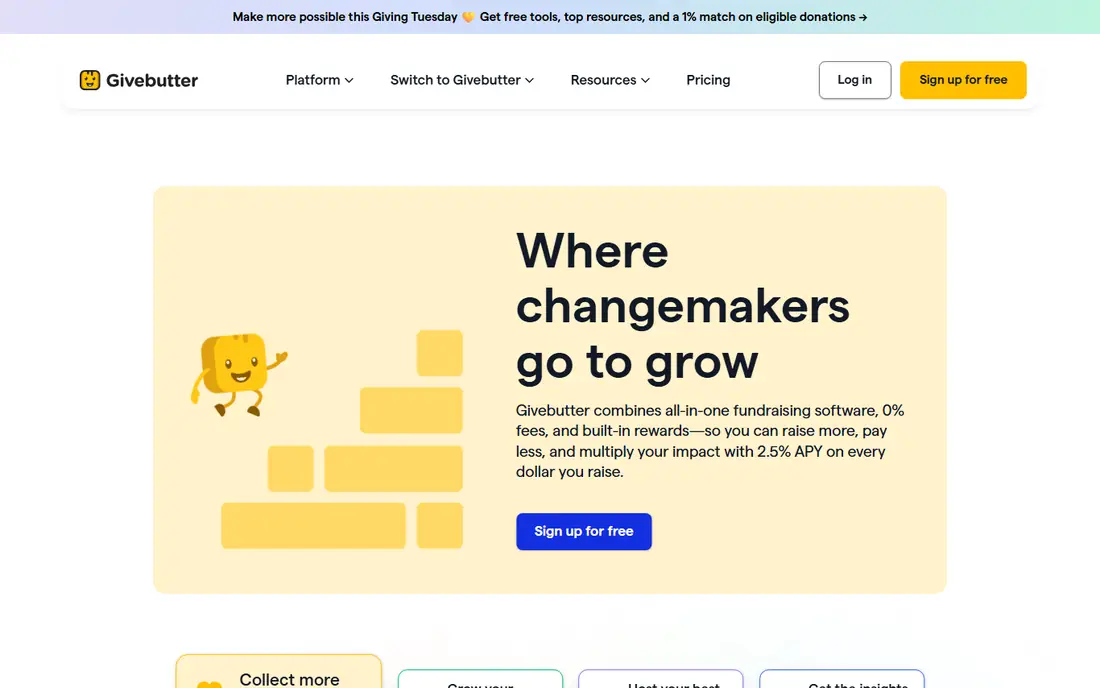
Givebutter is our pick for most small nonprofits because the core tools cost nothing when donors leave tips, and text giving sits beside forms, auctions, and peer-to-peer pages rather than in a separate product. A donor texts a keyword to the shared short code, then completes a gift through a mobile form, which keeps the step count low at live moments. Teams can also set up funds and let donors pick a designation on the form, which helps when one appeal covers several programs.
The catch is the fee trade-off. With tips on, the platform fee is waived, but card processing still applies. Turn tips off and a platform fee applies on top of processing. Larger teams that need deeper donor management or advanced reporting may outgrow the free tier, but for a first text campaign, Givebutter is hard to beat on cost and simplicity.
- Free core platform with donor tips
- Keyword giving on a shared short code
- Donation forms, events, and peer-to-peer in one account
- Platform fee applies if tips are turned off
- Advanced features sit on paid Plus plans
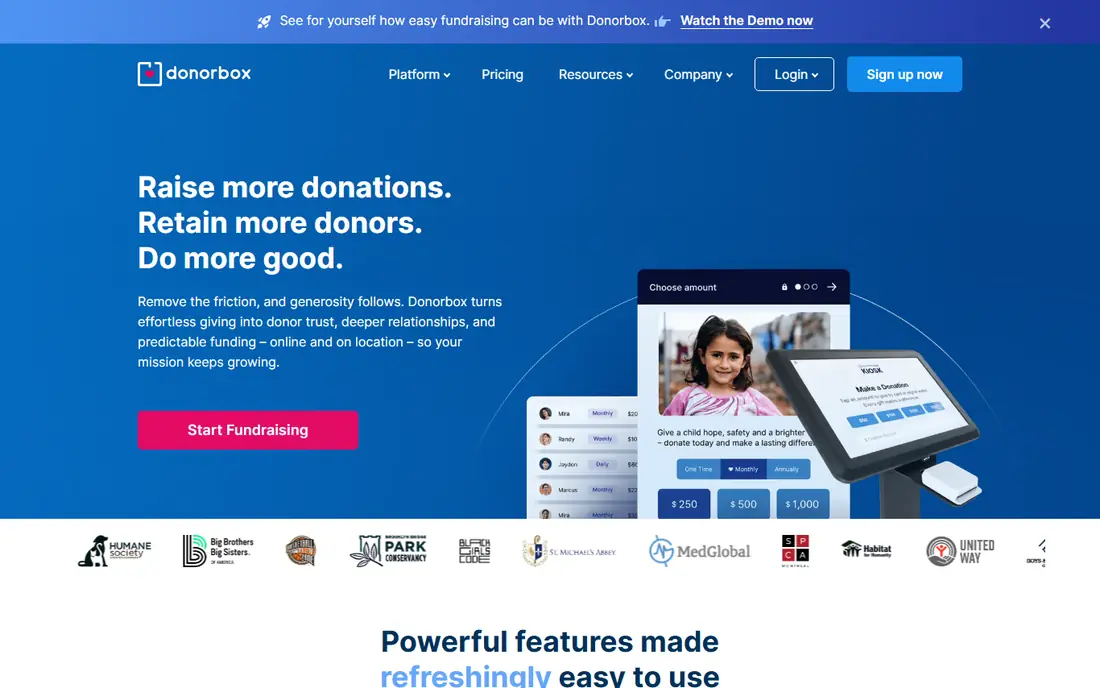
Donorbox suits a nonprofit that already likes its forms and wants to add text giving without moving systems. Donors can give by text using a campaign identifier or a keyword, and designations help route gifts to the right fund. The form builder is plain and fast, and recurring giving is built in, so a text appeal can turn a one-time donor into a monthly supporter with little extra work.
The trade-off is pricing clarity. The base plan starts free, but the platform fee is higher than on some rivals, and text giving is a paid add-on rather than part of the free plan. Check the add-on price and the platform fee together before you compare Donorbox with a free-first rival, because the monthly total can close the gap quickly.
- Quick setup for donation forms
- Text giving available as an add-on
- Recurring gifts and donor management included
- Text giving costs extra on top of the base plan
- Platform fee applies on the free plan
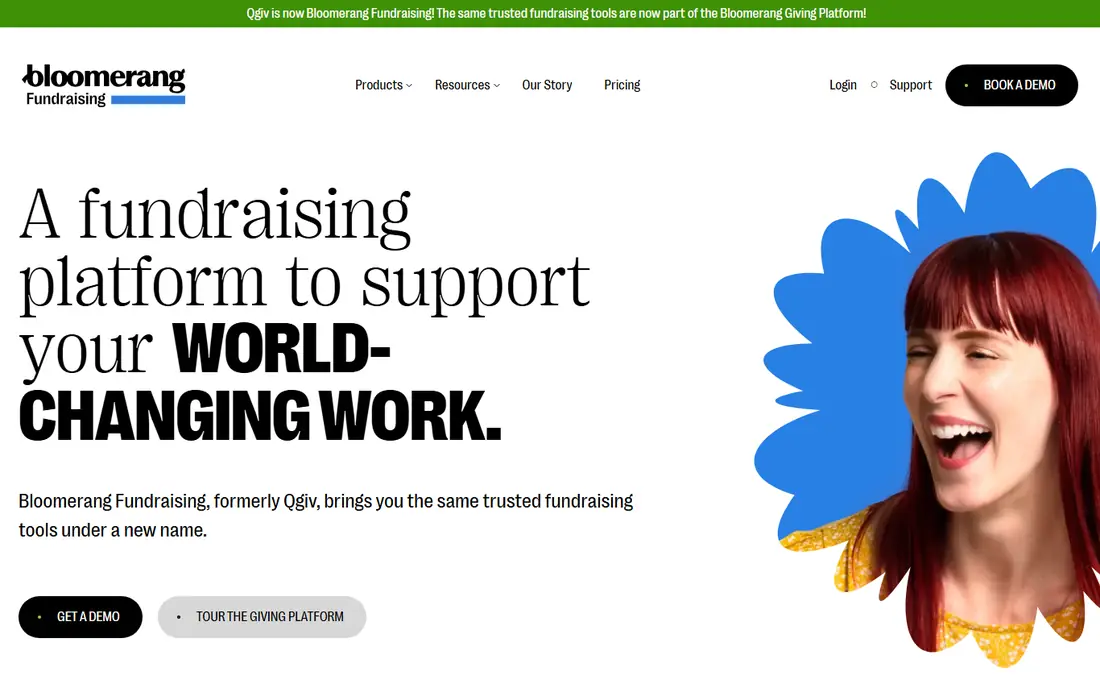
Qgiv, now part of Bloomerang Fundraising, fits teams that want text gifts to land straight in a donor record rather than in a separate inbox. A keyword and assigned number route gifts to a campaign, and staff can follow up from the same record they use for events and peer-to-peer pages. That matters when one donor gives by text at a gala, online the next week, and by mail at year end, and you need one history.
The downside is cost structure. Qgiv sells a base plan plus modules, and text giving is one of those modules, so the headline price is not the full price. Smaller teams should ask for the combined monthly total, including the text module, before they sign. For mid-size teams that already value a joined-up donor record, that extra cost can be worth it.
- Text giving tied to campaigns and donor records
- Auctions, events, and peer-to-peer in the same system
- Modular add-ons
- Pricing is quote-based and modular
- Text module adds cost on top of the base plan
Give Lively is a strong choice for nonprofits with almost no software budget. Approved members can create campaign pages and text codes at no platform cost, which makes it practical to run several appeals at once without watching a subscription meter. The flow is simple: a donor texts a code, opens the campaign page, and gives, with the gift tied to that campaign.
The limits are scope and approval. You must qualify as a member, and card processing fees still apply, so free does not mean zero cost on every gift. Teams that need auctions, complex events, or deep CRM tools will need another product beside it. For straightforward text appeals and online campaigns, though, Give Lively is a genuine free option.
- Free to approved nonprofit members
- Unlimited free codes on a shared short code
- Simple campaign pages
- Membership approval required
- Processing fees still apply
- Fewer event and auction tools than paid rivals
Snowball keeps text giving simple, which is the point for many small teams. Unlimited keywords mean a church or charity can run separate keywords for a building fund, a mission trip, and a weekly offering without paying per keyword. Donors text an amount and keyword, then finish the gift on a mobile page, and staff get a clear record of which appeal brought the gift in.
The weakness is breadth. Snowball does not try to match Givebutter or OneCause on auctions, peer-to-peer pages, or donor CRM depth. If text giving is your main channel and you already have a CRM elsewhere, that focus is a strength. If you want one system for every campaign type, look at a broader platform first and use Snowball only for the text piece.
- Text-to-give with unlimited keywords
- Simple setup for small and faith-based teams
- Mobile-first donation flow
- Narrower feature set than all-in-one platforms
- Paid plans needed for full features
Pushpay stands out for churches running several funds at once. Each organization gets a dedicated toll-free number, and keywords can distinguish campuses or carry a fund, so a donor can text a gift to youth ministry or missions without extra steps. That fund routing, built into the text flow, saves staff from sorting gifts by hand after a service.
The trade-off is fit and price. Pushpay is priced by quote and built around church giving, so a general nonprofit may find a cheaper, broader tool elsewhere. Churches that already use Pushpay for online giving, apps, or engagement get the most value, because text gifts join the same donor history. Standalone text giving alone rarely justifies the quote.
- Dedicated number per organization
- Keyword can carry the fund
- Strong church giving and engagement tools
- Quote-based pricing
- Built mainly for churches rather than general nonprofits
OneCause, by Bonterra, fits nonprofits whose biggest text moments happen at galas and live events. Text giving sits inside event campaigns, so a guest can bid, donate, and buy from a phone during the night, and staff can watch totals in real time. Auction, ticketing, and sponsor tools are the core strength, and text donations feed the same event total rather than living apart.
The catch is scale and cost. OneCause is priced by quote, with pay-as-you-go options for smaller events, and it is more system than a small team needs for a simple text keyword. If your calendar centers on one or two large galas a year, the event depth is worth the quote. If you mainly need weekly text offerings, a cheaper text-first tool will serve you better.
- Strong auctions and live event tools
- Text giving inside event campaigns
- Sponsor and bidder management
- Quote-based pricing
- More product than a team needs for text giving alone
Funraise suits teams that want text giving and outbound texting in the same place. Donors can give by keyword and amount code, and staff can segment supporters for follow-up texts tied to a campaign. That link between a gift and the next message matters for year-end appeals, where a thank-you text and a second ask often decide whether a donor gives again.
The limit is message cost. Premium plans add features, and SMS charges apply on top, so a large list can push the monthly bill higher than the plan price suggests. Small teams on the free tier should test with a modest list first and track cost per gift. For campaign teams that already plan around SMS, Funraise ties giving and messaging together well.
- Free tier available
- Keywords plus amount codes
- SMS segments tied to campaigns
- SMS costs add up on larger lists
- Premium features need a paid plan
Zeffy is the most budget-friendly option here because the nonprofit pays no platform fee and no card processing fee, with optional donor tips funding the service. That makes it attractive for small charities, schools, and community groups where every fee eats into program money. Forms, ticketed events, and raffles sit in the same free account, so a text-style appeal can link to a Zeffy page without a second subscription.
The trade-offs are control and donor experience. Payments run through an account Zeffy creates and manages, rather than your own payment account, and donors see a tip prompt at checkout. Some donors will skip the tip, and some may find the prompt pushy. If fee-free giving matters more than owning the payment account, Zeffy is a strong pick. If you need your own processor or complex fund accounting, check those limits first.
- No platform or processing fees charged to the nonprofit
- Donor tips fund the platform
- Forms, events, and raffles included
- Payments run through a Zeffy-managed account
- No own Stripe account connection
- Donor tip prompt may put off some donors
How we picked these
We compared official feature pages, pricing pages, and public documentation for platforms that offer a real text-to-give flow in the United States, not just a donation form link sent by SMS. We kept only platforms that exist and work today, with a keyword or short-code flow, fund or campaign routing, and a way to track who gave. We left out general donation tools with no text giving, and we noted where pricing is quote-based rather than published. Fees change, so confirm the platform fee and card processing fee on the vendor site before launch.
What to check before you pick a keyword
Start with the donor journey, not the feature list. Text your own keyword, give a small test gift, and check the receipt, the thank-you message, and the donor record. If any step feels slow or confusing, donors will drop off at live events, where attention is short. Test on both iPhone and Android if you can, and test with a donor who has never used your system.
Next, map fees to a real campaign. A free plan with a platform fee can cost more than a paid plan once volume rises, and SMS charges can add up fast on a large list. Model one campaign at your expected gift count and average gift size, including card fees, platform fees, and any text add-on. Then check fund routing: can one keyword carry a fund, or does the donor pick from a list after texting. That detail decides how much manual sorting your team does after the appeal.
Finally, check compliance and follow-up. Make sure opt-in wording, opt-out instructions, and carrier rules are handled by the platform, and confirm that gifts sync to your CRM or accounting tool. A platform that leaves gifts in a separate export creates extra work and missed thank-yous. The best choice is the one your team will actually use for every appeal, not the one with the longest feature page.
Frequently asked questions
What is the best text to give platform for a small nonprofit?
Givebutter and Zeffy are strong starting points for small teams because their core tools are free and funded by donor tips. Givebutter offers broader campaign tools, while Zeffy removes processing fees for the nonprofit. Pick Givebutter if you want events and peer-to-peer pages too, and Zeffy if fee-free giving is the top priority.
How does text to give work for donors?
A donor texts a keyword and often an amount to a short code or phone number, then taps a link to finish the gift on a secure mobile page. Some platforms let the keyword itself carry the fund or campaign, while others ask the donor to pick a designation on the form. The gift then appears in the nonprofit record tied to that campaign.
Do donors need an app to give by text?
No, donors do not need a special app in most cases. They use their normal messaging app to send the keyword, then complete payment in a mobile browser page. That low friction is the main advantage over app-only giving, especially at live events where people will not download an app on the spot.
What fees should a nonprofit expect with text giving?
Expect card processing fees on most platforms, plus a platform fee on some plans and possible SMS or add-on charges. Free plans funded by donor tips can waive the platform fee, but processing still applies unless the platform covers it, as Zeffy does. Always model the total cost at your expected volume before launch.
Can one keyword support several funds?
It depends on the platform. Pushpay lets a keyword carry a fund, Givebutter lets donors pick a fund on the form, and other tools route by campaign rather than fund. If fund-level reporting matters to your finance team, test that exact flow before you print the keyword on programs or slides.
Is text giving safe and compliant?
Reputable platforms handle secure payment pages, opt-in consent, and opt-out wording, but your team still owns the appeal wording and donor data handling. Use clear opt-in language, include opt-out instructions in follow-up texts, and keep donor data only in systems your team controls. Check carrier and state rules with the vendor if you run large SMS campaigns.
Sources
See where you really rank - block by block
ProMapRanker scans Google Maps across a grid of your service area. Simple monthly plans from $19, white-label on every plan.
Start freeKeep reading
 wpforms alternatives
Best WPForms Alternatives in 2026
We compare 9 wpforms alternatives for WordPress forms, with free and paid options, current pricing notes, and honest limits for small business sites in 2026.
Read → windows task scheduler alternatives
Best Windows Task Scheduler Alternatives in 2026
Looking for Windows Task Scheduler alternatives? We compare 9 schedulers for Windows and cross-platform work, from free tools to enterprise automation.
Read → which ai video service is best
Which AI Video Service Is Best in 2026
which ai video service is best? We compare 10 legitimate AI video services on price, avatars, editing and output quality to help you pick the right tool.
Read →