 ProMapRanker
Best Team Management Software in 2026

Key takeaways
- Asana is the easiest team tool to adopt for structured work, while Monday.com is the most visual board-first option.
- ClickUp offers the most features per dollar, with a free plan covering unlimited members.
- Trello is the cheapest and simplest team tool, and Basecamp beats per-seat pricing for teams over about twenty people.
- Notion and Smartsheet suit teams that want docs or spreadsheets alongside task management.
- The best tool depends on team size, work style and budget, so pilot with one real project before committing.
Quick comparison
| Pick | Great for | Pricing starts at | Free tier | |
|---|---|---|---|---|
 Asana | Structured team projects | $10.99 per user per month | Yes | Visit |
 Monday.com | Visual board-first teamwork | $9 per user per month | Yes | Visit |
 ClickUp | Most features per dollar | $7 per user per month | Yes | Visit |
 Trello | Simple kanban for small teams | $5 per user per month | Yes | Visit |
 Wrike | Structured workflows and reporting | $10 per user per month | Yes | Visit |
 Notion | Docs and tasks in one workspace | $10 per user per month | Yes | Visit |
 Smartsheet | Spreadsheet-style team planning | $9 per user per month | Free trial (30 days) | Visit |
 Basecamp | Flat pricing for large teams | $15 per user per month | Yes | Visit |
The best team management software
Team management software keeps tasks, owners, deadlines and files in one place, and the best choice follows how your team actually works. We compared visual boards, structured project tools, docs-first workspaces and flat-priced options so small teams and large departments can both find a fit.
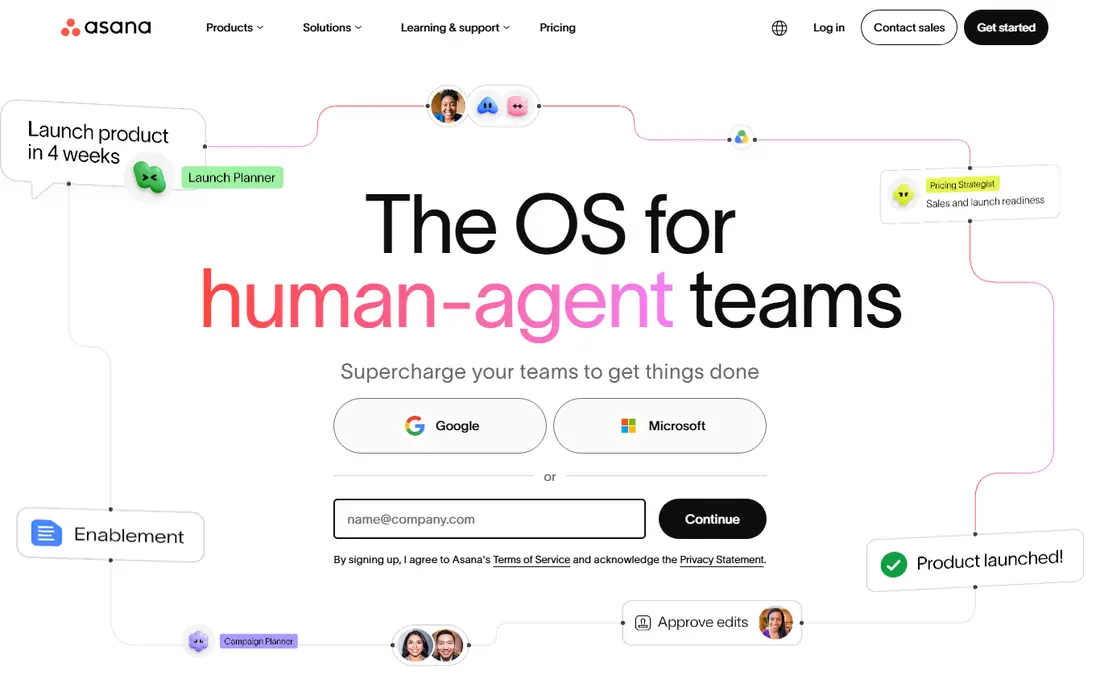
Asana helps teams run campaigns, launches and repeatable processes with clear ownership. Tasks sit in lists, boards, timelines and calendars, while portfolios and goals give managers a view across projects without chasing status updates. The interface is calm and consistent, which helps non-technical colleagues adopt it without training sessions.
The free plan suits only very small teams, so most real teams pay the Starter price of $10.99 per user per month billed annually. Teams that want deeply customized boards may also find Asana less flexible than Monday.com or ClickUp. For structured team work with clear accountability, it is our first suggestion.
- Timelines, dependencies, portfolios and goals
- Calm interface teams adopt quickly
- Strong integrations
- Free plan limited to small teams
- Board customization thinner than some rivals
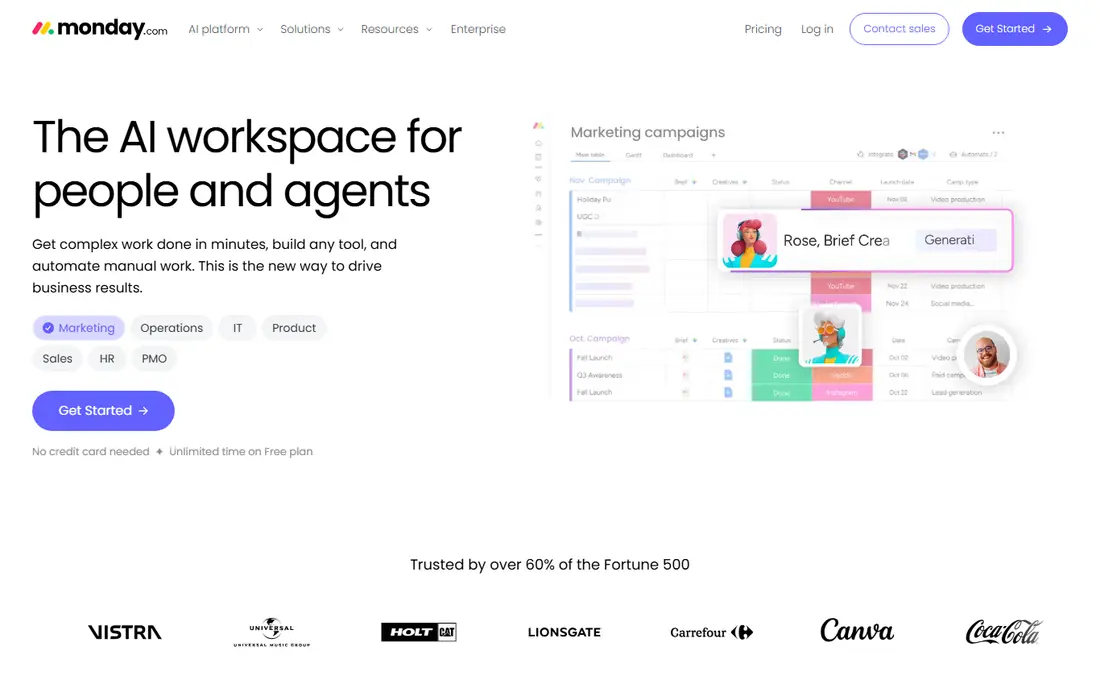
Monday.com is a visual work platform where teams build boards, track status with color, and automate routine steps without code. Templates cover marketing, sales, product and operations work, and dashboards give managers a live view of progress. The Basic plan starts at $9 per seat per month billed annually, with a three-seat minimum on paid plans.
Per-seat billing is the main drawback, since the monthly total grows with every hire, and the flexibility that makes boards appealing also takes time to set up and maintain. For teams that want a visual, friendly workspace and are happy to invest in setup, Monday.com remains a strong pick.
- Colorful visual boards non-technical teams adopt fast
- Many templates
- No-code automations
- Paid plans start at three seats
- Costs grow with each hire
- Setup time for complex workflows
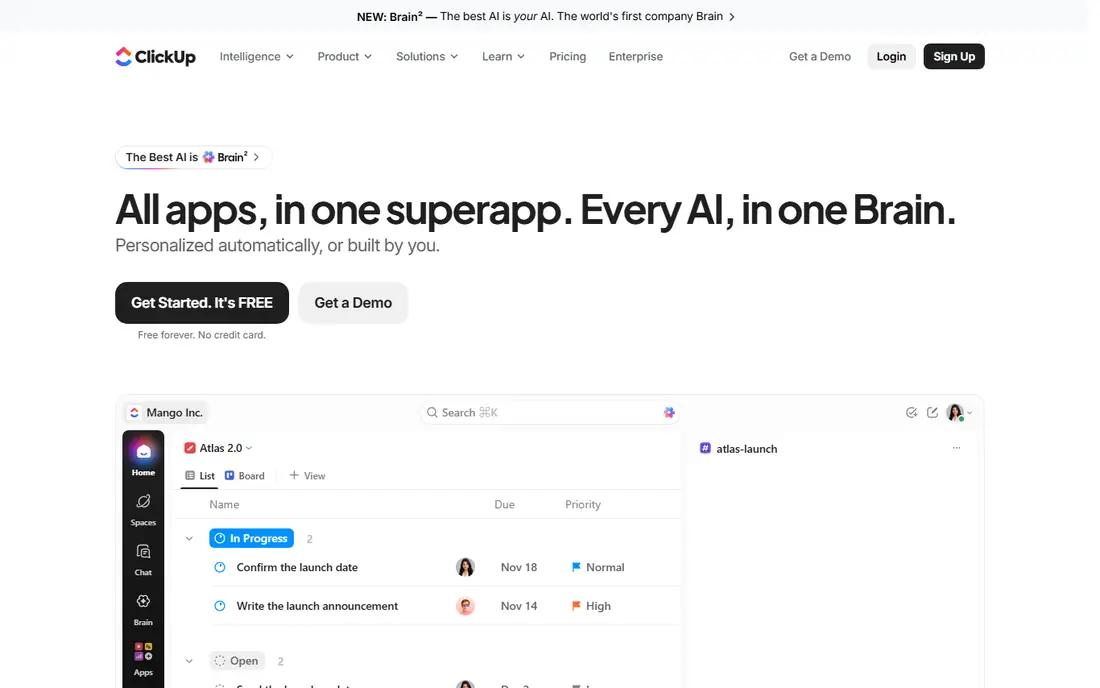
ClickUp combines tasks, documents, goals, whiteboards and chat in a single workspace, which lets a team replace several tools at once. Its free plan covers unlimited members, a rare generosity, and the paid Unlimited plan starts at $7 per user per month billed annually. Teams that want maximum capability for the price will find little to beat it.
The breadth needs management. New users face many views and settings, and a team that only needs simple task lists may find ClickUp heavier than Trello. Spend time on templates and permissions at the start, and the tool scales well as the team grows.
- Tasks, docs, goals, whiteboards and chat in one place
- Free plan covers unlimited members
- Low paid price
- Setup can overwhelm new users
- Feature depth slows teams that only need simple boards
Trello turns team work into cards on boards, and that simplicity is why small teams love it. Anyone can create a board, add cards, assign members, attach files and move work through stages without training. The Standard plan starts at $5 per user per month billed annually, the cheapest paid entry here.
Complex work exposes the limits. Dependencies, workload planning and detailed reporting are thinner than in Asana, Wrike or Monday.com, and power features sit behind paid plans. If your team work fits on boards and stays simple, Trello is the fastest tool to adopt and the easiest to keep tidy.
- Simplest tool here
- Cheapest paid plan
- Onboarding takes minutes
- Thin reporting and dependencies
- Advanced views need paid plans
Wrike suits teams that run structured work with approvals, proofing and reporting, such as marketing departments, agencies and enterprise units. Gantt charts, workload views and custom request forms turn intake and delivery into a repeatable process, and managers get reporting that simple board tools cannot match. The Team plan starts at $10 per user per month billed annually, with a free plan for small teams.
Expect a learning curve, since Wrike offers many configuration options, and its best reporting sits on higher tiers. Teams that only need simple boards will find it overbuilt, but teams that live by approvals and deadlines will use its depth every day.
- Gantt charts, proofing and approvals
- Workload views
- Scales to enterprise teams
- Learning curve for new users
- Advanced reporting and security need higher tiers
Notion lets a team keep project briefs, task databases, meeting notes and reference docs in one workspace, which cuts the app-switching that slows many teams down. A project page can hold the plan, the task list and the decisions in one place, and templates speed up setup for common workflows. The Plus plan starts at $10 per user per month billed annually.
As a pure project tool, Notion is lighter than Asana or Wrike, with thinner dependencies and workload views. Teams that value shared knowledge alongside task tracking will love it, while teams that need deep project controls should choose a dedicated project tool instead.
- Docs, wikis, databases and tasks together
- Flexible pages
- Templates for common team setups
- Project controls lighter than Asana or Wrike
- Large workspaces need careful structure
Smartsheet looks like a spreadsheet and works like a project tool, which makes it the easiest switch for teams that already run plans in grids. Sheets support Gantt charts, card views, calendars, forms and automated alerts, so a team can collect requests, plan work and report progress without learning a new system. The Pro plan starts at $9 per user per month billed annually.
There is no permanent free plan, only a 30-day trial, and entry-plan automation caps can push busy teams to a higher tier. For operations teams that think in rows and columns, Smartsheet offers structure without a steep learning curve.
- Familiar grid view
- Gantt, card and calendar views
- Forms and automation for intake
- No permanent free plan
- Automation limits on the entry plan can force upgrades
Basecamp keeps team work calm: message boards, to-do lists, schedules, docs and files in one workspace, with chat built in and separate spaces for clients. Per-user pricing starts at $15 per month, while Pro Unlimited at $299 per month billed annually covers unlimited users, which beats per-seat pricing once a team passes about twenty people. That predictability is a real advantage for growing teams and agencies.
The ceiling is simplicity. There are no task dependencies, workload charts or advanced reports, so teams running complex, interlinked projects will feel constrained. For teams that want clarity, calm and a flat bill, Basecamp is a refreshing choice.
- Flat $299 per month unlimited plan
- Simple message boards, to-dos and schedules
- Client project spaces
- No dependencies or advanced reporting
- Simplicity limits complex project teams
How we picked these
We compared official pricing pages, feature sets and public user feedback for tools that manage team tasks, ownership and deadlines. We kept only live, supported products in 2026, and we mixed visual boards, structured project tools, docs-first workspaces and flat-priced options so different team styles are covered. Prices reflect the figures most consistently reported on official pricing pages in 2026.
We also weighed free plans and total cost at realistic team sizes, since a cheap per-seat price can still grow large at thirty people. That is why Basecamp flat pricing and ClickUp free plan feature in our takeaways alongside the per-seat leaders.
How to pick for your team size
Small teams of two to ten people should start with Trello, ClickUp free, or Notion, since all three cost little or nothing at that size and need almost no setup. Test with one real project, not a demo project, and watch how quickly new members understand the system without help.
Mid-size teams of ten to fifty people usually need Asana, Monday.com or Wrike, since ownership, timelines and reporting matter more as headcount grows. Compare per-seat totals at your actual headcount, not the headline price, and check which features sit on higher tiers.
Large teams and agencies should price Basecamp flat against per-seat rivals, since the $299 per month unlimited plan can save a large amount over per-seat billing. Also check permissions, guest access for clients, and admin controls, since those matter far more at scale than at ten people.
Frequently asked questions
What is the best team management software for small teams?
Trello is the simplest and cheapest for small teams, while ClickUp free covers unlimited members and Notion suits teams that also need docs. Asana Starter at $10.99 per user per month suits small teams that want structured timelines.
What is the best team management app for large teams?
Basecamp Pro Unlimited at $299 per month suits large teams on price, while Wrike and Asana suit large teams that need reporting, portfolios and workload planning. Monday.com suits large teams that want visual boards, though per-seat costs grow with hiring.
Is Monday.com good for team management?
Yes, Monday.com is a strong visual team tool with boards, templates and automations that non-technical teams adopt quickly. Its paid plans start at $9 per seat per month with a three-seat minimum, so costs grow as the team grows.
What is the best free team management software?
ClickUp free covers unlimited members and offers the most features at no cost, while Trello, Asana, Wrike, Notion and Airtable-style free plans suit smaller teams. Smartsheet has no permanent free plan, offering only a 30-day trial.
How is team management software different from project management software?
Team management software focuses on daily tasks, ownership and communication, while project management software adds timelines, dependencies, budgets and portfolios. Many tools here cover both, with Asana and Wrike leaning toward project depth and Trello and Basecamp leaning toward daily team coordination.
Sources
See where you really rank - block by block
ProMapRanker scans Google Maps across a grid of your service area. Simple monthly plans from $19, white-label on every plan.
Start freeKeep reading
 free alternatives to grok imagine
Free Alternatives to Grok Imagine in 2026
We compared the best free alternatives to grok imagine for image generation, from fast daily credits to design tools, so you can create without paying.
Read → best tools for instagram content creation
Best Tools for Instagram Content Creation in 2026
Compare the best tools for Instagram content creation, from Canva and CapCut to Later and Buffer, on design, video, planning, scheduling, and price in 2026.
Read → best tool to split pdf files
Best Tool to Split PDF Files in 2026
We compared the best tool to split pdf files on split modes, file limits, privacy and price, so you can split a PDF cleanly and keep every page in one go.
Read →