 ProMapRanker
Best Survey Software for Small Business in 2026


General surveys and research · Pricing starts at: See website
Key takeaways
- SurveyMonkey and Typeform lead for general small business surveys, with different strengths: research depth versus completion rates.
- Google Forms remains the best free starting point, while Jotform suits businesses that also need forms and payments.
- Response limits, not seats, usually decide the real cost, so check monthly response caps before buying.
- We compared official feature pages, pricing pages, and public reviews, and used See website where pricing was unclear.
- A short survey that people finish beats a long survey that people abandon, whatever tool you choose.
Quick comparison
| Pick | Great for | Pricing starts at | Free tier | |
|---|---|---|---|---|
| SurveyMonkey | General surveys and research | See website | Yes | Visit |
 Typeform | Conversational high-completion surveys | See website | Yes | Visit |
 Google Forms | Free simple surveys | Free | Yes | Visit |
 Jotform | Surveys inside a full form platform | See website | Yes | Visit |
 SurveySparrow | Conversational customer feedback | See website | Yes | Visit |
 Zoho Survey | Affordable surveys for Zoho users | See website | Yes | Visit |
 Alchemer | Advanced logic with unlimited responses | See website | Free trial | Visit |
 QuestionPro | Research-grade surveys and analytics | See website | Yes | Visit |
 Microsoft Forms | Quick internal polls for Microsoft teams | Free | Yes | Visit |
The best survey software for small business
Small businesses use surveys for customer satisfaction, employee feedback, product research, and event follow-up. The best tool depends on who answers, how long the survey runs, and what you do with the results. The nine tools below range from free basics to research-grade platforms, all still in active use.
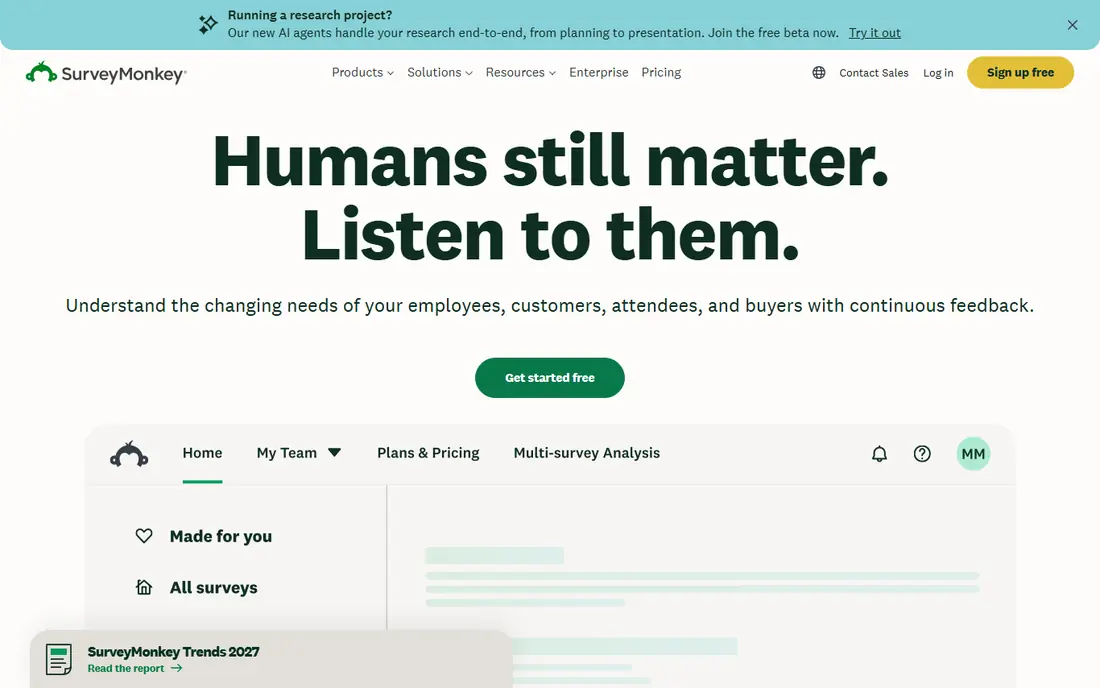
SurveyMonkey remains the default survey tool for many small businesses. Its template library covers customer satisfaction, employee engagement, and market research, and its logic tools route respondents past irrelevant questions. Reporting, charts, and exports make results easy to share with a team.
The free plan is limited, so regular survey users will need a paid plan. Response caps and plan tiers also need checking before a large send. For businesses that survey often and need credible, repeatable results, SurveyMonkey's depth justifies the cost.
- Large template and question library
- Strong logic and analytics tools
- Audience panel options for research
- Free plan caps questions and responses
- Paid plans cost more than simpler rivals
Typeform shows one question at a time, which keeps respondents moving through longer surveys. That conversational style suits customer feedback, lead capture, and signup flows where completion matters more than complex analysis. Design and branding options also help a survey feel like part of your business.
Response limits are the catch. The free plan allows few responses per month, and paid plans meter responses as well. If you send to large lists, price Typeform against SurveyMonkey or Alchemer totals before committing.
- One-question flow lifts completion
- Strong design and branding
- Good integrations
- Free plan caps monthly responses
- Deeper analytics cost more
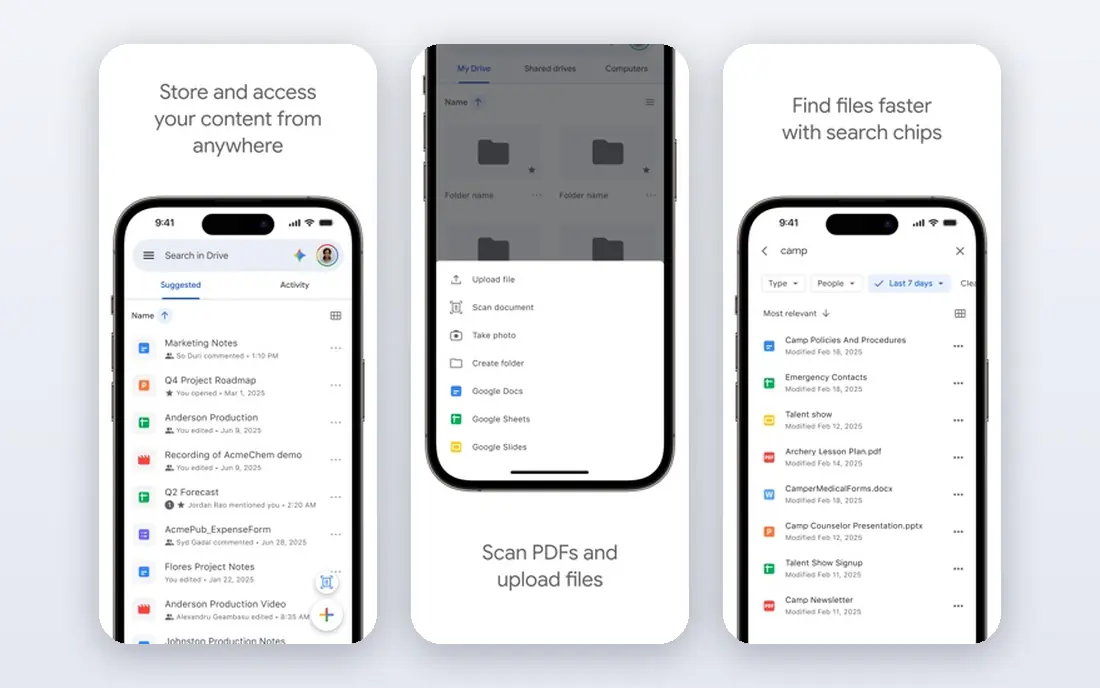
Google Forms is the right start for internal feedback, event signups, and quick customer checks. It costs nothing, needs no training, and drops results straight into Google Sheets for sorting and charts. Small teams can launch a survey in minutes.
It lacks the branding, advanced logic, and polished reporting of paid tools. Customer-facing surveys for a brand-conscious business will look plain. For internal use and simple feedback, though, Google Forms is hard to argue against.
- Free with a Google account
- Simple sharing and Sheets integration
- No response limits on the free tier
- Limited branding and logic
- Basic reporting only
Jotform suits businesses that need surveys plus everything around them: order forms, registrations, payments, and approvals. Its template library is vast, and conditional logic routes respondents well. Results flow into tables and reports without extra tools.
Pure survey research is not its strongest area. Analytics and benchmarking lag behind SurveyMonkey and QuestionPro. If surveys are one job among many form jobs, Jotform's breadth wins. If surveys are the whole job, look at a research tool first.
- Huge template library
- Forms, payments, and tables in one platform
- Strong conditional logic
- Survey analytics are thinner than SurveyMonkey
- Free plan caps submissions
SurveySparrow blends Typeform-style conversation with customer feedback tools. Chat-style surveys feel friendly on mobile, and built-in satisfaction and loyalty metrics help small businesses track trends over time. Recurring feedback programs, like post-purchase checks, suit it well.
The template library and research depth trail the larger platforms. Teams that need advanced sampling or complex research design should look elsewhere. For ongoing customer feedback, SurveySparrow is engaging and practical.
- Conversational chat-style surveys
- Customer experience metrics built in
- Good mobile experience
- Free plan is limited
- Smaller template library than SurveyMonkey
Zoho Survey is the value pick for businesses already using Zoho CRM, Books, or other Zoho apps. Responses can feed customer records and workflows without extra integration work, and paid plans cost less than many rivals. Templates and skip logic cover most small business needs.
Outside the Zoho world, its advantage fades. Integrations exist, but the ecosystem is smaller than SurveyMonkey or Typeform. Zoho users should shortlist it first, while others should compare its reporting against their needs.
- Low-cost paid plans
- Good Zoho app integrations
- Solid templates and logic
- Smaller ecosystem outside Zoho
- Reporting is simpler than research tools
Alchemer, formerly SurveyGizmo, targets businesses that need serious survey logic without per-response charges. Complex branching, piping, and scoring are its strengths, and unlimited responses on many plans remove the metering worry that Typeform and SurveyMonkey create. Research-minded small businesses often grow into Alchemer.
New users face a learning curve, and the starting price sits above simple tools. If your surveys are short and simple, Alchemer is more tool than you need. For complex feedback programs, its logic depth is worth the study.
- Advanced logic and survey design
- No per-response fees on many plans
- Strong reporting options
- Steeper learning curve
- Higher starting price than simple tools
QuestionPro suits small businesses doing real research: concept tests, pricing studies, and tracking surveys with analysis needs. Its question types, dashboards, and multilingual support go beyond basic feedback tools. A free essentials tier lets teams test the core product first.
Casual users may find it formal and pricier than needed. The interface assumes some research knowledge, so training time matters. For businesses that treat survey data as a decision tool, QuestionPro's depth is a genuine asset.
- Research-grade question types and analytics
- Multilingual survey support
- Strong dashboards
- Higher paid plan cost
- Interface feels research-focused, not casual
Microsoft Forms is the internal poll tool for Microsoft-centered teams. Staff can run quick feedback polls, quizzes, and signups, with results flowing to Excel. It needs no new account for teams already on Microsoft 365, which keeps adoption easy.
Customer-facing research is not its strength. Branding, advanced logic, and panel options lag behind paid survey tools. For internal feedback inside a Microsoft shop, though, it is free, fast, and familiar.
- Free with a personal or Microsoft 365 account
- Simple polls and quizzes
- Excel integration
- Limited branding and advanced logic
- Best for internal, not customer research
How we picked these
We compared official feature pages, pricing pages, and public reviews, and we kept only tools that still serve small business surveys today. Enterprise-only research suites without a small business path were left out. Where pricing varied by source or plan, we wrote See website rather than presenting one disputed figure as fact.
We also weighed response limits and free tiers, since those decide real cost for a small business. A tool with a low monthly price but a tight response cap can cost more than a dearer tool with generous limits.
What to check before you buy
Write the survey before you buy the tool. Count questions, decide which answers need branching, and estimate monthly responses. Then check each shortlisted tool against those exact numbers, including free plan caps and overage rules.
Next, test the respondent experience on a phone. Most customers answer on mobile, so a survey that looks fine on desktop but drags on a phone will lose responses. Send a test to colleagues, time it, and cut any question that does not change a decision.
Frequently asked questions
What is the best survey software for small business overall?
SurveyMonkey leads for general research depth, while Typeform leads for completion rates on customer-facing surveys. Google Forms is the best free start, and Jotform suits businesses that also need forms and payments.
What are the best survey tools for small business on a free plan?
Google Forms is fully free, Microsoft Forms is free for Microsoft users, and SurveyMonkey, Typeform, Jotform, and Zoho Survey all offer limited free plans. Free plans cap questions, responses, or both, so check limits before a large send.
How much does survey software cost for a small business?
Paid plans in this list generally start in the tens of dollars per month on annual billing, with exact prices varying by plan and source. Always check the vendor pricing page, since plans and response limits change often.
Should a small business use Typeform or SurveyMonkey?
Choose Typeform when completion and design matter most, such as customer feedback and lead forms. Choose SurveyMonkey when research depth, templates, and analytics matter most, such as tracking studies and employee surveys.
Can survey tools integrate with a CRM?
Many can. SurveyMonkey, Typeform, Jotform, Zoho Survey, and Alchemer all offer CRM and app integrations, though depth varies by plan. Confirm the exact integration for your CRM during a trial.
Sources
See where you really rank - block by block
ProMapRanker scans Google Maps across a grid of your service area. Simple monthly plans from $19, white-label on every plan.
Start freeKeep reading
 wpforms alternatives
Best WPForms Alternatives in 2026
We compare 9 wpforms alternatives for WordPress forms, with free and paid options, current pricing notes, and honest limits for small business sites in 2026.
Read → windows task scheduler alternatives
Best Windows Task Scheduler Alternatives in 2026
Looking for Windows Task Scheduler alternatives? We compare 9 schedulers for Windows and cross-platform work, from free tools to enterprise automation.
Read → which ai video service is best
Which AI Video Service Is Best in 2026
which ai video service is best? We compare 10 legitimate AI video services on price, avatars, editing and output quality to help you pick the right tool.
Read →