 ProMapRanker
Survey Software for Academic Research: Best Picks of 2026

Fast teaching and class surveys · Pricing starts at: See website
Direct answer
This list puts SurveyMonkey first for fast teaching and class surveys. QuestionPro fits academic licenses and panels; REDCap fits clinical and health research. The full list of 7 tools follows, with prices and free plan facts.
Choosing survey software for academic research usually comes down to price, fit and limits. This ProMapRanker guide sets 7 tools side by side on those three points, with the facts kept short and checkable.
Key takeaways
- This list starts with SurveyMonkey, which is built for fast teaching and class surveys.
- Typeform fits engaging public surveys.
- Check the limits for SurveyMonkey before you commit: advanced logic needs premium plans.
- A free plan is offered by 6 of the 7 tools, including SurveyMonkey, QuestionPro, REDCap and Jotform.
- SurveyMonkey, QuestionPro, Qualtrics and others: pricing is by quote only, so plan time for a sales conversation.
Quick comparison
| Pick | Great for | Pricing starts at | Free tier | |
|---|---|---|---|---|
| SurveyMonkey | Fast teaching and class surveys | See website | Yes | Visit |
 QuestionPro | Academic licenses and panels | See website | Yes | Visit |
 REDCap | Clinical and health research | Free | Yes | Visit |
 Qualtrics | Institutional research programs | See website | Free trial | Visit |
 Jotform | Straightforward forms and data collection | See website | Yes | Visit |
 LimeSurvey | Self-hosted academic surveys | Free | Yes | Visit |
 Typeform | Engaging public surveys | See website | Yes | Visit |
7 options for survey software for academic research in detail
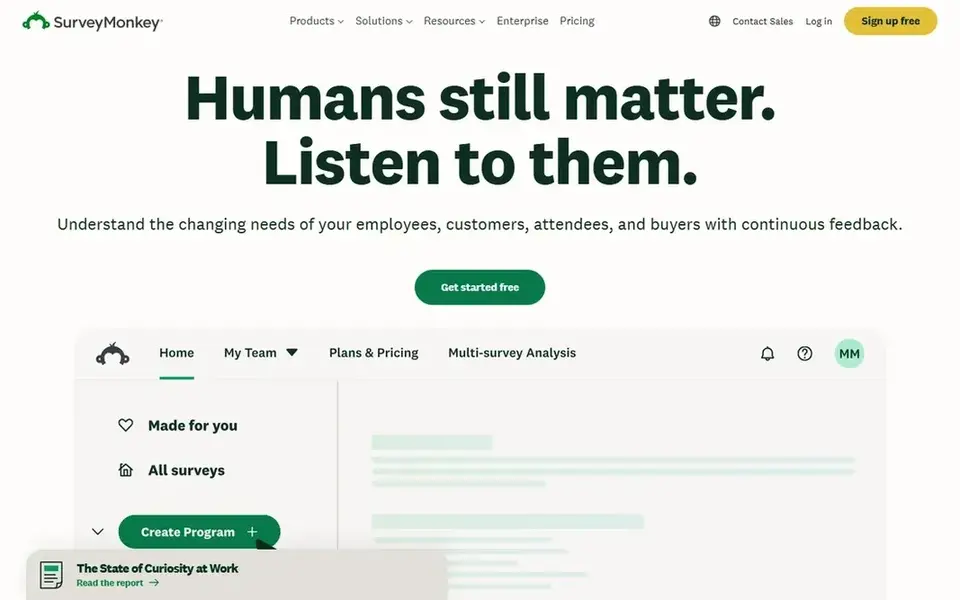
SurveyMonkey is aimed squarely at fast teaching and class surveys. SurveyMonkey is the survey tool of least resistance.
In practice, instructors launch class evaluations in minutes, departments run fast polls, and respondents never need instructions. Templates handle the common academic use cases, and the free level takes care of entry-level surveys. No starting price is listed for SurveyMonkey here; confirm pricing on the vendor site. You can start on SurveyMonkey without paying.
Watch-outs: Restricted for complicated research.
- Decent templates
- Quick to launch
- Advanced logic needs premium plans
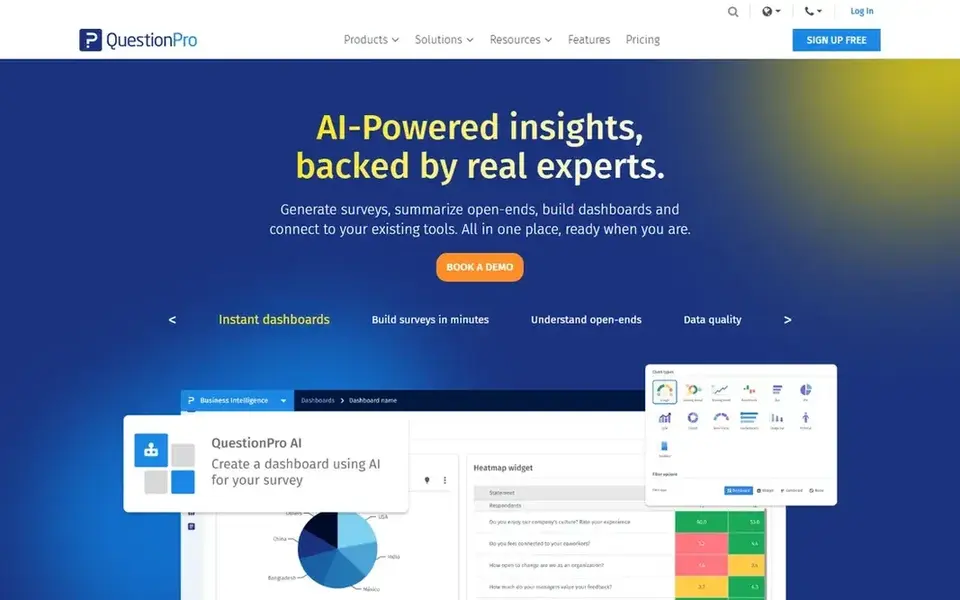
Pick QuestionPro if this describes you: academic licenses and panels. But the combination of free access and real research capability makes QuestionPro the pragmatic choice for graduate students and departments without Qualtrics licenses.
Trade-offs to know: Interface busy.
Check the vendor site for QuestionPro pricing; none is listed in this comparison. You can start on QuestionPro without paying.
- Free academic licenses
- Panel services
- Upsells for advanced features
Think of REDCap for clinical and health research. REDCap, Research Electronic Data Capture, is the standard for clinical and translational research. In practice, the interface is functional instead of modern.
On top of that, longitudinal studies with repeating instruments run naturally. Institutions in the REDCap consortium host it for their researchers free, offering secure web-based data capture with audit trails, user rights management, and data validation that satisfy IRBs and regulators. For everyday use, you cannot just register; access comes through a consortium institution. What you pay to start with REDCap: Free. Free access exists with REDCap.
What users get: Free for consortium members. Drawbacks to consider: Dated interface.
- Audit trails and data validation
- HIPAA-friendly
- Institutional hosting required
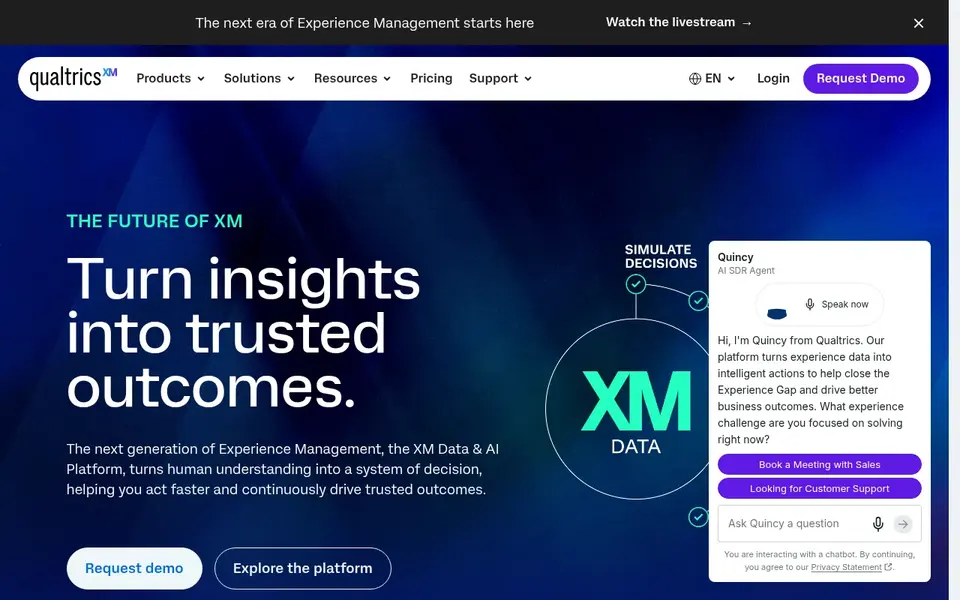
Choose Qualtrics for institutional research programs. Conjoint analysis, MaxDiff, randomized experiments, and panel management support the methods sections of real papers. Also, most major universities hold site licenses, which means researchers get the full product free through their institution.
In daily use, the feature depth also means a ramp-up time for straightforward questionnaires. But for funded research programs, dissertations with complicated designs, and multi-site studies, Qualtrics' combination of power and institutional support is unmatched. Check the vendor site for Qualtrics pricing; none is listed in this comparison. Trial and free access: Free trial.
Honest limits: Complexity for straightforward surveys.
- University site licenses typical
- Most feature-rich survey logic
- Costly without a site license
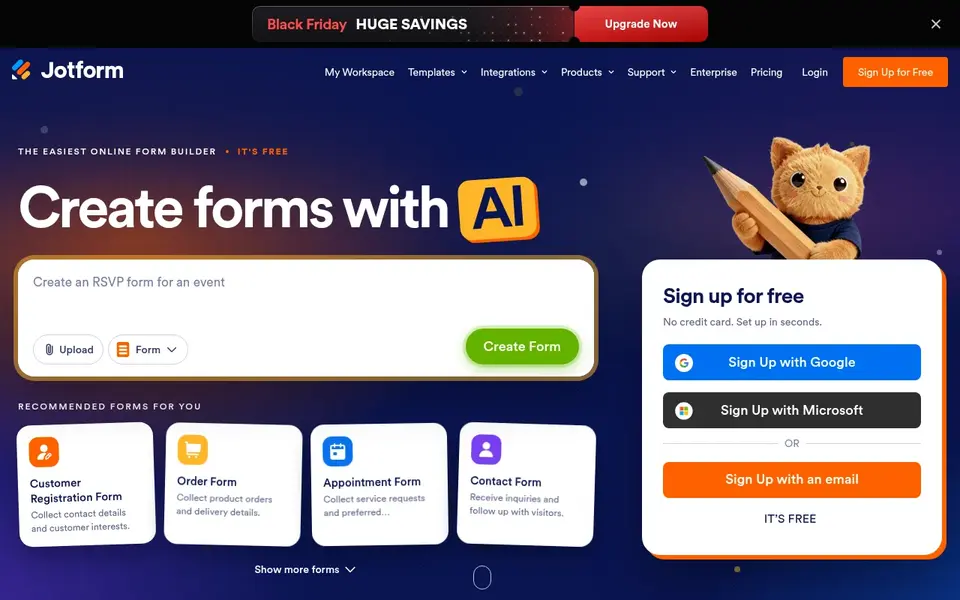
For straightforward forms and data collection, Jotform is a natural candidate. The drag-and-drop builder is quick, the free level is generous, and HIPAA-compliant plans exist for sensitive data.
Trade-offs to know: Analysis features entry-level.
In daily use, branching logic is entry-level, and analysis stops at straightforward reports. Worth adding: use Jotform for consent forms, participant registration, and intake alongside a real survey tool for the research instrument itself. Pricing for Jotform is not stated here, so ask the vendor for current figures. A free plan is available with Jotform.
- Simple form builder
- Ample free level
- Not a research system
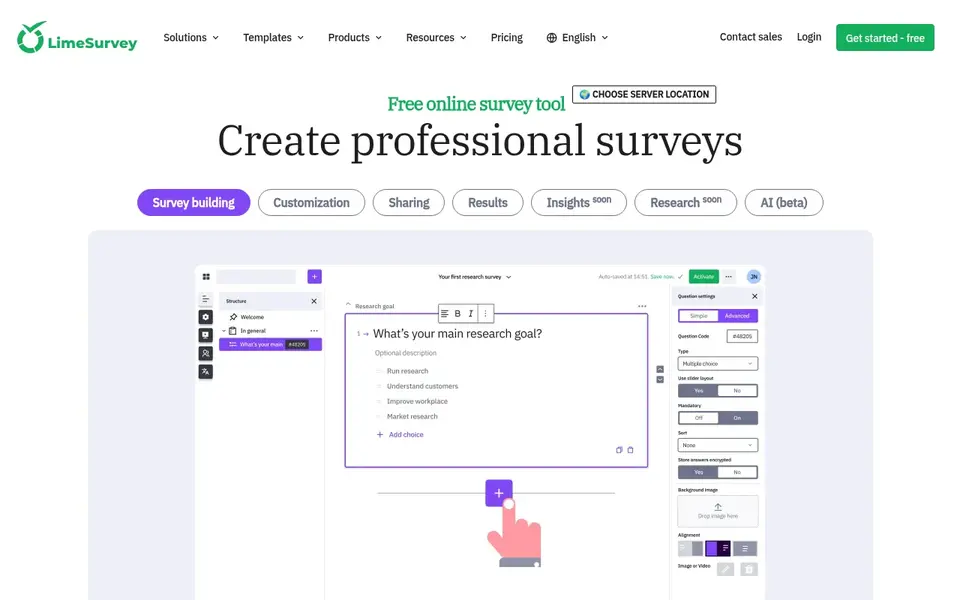
LimeSurvey is built with self-hosted academic surveys in mind. LimeSurvey hands researchers who cannot use Qualtrics a free, serious alternative. As for the details, question types, conditions, and multilingual support include most academic designs.
Honest limits: Self-hosting needs IT support.
As for the details, the interface is capable but not beautiful. Beyond that, self-hosting means someone maintains the server, applies updates, and manages backups. What you pay to start with LimeSurvey: Free. A free plan is available with LimeSurvey.
- Full data ownership
- Free and open source
- Interface less refined
Typeform is a good fit for engaging public surveys. Use Typeform when the audience is the public and completion rate is the binding constraint. Use research products when the design is the constraint.
Watch-outs: Restricted advanced research features.
From a buyer's view, embeds and integrations distribute them anywhere. Response limits on lower levels make large samples costly, and advanced research features like conjoint or complicated randomization are absent. Check the vendor site for Typeform pricing; none is listed in this comparison. Free access exists with Typeform.
- High completion rates
- Beautiful conversational interface
- Costly at scale
Selection criteria
We compared the tools on published pricing, free plan or trial availability, feature coverage for survey software for academic research, and the limits each vendor documents. Seat minimums, billing terms and add-ons can move the real cost, so the starting prices here are a guide and not a quote. The order reflects how well each tool fits the most common buying scenario for survey software for academic research, then price clarity, then free plan access. It is a starting point, not a verdict.
Before you commit
- Confirm the entry price on the vendor page. For SurveyMonkey, QuestionPro, Qualtrics and others that means a quote rather than a fixed price.
- Read the fine print on the free plans from SurveyMonkey, QuestionPro, REDCap and others; seat, project and feature caps differ.
- Use real work to test the free trial from Qualtrics, rather than a demo project.
- Read the limits listed for SurveyMonkey first: advanced logic needs premium plans.
- Find out whether the entry plan of Qualtrics covers your must-haves or only a trimmed-down version.
- Ask REDCap which support channels and response times come with the plan you would buy.
Frequently asked questions
Can I use SurveyMonkey for a dissertation?
For straightforward designs, yes, but check your committee's and IRB's expectations. Dissertations with complicated logic, randomization, or regulated data typically need Qualtrics, REDCap, or LimeSurvey.
Which options for survey software for academic research have a free plan?
6 of the 7 tools have a free plan, including SurveyMonkey, QuestionPro, REDCap and Jotform. Free plans usually cap users, projects or features, so check the limits on the vendor page. One other tool offers a trial instead.
Do these tools publish their prices?
Not all of them. SurveyMonkey, QuestionPro, Qualtrics and others publish no starting price, so expect a quote request for those. The rest, REDCap included, show a starting price, though seats and billing terms still change the final cost.
What survey software do universities use?
Qualtrics dominates at research universities, typically via institutional site licenses. The right choice typically starts with asking what your institution already offers.
What is the best survey tool for clinical trials?
The first pick on this list is SurveyMonkey, because it suits fast teaching and class surveys. QuestionPro is better for academic licenses and panels, and REDCap for clinical and health research. Check price and limits against your own needs before choosing.
Can I try these tools before paying?
Often, yes. SurveyMonkey, QuestionPro, REDCap and others have a free plan and Qualtrics offers a free trial. Use your own data and a real task during the test, and check what the free tier or trial limits before you rely on it.
Sources
See where you really rank - block by block
ProMapRanker scans Google Maps across a grid of your service area. Simple monthly plans from $19, white-label on every plan.
Start freeBrowse all guides
← Best Wireless Survey Tools: 2026 Prices and PicksTop 6 WiFi Site Survey Software, Compared on Price (2026) →
 best customer feedback software for real estate agents
5 Best Customer Feedback Software for Real Estate Agents for 2026
Best customer feedback software for real estate agents in 2026: 5 contenders with entry costs and free tiers. Limits and pricing notes included. Clear verdicts.
Read → best survey software for real estate agents
6 Best Survey Software for Real Estate Agents in 2026
Weighing the best Survey software for real estate agents? We lined up 6 products by cost, free access and fit. With pricing notes and limits. Start here.
Read → best platform for ai interview feedback
2026 Guide to the Best Platform for AI Interview Feedback
6 tools for the best platform for AI interview feedback, compared on pricing, free plans and best-fit use. Read the caveats before you buy. Facts only.
Read → which platform is best for online reputation
Which Platform Is Best for Online Reputation in 2026
Wondering which platform is best for online reputation? We compare 8 review, listing, and response tools for small and multi-location businesses and agencies.
Read → best ai feedback software for employee training
7 Best AI Feedback Software for Employee Training Options for 2026
7 tools for the best AI feedback software for employee training, compared on pricing, free plans and best-fit use. Verdicts stay brief and factual. Start here.
Read → local reputation management
Local Reputation Management: A Complete Guide
Everything you need to know about local reputation management: what it is, why it matters for local SEO, and exactly how to act on it.
Read →More in Reviews & Reputation · All guides A to Z by date · Latest guides