 ProMapRanker
Top 6 WiFi Site Survey Software, Compared on Price (2026)


Windows surveys with WiFi 7 support · Pricing starts at: See website
Direct answer
If you need Windows surveys with WiFi 7 support, Acrylic WiFi Heatmaps is the first tool to look at here. Listed starting prices: TamoGraph Site Survey from $499 one-time (6-month Pro license), Ekahau AI Pro from $1,495 per user/year and WiFi Explorer Pro 3 from $149.99 one-time. TamoGraph Site Survey is the stronger choice for budget professional surveys on Windows and Mac, while NetSpot suits budget-friendly surveys for homes and small companies. The remaining 3 options are covered below with prices and limits.
This ProMapRanker guide covers 6 options for WiFi site Survey software. Each profile lists a starting price, free plan details, strengths and drawbacks, so you can drop poor fits quickly.
Key takeaways
- Acrylic WiFi Heatmaps is the opening pick, best for Windows surveys with WiFi 7 support.
- Only NetSpot offers a free plan among these 6 tools.
- WiFi Explorer Pro 3 is the one to check for Mac-based Wi-Fi analysis and troubleshooting.
- For the cheapest start, look at TamoGraph Site Survey: $499 one-time.
- Before buying TamoGraph Site Survey, weigh this: interface feels dated next to Ekahau and Hamina.
Quick comparison
| Pick | Great for | Pricing starts at | Free tier | |
|---|---|---|---|---|
| Acrylic WiFi Heatmaps | Windows surveys with WiFi 7 support | See website | Free trial | Visit |
 TamoGraph Site Survey | Budget professional surveys on Windows and Mac | $499 one-time (6-month Pro license) | Free trial | Visit |
 NetSpot | Low-cost surveys for homes and small firms | See website | Yes | Visit |
 iBwave | In-building cellular, DAS, and venue design | See website | Free trial | Visit |
 Ekahau AI Pro | Enterprise Wi-Fi design and validation | $1,495 per user/year (billed yearly) | No | Visit |
 WiFi Explorer Pro 3 | Mac-based Wi-Fi analysis and troubleshooting | $149.99 one-time | Free trial | Visit |
Tool-by-tool breakdown
Acrylic WiFi Heatmaps makes the most sense for Windows surveys with WiFi 7 support. For Windows-based consultants who want perpetual licensing and modern Wi-Fi standard support, it deserves a look alongside TamoGraph. From a buyer's view, two caveats.
Drawbacks to consider: Windows only.
Highlights: Editable reports in Word, CSV, KMZ. First, it is Windows only, so Mac shops should look elsewhere. For everyday use, WiFi 7 support across all bands is included, which not every mid-priced tool can say. Pricing for Acrylic WiFi Heatmaps is not stated here, so ask the vendor for current figures. Free plan details: Free trial.
- Active and passive surveys with iPerf
- WiFi 7 support across 2.4, 5
- Pricing is not published on the site

TamoGraph Site Survey is designed for budget professional surveys on Windows and Mac. TamoGraph has been the quiet value pick for years. For consultants who hate subscriptions, the perpetual choices are a real differentiator.
The pricing is refreshingly straightforward: a 6-month Pro license is $499, a 1-year Pro license is $999, perpetual Pro is $1,999, and perpetual Standard (no predictive modeling) is $1,499. If your deliverable is a coverage heatmap and not a design simulation, TamoGraph handles it. Worth adding: the tradeoff is polish. But the measurements are solid, the reports are in-depth, and the price is a fraction of the enterprise tools. On cost, TamoGraph Site Survey starts like this: $499 one-time. Free plan details: Free trial.
Strengths: Runs on both Windows and macOS.
Where it is weaker: Interface feels dated next to Ekahau and Hamina.
- Perpetual licenses available
- Predictive surveys in one package
- Spectrum analysis needs external hardware
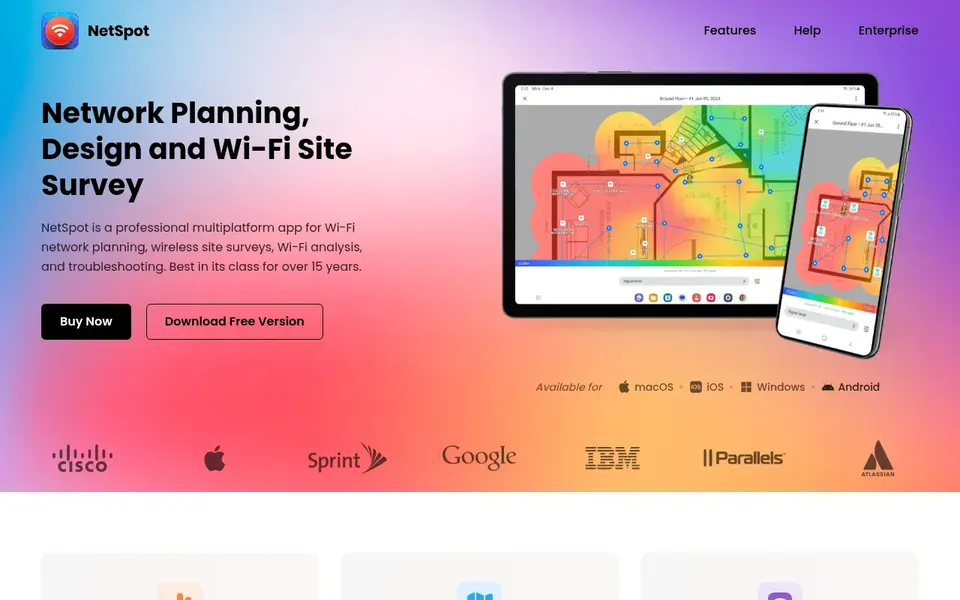
NetSpot works best for budget-friendly surveys for homes and small businesses. The free plan includes entry-level Wi-Fi analysis for non-commercial use.
What to check first: Advanced planning features trail Ekahau and Hamina.
The premium tiers (Home, Pro, Enterprise) are sold as lifetime licenses or annual subscriptions. More specifically, where it falls short is scale and depth. Pricing for NetSpot is not stated here, so ask the vendor for current figures. A free plan is available with NetSpot.
- Real free plan for non-commercial use
- Runs on Mac, Windows, Android, iOS
- Lower data-point ceilings than enterprise tools
iBwave works best for in-building cellular, DAS, and venue design. It is the standard for designing in-building cellular, DAS, small cells, and public-safety networks, with Wi-Fi as one technology among multiple.
Trade-offs to know: Overkill if you only do Wi-Fi.
In practice, the component database (40,000+ parts) and the certification program are genuinely unmatched, and large venues, hospitals, and carriers plan on it. For a standard office Wi-Fi survey, the tools above will get you there quicker and less expensive. Check the vendor site for iBwave pricing; none is listed in this comparison. Free access: Free trial.
- Huge vendor-neutral component database
- Solid training and certification program
- Enterprise pricing with no public price list
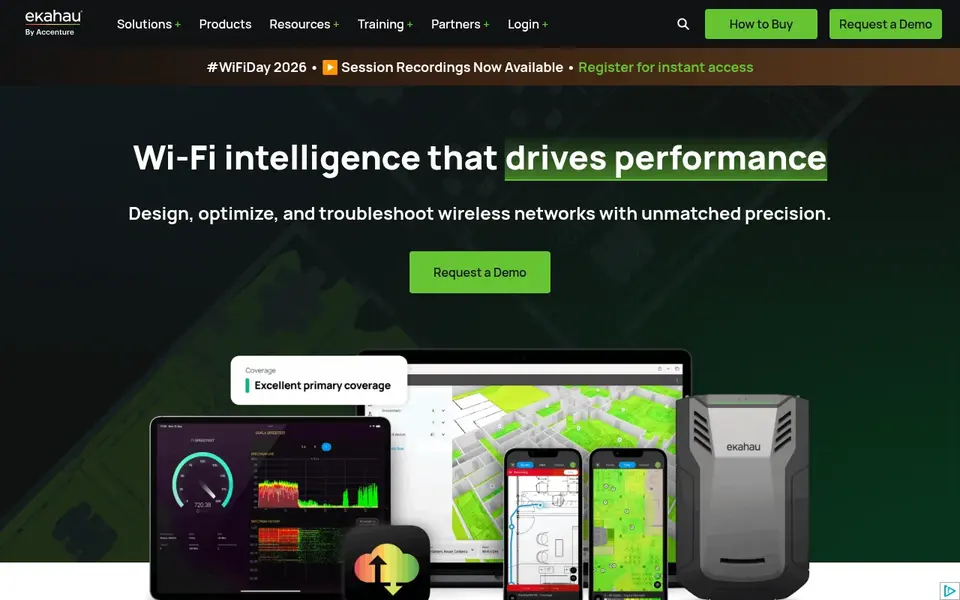
In short, Ekahau AI Pro is for enterprise Wi-Fi design and validation. Ask ten wireless consultants which tool they trust, and most will name Ekahau before you finish the question. In daily use, Ekahau AI Pro manages the full lifecycle: predictive design from floor plans, on-site validation surveys, optimization, and troubleshooting.
Worth adding: the honest catch is the total cost of ownership. In practice, for a solo consultant or an IT generalist, that stack is hard to justify. What you pay to start with Ekahau AI Pro: $1,495 per user/year. No free plan comes with Ekahau AI Pro.
Watch-outs: Annual subscription only.
- Capable reporting and cloud project sync
- Sidekick 2 hardware hands lab-grade measurement accuracy
- No free level
Pick WiFi Explorer Pro 3 if this describes you: Mac-based Wi-Fi analysis and troubleshooting. Version 3 is a $149.99 one-time purchase with a 7-day free trial. It is the deepest Wi-Fi scanner available on macOS: active, directed, and passive scan modes, 550+ column fields, coloring rules, remote sensors, and spectrum analyzer integration for non-802.11 interference.
Watch-outs: not a full site-survey suite (no walkabout heatmaps); It is an analyzer.
In practice, the important distinction: this is a troubleshooting and validation tool, not a walkabout survey tool. It will not produce coverage heatmaps from a floor plan walk. In practice, pair it with NetSpot (for heatmaps) or use it standalone for channel planning, interference hunting, and post-install verification. Price to start with WiFi Explorer Pro 3: $149.99 one-time. Trial and free access: Free trial.
- One-time purchase
- No subscription
- Passive mode restricted on Apple silicon
How we compared the tools
For each of the 6 tools we noted price, free plan or trial, fit for WiFi site Survey software and the main limit, using vendor pages and documentation. Seat minimums, billing terms and add-ons can move the real cost, so the starting prices here are a guide and not a quote. Position on the page reflects fit for a typical buyer first, with price clarity and free access breaking ties. Treat it as a guide, not a ruling.
What to check before you buy
- Ask Acrylic WiFi Heatmaps, NetSpot and iBwave for a written quote, since no starting price is shown.
- Look at the free plan from NetSpot closely: its caps decide whether it is usable for real work.
- Use real work to test the free trial from Acrylic WiFi Heatmaps, TamoGraph Site Survey, iBwave and WiFi Explorer Pro 3, rather than a demo project.
- Before choosing Acrylic WiFi Heatmaps, weigh its main limit: Windows only.
- Let daily users try TamoGraph Site Survey on real work; their feedback beats any feature checklist.
- Test the integrations you rely on with WiFi Explorer Pro 3 before committing; some connectors sit on upper tiers.
Frequently asked questions
Do these tools publish their prices?
Not all of them. Acrylic WiFi Heatmaps, NetSpot and iBwave publish no starting price, so expect a quote request for those. The rest, TamoGraph Site Survey included, show a starting price, though seats and billing terms still change the final cost.
What is the cheapest option for WiFi site Survey software in this list?
On published monthly entry prices, TamoGraph Site Survey is the lowest here at $499 one-time. Entry price is only part of the cost, because seats, add-ons and billing terms can change the total.
What is the difference between a passive, active, and predictive survey?
A passive survey listens to the existing network without connecting, measuring signal strength and interference. An active survey links to the network and measures real throughput, latency, and packet loss from a client's perspective. A predictive survey (RF modeling) simulates coverage from a floor plan before anything is installed. Most professional tools do all three; less expensive tools may only do passive.
Can I try these options before paying?
Often, yes. NetSpot has a free plan and Acrylic WiFi Heatmaps, TamoGraph Site Survey, iBwave and WiFi Explorer Pro 3 offer a free trial. Use your own data and a real task during the test, and check what the free tier or trial limits before you rely on it.
Is Acrylic WiFi Heatmaps the right pick for everyone comparing WiFi site Survey software?
No single tool suits every team. Acrylic WiFi Heatmaps comes first because it fits Windows surveys with WiFi 7 support, while TamoGraph Site Survey suits budget professional surveys on Windows and Mac and NetSpot suits affordable surveys for homes and small businesses. Match the tool to your own size, budget and workflow before deciding.
Sources
See where you really rank - block by block
ProMapRanker scans Google Maps across a grid of your service area. Simple monthly plans from $19, white-label on every plan.
Start freeBrowse all guides
← Survey Software for Academic Research: Best Picks of 2026Wireless Site Survey Software: 6 Options Compared in 2026 →
 best wireless survey tools
Best Wireless Survey Tools: 2026 Prices and Picks
6 best wireless Survey tools, compared on pricing, free plans and best-fit use. For cloud predictive design, begin with Hamina. Current for November 2026.
Read → best customer feedback software for real estate agents
5 Best Customer Feedback Software for Real Estate Agents for 2026
Best customer feedback software for real estate agents in 2026: 5 contenders with entry costs and free tiers. Limits and pricing notes included. Clear verdicts.
Read → best survey software for real estate agents
6 Best Survey Software for Real Estate Agents in 2026
Weighing the best Survey software for real estate agents? We lined up 6 products by cost, free access and fit. With pricing notes and limits. Start here.
Read → best feedback analytics software
Feedback Analytics Software
7 tools for the best feedback analytics software, compared on pricing, free plans and best-fit use. Weak spots flagged for every entry. Costs up front.
Read → best survey apps
Best Survey Apps in 2026: 10 Apps Compared
Best survey apps compared for 2026: Google Forms, SurveyMonkey, Typeform and more, with free plans, response limits and honest pros and cons for every budget.
Read → best survey software for market research
6 Strong Survey Software for Market Research Choices in 2026
Best Survey software for market research, compared. 6 tools with published prices, free plans and limits. Plain-spoken summaries throughout. Numbers first.
Read →More in Reviews & Reputation · All guides A to Z by date · Latest guides