 ProMapRanker
Best Study Apps for Students in 2026

Key takeaways
- Quizlet and Anki cover flashcards best, with Quizlet easier for beginners and Anki stronger for long-term memorization.
- Notion and Goodnotes handle notes and planning, while Khan Academy covers free lessons across school and college subjects.
- Forest helps students who lose time to their phones, and Todoist keeps assignments and deadlines in one list.
- Grammarly and Zotero support writing and research, which are the parts of study most students leave too late.
- Most of these apps have a usable free tier, so start free and pay only for the feature you actually miss.
Quick comparison
| Pick | Great for | Pricing starts at | Free tier | |
|---|---|---|---|---|
 Quizlet | Shared flashcards and quick review | See website | Yes | Visit |
 Anki | Long-term spaced repetition | Free | Yes | Visit |
 Notion | Notes and assignment planning | Free | Yes | Visit |
 Khan Academy | Free lessons and practice | Free | Yes | Visit |
 Forest | Focus and phone distraction control | $3.99 one-time | Yes | Visit |
 Goodnotes | Handwritten notes and PDF annotation | $11.99 per year | Yes | Visit |
 Grammarly | Writing checks and clarity | $12 per month | Yes | Visit |
 Todoist | Assignment tracking | $5 per month | Yes | Visit |
 Zotero | Research and citations | Free | Yes | Visit |
The best study apps for students
This is our list of the best studying apps and best apps for studying, chosen for school, college and university students who need to organize work, remember material and stay focused.
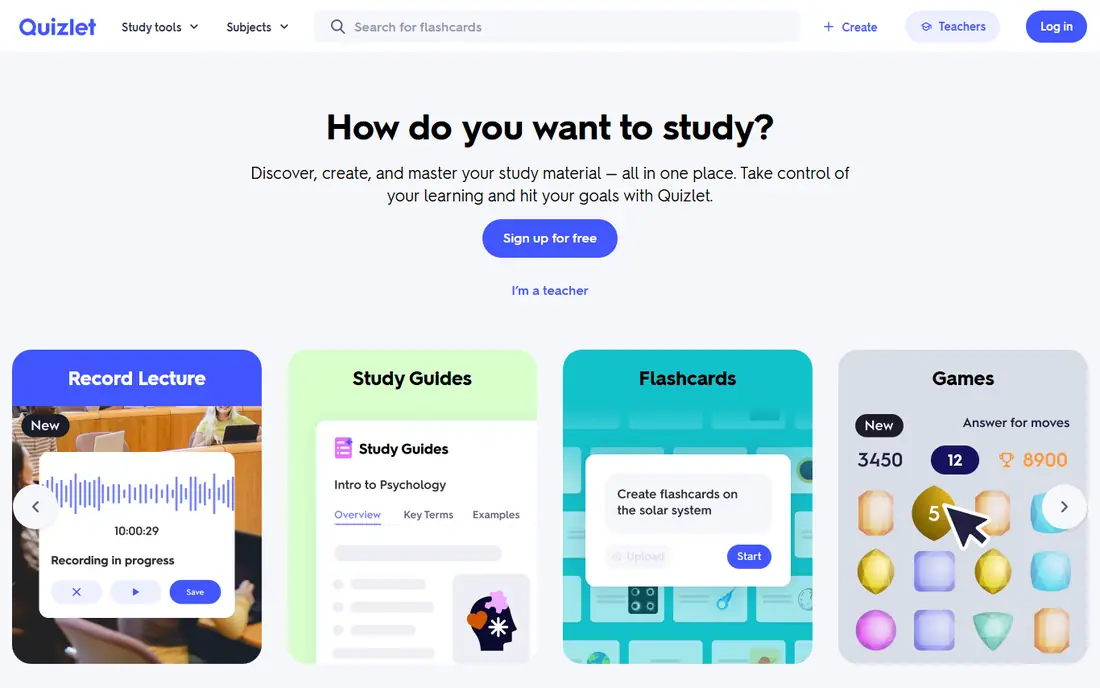
Quizlet is the fastest way to start revising. You can make your own flashcard sets or search for sets made by other students and teachers, then use Learn mode for guided review or Match for a quick timed game. That mix suits short revision sessions between classes.
Quality is the catch with shared sets. Check a set against your textbook or syllabus before you trust it, and make your own cards for topics where accuracy matters most. For the best app for students who want quick, social revision, Quizlet remains the easiest entry point.
- Huge library of shared sets
- Learn and Match modes
- Easy to create sets
- Some study modes need a paid plan
- Shared sets vary in quality
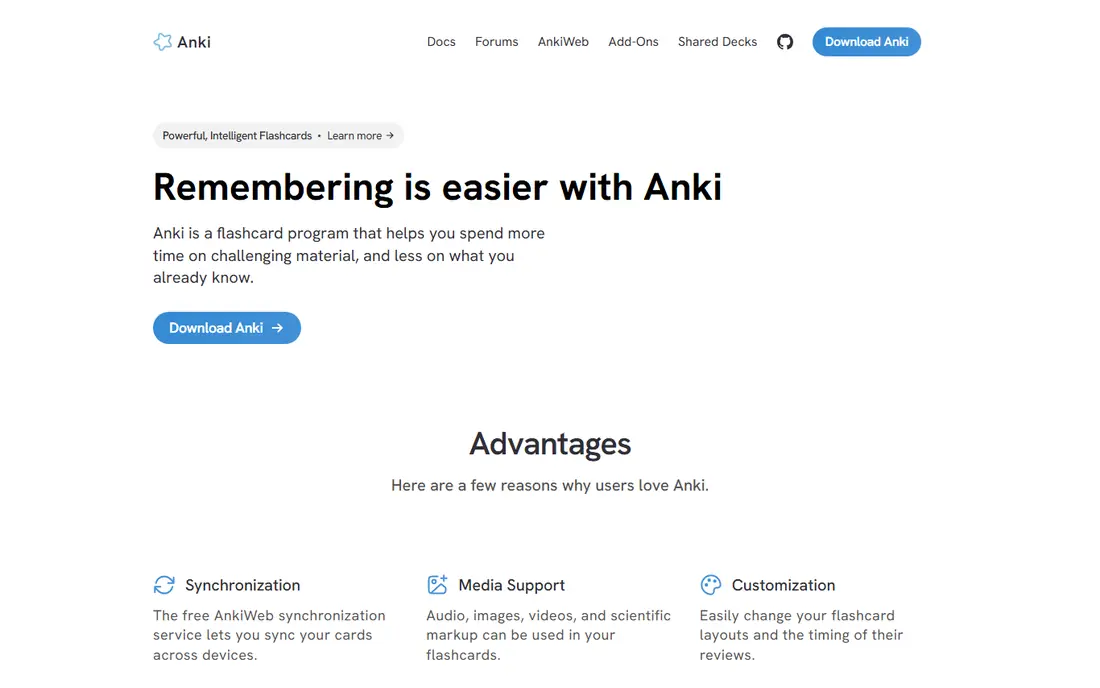
Anki uses spaced repetition to show you a card just before you are likely to forget it, which makes it strong for languages, medicine, law and other memory-heavy subjects. You can add images, audio and cloze deletions, and shared decks cover many standard courses. Desktop and Android versions are free, while the iPhone app is a one-time purchase.
The interface is plain and the setup takes longer than Quizlet, so Anki suits students who will use it daily for months. If you need a tool for one exam next week, Quizlet is faster. If you need to retain material for a whole degree, Anki is the better long-term pick.
- Powerful spaced repetition
- Free on desktop and Android
- Large shared deck library
- Interface looks plain
- IOS app is a one-time paid purchase
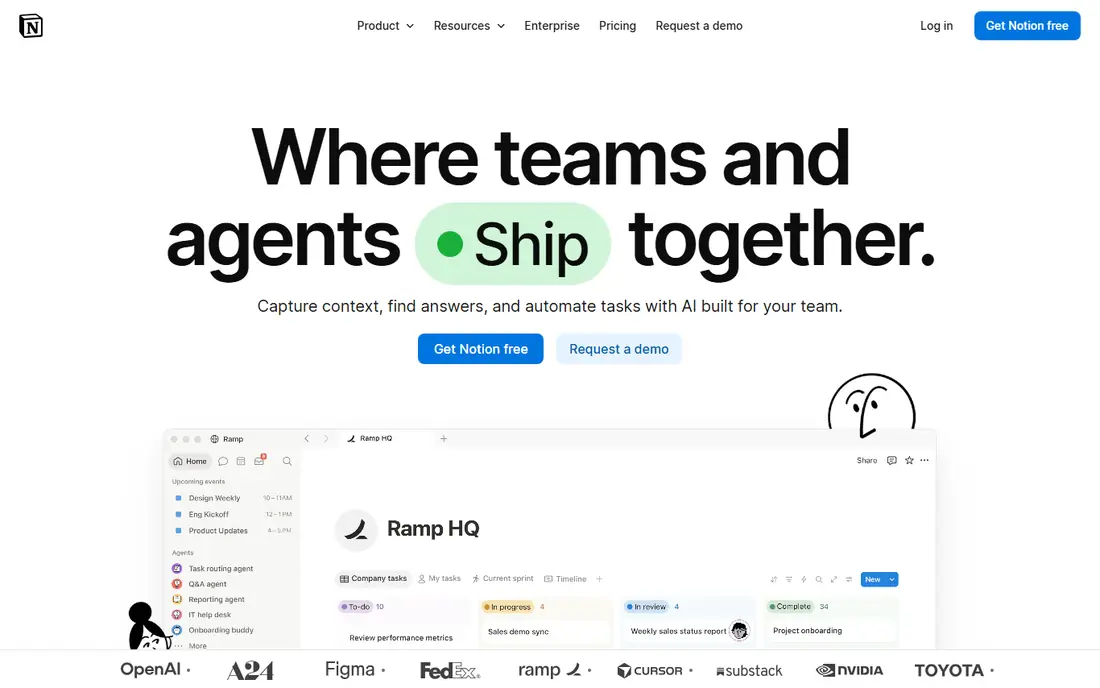
Notion works as a study hub. You can keep lecture notes, assignment trackers, reading lists and revision calendars in one workspace, linked together so a deadline points to the notes you need. Templates for class planners and exam trackers save setup time, and the free education plan covers most student needs.
Flexibility is also the weakness. A blank Notion page can swallow an afternoon of formatting, so start with a simple template and add structure only when you need it. For students who like one place for everything, Notion is one of the best apps for school and university work.
- Flexible pages and databases
- Free education plan
- Templates for study planners
- Setup takes time
- Offline use is limited compared with dedicated notes apps
Khan Academy offers free video lessons and practice in math, science, computing, history, economics and test preparation. Exercises give instant feedback, and progress tracking shows which topics need more work. For school students and for college students filling gaps in math or science, it is an excellent free resource.
Advanced university material is thinner, and Khan Academy does not replace a course textbook or a tutor for specialist topics. Use it to build foundations and to review before exams, then turn to course materials for depth. As a free study app, it has no real rival for breadth.
- Fully free lessons
- Practice exercises with feedback
- Wide subject range
- Less suited to advanced university topics
- No live tutoring in the free tier
Forest turns focus into a small game. You plant a virtual tree when you start studying, and the tree grows while you stay in the app. Leaving to check messages kills the tree, which is a gentle but clear reminder to return to work. Over weeks, your forest shows how much focused time you actually put in.
Forest does not replace a full website blocker, and some users pair it with a blocker for stronger control. For students whose main problem is phone checking, though, its simplicity beats a complex system. It is also cheap, with a one-time purchase on some platforms and a free basic version on others.
- Simple focus timer
- Visual reward for staying off your phone
- Friends mode available
- Paid features vary by platform
- Does not block apps on its own in every setup
Goodnotes suits students who learn by writing by hand. On a tablet with a stylus, you can take lecture notes, annotate PDFs, and search your handwriting later, which makes revision faster than flipping through paper notebooks. Templates for planners and paper styles help keep notes tidy.
The free plan limits how many notebooks you can create, so heavy users will need the paid plan. Goodnotes also shines most on tablets, while phone and desktop use is secondary. For tablet owners, it is one of the best study apps students can use for notes.
- Natural handwriting on tablets
- PDF annotation
- Searchable handwritten notes
- Best on iPad and Android tablets
- Free plan limits notebook count
Grammarly checks essays, emails and reports for spelling, grammar and clarity as you write. The free tier catches basic errors, while the paid plan adds tone, conciseness and plagiarism checks. It works in browsers, in Word and in Google Docs, so it fits most student workflows.
Treat its suggestions as advice, not as final answers. Academic writing needs your own voice and your own citations, and Grammarly cannot judge whether an argument is sound. Used as a proofreading aid, it saves time and catches errors that tired eyes miss.
- Spelling and grammar checks
- Tone and clarity suggestions
- Works in browsers and Word
- Paid plan needed for full suggestions
- AI suggestions still need your judgment
Todoist keeps assignments from slipping. You can list each task with a due date, set recurring deadlines for weekly work, and sort by project or priority. The interface stays simple, which matters when you are adding tasks between lectures. It runs on phones, tablets, desktops and browsers, so your list is always at hand.
The free plan limits the number of projects and filters, which may matter if you track many courses at once. The paid plan removes those limits and adds reminders and calendar layout. For students who want a plain, reliable to-do list, Todoist is a strong best study apps students apps list entry.
- Simple task lists
- Recurring deadlines
- Works on every platform
- Free plan limits projects
- No built-in calendar view without a paid plan
Zotero saves research sources with one click from a browser, organizes them into collections, and builds citations and bibliographies in thousands of styles. It also lets you annotate PDFs and sync your library across devices. For essays, dissertations and literature reviews, it removes hours of manual citation work.
Free cloud storage is limited, so large PDF libraries may need a paid storage plan or local storage. The interface is functional rather than pretty, but it is free, open and widely supported by universities. Any student writing cited work should install Zotero early in the term.
- Free reference manager
- One-click source saving
- Citations in many styles
- Free cloud storage limited to 300 MB
- Interface feels academic
How we picked these
We compared official pricing pages, free tier limits and platform support for each app, and we checked public reviews for common complaints about sync, exports and billing. We favored apps with a lasting free tier, a clear student use case, and a current version. We did not claim hands-on testing, and we left out apps that only duplicate a phone feature or that charge for basic study tools without a free route.
How to build a study system from these apps
Pick one app for each job, not five apps for the same job. A simple system beats a large toolkit, since every extra app adds setup time and a place where notes can get lost. Start with the job that causes you the most trouble, then add one more app only when that job is covered.
A simple stack for most students
Use Notion or Goodnotes for notes, Quizlet or Anki for memory work, Todoist for deadlines, and Forest for focus sessions. Add Khan Academy for subject lessons, Grammarly for writing checks, and Zotero when research papers begin. That stack covers notes, memory, planning, focus, lessons and writing without overlap.
Check free student plans before you pay
Many apps offer education pricing or free student tiers, so check with your school email before subscribing. Notion offers a free education plan, and several rivals offer student discounts on request. Pay only for the feature you miss after two weeks of free use, and cancel any trial you do not use.
Frequently asked questions
What are the best studying apps for exams?
Quizlet and Anki lead for exam revision, with Quizlet faster to start and Anki stronger for long-term retention. Pair either with Forest for timed focus sessions and Todoist to plan revision days.
Which is the best app for students on a budget?
Khan Academy, Zotero, Anki on desktop and Android, and the free tiers of Notion, Quizlet and Todoist all cost nothing for core use. Start with those before paying for any study app.
What are the best apps for university students?
Notion for organization, Anki for memory-heavy courses, Zotero for research, and Grammarly for writing cover the main university jobs. Goodnotes suits tablet owners who prefer handwritten notes.
Is Notion or Goodnotes better for notes?
Notion suits typed notes, databases and planning in one workspace, while Goodnotes suits handwritten notes and PDF annotation on a tablet. Many students use both, with Goodnotes for lectures and Notion for planning.
Can study apps replace textbooks and lectures?
No. Apps support revision, organization and practice, but they do not replace course materials, lectures or tutor feedback. Use Khan Academy and flashcards to review, and use your course readings for depth.
Do I need a paid plan for Quizlet or Anki?
Quizlet works free for basic flashcards, with paid plans adding extra study modes. Anki is free on desktop and Android, with only the iPhone app requiring a one-time purchase.
Sources
See where you really rank - block by block
ProMapRanker scans Google Maps across a grid of your service area. Simple monthly plans from $19, white-label on every plan.
Start freeKeep reading
 free alternatives to grok imagine
Free Alternatives to Grok Imagine in 2026
We compared the best free alternatives to grok imagine for image generation, from fast daily credits to design tools, so you can create without paying.
Read → best tools for instagram content creation
Best Tools for Instagram Content Creation in 2026
Compare the best tools for Instagram content creation, from Canva and CapCut to Later and Buffer, on design, video, planning, scheduling, and price in 2026.
Read → best tool to split pdf files
Best Tool to Split PDF Files in 2026
We compared the best tool to split pdf files on split modes, file limits, privacy and price, so you can split a PDF cleanly and keep every page in one go.
Read →