 ProMapRanker
Best Study Apps for High School Students in 2026

Key takeaways
- Quizlet and Anki are the strongest flashcard picks, with Quizlet easier to start and Anki stronger for long-term memory.
- Khan Academy remains the best free source for full lessons in math, science, and other school subjects.
- Photomath helps students understand math steps, but it should check work, not replace doing it.
- Notion and GoodNotes suit notes and planning, while Forest suits students who get distracted by their phones.
- The best setup is usually three apps: one for lessons, one for memory, and one for planning.
Quick comparison
| Pick | Great for | Pricing starts at | Free tier | |
|---|---|---|---|---|
 Quizlet | flashcards and practice tests | Free | Yes | Visit |
 Khan Academy | free lessons across subjects | Free | Yes | Visit |
 Photomath | math steps and checking | Free | Yes | Visit |
 Anki | spaced repetition memory | Free | Yes | Visit |
 Forest | focus and phone discipline | $3.99 one-time | No | Visit |
 Notion | notes and study planning | Free | Yes | Visit |
 GoodNotes | handwritten notes and PDFs | See website | Free trial | Visit |
 Brainly | homework questions and answers | Free | Yes | Visit |
The best study apps for high school students
These apps cover different study jobs, so pick by the job you need most, not by the longest feature list.
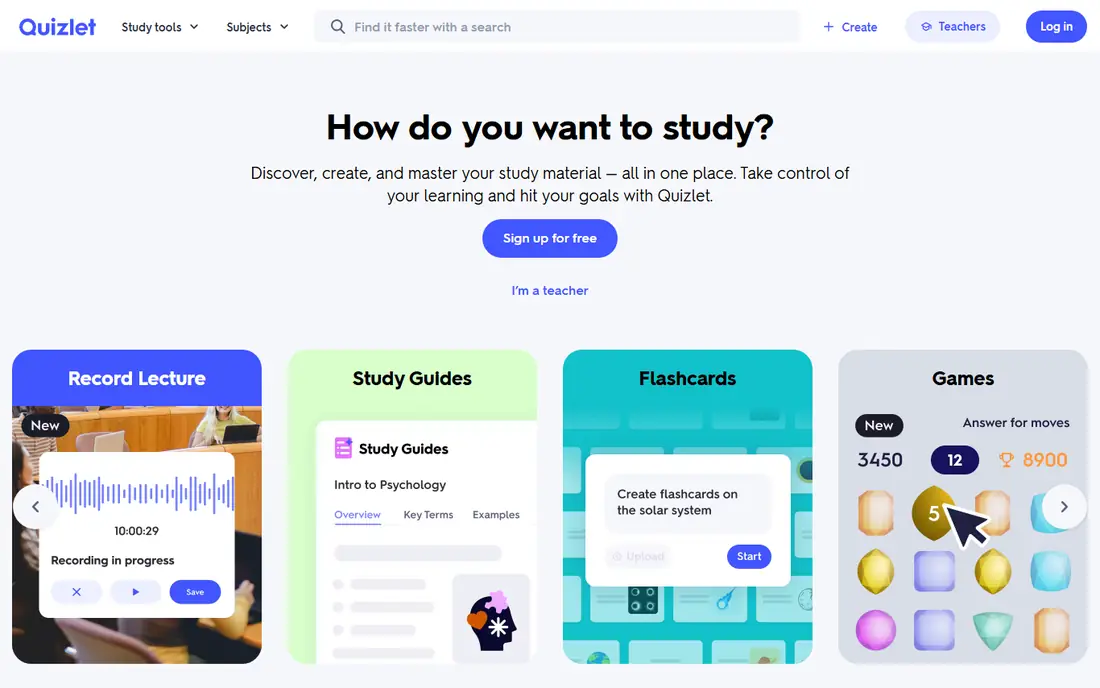
Quizlet is the easiest flashcard app for a high school student to start with. You can make your own sets for vocabulary, biology terms, or history dates, or search the large library of sets made by other students and teachers. Learn mode quizzes you in rounds, Test mode builds a practice test, and games add a lighter way to review when energy is low.
The free tier caps how many Learn rounds and practice tests you can do each month, and it shows ads, so heavy users will hit limits. Quizlet Plus is listed at $35.99 a year and raises those caps, while Plus Unlimited at $44.99 a year removes them. For most students, the free tier is enough to start, and the paid tier is worth it only if you study with flashcards daily.
- Huge library of shared sets
- Learn and Test modes
- Easy to make your own sets
- Free tier caps Learn rounds and tests
- Ads in the free tier
- Paid plans renew yearly
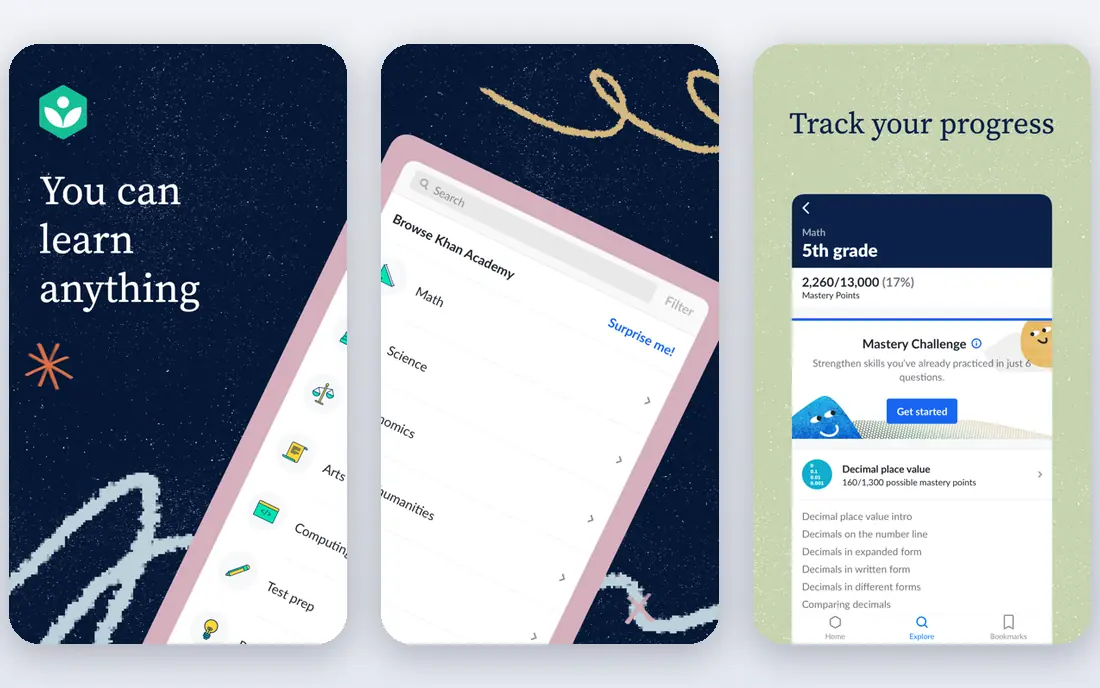
Khan Academy is our pick for most students because it costs nothing and covers the subjects that matter most in high school. Short videos explain a concept, then practice questions test it right away, with hints when you get stuck. Math and science coverage is strongest, but history, economics, and test prep for exams such as the SAT are also included.
Khan Academy is not a flashcard or planning app, so pair it with Quizlet or Anki for memory work. Its strength is understanding: when a class lesson moves too fast, a Khan Academy video and a set of practice problems often fill the gap the same evening. For a student on a tight budget, it is the single most valuable app in this list.
- Fully free core lessons
- Math, science, history, and test prep
- Practice with instant feedback
- No flashcard system built in
- Video style suits some students more than others
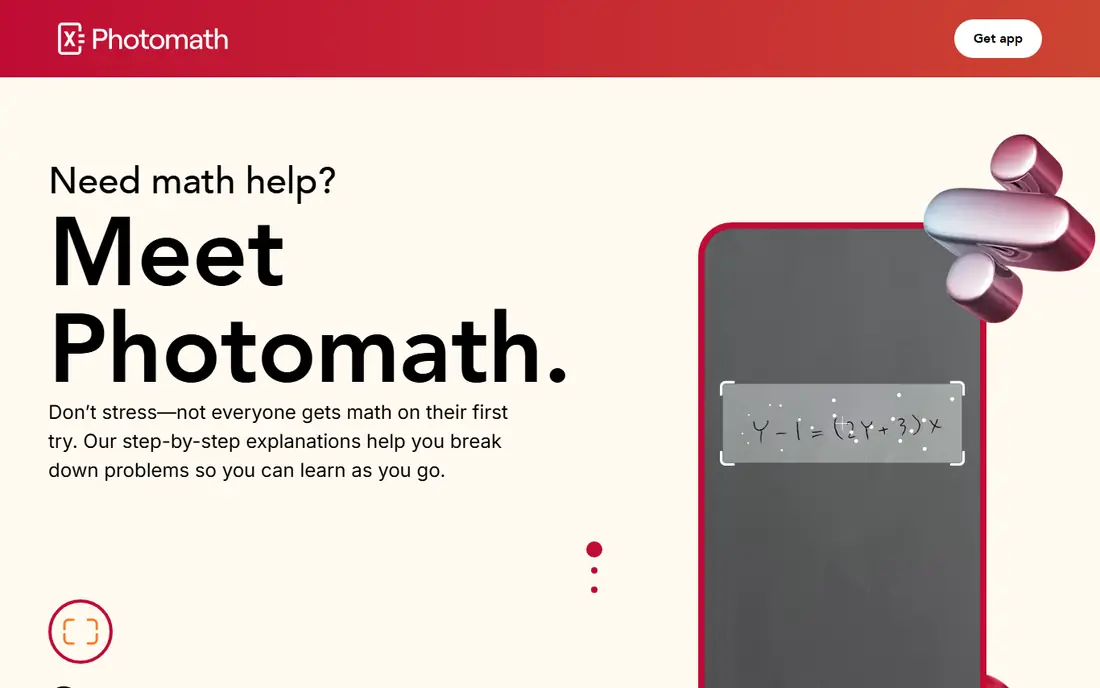
Photomath lets a student scan a printed math problem with a phone camera and see the solution broken into steps. That is genuinely useful for checking homework and for seeing where a solution went wrong. The free Basic tier includes step-by-step explanations, while the paid plan, listed at $9.99 a month or $69.99 a year, adds visual aids and extra tips on how and why each step works.
The risk is also clear. If a student copies answers without working through the steps, grades may rise briefly while understanding falls. The honest way to use Photomath is to try the problem first, then scan it to check your work and read any step you got wrong. Teachers and parents should talk about that rule openly, since the app itself cannot enforce it.
- Scan a problem for steps
- Covers school math through college topics
- Smart calculator included
- Easy to misuse as an answer copier
- Full explanations sit behind the paid plan
Anki is the strongest memory tool in this list for students who will stick with it. It uses spaced repetition, which means it shows you a card again just before you are likely to forget it, and spaces easy cards further apart than hard ones. That system is backed by decades of research on retrieval practice, and it works well for vocabulary, science terms, and any subject with many facts.
Anki looks plain and takes an evening to learn, which puts some students off. The desktop, web, and Android apps are free, while the iPhone app costs $24.99 as a one-time purchase. If you study with flashcards daily and want the best long-term retention, Anki repays the setup time. If you want something quick and social, Quizlet is the easier start.
- Free on desktop, web, and Android
- Proven spaced repetition system
- Huge shared decks
- Plain design takes time to learn
- IPhone app costs $24.99 one-time
Forest tackles a different problem from the rest of this list: the phone itself. You plant a virtual tree and set a timer, and if you leave the app to scroll social media, the tree dies. Over days and weeks, you grow a forest that shows how much focused time you actually put in. That simple loop works well for students who know they get distracted but want a gentle nudge rather than a strict blocker.
Forest contains no lessons, flashcards, or notes, so it pairs with another study app rather than replacing one. It costs $3.99 as a one-time purchase in the listings we checked, with no free tier. For a student who already studies well, it adds little. For a student whose main problem is phone distraction, it can change a study session more than another content app would.
- Simple timer that grows a virtual tree
- Phone use kills the tree
- Builds a visible focus record
- No study content
- Paid app with no free tier
- Works only if the student buys into it
Notion is an all-in-one workspace where a student can keep class notes, assignment lists, revision plans, and project pages in one place. The free plan covers personal use well, and students can often get extra benefits with a school email. Templates for study planners, reading lists, and exam countdowns give a fast start without building a system from scratch.
The honest catch is that Notion can become a distraction in itself. A student can spend an hour designing a perfect study dashboard and call it studying, when no revision happened. Use Notion for planning and notes only, keep the setup simple, and set a rule: the plan should take minutes to maintain, not hours. Used that way, it is the best planning app in this list.
- Notes, tasks, and databases in one place
- Free for students
- Templates for study planning
- Easy to spend more time organizing than studying
- Paid plan at $10 per month
GoodNotes is the best pick for students who take notes by hand on a tablet. You can write on lined pages, annotate PDF worksheets and textbooks, search your handwriting, and keep notebooks by subject. For students who remember more when they write by hand, a tablet notebook beats a typed document, and GoodNotes keeps those notebooks organized and backed up.
GoodNotes works best with a tablet and stylus, so phone-only students will get less from it. Pricing varies by platform and purchase model, so we list it as See website and suggest checking the current store listing before buying. Pair it with a flashcard app for memory work, since GoodNotes itself does not quiz you.
- Natural handwriting on tablets
- Annotate PDFs and worksheets
- Searchable handwritten notes
- Best on tablets with a stylus
- Pricing varies by platform
- No lesson content
Brainly is a question-and-answer community where students post homework questions and other students answer them. For a stuck student at night, a quick explanation from another student can unblock a problem faster than waiting for class. The free tier is ad-supported, while a paid Brainly Plus subscription removes ads and adds faster help.
The catch is quality control. Community answers are not always checked by experts, and a confident wrong answer can mislead a student. Treat Brainly as a starting point: read the explanation, check it against your textbook or Khan Academy, and do not copy an answer you cannot explain. Used that way, it is a useful safety net, not a replacement for learning the material.
- Large community for homework questions
- Quick answers across subjects
- Free tier available
- Answers are not always expert-checked
- Paid tier needed for ad-free and faster help
How we picked these
We compared official app pages, store listings, and school-focused guides, and kept only apps that are widely used by high school students in 2026 and truly fit a study job. We favored free or low-cost options, since most high school students study on a tight budget, and we noted where free tiers cap features so readers are not surprised. Where a price could not be confirmed from the vendor, we wrote See website rather than guessing.
Building a study setup that actually gets used
Start with one app per job and no more. A common setup that works is Khan Academy for lessons, Quizlet or Anki for memory, and Notion or a paper planner for assignments. Add Photomath for math checking and Forest only if phone distraction is the real problem. More apps do not mean more learning, and a phone full of study apps often means none of them gets used well.
Set a simple weekly routine. Watch or read a lesson, make flashcards for the new facts the same day, and review them on a spaced schedule rather than cramming the night before a test. Use a timer for focused sessions, take short breaks, and keep the phone on silent during study blocks. If an app starts eating more time in setup than in study, drop it and go back to the simpler tool.
A note for parents and students on AI help
Chatbots and AI tutors can explain a concept well, but they can also be wrong without warning, especially on specific textbook details. Use them to explain and quiz, not to write essays or solve homework for you. If an AI answer matters for a grade, check it against your textbook, teacher notes, or a trusted source before you trust it.
Frequently asked questions
Which study app is best for high school overall?
Khan Academy is the best overall starting point because it is free and covers many subjects with lessons and practice. Pair it with Quizlet for flashcards and a planner for assignments. No single app covers lessons, memory, and planning equally well, so a small combination beats one app for everything.
Is Quizlet or Anki better for flashcards?
Quizlet is easier to start, has a large shared library, and suits casual or social study. Anki is stronger for long-term memory because of its spaced repetition system, but it takes longer to learn. Students who study flashcards daily often end up preferring Anki, while occasional users usually prefer Quizlet.
Are study apps free?
Many core features are free. Khan Academy is fully free, while Quizlet, Photomath, Notion, and Brainly offer free tiers with caps or ads. Anki is free on desktop and Android, with a one-time iPhone fee. Paid tiers mainly remove caps and ads, so start free and pay only if you hit a limit often.
Can study apps replace a tutor?
Apps can explain concepts, quiz you, and organize study, but they cannot notice when you misunderstand a topic in the way a good tutor can. Use apps for daily practice and revision, and ask a teacher or tutor for help when you are stuck on the same concept after trying the app explanations.
How can I stop my phone distracting me while studying?
Use a focus timer such as Forest, put the phone on silent and face down, and study in short timed blocks with breaks. Keep only the study app you need open, and move social apps off the home screen during exam periods. If distraction stays a problem, study with the phone in another room for the hardest sessions.
Should I use AI to do my homework?
No. Using AI to explain a concept or quiz you is good study practice, but copying AI answers for homework or essays harms learning and can break school rules. Try the work first, use AI or an app to check your understanding, and be able to explain your final answer in your own words.
Sources
See where you really rank - block by block
ProMapRanker scans Google Maps across a grid of your service area. Simple monthly plans from $19, white-label on every plan.
Start freeKeep reading
 free alternatives to grok imagine
Free Alternatives to Grok Imagine in 2026
We compared the best free alternatives to grok imagine for image generation, from fast daily credits to design tools, so you can create without paying.
Read → best tools for instagram content creation
Best Tools for Instagram Content Creation in 2026
Compare the best tools for Instagram content creation, from Canva and CapCut to Later and Buffer, on design, video, planning, scheduling, and price in 2026.
Read → best tool to split pdf files
Best Tool to Split PDF Files in 2026
We compared the best tool to split pdf files on split modes, file limits, privacy and price, so you can split a PDF cleanly and keep every page in one go.
Read →