 ProMapRanker
Best Stock Analysis Apps in 2026

Key takeaways
- TradingView is best for charting and technical analysis, while Morningstar and Koyfin are stronger for fundamentals and fund research.
- Free apps such as Yahoo Finance, Finviz, and Stock Rover cover most everyday research needs without a subscription.
- A screener saves time only if you understand the filters you set, so start with a few simple criteria and add complexity slowly.
- No app can predict prices, and past performance does not guarantee future results.
Quick comparison
| Pick | Great for | Pricing starts at | Free tier | |
|---|---|---|---|---|
 TradingView | Charts and technical analysis | Free | Yes | Visit |
 Yahoo Finance | Free quotes, news, and watchlists | Free | Yes | Visit |
 Seeking Alpha | Research and quant ratings | $299 per year | Yes | Visit |
 Finviz | Fast stock screening | Free | Yes | Visit |
 Morningstar | Funds, ETFs, and fundamentals | $34.95 per month | Yes | Visit |
 Koyfin | Dashboards and financial statements | Free | Yes | Visit |
 Stock Rover | Deep screening with many metrics | Free | Yes | Visit |
 Simply Wall St | Visual company overviews | Free | Yes | Visit |
The best stock analysis apps
This is not financial advice, and investing carries risk, including the risk of losing money. The apps below help you research companies and track markets, but they do not replace your own judgment or advice from a qualified professional.
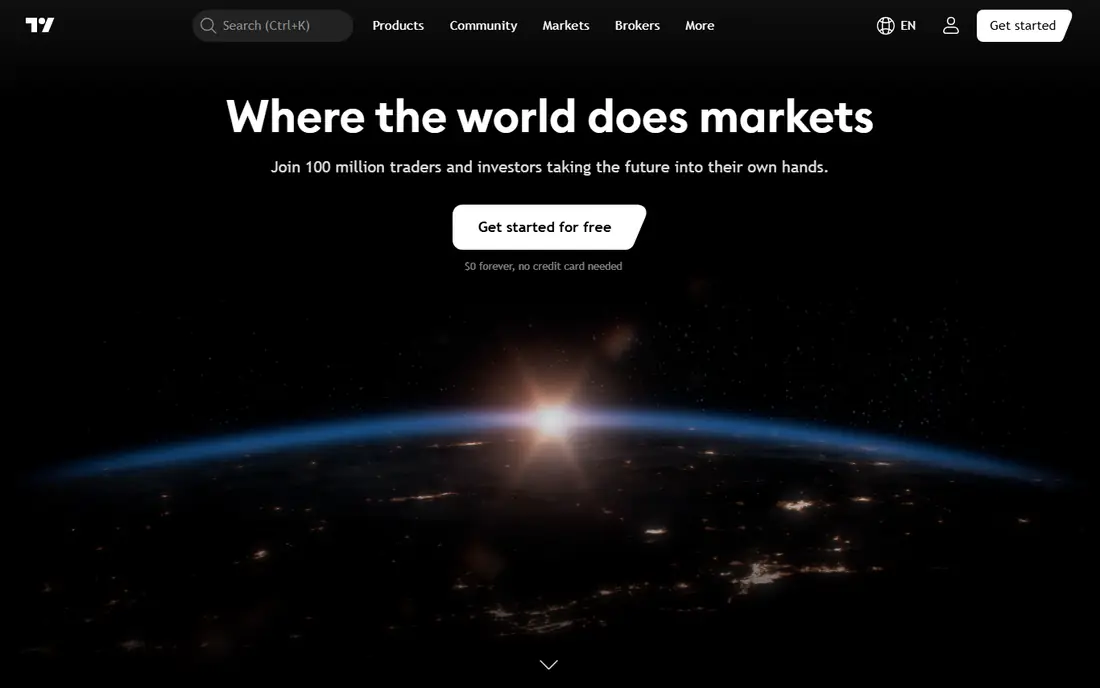
TradingView is the standard choice for investors who make decisions from price charts. Its charting tools cover indicators, drawing tools, multiple timeframes, and alerts, and its screener spans many exchanges and asset types. The community side adds shared charts and ideas, which can help you learn how other traders read the same market.
Fundamental research is the weak point. Financial statements and analyst data exist, but they are thinner than what Morningstar or Koyfin provide. For chart-led investors, TradingView is the first app to try, and its free plan is enough to learn whether the paid tiers add value for you.
- Deep charting with many indicators
- Screeners across many exchanges
- Large community of shared ideas
- Fundamental data is thinner than dedicated research tools
- Paid plans needed for more charts and alerts
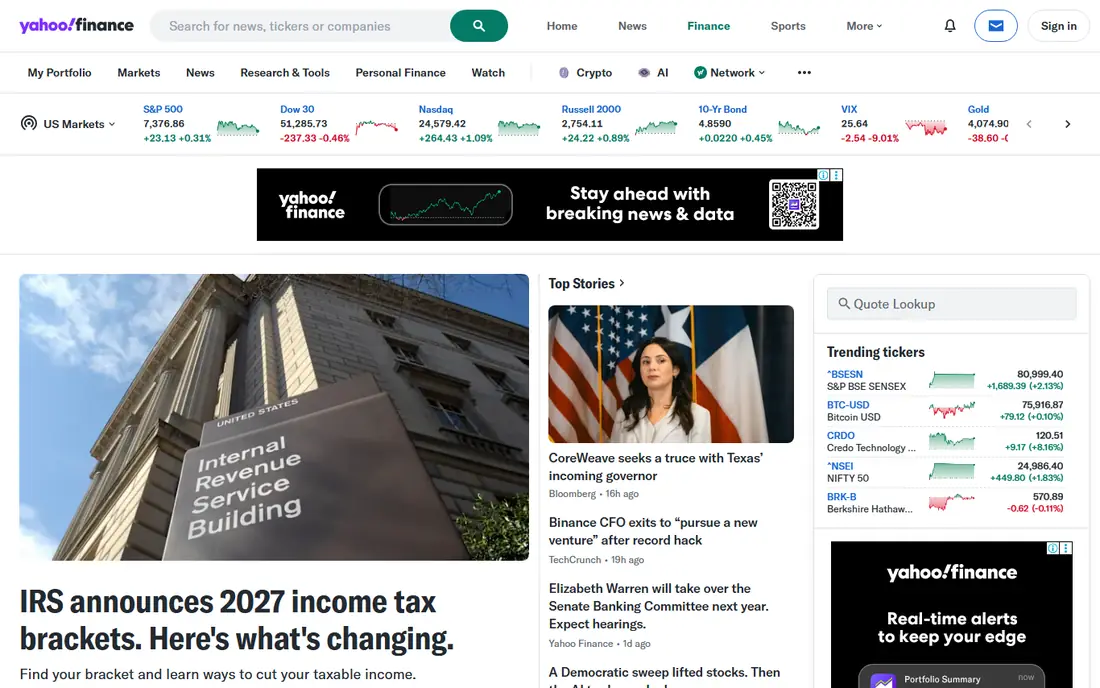
Yahoo Finance remains the best free starting point for everyday stock research. Quotes, news, charts, financial statements, and portfolio tracking are all available without paying, and its history stretches back decades for many stocks. Watchlists and alerts keep you in touch with holdings without checking prices all day.
The paid Premium tier adds research reports, fair value tools, and extra screening, but most casual investors will not need it at first. Ads and upsells are the price of the free tier. For a first research app that costs nothing, Yahoo Finance is hard to beat.
- Free quotes, news, and portfolios
- Long financial history
- Simple watchlists and alerts
- Premium features need a paid plan
- Ads on the free tier
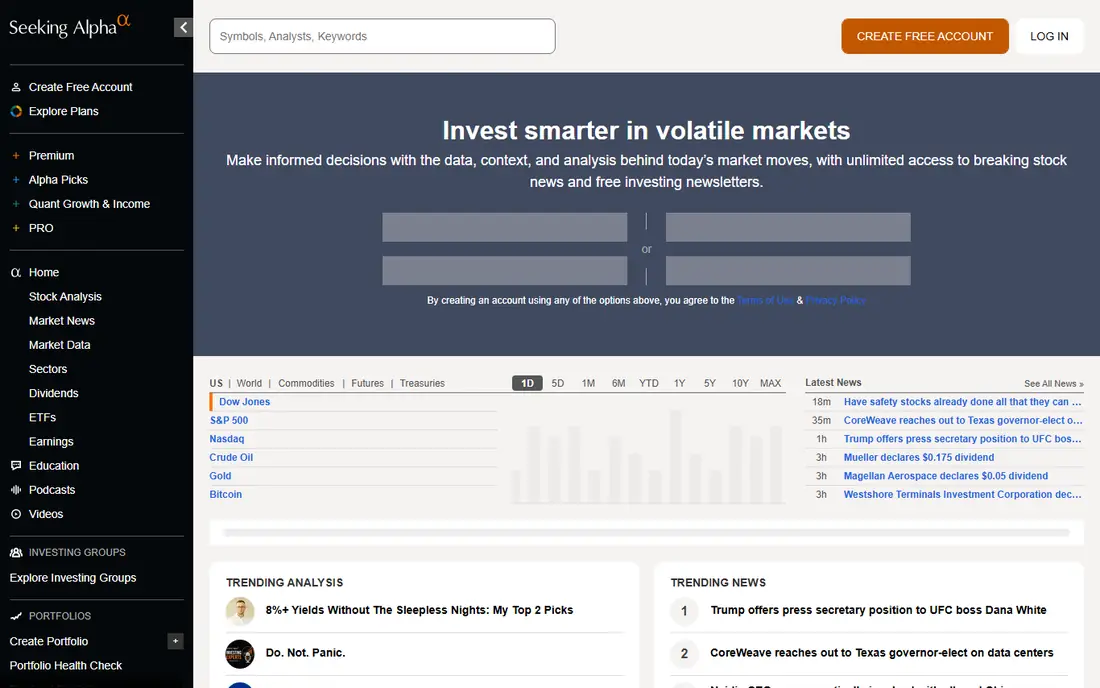
Seeking Alpha blends data with opinion, pairing quant ratings and screeners with articles from contributors who cover individual stocks and sectors. Its quant system grades stocks on value, growth, momentum, and other factors, which gives readers a quick framework for comparing names. Earnings calendars, dividend data, and alerts round out the research side.
Contributor quality varies, so read the argument and check the numbers rather than following a single author. The yearly Premium price is also a real commitment, so use the free tier first to see whether the quant tools and coverage match the stocks you follow. For research-led investors, it is a strong second app alongside a charting tool.
- Quant ratings and screeners
- Contributor research on many stocks
- Earnings and dividend data
- Contributor quality varies
- Full access needs a yearly subscription
Finviz is built for speed. Its screener lets you filter thousands of US stocks by valuation, performance, technical signals, and other criteria in seconds, and its heatmaps show the whole market at a glance. Snapshot pages give a quick view of a stock's key numbers without loading a heavy dashboard.
Charting is basic compared with TradingView, and real-time quotes, backtesting, and alerts sit on the Elite plan at $39.50 per month. For a first pass through the market, though, Finviz is unmatched for pace. Use it to build a shortlist, then dig into fundamentals and charts elsewhere.
- Very fast screener with many filters
- Heatmaps and market maps
- Simple snapshot pages
- Charts are basic
- Real-time data and advanced features need the paid Elite plan
Morningstar is the reference standard for fund and ETF research, with analyst reports, fair value estimates, and portfolio tools that show overlap and risk across holdings. Its equity research is also thorough, with financial data and analyst views that suit long-term investors better than day traders.
The monthly price is steep if you only follow a few stocks, so it fits investors who hold funds and ETFs or who want analyst research as part of their process. The free tier covers basic quotes and some research, which is enough to test the layout. For fund-heavy portfolios, Morningstar earns its cost more easily than for a single-stock watchlist.
- Deep fund and ETF research
- Analyst reports and fair value estimates
- Portfolio X-Ray tools
- Monthly price is high for casual investors
- Stock coverage is less chart focused
Koyfin gives investors Bloomberg-style dashboards without the institutional price, letting you build custom views of watchlists, financials, and market data. Its statement history and screening filters suit fundamental investors who compare companies side by side. Paid plans add filings, transcripts, and deeper estimates, with Plus at $39 per month and Premium at $79 per month on annual billing.
Charting is serviceable but not the reason to choose Koyfin. Pick it when your research starts with financial statements, ratios, and dashboards, and pair it with TradingView if you also need deep technical charts. The free plan is generous enough to test real dashboards before paying.
- Custom dashboards
- Long financial statement history
- Filings and transcripts on paid plans
- Charting is simpler than TradingView
- Paid plans needed for full data depth
Stock Rover is a screener-first tool with hundreds of metrics, which suits investors who build precise screens for value, growth, dividends, or quality. Its portfolio tools track holdings and dividends, and its charting and research pages keep the workflow in one app. Free and Premium plans cover most needs, with higher tiers adding more metrics and tickers.
The interface is denser than Yahoo Finance or Finviz, and new users may need time to learn the layout. That depth is the point, though, for investors who want screens beyond the basics. If you screen often and want control over the criteria, Stock Rover is worth the learning curve.
- Hundreds of screening metrics
- Portfolio tracking
- Charting and research in one place
- Interface takes time to learn
- Full metric depth needs paid plans
Simply Wall St turns company fundamentals into visual reports that beginners can read quickly. Its snowflake graphic scores value, future performance, past performance, financial health, and dividends, which gives a fast first impression of a company. Screeners and portfolio tracking help readers move from a first look to a shortlist.
Simplification is both the strength and the limit. A visual score cannot capture debt structure, competitive position, or management quality in full, so treat it as a starting point, not a verdict. For new investors learning to read fundamentals, Simply Wall St is the friendliest entry in this list.
- Visual snowflake reports
- Simple health checks
- Screener for finding ideas
- Simplified views miss nuance
- Full features need a paid plan
How we picked these
We compared vendor pricing pages, product documentation, and current feature sets, and we kept tools that work in October 2026 for US investors. We favored a mix of charting, screening, and fundamental research, since no single app leads in all three areas. Prices shown are starting prices from vendor and review sources, and this article is research guidance only, not a recommendation to buy any security.
Choosing the right stock analysis app for you
Start with your investing style. Chart-led investors should begin with TradingView and add Finviz for screening. Fundamental investors should start with Koyfin or Yahoo Finance, then add Morningstar for funds or Seeking Alpha for research depth. Long-term investors who hold funds will get more from Morningstar than from a charting app.
Build a two app workflow
Most investors do best with two tools: one for finding ideas and one for checking them. Finviz or Stock Rover can build the shortlist, while Koyfin, Morningstar, or Seeking Alpha can test the fundamentals behind each name. Keeping the workflow to two apps avoids paying for overlapping subscriptions.
Check the data before you trust a screen
Screens are only as good as their inputs, so check the date, the definition of each metric, and whether the data covers the market you trade. A value screen that uses old earnings, or a dividend screen that ignores payout safety, can mislead. Read the company filing or earnings report behind any stock that passes your screen.
Frequently asked questions
What is the best stock analysis app for beginners?
Yahoo Finance is the best free starting point, since it covers quotes, news, statements, and portfolios without a subscription. Simply Wall St is a good second app for beginners, because its visual reports make fundamentals easier to read.
What is the best stock analysis app for technical analysis?
TradingView is the clear leader for charting, with deep indicators, drawing tools, and alerts. Finviz is a useful companion for screening, but its charts are far simpler than TradingView.
What is the best stock research app for long-term investors?
Morningstar is strongest for funds and ETFs, while Koyfin and Seeking Alpha suit stock-focused long-term investors. Yahoo Finance covers the basics for free, so start there and add a paid tool only when you use its research regularly.
Is TradingView free?
Yes, TradingView has a free Basic plan with charting and screening, and paid plans add more charts, alerts, and data. The free plan is enough for many casual investors, while active traders usually need a paid tier.
What is the best free stock screener?
Finviz is the fastest free screener for US stocks, with many filters and market heatmaps. Stock Rover also offers a free plan with deeper metrics, though its interface takes longer to learn.
Do stock analysis apps give financial advice?
No. These apps provide data, charts, and research, but they do not know your goals, tax situation, or risk tolerance. Treat their ratings and scores as research inputs, and seek advice from a qualified professional before making large decisions. This is not financial advice, and investing carries risk.
Sources
- https://www.tradingview.com
- https://finance.yahoo.com
- https://seekingalpha.com
- https://finviz.com
- https://www.morningstar.com
- https://www.koyfin.com
- https://www.stockrover.com
- https://simplywall.st
- https://stockanalysis.com/article/stock-research-websites/
- https://www.dombey.capital/blog/the-10-best-stock-research-platforms-for-small-cap-investors
See where you really rank - block by block
ProMapRanker scans Google Maps across a grid of your service area. Simple monthly plans from $19, white-label on every plan.
Start freeKeep reading
 free alternatives to grok imagine
Free Alternatives to Grok Imagine in 2026
We compared the best free alternatives to grok imagine for image generation, from fast daily credits to design tools, so you can create without paying.
Read → best tools for instagram content creation
Best Tools for Instagram Content Creation in 2026
Compare the best tools for Instagram content creation, from Canva and CapCut to Later and Buffer, on design, video, planning, scheduling, and price in 2026.
Read → best tool to split pdf files
Best Tool to Split PDF Files in 2026
We compared the best tool to split pdf files on split modes, file limits, privacy and price, so you can split a PDF cleanly and keep every page in one go.
Read →