 ProMapRanker
Best Special Education Software in 2026


Districts managing IEPs at scale · Pricing starts at: See website
Key takeaways
- Frontline and PowerSchool Special Programs suit districts that need full IEP management at scale.
- Goalbook, SameGoal and SpedTrack suit teachers and case managers focused on goals and progress reports.
- SEIS and Illuminate suit teams that need compliance alerts, forms and student records in one place.
- RethinkEd and TeachTown suit classroom learning and behavior support alongside IEP work.
- Any tool holding children's data must have clear privacy, access controls and district approval before use.
Quick comparison
| Pick | Great for | Pricing starts at | Free tier | |
|---|---|---|---|---|
| Frontline Special Education | Districts managing IEPs at scale | See website | No | Visit |
 PowerSchool Special Programs | Districts already using PowerSchool | See website | No | Visit |
 Goalbook | Teachers writing IEP goals | See website | No | Visit |
 SameGoal | Case managers tracking goals | See website | No | Visit |
 SpedTrack | IEP authoring and service tracking | See website | No | Visit |
 SEIS | California-focused IEP management | See website | No | Visit |
 Illuminate Special Education | IEPs with progress monitoring | See website | No | Visit |
 RethinkEd | Behavior and learning support | See website | No | Visit |
 TeachTown | Autism and early learning support | See website | No | Visit |
The best special education software
This guide covers only legitimate school and teacher tools for special education programs: IEP writing, goal planning, progress monitoring, service tracking and classroom learning support. Schools should confirm privacy, data handling and district approval for any tool that stores children's records, and should limit access to staff who need it for a student's education.
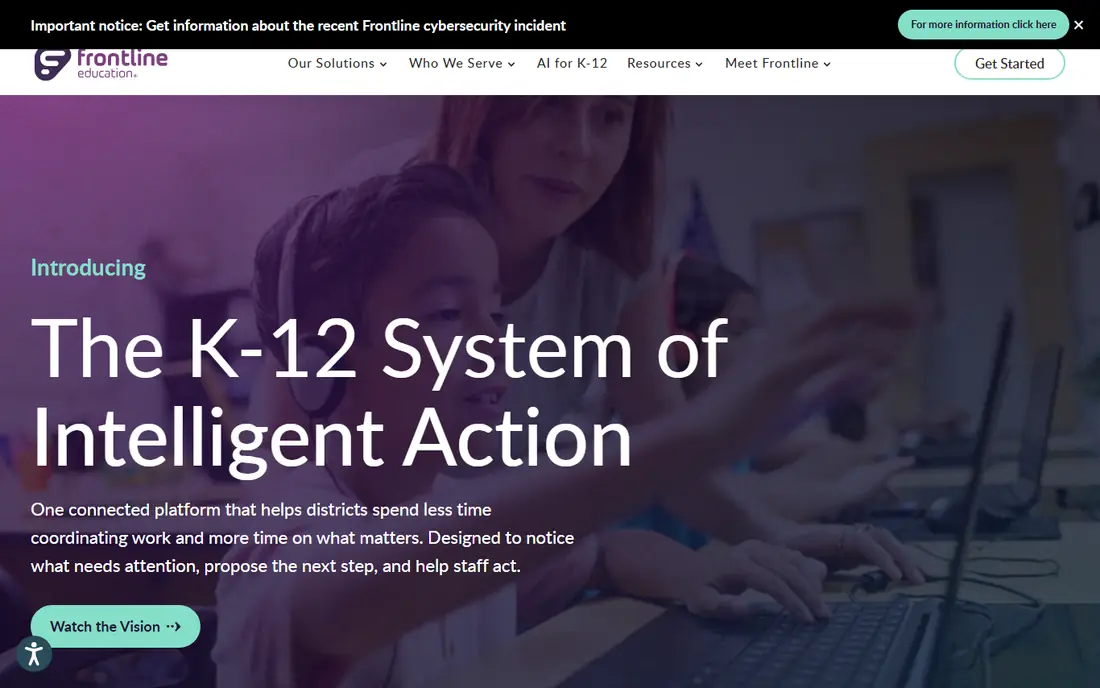
Frontline Special Education is the district-level system many US schools use to manage IEPs from referral to progress reports. Case managers can draft plans, record services and generate reports from the same student record, which reduces duplicate entry across forms. Collaboration tools let teachers, specialists and administrators work on the same case without passing files around.
The trade-off is scale and setup. Frontline is built for districts, so a single classroom will not need its full structure. Districts should confirm data privacy terms, access roles and integration with their student information system before rollout, since children's records require careful control.
- Central IEP records and collaboration
- Progress reporting linked to goals
- Intervention tracking alongside IEPs
- Pricing is district-based and quoted
- Smaller schools may find it heavy
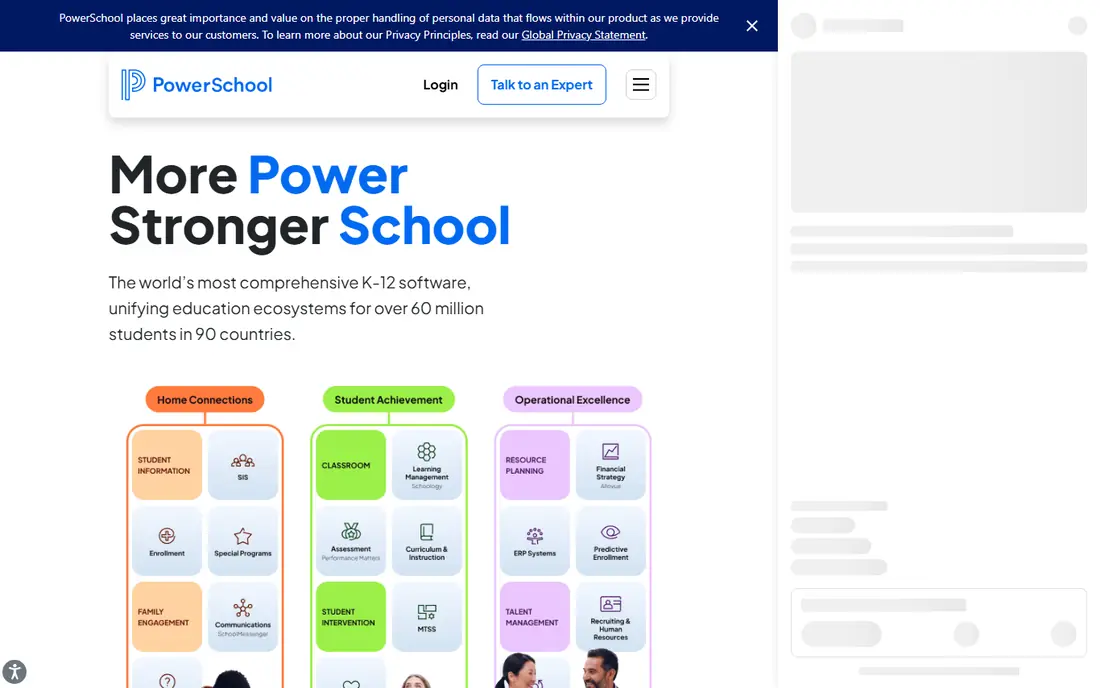
PowerSchool Special Programs suits districts that already run PowerSchool for grades, attendance and enrollment. Special education records sit closer to the main student record, which helps staff avoid maintaining two separate systems. IEP forms, meetings and progress data follow the same student case.
Districts should check customization costs and implementation time, since some users report slower pricing and setup for complex needs. For a PowerSchool district, though, the shared student record is a practical advantage that standalone tools cannot easily match.
- IEP management linked to student records
- Forms and compliance workflows
- Familiar for PowerSchool districts
- Customization can be costly
- Pricing is quote-based
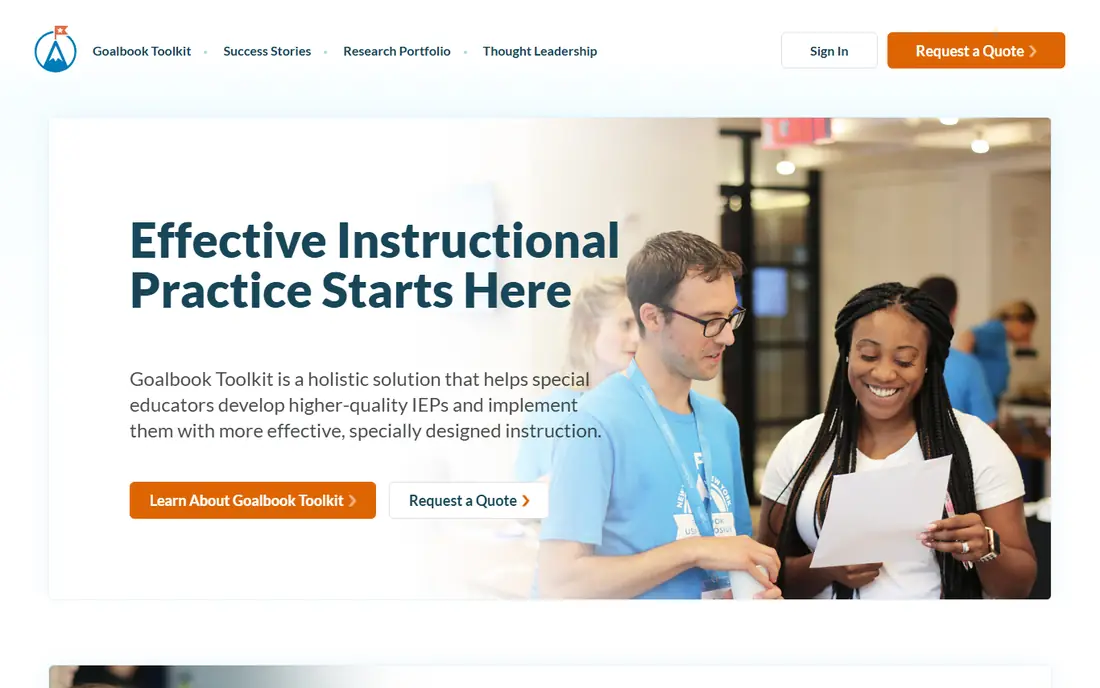
Goalbook Toolkit is designed for the teacher side of IEP work: writing clear, measurable goals and tracking progress toward them. Teachers can build goals, record data and see progress without wading through district compliance forms first. That focus makes it popular with educators who write many IEPs each year.
It does not replace a district IEP management system for compliance, forms and state reporting. Schools often use Goalbook alongside Frontline, PowerSchool or a similar system, with Goalbook handling goal quality and classroom tracking while the district system holds the official record.
- Teacher-friendly IEP goal design
- Progress tracking linked to goals
- Resources for instructional planning
- Not a full district compliance system
- Pricing is school or district based
SameGoal helps case managers keep IEP documents and goal progress in step. As providers record measurements, progress reports can be assembled from that data rather than rewritten each period. That link reduces errors and saves time when reporting deadlines arrive for many students at once.
It works best when a district or school adopts it consistently, so providers enter data in the same format. Single teachers may find the value smaller without that shared workflow. For teams handling large caseloads, the reporting link is the main reason to shortlist it.
- IEP documents with goal tracking
- Progress reports built from recorded data
- Provider input tools
- Pricing is quote-based
- District onboarding needed for full use
SpedTrack combines IEP authoring with service tracking, so scheduled service minutes and goal progress stay linked. Case managers can use shared goal templates, record services delivered, and produce progress updates from the same case. That structure helps districts show that services in the plan match services actually delivered.
The design is practical, and some users may prefer a more modern interface. For districts that value repeatable workflows and clear service records, SpedTrack offers a focused system without the breadth of a full student information platform.
- IEP authoring with goal templates
- Service minute tracking
- Progress monitoring tied to goals
- Pricing is quote-based
- Interface is functional rather than flashy
SEIS, the Special Education Information System, is widely used by California schools and districts for IEP management. Teachers mention easy access to current and past IEPs, forms and student information in one place, with alerts when required items are missing. That completeness helps teams prepare for meetings and audits.
Schools outside California should check fit and availability, since SEIS is built around California forms and processes. For California districts, it is a proven, focused option that many staff already know, which lowers training time.
- IEP forms, records and compliance alerts in one place
- Easy access to current and past IEPs
- Progress reports
- Strongest fit for California schools
- Pricing and access are organization-based
Illuminate Special Education ties IEP events to plan content, so edits and progress monitoring stay traceable across revisions. Teachers and case managers can see how a plan changed and how progress data relates to each version. For districts that also use Illuminate for assessment, that nearby student data adds useful context.
Standalone buyers should compare it with Frontline and PowerSchool on compliance depth and state reporting. Districts already using Illuminate will find the shared data and familiar workflow the strongest reason to choose it for special education.
- IEP events linked to plan content
- Progress monitoring tied to revisions
- Assessment and student data nearby
- Pricing is quote-based
- Best value inside a wider Illuminate setup
RethinkEd supports special education classrooms with behavior, social-emotional learning and academic programs, alongside IEP tracking. Teachers can link learning activities to goals, track behavior data and use staff training resources in the same platform. That classroom focus complements a district compliance system rather than replacing it.
Schools should be clear about which system holds the official IEP record, since RethinkEd is strongest as a learning and behavior layer. Used that way, it helps teachers turn IEP goals into daily classroom work with measurable data.
- Behavior, social-emotional and academic support
- IEP goal tracking linked to learning
- Training for staff
- Not a full IEP compliance system
- Pricing is school or district based
TeachTown provides curriculum and learning software for students with autism and other developmental needs, with adaptive activities and progress data for teachers. It suits early intervention and special classrooms where structured, visual learning activities and clear progress tracking matter most.
It is not a general IEP management platform, so schools still need a system like Frontline or SEIS for official plans and compliance. As a classroom tool, TeachTown gives teachers ready activities and data that connect to the learning goals in a student's plan.
- Curriculum for autism and early learners
- Adaptive learning activities
- Data tracking for student progress
- Focused on specific learner groups
- Not a general IEP management system
How we picked these
We compared official product pages, district and review listings, and special education buyer guides for tools live in October 2026 that support IEP writing, goal tracking, progress monitoring or classroom learning for students with disabilities. We kept only legitimate school and teacher tools, and we mixed district systems, teacher tools and classroom programs. We did not claim hands-on testing, and we used quote-based pricing where vendors do not publish a standard price.
How to choose special education software
Start by separating the official record from classroom tools. Districts need one governed system for IEP forms, meetings, services and state reporting. Teachers also need goal and progress tools they will actually use each week. Buying only one side leaves either compliance gaps or classroom data gaps.
Next, check privacy and access before any pilot with real student data. Confirm how the vendor stores children's data, who can access it, how long it is kept, and whether the district agreement covers your state and federal rules. Limit pilot access to named staff, and use test records where possible until approval is complete.
Finally, test with a real caseload workflow. Draft a goal, record progress over two weeks, generate a progress report, and hand the file to another staff member to review. If any step needs retyping or loses data, that friction will grow across a full caseload. Choose the tool that survives that test with the least extra work.
Frequently asked questions
What is the best software for special education programs?
Frontline and PowerSchool Special Programs lead for district IEP management, while Goalbook, SameGoal and SpedTrack lead for teacher goal and progress work. RethinkEd and TeachTown lead for classroom learning and behavior support. The best special education software for a school depends on whether the need is compliance, teaching or both.
How do schools protect children's data in these tools?
Schools should use district-approved tools with role-based access, so only staff involved in a student's education can view records. Confirm vendor privacy terms, data storage, retention and breach handling, and follow district and state rules for student records. Avoid entering children's data into unapproved consumer apps, even for a quick trial.
Can teachers use Goalbook without a district system?
Yes, Goalbook can help teachers design goals and track progress, but it does not replace the district system that holds the official IEP record and state forms. Many schools use Goalbook for teaching work alongside Frontline, PowerSchool or SEIS for compliance. Check with your district before adopting any tool that holds student data.
What is the difference between an IEP system and a learning program?
An IEP system manages plans, forms, services, meetings and compliance records. A learning program like TeachTown or RethinkEd delivers curriculum, activities and behavior support, with progress data that feeds into goals. Schools usually need both, with the IEP system as the official record and learning programs as classroom tools.
Do these tools work for small schools?
Some do, especially teacher-focused tools like Goalbook and SameGoal, but district systems are priced and set up for organizations, not single classrooms. Small schools should ask about minimums, onboarding and whether a regional cooperative or district license already covers them. A shared district setup is often cheaper than a standalone purchase.
Sources
See where you really rank - block by block
ProMapRanker scans Google Maps across a grid of your service area. Simple monthly plans from $19, white-label on every plan.
Start freeKeep reading
 wpforms alternatives
Best WPForms Alternatives in 2026
We compare 9 wpforms alternatives for WordPress forms, with free and paid options, current pricing notes, and honest limits for small business sites in 2026.
Read → windows task scheduler alternatives
Best Windows Task Scheduler Alternatives in 2026
Looking for Windows Task Scheduler alternatives? We compare 9 schedulers for Windows and cross-platform work, from free tools to enterprise automation.
Read → which ai video service is best
Which AI Video Service Is Best in 2026
which ai video service is best? We compare 10 legitimate AI video services on price, avatars, editing and output quality to help you pick the right tool.
Read →