 ProMapRanker
Best Spaced Repetition Apps in 2026

Key takeaways
- Anki remains our pick for serious long term study, because it is free on desktop and Android and supports the FSRS scheduling method.
- Brainscape and Quizlet suit learners who want a gentler start, with ready made decks and a simpler interface than Anki.
- RemNote and Mochi suit note takers, because flashcards live beside notes and Markdown instead of in a separate system.
- Memrise is the strongest language focused choice here, while SuperMemo and Mnemosyne suit learners who want a desktop first, low cost setup.
- Check the free plan limits before you commit, since several apps limit AI features, sync, or deck size on free tiers.
Quick comparison
| Pick | Great for | Pricing starts at | Free tier | |
|---|---|---|---|---|
 Anki | Serious long term study | Free | Yes | Visit |
 Quizlet | Ready made study sets | See website | Yes | Visit |
 Brainscape | Confidence based review | See website | Yes | Visit |
 RemNote | Notes plus flashcards | Free | Yes | Visit |
 Mochi | Markdown notes and cards | Free | Yes | Visit |
 Memrise | Language vocabulary | Free | Yes | Visit |
 SuperMemo | Advanced scheduling control | See website | No | Visit |
 Mnemosyne | Simple free desktop study | Free | Yes | Visit |
 Knowt | Fast Quizlet style study | Free | Yes | Visit |
The best spaced repetition apps
We compared these apps on scheduling method, card creation, sync, platform coverage, and price. The best spaced repetition software for you depends less on the algorithm name and more on how much setup you will tolerate and how often you will actually review.
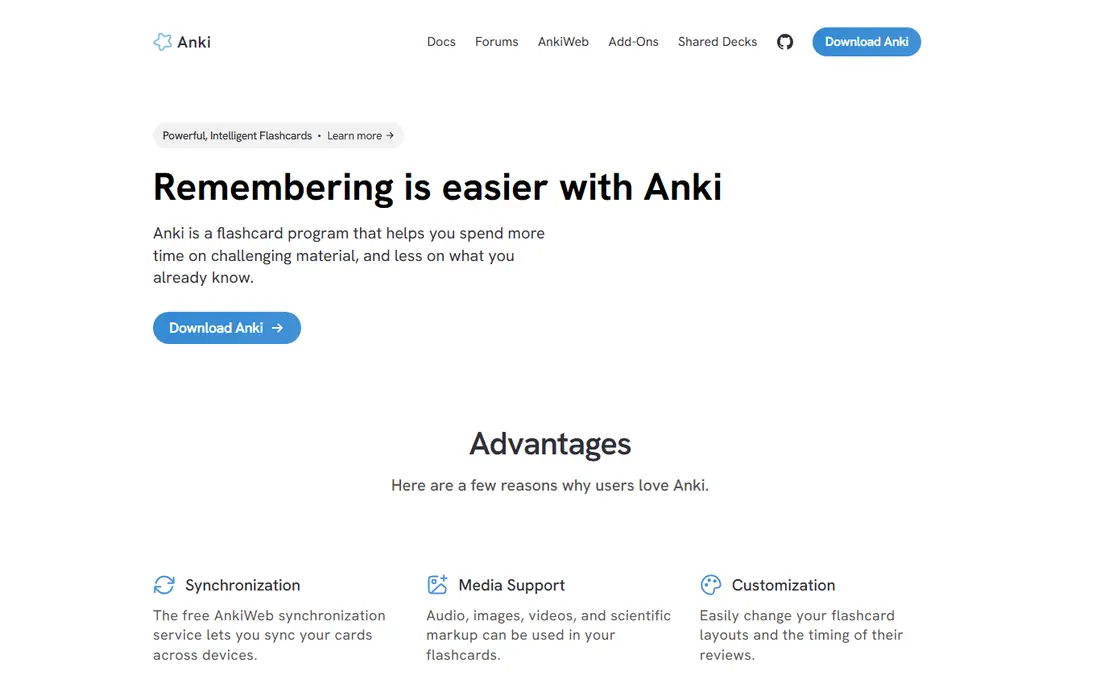
Anki is the tool many medical students, language learners, and exam candidates return to after trying prettier options. You create decks, grade your recall, and Anki schedules the next review for each card. The desktop and Android versions are free, and the free AnkiWeb sync service moves cards between devices. That combination keeps the long term cost low even for very large collections.
The honest catch is the learning curve. Card templates, deck options, and add-ons give you a lot of control, but they can feel like extra homework at first. The iOS app costs $24.99 as a one-time purchase, which surprises people who expect the whole system to be free. If you want maximum control and you plan to study for months, Anki is still our first pick.
- Free on desktop and Android
- FSRS scheduling support
- Large library of shared decks and add-ons
- Dated interface
- IOS app is a paid one-time purchase
- Setup takes time for new users
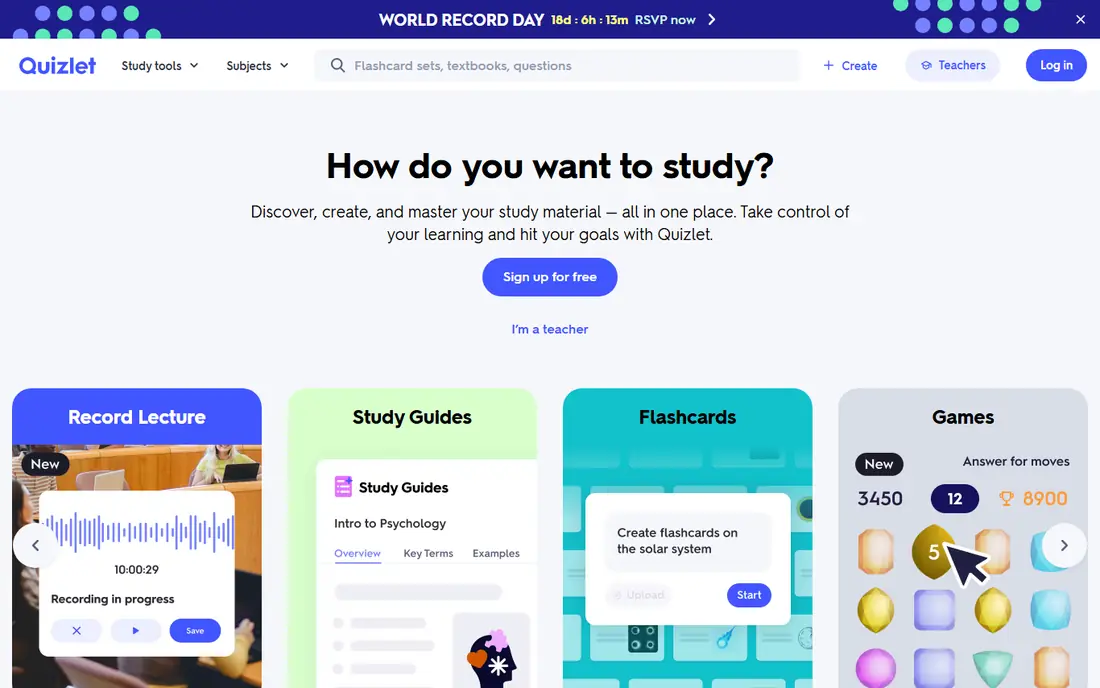
Quizlet wins on speed. Search for a topic, open a set, and start studying within a minute. That matters for school tests and short courses where building every card from scratch would eat the study time itself. Learn mode, flashcard mode, and practice tests give you more than one way to work through the same material.
Quizlet is not the strongest pure spaced repetition app on this list. Its scheduling is simpler than Anki or SuperMemo, and it suits revision over weeks better than retention over years. Still, for classes with strong existing decks and for learners who want a low friction start, it is a sensible choice. Check the current Plus price on the vendor site before you upgrade, since plan details change.
- Huge library of user made sets
- Simple interface
- Learn mode guides review sessions
- Spaced scheduling is more limited than Anki
- Some features sit behind the paid plan
- Ads on the free tier
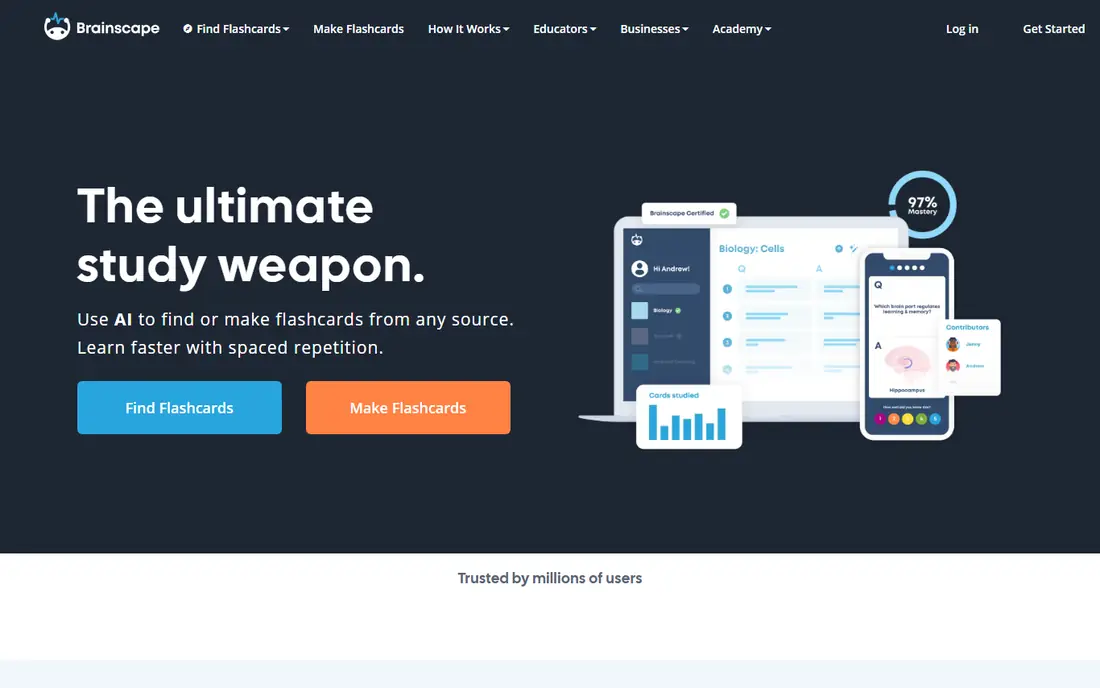
Brainscape asks you to rate how well you knew each card, from 1 to 5, and repeats weaker cards sooner. That self grading step slows you down in a useful way, because it forces a judgment about recall instead of a quick pass. The free tier covers making and importing unlimited flashcards, sharing them, and studying with spaced repetition, according to the vendor site.
Certified decks are the other draw. Brainscape works with panels of experts for subjects such as languages, medical exams, and professional certifications. Those decks cost more, and they are not needed for every learner. If you make your own cards and want a clean interface, the free tier is a good place to start.
- Confidence rating from 1 to 5 guides scheduling
- Certified decks for many exams
- Free card creation and sharing
- Full access to certified content and advanced features needs a paid plan
- Web and mobile focus rather than deep desktop customization
RemNote suits students who already take structured notes and hate copying them into a second app. You write notes in an outline editor, turn parts of them into flashcards, and review those cards on a spaced schedule. PDF annotation and an exam scheduler help when a test date sets the pace for review.
The free plan covers core note taking, flashcards, spaced repetition, and PDF annotation, which is enough for many students. Paid plans add more AI tools, backups, and customization. RemNote feels larger than Anki or Mochi, so learners who only want flashcards may find the extra panels distracting. For note heavy courses, though, keeping notes and cards together saves real time.
- Flashcards made directly from notes
- PDF annotation
- Exam date scheduling
- AI tools sit mainly on paid plans
- Interface has more features than a simple flashcard app needs
Mochi is the calm option on this list. Notes are written in Markdown, linked together, and turned into cards with a smart review schedule. Data stays on your device first and syncs when you are online, which suits learners who prefer local files over a cloud only workspace. Built in dictionaries, text to speech, and image search help language learners in particular.
The trade off is community content. You will not find the same depth of shared decks as Anki or Quizlet, so Mochi works best if you enjoy making your own material. The free tier covers offline use, while the paid plan adds sync and more. At $5 per month for Pro in vendor listings we reviewed, it stays affordable for a daily study tool.
- Local first storage
- Markdown notes with links and tags
- FSRS scheduling
- Smaller shared deck library than Anki
- Sync and extra features need the paid plan
Memrise is best understood as a language app with spaced repetition inside it, rather than a general flashcard tool. Courses use video clips and spoken examples, which helps with listening and pronunciation as well as word recall. That context is the reason many language learners stick with it longer than with plain word lists.
If your subject is anatomy, law, or history, a general tool such as Anki or Brainscape will fit better. Memrise also guides you through its own course path, so learners who want full control over deck design may feel constrained. For vocabulary and everyday phrases in a new language, it is a strong and friendly pick.
- Spoken context for language learning
- Free tier covers core learning
- Structured courses for many languages
- Less suited to non language subjects
- Spaced review is built around its own course design
SuperMemo is the oldest name in this field, and its scheduling algorithms influenced many later apps. It gives experienced learners detailed control over intervals and review data, which is appealing if you want to tune the system rather than accept defaults. Long horizon learners who study the same material for years sometimes prefer that depth.
The downsides are plain. SuperMemo is a paid Windows product, its interface shows its age, and new learners may find the setup heavy. Check the current price on the vendor site, since editions and pricing have changed over time. Pick it for depth and control, not for a quick start.
- Long running spaced repetition research behind it
- Detailed control over scheduling
- Windows desktop focus
- Paid product with no significant free tier
- Interface feels dated
- Windows only for the main desktop version
Mnemosyne is a free, open source spaced repetition program that keeps the focus on cards and review. It suits learners who want Anki style scheduling without add-ons, accounts, or a large feature set. You can study offline, and the program stays out of the way once your decks are set up.
It will not impress anyone looking for AI card generation or a polished mobile experience. Shared decks and community support are thinner than for Anki, so you should expect to make most cards yourself. For a no cost, no fuss desktop tool, Mnemosyne is hard to fault.
- Free and open source
- Simple card review
- Works offline on desktop
- Plainer interface than modern apps
- Smaller community and fewer ready made decks
Knowt appeals to students who like Quizlet style study but want a free Learn mode and an easy import path. You can bring in Quizlet sets, study with flashcards and practice modes, and get going without a paid plan for core study. That makes it a useful first stop for school and college revision.
Knowt is not a replacement for Anki for long term retention work, because its scheduling and customization are simpler. It also has a smaller library of original content than the larger platforms. As a free, fast revision tool, though, it covers the basics well.
- Free Learn mode
- Quizlet import
- Simple study modes for students
- Spaced repetition features are less deep than Anki
- Newer and smaller ecosystem
How we picked these
We compared official feature pages, pricing pages, and app store listings for each tool, and we kept only tools that offer spaced repetition or scheduled review as a core feature in October 2026. We favored tools with a working free tier or a low one-time cost, clear platform coverage, and a real fit for long term recall rather than one off cramming. We did not claim hands-on testing that did not happen; our comparison rests on vendor documentation, pricing, and public listings.
What to check before you choose
Start with your subject and your patience for setup. If you study for a professional exam over many months, Anki, SuperMemo, or Mnemosyne reward the setup time. If you need to start tonight for a class test, Quizlet, Knowt, or Brainscape will get you moving faster. Language learners should weigh Memrise and Mochi, while note heavy students should try RemNote first.
Check three practical points before you pay. First, confirm the free plan covers the card count, sync, and offline access you need. Second, check the mobile app price separately, since Anki charges for iOS while desktop and Android are free. Third, try importing or making a small deck before you migrate a whole course, because card format and import limits vary a lot between tools.
Frequently asked questions
What is the best spaced repetition app for most people?
Anki is our pick for most serious learners, because it is free on desktop and Android, supports FSRS, and has a large shared deck library. Brainscape is a gentler alternative if you want confidence based review and certified decks without a steep setup.
What is the best spaced repetition software for language learning?
Memrise suits language vocabulary with spoken context, while Mochi and Anki suit learners who build custom decks for grammar and phrases. Pick Memrise for guided courses and Anki or Mochi for full control over your own cards.
Is there a good free spaced repetition app?
Yes. Anki is free on desktop and Android, Mnemosyne is free, and Brainscape, RemNote, Mochi, Memrise, and Knowt all offer free tiers. Check each free plan for limits on sync, AI features, or deck size before you rely on it for a large course.
How often should I review flashcards?
Review daily in short sessions when you can, and let the app schedule each card based on how well you recalled it. Short daily reviews beat long weekly sessions for most learners, because the schedule depends on regular grading.
Can I use spaced repetition apps offline?
Anki, Mochi, and Mnemosyne support offline study on desktop, and several apps allow downloaded decks on mobile. Check the specific app and plan, since some web first tools need a connection for sync and AI features.
Sources
See where you really rank - block by block
ProMapRanker scans Google Maps across a grid of your service area. Simple monthly plans from $19, white-label on every plan.
Start freeKeep reading
 wpforms alternatives
Best WPForms Alternatives in 2026
We compare 9 wpforms alternatives for WordPress forms, with free and paid options, current pricing notes, and honest limits for small business sites in 2026.
Read → windows task scheduler alternatives
Best Windows Task Scheduler Alternatives in 2026
Looking for Windows Task Scheduler alternatives? We compare 9 schedulers for Windows and cross-platform work, from free tools to enterprise automation.
Read → which ai video service is best
Which AI Video Service Is Best in 2026
which ai video service is best? We compare 10 legitimate AI video services on price, avatars, editing and output quality to help you pick the right tool.
Read →