 ProMapRanker
Best Solitaire App in 2026: 8 Apps Compared


Classic Klondike on mobile · Pricing starts at: Free
Key takeaways
- MobilityWare Solitaire is our first pick for classic Klondike play, with daily challenges and a familiar layout.
- Microsoft Solitaire Collection is the best bundle, since it packs five classic games into one app.
- Brainium Solitaire and Solitaire Bliss suit players who want a calm screen and fewer interruptions.
- Solitaired and Green Felt are strong free web options when you do not want to install another app.
Quick comparison
| Pick | Great for | Pricing starts at | Free tier | |
|---|---|---|---|---|
| Solitaire by MobilityWare | Classic Klondike on mobile | Free | Yes | Visit |
 Microsoft Solitaire Collection | Five games in one app | Free | Yes | Visit |
 Brainium Solitaire | Calm, simple play | Free | Yes | Visit |
 Solitaire Bliss | Many variations in one place | Free | Yes | Visit |
 Solitaired | Free play in a browser | Free | Yes | Visit |
 Green Felt Solitaire | Fast, no-fuss web play | Free | Yes | Visit |
 Solitaire FRVR | Quick games on phone or web | Free | Yes | Visit |
 Solitaire.com | Browser play with many variants | Free | Yes | Visit |
The best solitaire apps
Solitaire sounds simple, but the best app depends on how you play. Some players want one classic game done well, others want Spider and FreeCell in the same place, and others want a quiet game with no pressure to buy anything. These eight options cover mobile and browser play, free and paid upgrades, and a range of visual styles.
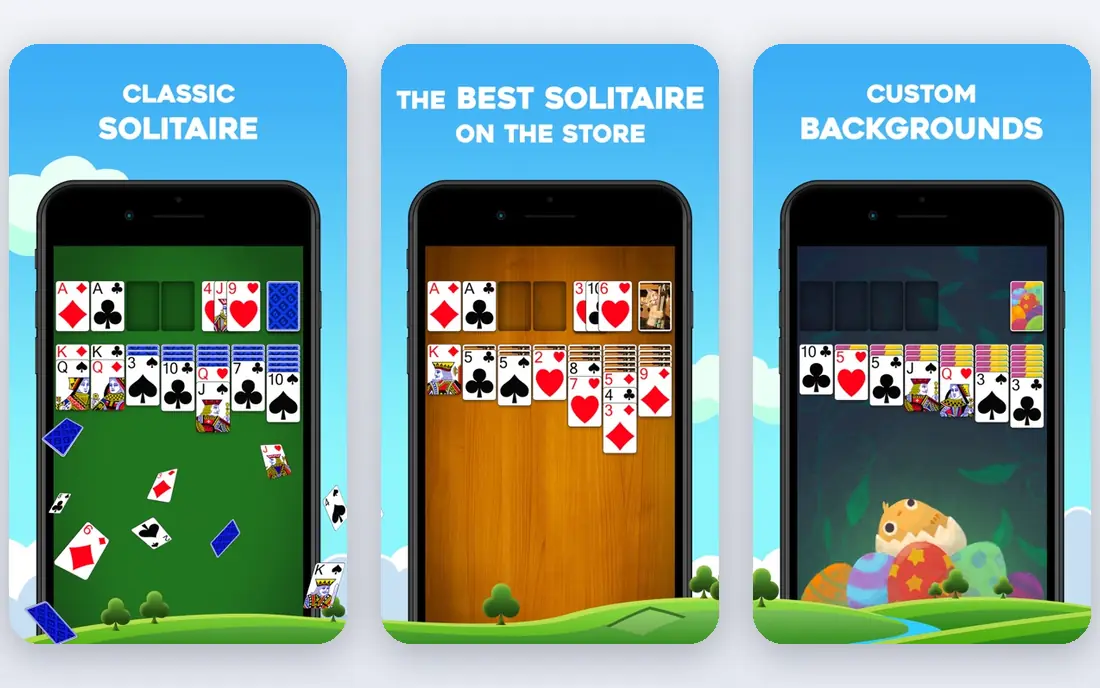
MobilityWare Solitaire is the closest thing to a default solitaire app on phones, and that familiarity is part of its appeal. The cards are easy to read, moves are smooth, and daily challenges give a reason to return without turning a calm game into a grind. Players who learned solitaire on a computer will feel at home within one hand.
Ads are the main trade-off in the free version. They appear between games rather than during a hand, but frequent players may still find them tiring. A paid upgrade removes ads and adds customization, so the free version works well as a trial before you decide whether the extras matter to you.
- Familiar Klondike rules and layout
- Daily challenges and leaderboards
- Draw 1 and draw 3 modes
- Free version includes ads
- Some extras need an in-app purchase
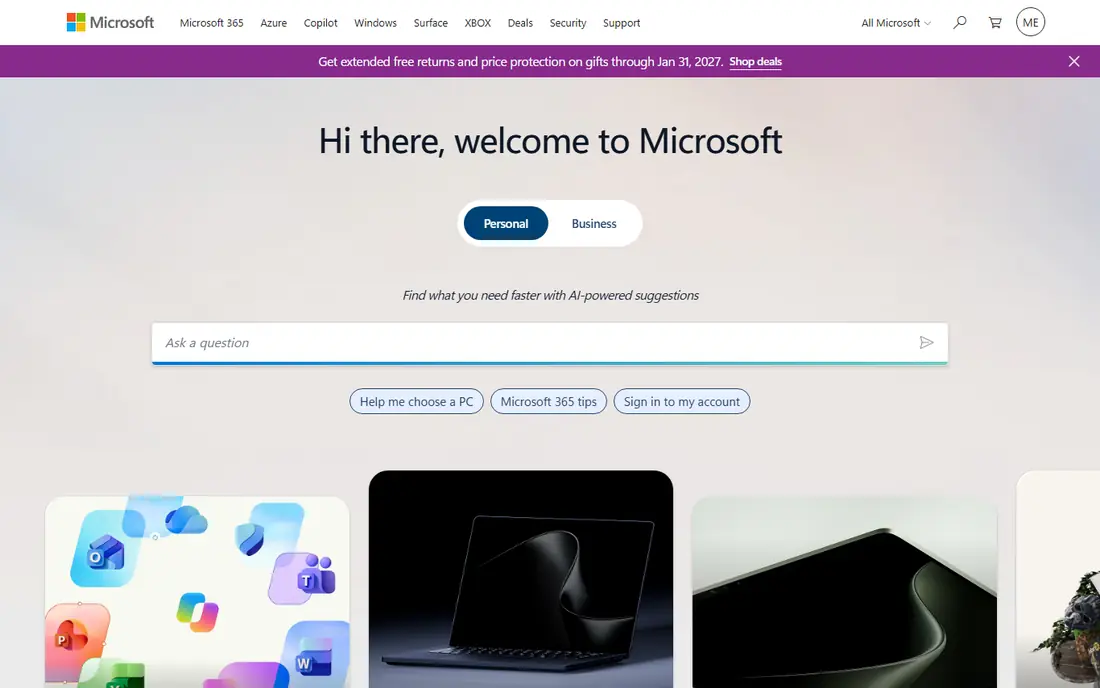
Microsoft Solitaire Collection is the best choice if you play more than one type of solitaire. Klondike is there for a classic game, Spider adds a longer challenge, FreeCell rewards planning, and Pyramid and TriPeaks offer a faster, more casual pace. Daily challenges and themed events keep the set fresh without requiring a new download for each game.
The bundle comes with a busier feel than a single-game app. Menus, events, and offers take more taps to get past, and ads are part of the free experience. If you only want Klondike, a simpler app may suit you better. If you like variety, this collection is hard to beat for value.
- Klondike, Spider, FreeCell, Pyramid, and TriPeaks in one app
- Daily challenges and events
- Progress sync across devices
- Ads in the free version can feel frequent
- Premium upgrade is a separate yearly cost

Brainium Solitaire is built for players who want solitaire to feel relaxing, not noisy. The board is uncluttered, the cards are easy to move, and hints and unlimited undo help new players learn without feeling stuck. It is a good pick for a few quiet hands before bed or during a break.
Variety is the limit here. Brainium focuses on doing classic solitaire well rather than packing in dozens of variants. Players who want Spider, FreeCell, and Pyramid in one app should look at Microsoft Solitaire Collection or Solitaire Bliss instead. For a single, calm game, Brainium is an easy recommendation.
- Clean design and smooth animations
- Helpful hints and undo options
- Good for short, relaxed sessions
- Fewer game variations than a bundle app
- Some customization needs a paid upgrade
Solitaire Bliss suits players who get bored with Klondike alone. It offers many variations, from Spider and FreeCell to Pyramid and other classic layouts, in one account across web and mobile. That range makes it a good home base if you like to switch games depending on mood and time.
The breadth comes with a slightly busier first impression. New players may need a few sessions to find their favorite variant and preferred settings. Paid upgrades remove ads and add more customization, but the free version is generous enough to learn the app before spending anything.
- Wide range of solitaire variations
- Clean web and mobile play
- Challenges and custom card styles
- Some features and ad-free play need a paid upgrade
- Layout takes a moment to learn
Solitaired is our pick for browser players who want choice without installing an app. You can open it on a computer, phone, or tablet, pick a game, and start playing in seconds. The catalog is far larger than most mobile apps, which makes it useful for discovering variants you have never tried.
Polish varies by game, since a huge catalog cannot match the finish of a single-game app on every title. The site is also best on a stable connection, unlike an offline mobile app. For free, instant variety, though, Solitaired is difficult to fault.
- Hundreds of card games in a browser
- No install needed
- Quick to start a game
- Web design is plainer than top mobile apps
- Some games feel less polished than dedicated apps
Green Felt is for players who want solitaire and nothing else. The site loads fast, the cards are clear, and there is no account setup or app store step before the first hand. It is a good choice on a shared computer, a work break, or an older device that struggles with heavy apps.
The trade-off is age. Green Felt looks plain next to modern mobile apps, and it lacks daily challenges, leaderboards, and deep customization. If you want a social or goal-driven game, pick another option here. If you want a quick, honest game of Klondike, Green Felt still does the job well.
- Very fast loading and simple controls
- Clear card layout
- No account needed for basic play
- Older visual style
- Fewer modern features and challenges than mobile apps
Solitaire FRVR is a tidy middle option between a single-game app and a huge catalog. The controls feel natural on a touchscreen, games start quickly, and the design stays out of the way. It suits players who want a few hands on a phone without learning a new system.
Depth is limited compared with Solitaire Bliss or Microsoft Solitaire Collection. Players who want many variants, statistics, and long-term challenges may outgrow it. As a fast, free, everyday solitaire game, it earns its place here.
- Simple drag controls
- Works on mobile and web
- Good for short sessions
- Fewer variants than larger collections
- Free version includes ads on some platforms
Solitaire.com is a straightforward browser choice for players who want to try Spider, FreeCell, Klondike, and other variants without an app. Game selection is simple, loading is quick, and it works on most devices with a browser. It is a useful backup when you are on a device without your usual app.
Because the site is free and ad-supported, ads are part of the experience. The look is also functional rather than beautiful. Those are fair trade-offs for instant, free variety, and players who prefer a calmer screen should choose Brainium or a paid upgrade in another app.
- Many solitaire variants in a browser
- No install needed
- Simple game selection
- Ads support the free site
- Visual polish varies across games
How we picked these
We compared official app listings, developer pages, and public reviews, and we favored apps that are still available in October 2026, offer a genuinely free way to play, and cover Klondike plus at least a useful range of variants across the list. We did not claim hands-on testing for every app, so where a price or upgrade detail could not be confirmed on the vendor or store listing at the time of writing, we wrote See website instead of guessing.
How to pick the right solitaire app for you
Start with where you play. A phone app with offline play suits commuters and travelers, while a browser site suits players on a shared computer or a device with little storage. If you play daily, ads and customization matter more than they do for an occasional game, so a paid upgrade may be worth it for your main app.
Check ads, offline play, and controls before you settle
Play three full games before you judge an app. Notice when ads appear, whether the game works without a connection, and whether cards are easy to drag on your screen size. A game that looks good in screenshots can still feel cramped on a small phone, and a game with frequent ads can turn a relaxing habit into an annoyance.
Pick one main game and one backup
Most players do best with one main app for daily play and one browser option for other devices. That keeps your settings and progress simple while giving you a fallback when your phone is charging or storage is full. Avoid installing five similar apps at once, since they compete for attention and notifications.
Frequently asked questions
What is the best free solitaire app?
MobilityWare Solitaire is our first pick for free classic play, and Microsoft Solitaire Collection is the best free bundle. Brainium Solitaire is a calmer free option, while Solitaired and Green Felt offer free browser play without an install. The best choice depends on whether you want one game done well or many games in one place.
What are the best solitaire apps for iPhone and Android?
MobilityWare Solitaire, Microsoft Solitaire Collection, Brainium Solitaire, and Solitaire Bliss all work on iPhone and Android, with daily challenges and familiar controls. Check the store listing for your device, since features and upgrade prices can differ slightly by platform.
Is there a solitaire app with no ads?
Paid upgrades in MobilityWare, Microsoft Solitaire Collection, Brainium, and Solitaire Bliss remove ads, and browser sites such as Green Felt tend to show fewer interruptions than free mobile apps. No free app is fully ad-free in every case, so read the upgrade terms before you pay.
Can I play solitaire offline?
Yes, most mobile apps in this list support offline play once installed, including MobilityWare, Microsoft Solitaire Collection, and Brainium. Browser options such as Solitaired and Green Felt need an internet connection. If offline play matters, install a mobile app rather than relying on a website.
Which solitaire app has Spider and FreeCell?
Microsoft Solitaire Collection and Solitaire Bliss both include Spider and FreeCell alongside Klondike. Solitaire.com and Solitaired also offer those variants in a browser. If Spider is your main game, a bundle app will serve you better than a single-game Klondike app.
Sources
See where you really rank - block by block
ProMapRanker scans Google Maps across a grid of your service area. Simple monthly plans from $19, white-label on every plan.
Start freeKeep reading
 free alternatives to grok imagine
Free Alternatives to Grok Imagine in 2026
We compared the best free alternatives to grok imagine for image generation, from fast daily credits to design tools, so you can create without paying.
Read → best tools for instagram content creation
Best Tools for Instagram Content Creation in 2026
Compare the best tools for Instagram content creation, from Canva and CapCut to Later and Buffer, on design, video, planning, scheduling, and price in 2026.
Read → best tool to split pdf files
Best Tool to Split PDF Files in 2026
We compared the best tool to split pdf files on split modes, file limits, privacy and price, so you can split a PDF cleanly and keep every page in one go.
Read →