 ProMapRanker
Best Software to Create PDFs in 2026

Key takeaways
- Adobe Acrobat remains the reference for compatibility, forms and compliance, but it is also the priciest option here.
- Foxit PDF Editor and Wondershare PDFelement give most of that editing power at a lower subscription price.
- PDF-XChange Editor and PDF24 Creator suit Windows users who want strong editing without a monthly bill for every feature.
- Smallpdf, iLovePDF and Sejda are best for quick browser-based creation, merging and conversion.
- If you create PDFs from scans, check OCR quality and redaction tools, not just basic editing.
Quick comparison
| Pick | Great for | Pricing starts at | Free tier | |
|---|---|---|---|---|
 Adobe Acrobat | Full PDF creation and compliance | See website | No | Visit |
 Foxit PDF Editor | Acrobat-level editing for less | See website | No | Visit |
 Nitro PDF Pro | Team PDF creation and collaboration | See website | No | Visit |
 Wondershare PDFelement | Budget full-featured editing | See website | No | Visit |
 PDF-XChange Editor | Windows power users | See website | Yes | Visit |
 Smallpdf | Quick browser-based PDF tasks | See website | Yes | Visit |
 iLovePDF | Simple online PDF creation and editing | See website | Yes | Visit |
 Sejda | Clean online and desktop PDF editing | See website | Yes | Visit |
 PDF24 Creator | Free Windows PDF creation | Free | Yes | Visit |
The best software to create PDFs
We compared official feature pages, pricing pages and public reviews to find tools that actually create PDFs well, from blank documents, scans, Office files and web pages, not just tools that only read them.
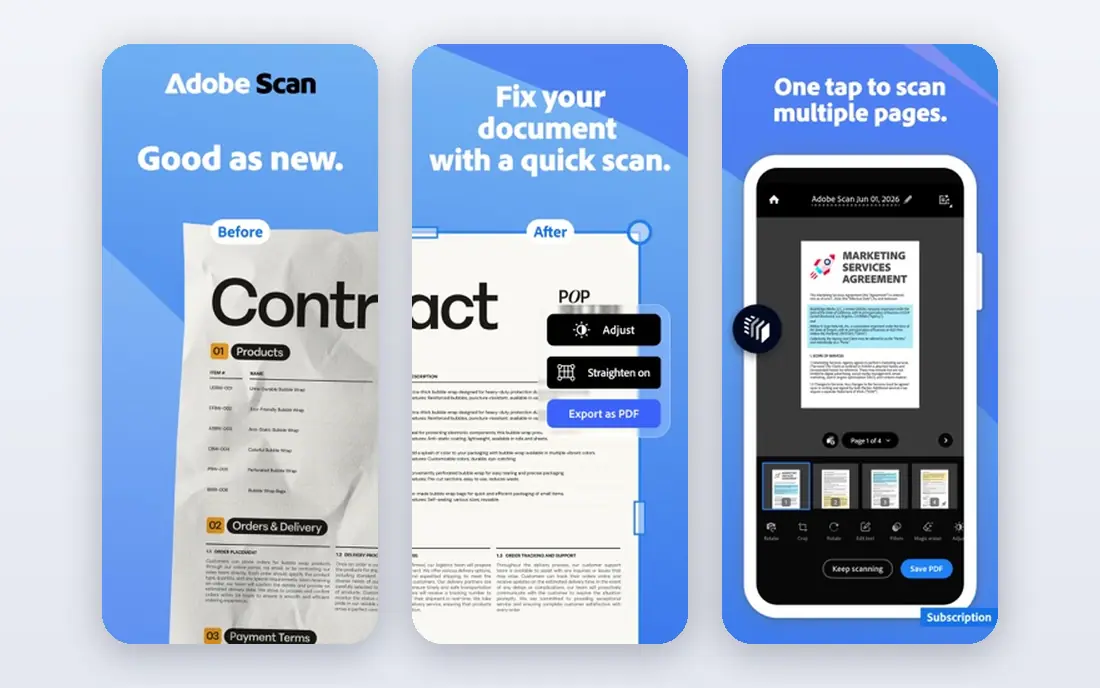
Adobe created the PDF format, and Acrobat still sets the standard for how a PDF should render, print and behave. You can create PDFs from Office files, images, scans and web pages, edit text and images, build forms, redact sensitive content and collect signatures. For legal, finance and compliance work, that completeness is hard to match.
The price is the main reason to look elsewhere. Acrobat is a subscription product, and casual users will pay for capability they rarely use. If your PDFs must pass strict compliance checks or move between many systems, the premium is easier to justify.
- Strongest compatibility and forms
- Strong OCR and redaction
- E-signature built in
- Highest price here
- Subscription only for current plans
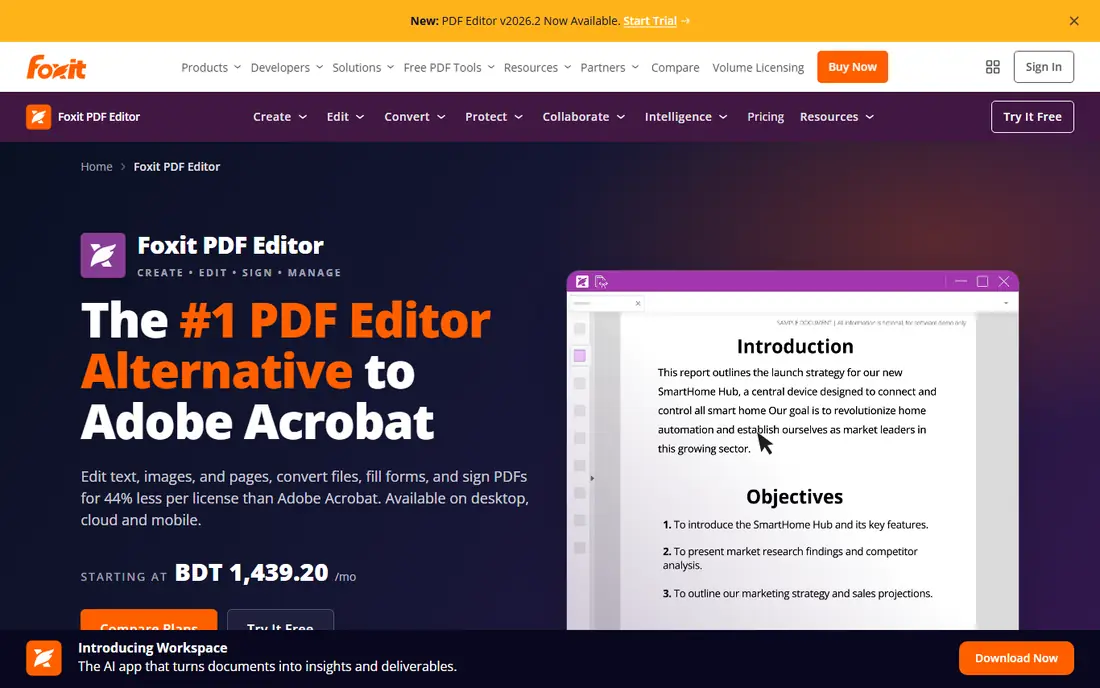
Foxit PDF Editor is the closest full-featured alternative to Acrobat for most office users. It creates PDFs from many file types, edits text and images, handles OCR, forms, redaction and signing, and runs lighter than Acrobat on modest hardware. Teams that need professional output without Adobe pricing often standardize on it.
The interface will feel familiar to Acrobat users, which helps training but also means it rarely surprises. Check the current plan terms, since Foxit sells both subscription and perpetual options and the included features differ by tier.
- Near-Acrobat editing and forms
- Lighter on system resources
- Perpetual license option in some plans
- Mobile apps lag the desktop version
- Interface closely follows Acrobat
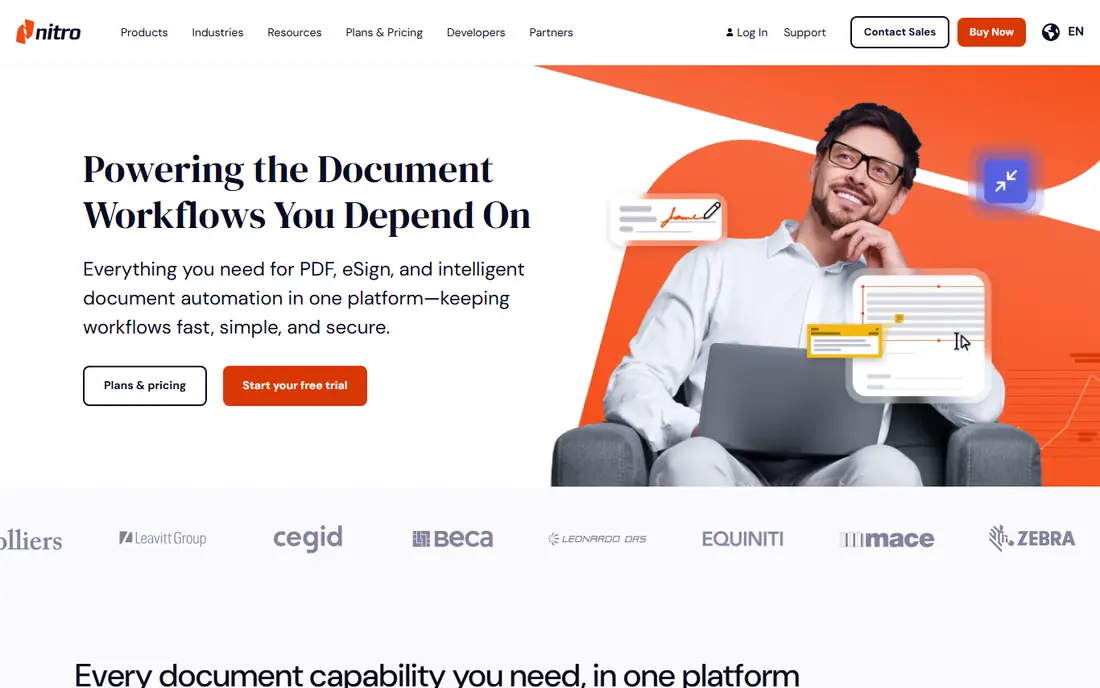
Nitro PDF Pro covers the full office workflow: create PDFs from Office and image files, edit and annotate, convert back to Office formats, and route documents for signature. Its collaboration tools suit small teams that pass contracts and forms back and forth. For Windows-based offices, it is a direct Acrobat alternative.
The main friction is pricing transparency for teams, since quotes vary by seat count and plan. Mac users should also test the current version carefully, since Nitro history has favored Windows. A trial with your own documents is the best check.
- Full PDF creation and editing
- Collaboration and signing tools
- Team administration
- Pricing is often quote-based for teams
- Windows focus is stronger than Mac
PDFelement offers most of what Acrobat does at a lower price, including PDF creation, editing, OCR, forms, batch conversion and signing. Its interface is friendlier than many professional editors, which helps new users who only need to create and fix PDFs a few times a week. It also runs on Windows, Mac, iOS and Android.
The honest limit is scan quality. On clean documents it works well, but on poor scans Adobe and specialist OCR tools tend to produce cleaner text. If your work starts from scanned paper every day, test OCR with your own scans before buying.
- Strong price for full editing
- OCR and batch processing
- Cross-platform apps
- OCR accuracy trails Adobe on poor scans
- Some advanced features sit in higher tiers
PDF-XChange Editor is a favorite among Windows users who want speed and control without a heavy subscription. The free version covers viewing, annotation and basic creation, while paid versions add full editing, OCR and advanced tools. It opens large PDFs quickly and offers detailed annotation options that suit technical reviewers.
Windows-only support is the clear limit, so Mac and mobile teams should look elsewhere. Also check which features need the Plus license, since the free version will not cover every editing job.
- Fast Windows editor
- Strong annotation and OCR options
- One-time purchase options
- Windows only
- Some features require the paid Plus version
Smallpdf is built for speed in a browser. You can create PDFs from Office files and images, merge, split, compress, convert and sign without installing desktop software. That makes it ideal for occasional users, students and anyone working on a shared or locked-down computer.
The trade-off is depth. Smallpdf will not replace Acrobat or Foxit for heavy editing, complex forms or strict redaction. If you hit the free daily limits often, a paid plan or a desktop editor will cost less in frustration.
- Easy browser tools for creation, merge and compression
- No install for basic tasks
- Mobile apps
- Free use has daily limits
- Deep desktop editing is limited
iLovePDF follows the same browser-first model as Smallpdf, with a clean interface and tools for merging, splitting, compressing, converting and editing PDFs. It is easy to explain to non-technical users, and its desktop app helps when you need offline work. For routine office tasks, it covers the basics well.
As with other online tools, the free tier limits how much you can do per day, and complex document editing still belongs in a desktop editor. Use iLovePDF for quick creation and conversion, not as a full replacement for Acrobat.
- Simple interface
- Wide set of online PDF tools
- Desktop and mobile apps
- Free plan has limits
- Advanced editing is lighter than desktop editors
Sejda stands out for a tidy interface and a sensible set of editing tools, including text editing, forms, signing and page management. It works in a browser and offers a desktop version, which helps when you need to work offline or keep files local. For users who dislike cluttered PDF suites, Sejda feels calm and direct.
The free plan limits the number of pages and tasks, so heavy users will need a paid plan. It is also not the fastest choice for large batch conversions, where PDFelement or PDF-XChange may work better.
- Clean interface
- Editing, forms and signing
- Desktop version for offline work
- Free plan limits pages and tasks
- Batch work can be slower than desktop suites
PDF24 Creator is a free Windows tool that creates PDFs from almost any application through a virtual printer, then lets you merge, split, compress and edit the result. For offices and students on Windows, it covers everyday PDF creation at no cost, with no subscription to track. It also offers online tools for users on other systems.
The interface is practical rather than elegant, and Mac users will need the online tools instead. If you need advanced forms, redaction or OCR at scale, a paid editor is still the better pick, but for basic creation PDF24 is hard to beat on price.
- Free PDF creation and editing
- Print-to-PDF from any app
- Merge, split and compress
- Windows only
- Interface is functional rather than polished
How we picked these
We compared official feature pages, pricing pages and public reviews for PDF tools that are live in October 2026. We kept only tools that create PDFs from common sources, not viewers alone, and we mixed desktop suites, browser tools and free options so different budgets can compare fairly. Where vendors do not publish a clear starting price, we wrote See website rather than repeating third-party estimates as fact.
What to check before you buy
Start with how your PDFs begin. If they start as Office files, almost every tool here will work. If they start as scans, test OCR with your own pages, since accuracy varies more than marketing pages suggest. If they start as forms or contracts, check form building, redaction and signature features in a trial.
Then check your platform and volume. Windows-only tools will not help a Mac team, and browser tools with daily limits will frustrate heavy users. Finally, check file handling: some online tools upload files to a server, while desktop tools keep them local. For sensitive documents, local processing or a vendor with clear data handling terms is the safer choice.
Frequently asked questions
What is the best software to create PDFs for most people?
Adobe Acrobat is the most complete, while Foxit PDF Editor and Wondershare PDFelement cover most office needs for less money. Occasional users often do fine with Smallpdf, iLovePDF or PDF24 Creator.
Can I create PDFs for free?
Yes. PDF24 Creator is free on Windows, and Smallpdf, iLovePDF and Sejda offer free tiers with limits. PDF-XChange Editor also has a free version for viewing and annotation.
Do I need OCR to create PDFs?
OCR matters only if your PDFs start as scans or images and you need searchable or editable text. For PDFs created from Office files or web pages, text is already selectable without OCR.
Is an online PDF tool safe for sensitive documents?
It depends on the vendor and the document. For contracts, medical or legal files, prefer a desktop tool that keeps files local, or check the online vendor data handling and deletion terms before uploading.
Can PDF software create fillable forms?
Yes, Acrobat, Foxit, Nitro and PDFelement all support form creation, and Sejda covers basic forms online. Test your exact form, including dropdowns and signature fields, before you commit.
Sources
See where you really rank - block by block
ProMapRanker scans Google Maps across a grid of your service area. Simple monthly plans from $19, white-label on every plan.
Start freeKeep reading
 wpforms alternatives
Best WPForms Alternatives in 2026
We compare 9 wpforms alternatives for WordPress forms, with free and paid options, current pricing notes, and honest limits for small business sites in 2026.
Read → windows task scheduler alternatives
Best Windows Task Scheduler Alternatives in 2026
Looking for Windows Task Scheduler alternatives? We compare 9 schedulers for Windows and cross-platform work, from free tools to enterprise automation.
Read → which ai video service is best
Which AI Video Service Is Best in 2026
which ai video service is best? We compare 10 legitimate AI video services on price, avatars, editing and output quality to help you pick the right tool.
Read →