 ProMapRanker
Best Software for Fixed Asset Accounting in 2026


Depreciation depth for finance teams · Pricing starts at: See website
Key takeaways
- Fixed asset accounting has two jobs: correct depreciation for the books and tax, and a physical record of where each asset is and who holds it.
- Sage Fixed Assets and Bloomberg Tax Fixed Assets lead on depreciation depth, while Asset Panda and GoCodes lead on physical tracking with mobile scans.
- NetSuite, Acumatica and Xero suit firms that want fixed assets inside the accounting system they already use, rather than as a separate file.
- AssetWorks suits large organizations with complex estates, but it is quote-priced and needs a proper rollout.
- Depreciation errors distort financial statements and tax filings, so test your own asset types, methods and reports before you commit.
Quick comparison
| Pick | Great for | Pricing starts at | Free tier | |
|---|---|---|---|---|
| Sage Fixed Assets | Depreciation depth for finance teams | See website | No | Visit |
 Oracle NetSuite Fixed Assets | NetSuite firms needing native assets | See website | No | Visit |
 Acumatica Fixed Assets | Acumatica ERP users | See website | No | Visit |
 Bloomberg Tax Fixed Assets | Tax depreciation depth | See website | No | Visit |
 Asset Panda | Mobile asset tracking and custody | See website | Free trial | Visit |
 AssetWorks | Large enterprise asset estates | See website | No | Visit |
 Xero Fixed Assets | Small firms on Xero | See website | No | Visit |
 GoCodes | Physical counts with QR codes | See website | Free trial | Visit |
 Reftab | Barcode tracking for smaller teams | See website | Free trial | Visit |
The best software for fixed asset accounting
This is not financial advice, and depreciation rules vary by country, asset type and tax treatment, so check your own rules with a qualified accountant before you change methods. The tools below are judged on depreciation accuracy, audit trails, physical tracking and how cleanly they post to the general ledger.
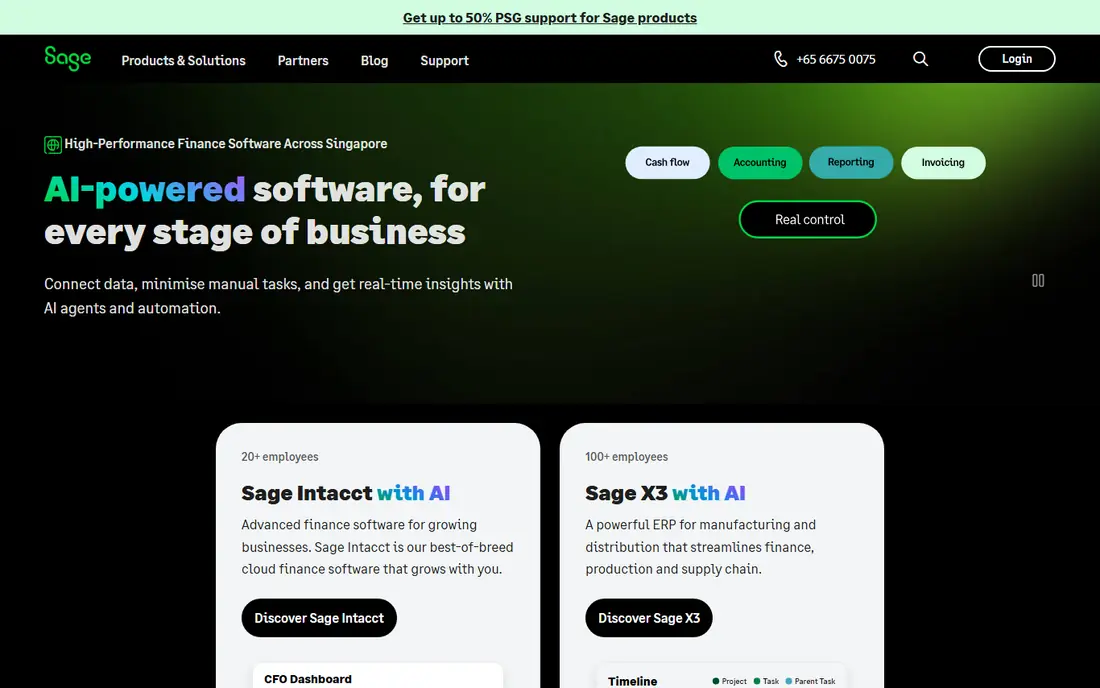
Sage Fixed Assets is the long-standing standard many accountants reach for when depreciation must be right. It supports multiple depreciation books, so book, tax and other treatments can be tracked for the same asset, along with acquisitions, transfers, disposals and partial retirements. Reports support audits and year-end close, which is where a weaker tool usually shows its limits.
The main drawback is pricing transparency. Sage does not publish a price list for this product, so you will need a written quote that separates licenses, implementation, training and support. The interface is also more traditional than newer cloud tools. For finance teams whose first priority is depreciation accuracy rather than mobile scanning, Sage remains a safe, well-understood choice.
- Long-standing depreciation engine
- Many methods and books
- Strong reporting for audits
- No public price list
- Can feel dated next to cloud-first tools
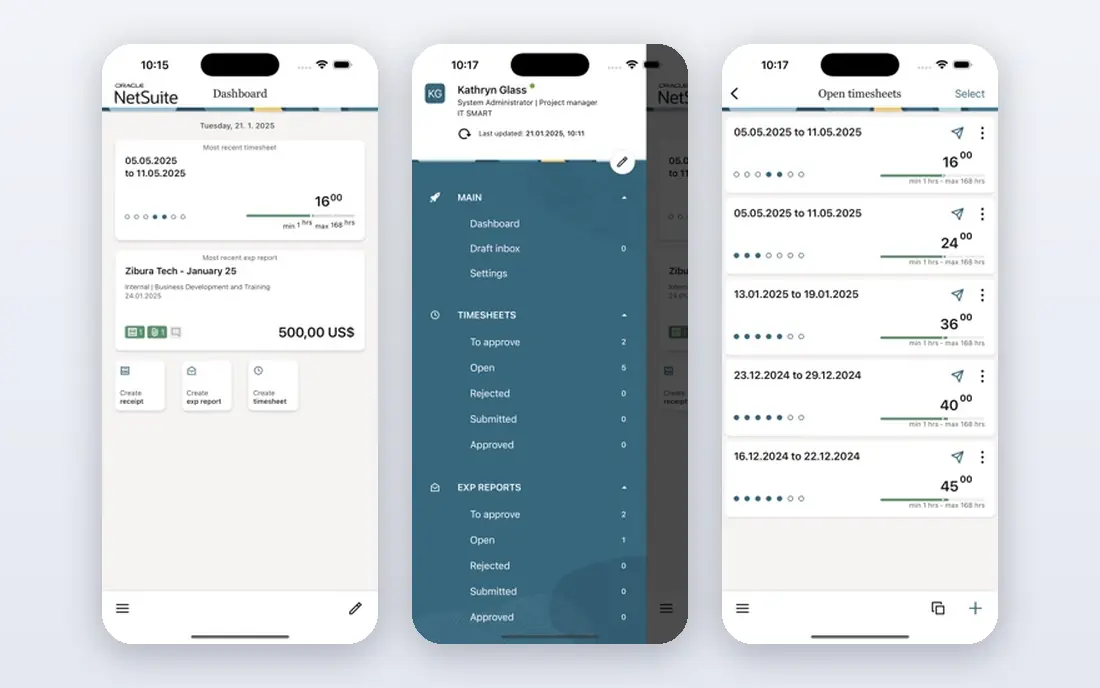
NetSuite Fixed Assets Management keeps asset transactions inside NetSuite, so acquisitions, depreciation and disposals post to the correct ledgers without an export and reconciliation step. Multi-entity firms and firms with several depreciation books benefit most, because the asset record and the financial record stay in the same system. Approval and audit controls follow NetSuite's own permissions.
The catch is that you are buying into NetSuite pricing as a whole. The fixed assets module is priced as part of your NetSuite subscription and modules, so a small firm will find the total cost steep for assets alone. For firms already running NetSuite, however, adding native fixed assets is usually cleaner and safer than bolting on a separate depreciation file that must be reconciled each month.
- Posts directly in NetSuite
- Multi-entity and multi-book support
- No separate reconciliation file
- NetSuite pricing is high
- Module cost depends on your NetSuite contract
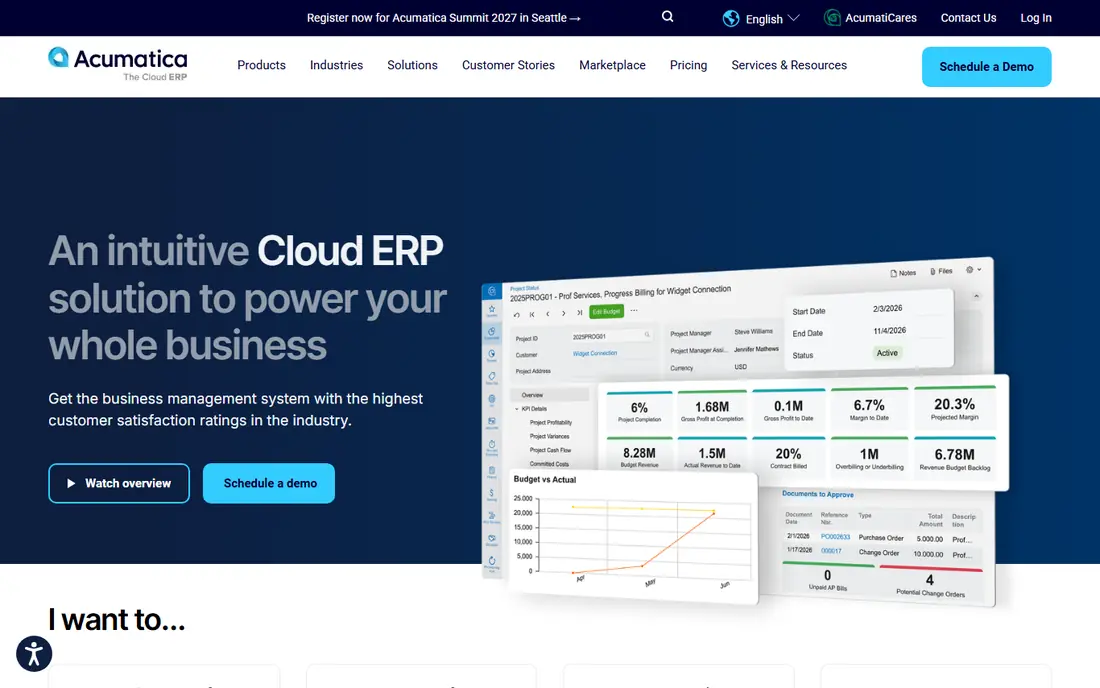
Acumatica Fixed Assets is built around Acumatica ERP transaction processing, so asset events follow the same posting patterns as general ledger updates in that system. It covers acquisition, depreciation, transfers and disposal, with reporting tied to the Acumatica financial picture. Acumatica's consumption-based licensing, with unlimited users, can suit firms with many staff touching assets.
Acumatica is sold through partners and priced by quote, so expect a conversation about transaction volume and modules rather than a simple per-user price. It also only makes sense if you already run Acumatica or plan to. For Acumatica firms, native fixed assets remove a reconciliation burden. For everyone else, a standalone depreciation or tracking tool will be a better fit.
- Follows Acumatica transaction patterns
- Unlimited user model
- Good for distributors and manufacturers
- Quote-only pricing through partners
- Needs Acumatica in place to make sense
Bloomberg Tax Fixed Assets is aimed at firms where tax depreciation is the hard part: bonus depreciation, state differences, complex asset classes and detailed tax reporting. It keeps tax books separate from book depreciation where the rules differ, and it supports the calculations and reports that tax teams need at filing time. Large firms and tax practices use it for exactly that depth.
Smaller firms may find it more detailed and more costly than they need, and pricing is quoted rather than published. If your main problem is tracking laptops and furniture, a simpler tool will do. If your tax filings involve thousands of assets, multiple entities and changing tax rules, Bloomberg Tax's depth is a genuine advantage and worth the quote conversation.
- Deep tax depreciation rules
- Strong for complex tax compliance
- Detailed tax reporting
- Quote-only pricing
- Tax focus may exceed small-firm needs
Asset Panda focuses on the physical side of assets. Staff scan barcodes or RFID tags on a phone, and custody, location and status update in near real time. Custom fields let firms record the details that matter to them, from warranty dates to assigned users, and audit trails show who held an asset and when. That mobile capture is what makes physical counts and reconciliations practical.
Depreciation is not Asset Panda's strongest area. Finance teams that need deep multi-book depreciation will likely pair it with an accounting system or a specialist depreciation tool. Pricing is also quoted, so ask how the vendor counts users and assets. For firms whose main pain is lost, misplaced or untracked equipment, Asset Panda is one of the clearest answers.
- Mobile barcode and RFID scanning
- Flexible custom fields
- Custody and location history
- Depreciation features are lighter than specialist tools
- Pricing is quoted
AssetWorks serves large enterprises, universities, hospitals and public bodies with complex asset estates. It covers acquisition, tracking, maintenance, disposal and reporting across many locations and departments, with controls suited to organizations that must account for public money or large capital programs. Its depth across the full asset lifecycle is the reason large buyers choose it.
That depth brings cost and implementation effort that small firms do not need. AssetWorks is quote-priced, and a rollout should include data cleanup, location hierarchies and user training. For a firm with a few hundred assets in one office, a lighter tracking tool will be faster and cheaper. For an organization with tens of thousands of assets across sites, AssetWorks' structure and controls earn their keep.
- Enterprise asset lifecycle depth
- Strong for public sector and large estates
- Detailed controls
- Quote-only pricing
- Rollout suits large organizations, not small teams
Xero includes fixed asset features that suit small firms: register assets, calculate depreciation and post it to the ledger without leaving the accounting system. For a small business with a modest asset list, that simplicity is a real benefit, because there is no separate tool to learn, pay for or reconcile. Setup is quick compared with enterprise systems.
The limit is depth. Firms with complex tax books, many asset classes or large estates will outgrow Xero's fixed asset features and need a specialist tool. Pricing follows your Xero plan, so confirm which plan includes the asset features you need. For small firms already on Xero, starting here and upgrading only when reports or tax needs demand it is a sensible path.
- Built into Xero
- Simple depreciation for small firms
- No separate asset file to reconcile
- Limited depth for complex estates
- Requires a Xero subscription
GoCodes routes physical inventory count discrepancies back to specific asset records, so a missing or misplaced item becomes a task to close, not just a report line. Teams tag assets with QR codes, scan them on a phone during counts, and update custody and status as they go. That workflow suits firms that must prove, at audit time, that assets counted match assets recorded.
GoCodes is a tracking tool, not a depreciation engine, so finance teams will still need their accounting system or a depreciation tool for book and tax calculations. Pricing varies by plan, and a trial will show whether its count workflow fits your team. For firms whose audits focus on existence and custody, GoCodes gives a clean, practical answer.
- QR code asset tags and mobile counts
- Discrepancy workflow tied to asset records
- Easy audit trail
- Accounting depth is limited
- Best paired with an accounting system
Reftab centers on barcode-driven tracking, with structured transfer steps that update custody and status as assets move. That discipline helps smaller teams keep a reliable record without a large system, and mobile scanning makes counts and check-outs quick. Loan and checkout workflows suit schools, IT teams and firms lending equipment to staff.
Like GoCodes, Reftab is stronger on tracking than on depreciation accounting, so pair it with your accounting system for book and tax work. Its smaller scale compared with enterprise vendors is worth noting, though its focus makes it easy to adopt. For teams that need reliable tracking at a modest price, Reftab is a practical choice.
- Barcode-driven tracking
- Structured transfers
- Clear custody and status updates
- Limited depreciation depth
- Smaller vendor than enterprise rivals
How we picked these
We compared official product pages, pricing pages and public documentation for tools that handle fixed asset depreciation, tracking or both. We favored clear depreciation methods, audit trails, ledger posting and physical tracking features, and we included both ERP-native modules and standalone tools so firms of different sizes can compare. Where pricing was not published by the vendor, we wrote See website rather than repeating a third-party estimate.
What to check before you buy
Start by listing your asset types, depreciation methods and reporting needs, then test those exact cases in a trial. A tool that handles straight-line office equipment may still struggle with your treatment of vehicles, leasehold improvements or assets with partial disposals. Also confirm how assets post to your general ledger, whether tax and book treatments can differ, and how disposals and transfers are audited.
Tracking against accounting
Decide which problem hurts more. If audits focus on missing equipment, weight Asset Panda, GoCodes or Reftab heavily. If the pain is depreciation accuracy and tax filings, weight Sage, Bloomberg Tax or your ERP's native module. Many firms end up with both: a tracking tool for the physical record and an accounting tool for depreciation, with a clear link between them.
Data cleanup and rollout
Budget time to clean your asset list before migration, because bad opening data will produce bad depreciation from day one. Confirm opening balances, acquisition dates, costs and methods for each asset, and run a parallel close for one month before you switch fully. Ask vendors how historical data and disposal history migrate, and what your export options are if you leave.
Frequently asked questions
What is the best accounting software for fixed assets?
For depreciation depth, Sage Fixed Assets is the long-standing pick for many finance teams, while Bloomberg Tax Fixed Assets leads on tax depth. For firms on NetSuite or Acumatica, the native fixed asset module is usually cleaner than a separate tool. For small firms on Xero, Xero's own fixed asset features are often enough.
What is the top accounting software for fixed assets in a large enterprise?
Large firms typically choose either an ERP-native module such as NetSuite or Acumatica, or an enterprise system such as AssetWorks, depending on whether finance or facilities owns the asset record. Tax-heavy firms add Bloomberg Tax for tax depreciation. The right pick depends on estate size, entity count and audit needs.
How does fixed asset accounting software calculate depreciation?
It applies a depreciation method, such as straight-line or declining balance, over an asset's useful life, from its acquisition cost and date, and posts the periodic charge to the ledger. Most tools support multiple books, so book and tax depreciation can differ for the same asset, and they handle partial years, transfers and disposals.
Do I need separate software if my accounting system has fixed assets?
Not always. If your accounting system covers your methods, books and reports, native features are simpler and avoid reconciliation. Separate software earns its place when you need deeper tax rules, mobile physical tracking, or an asset estate far larger than your accounting system's asset features were built for.
What happens to depreciation when an asset is sold or disposed of?
The tool should record the disposal, stop depreciation at the right date, remove the asset cost and accumulated depreciation, and calculate any gain or loss for the books. Tax treatment may differ, so confirm the tool handles book and tax disposal reporting separately before you rely on it at year-end.
Can fixed asset software track where assets are?
Tracking-focused tools such as Asset Panda, GoCodes and Reftab do this well, with barcode or QR scans, custody records and location history. ERP modules and depreciation specialists focus more on the financial record, so firms that need both should confirm tracking features or plan to pair two tools.
Sources
See where you really rank - block by block
ProMapRanker scans Google Maps across a grid of your service area. Simple monthly plans from $19, white-label on every plan.
Start freeKeep reading
 wpforms alternatives
Best WPForms Alternatives in 2026
We compare 9 wpforms alternatives for WordPress forms, with free and paid options, current pricing notes, and honest limits for small business sites in 2026.
Read → windows task scheduler alternatives
Best Windows Task Scheduler Alternatives in 2026
Looking for Windows Task Scheduler alternatives? We compare 9 schedulers for Windows and cross-platform work, from free tools to enterprise automation.
Read → which ai video service is best
Which AI Video Service Is Best in 2026
which ai video service is best? We compare 10 legitimate AI video services on price, avatars, editing and output quality to help you pick the right tool.
Read →