 ProMapRanker
Best Software for Architects in 2026


BIM for large coordinated projects · Pricing starts at: $3,005 per year
Key takeaways
- Revit and Archicad are the leading BIM platforms, with Revit strongest for large coordinated projects and Archicad strongest for design led firms.
- AutoCAD remains the standard for 2D drafting and construction documents, while SketchUp and Rhino cover fast concept modeling and complex geometry.
- Vectorworks Architect suits smaller firms that want design, drafting, and BIM in one package, especially on Mac.
- Most professional tools are subscriptions, so budget for training and hardware as well as the license, since large models demand capable machines.
Quick comparison
| Pick | Great for | Pricing starts at | Free tier | |
|---|---|---|---|---|
| Autodesk Revit | BIM for large coordinated projects | $3,005 per year | Free trial | Visit |
 Graphisoft Archicad Graphisoft Archicad | Design led BIM | $2,414 per year | Free trial | Visit |
 AutoCAD AutoCAD | 2D drafting and documentation | See website | Free trial | Visit |
 SketchUp Pro SketchUp Pro | Fast 3D concept modeling | $399 per year | Free trial | Visit |
 Rhino Rhino | Complex geometry and freeform design | $995 one time | Free trial | Visit |
 Vectorworks Architect Vectorworks Architect | All in one design and BIM | $1,530 per year | Free trial | Visit |
 Chief Architect Premier Chief Architect Premier | Residential design | $1,995 per year | Free trial | Visit |
 Lumion Lumion | Architectural rendering and visualization | See website | Free trial | Visit |
The best software for architects
Architects rarely use one tool for everything. A firm may sketch in SketchUp, model in Revit or Archicad, detail in AutoCAD, and render in Lumion. The tools below cover that full workflow, from early concept to construction documents.
Revit is the BIM platform most engineers, contractors, and clients already use, which makes collaboration in native files far smoother than relying on exports. Change a wall type or a door schedule, and plans, sections, elevations, and quantities update together. That coordination is the core reason large firms standardize on it.
The cost is real, at $3,005 per year per seat, and large models need strong hardware to stay responsive. It is also Windows only, so Mac studios need virtual machines or separate machines. If your projects involve structural and mechanical coordination, or clients require Revit deliverables, it remains the safest choice.
- Industry standard BIM platform
- Parametric model keeps plans, sections, and schedules coordinated
- Huge library of families and plugins
- High annual cost per seat
- Windows only, which complicates Mac based studios
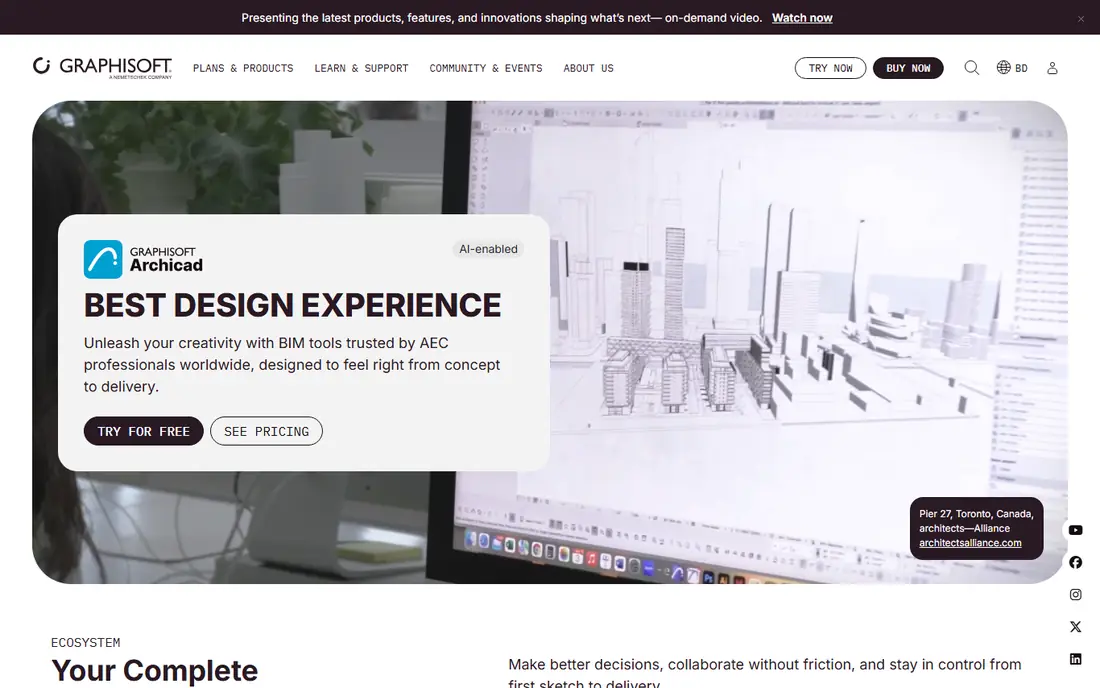
Archicad appeals to design led firms that want BIM without the weight of a large enterprise platform. Its modeling tools feel closer to design work, with a focus on building form, materials, and visualization from the early stages. Support for Mac and Windows helps studios that standardize on Apple hardware.
The main limit is ecosystem size. In markets where Revit is the default deliverable, Archicad teams must manage IFC exchange with consultants carefully. For firms that control their own deliverables, or work with Archicad friendly consultants, the design workflow and price point make it a strong alternative.
- BIM native design workflow with strong modeling tools
- Works on Mac and Windows
- Good fit for design led small and mid sized firms
- Smaller ecosystem than Revit in some markets
- Collaboration with Revit only teams needs IFC exports
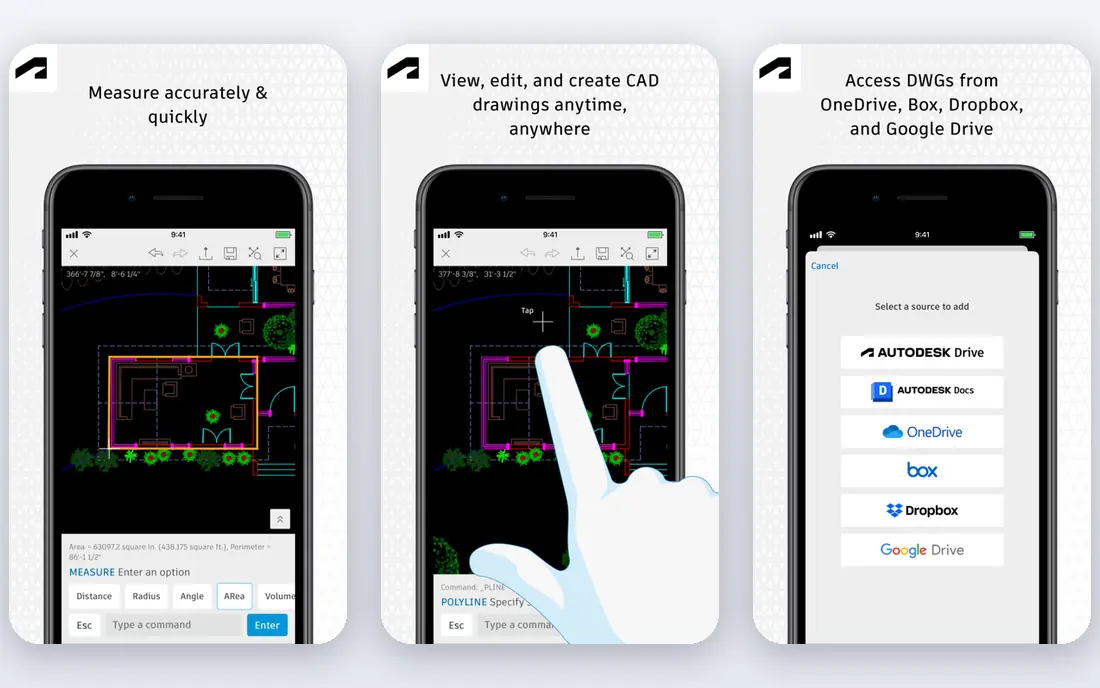
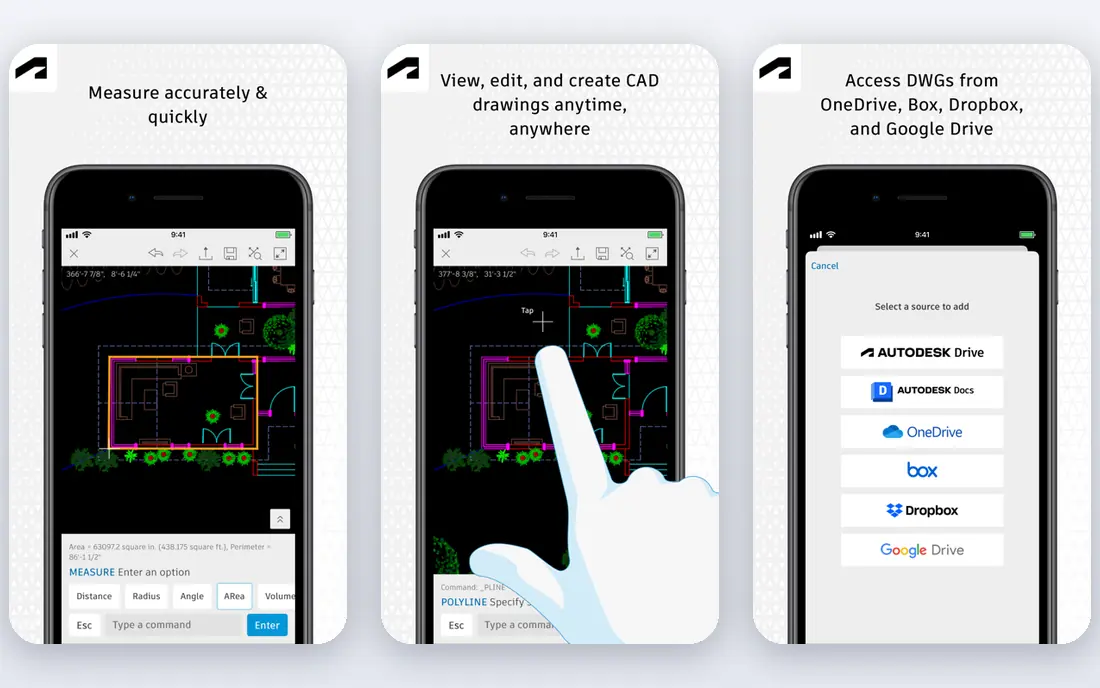
AutoCAD remains the reference tool for precise 2D drafting and construction documentation. Architects use it for plans, details, and drawing sets where exact linework and DWG compatibility matter most. Its toolsets for architecture add walls, doors, and schedules to basic drafting, which speeds up documentation work.
It is not a BIM platform in the Revit sense, so a firm that needs coordinated 3D models will pair it with a BIM tool rather than rely on it alone. Subscription pricing also means an ongoing cost per seat. For drafting heavy work and DWG exchange, AutoCAD is still the tool most of the industry expects.
- Long standing standard for 2D drafting
- Precise control over drawings and details
- Vast DWG compatibility and user base
- Subscription pricing
- Not a full BIM platform on its own, so larger projects need Revit or Archicad alongside
SketchUp Pro is the fastest way to turn an idea into a 3D model that a client can understand. Its push and pull modeling feels direct, and the component warehouse supplies furniture, fixtures, and entourage without modeling each piece from scratch. Small firms use it for concept design, feasibility studies, and client presentations.
For full construction documents, most firms export to a CAD or BIM tool, since SketchUp alone is not built for coordinated drawing sets. Extensions add rendering, BIM, and documentation features, but they add cost and setup. As a concept and communication tool, SketchUp Pro is excellent value at $399 per year.
- Very easy to learn for concept design
- Fast massing and presentation models
- Large warehouse of ready made components
- Less suited to full construction documentation alone
- Rendering and BIM features need extensions or other tools
Rhino is the tool for geometry that other modelers struggle with, from curved facades to complex roofs and parametric forms. Its NURBS modeling gives precise control over freeform shapes, and Grasshopper lets designers build parametric systems that update with a few slider changes. The one time $995 license also stands out in a subscription heavy market.
Rhino is not a BIM platform by itself, so firms that need coordinated drawings and schedules add plugins or export to Revit or Archicad. That extra step is worth it for design led projects where form is the point. For complex geometry work, few tools match Rhino at this price.
- Powerful NURBS modeling for complex and freeform shapes
- Grasshopper for parametric design
- One time perpetual license
- Not a BIM tool on its own
- BIM workflows need plugins such as VisualARQ
Vectorworks Architect suits small and mid sized firms that want one tool for design, drafting, and BIM, rather than a stack of separate products. It covers 2D drafting, 3D modeling, and BIM in a single package, and it runs on Mac and Windows, which helps mixed hardware studios. Site and interior tools in the same family help firms that span disciplines.
The trade-off is market share. Large commercial projects often specify Revit, so Vectorworks teams must plan IFC exchange for those jobs. For firms that control their deliverables, or work mainly on residential, cultural, and outdoor projects, Vectorworks offers strong value at $1,530 per year.
- Design, drafting, and BIM in one package
- Works on Mac and Windows
- Good fit for small firms spanning architecture, site design, and interiors
- Smaller user base than Revit in large firm markets
- Some consultants may still require Revit deliverables
Chief Architect Premier is purpose built for houses and residential remodeling, and that focus shows in its automatic building tools. Roofs, framing, stairs, and materials generate quickly from a floor plan, which speeds up design and documentation for residential firms. Built in rendering helps clients see finishes and layouts early.
It is not the right tool for large commercial or institutional BIM projects, where Revit or Archicad lead. Residential firms, builders, and remodelers will find its workflow faster than a general BIM platform for their project type. At $1,995 per year, it pays for itself quickly on a steady residential workload.
- Built for residential design with automatic roofs, framing, and materials
- Fast construction documents for houses
- Strong rendering tools
- Less suited to large commercial BIM projects
- Residential focus limits use for other building types
Lumion turns a BIM or CAD model into a presentation ready render or animation in far less time than a traditional rendering workflow. Architects import a model, add materials, lighting, people, and planting, and produce images and flythroughs that clients understand at a glance. That speed helps win work and get design approval faster.
Lumion does not model buildings, so it sits alongside Revit, Archicad, SketchUp, or Rhino rather than replacing them. Large scenes also need a strong graphics card to stay smooth. For firms that present often, Lumion is one of the most effective visualization tools available.
- Fast, high quality renders and animations from BIM and CAD models
- Large library of materials, people, and vegetation
- Easy to learn for visualization
- Rendering only, so it pairs with a modeling tool rather than replacing one
- Needs a capable graphics card for large scenes
How we picked these
We compared vendor pricing pages, product documentation, and feature lists for tools actively offered to architects in October 2026. We kept tools that cover BIM, drafting, modeling, or rendering for real building projects, and we favored a mix of industry standards and strong smaller options. Where pricing varied across sources, we wrote See website rather than stating a disputed figure as fact.
How to choose the right stack
Start with the deliverable your clients require
If clients or consultants require Revit files, Revit is the starting point, whatever your design preference. If you control deliverables, Archicad or Vectorworks may fit your design workflow better and cost less per seat. Check contract requirements before buying any platform.
Separate concept tools from documentation tools
SketchUp and Rhino excel at concept and form, while Revit, Archicad, and AutoCAD excel at coordinated documents. Most firms need at least one of each, plus a rendering tool for presentations. Budget for the stack, not a single license, and test file exchange between tools early.
Budget for training and hardware
A new BIM platform takes months to learn well, and large models need fast processors, plenty of memory, and capable graphics cards. Trial the software on your real project files, not demo models, and include training time in the first year cost. A cheaper license on slow hardware rarely saves money.
Frequently asked questions
What is the best architecture software overall?
Revit is the best overall BIM platform for large coordinated projects, while Archicad is the best design led alternative. SketchUp Pro is the best concept modeling tool for speed and ease of learning. The best software depends on project type, client requirements, and whether your firm works on Mac or Windows.
What is the best software for architects on Mac?
Archicad, SketchUp Pro, Rhino, and Vectorworks Architect all run on Mac, which makes them strong choices for Apple based studios. Revit is Windows only, so Mac studios that need Revit must use a Windows machine or a virtual machine. Vectorworks and Archicad are the strongest Mac native BIM options.
What is the best architectural software for beginners?
SketchUp Pro is the best beginner tool, since it is easy to learn, fast for concept models, and priced at $399 per year. Rhino is a good next step for complex geometry, while Revit and Archicad take longer to learn but cover full BIM documentation. Start with SketchUp for concepts, then add a BIM tool when project complexity demands it.
What is the best building design software for residential projects?
Chief Architect Premier is the best residential design software, thanks to its automatic roofs, framing, and materials for houses. SketchUp Pro also works well for residential concepts and presentations. For larger residential developments with coordinated BIM needs, Revit or Archicad may fit better.
Is there free architecture software for architects?
Free options exist, including SketchUp Free for basic web based modeling and open source CAD tools for 2D drafting, but they lack the full BIM, documentation, and support features of paid platforms. Students and educators can often access Autodesk and Graphisoft tools through education programs. For professional work, budget for at least one paid seat.
Sources
See where you really rank - block by block
ProMapRanker scans Google Maps across a grid of your service area. Simple monthly plans from $19, white-label on every plan.
Start freeKeep reading
 zoom alternatives
Best Zoom Alternatives in 2026
Compare Zoom alternatives in 2026, with free meeting limits and prices, so you can pick the best alternative to Zoom for your team, class, or community.
Read → which software is best for remote work
Which Software Is Best for Remote Work in 2026
Answering which software is best for remote work, we compare Slack, Zoom, Asana, Notion, Teams and more, with pricing and honest tradeoffs in 2026 now.
Read → which ai tool is best for content writing
Which AI Tool Is Best for Content Writing in 2026
Wondering which ai tool is best for content writing? We compare ChatGPT, Claude, Jasper, Grammarly, and more on price, quality, and best use in 2026 now.
Read →