 ProMapRanker
Best Social Media Marketing Tools in 2026


All in one enterprise management · Pricing starts at: $99 per user per month
Key takeaways
- Buffer and Later are the easiest low cost starts for small businesses, while Hootsuite and Sprout Social suit larger teams with listening and reporting needs.
- Per user and per channel pricing models change the real bill fast, so price your actual team size and channel count before choosing.
- Agorapulse and Sendible stand out for inbox work and agency client management, which matters more than scheduling alone for busy accounts.
- The best social media management tools share one trait, which is a calendar and analytics view that saves time every week, not just on launch day.
Quick comparison
| Pick | Great for | Pricing starts at | Free tier | |
|---|---|---|---|---|
| Hootsuite | All in one enterprise management | $99 per user per month | Free trial | Visit |
 Buffer Buffer | Simple scheduling for small teams | $6 per channel per month | Yes | Visit |
 Sprout Social Sprout Social | Analytics and listening for larger teams | See website | Free trial | Visit |
 Later Later | Visual planning for Instagram and TikTok | $25 per month | Yes | Visit |
 SocialPilot SocialPilot | Agencies managing many accounts | See website | Free trial | Visit |
 Agorapulse Agorapulse | Inbox first engagement | See website | Yes | Visit |
 Sendible Sendible | Agencies with client reporting | $29 per month | Free trial | Visit |
 Zoho Social Zoho Social | Budget teams already using Zoho | $10 per month | Free trial | Visit |
The best social media marketing tools
A good social media marketing tool should save time on scheduling, keep replies in one place, and show which posts actually work. The eight tools below cover solo creators, small businesses, agencies, and enterprise teams.
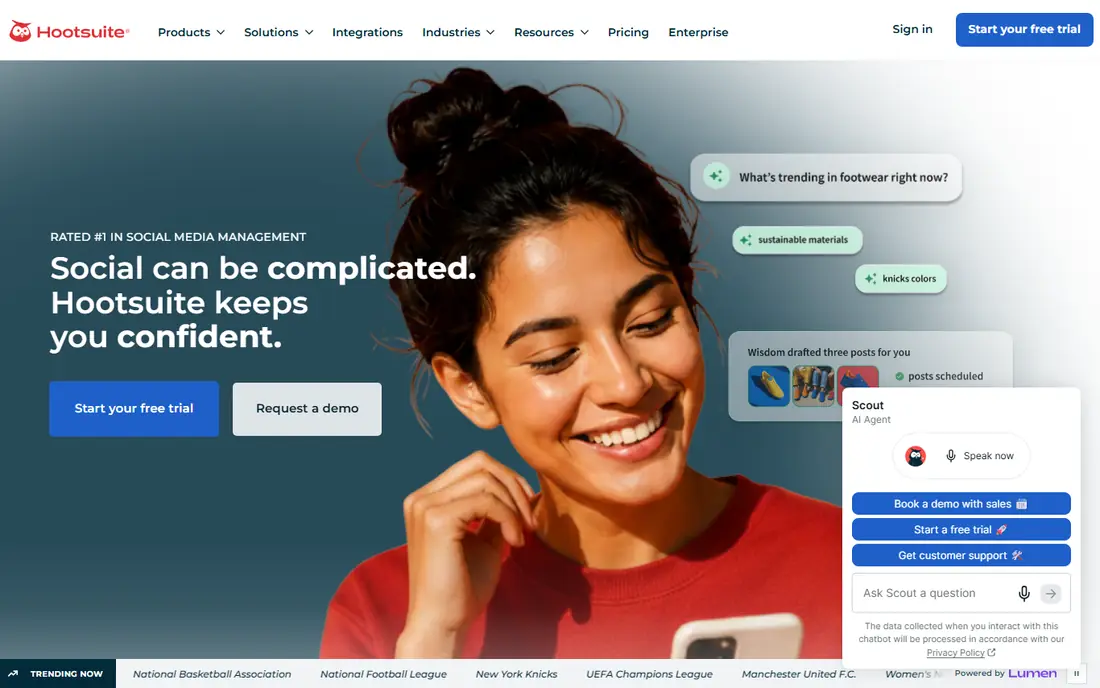
Hootsuite remains the broadest all in one option, covering the full workflow from planning to listening to reporting. Teams can schedule across major networks, monitor mentions, answer comments, and build reports for leadership in one place. That breadth is why larger marketing teams still choose it despite the price.
The catch is the per user model, which means a team of five pays five times the headline price. Small businesses may find that hard to justify when a simpler tool covers scheduling and basic analytics. For mid market and enterprise teams that need governance and listening, the breadth is worth pricing out properly.
- Covers planning, scheduling, engagement, listening, and analytics
- Wide platform support
- Strong enterprise reporting and approvals
- Per user pricing adds up for larger teams
- No free plan, only a trial
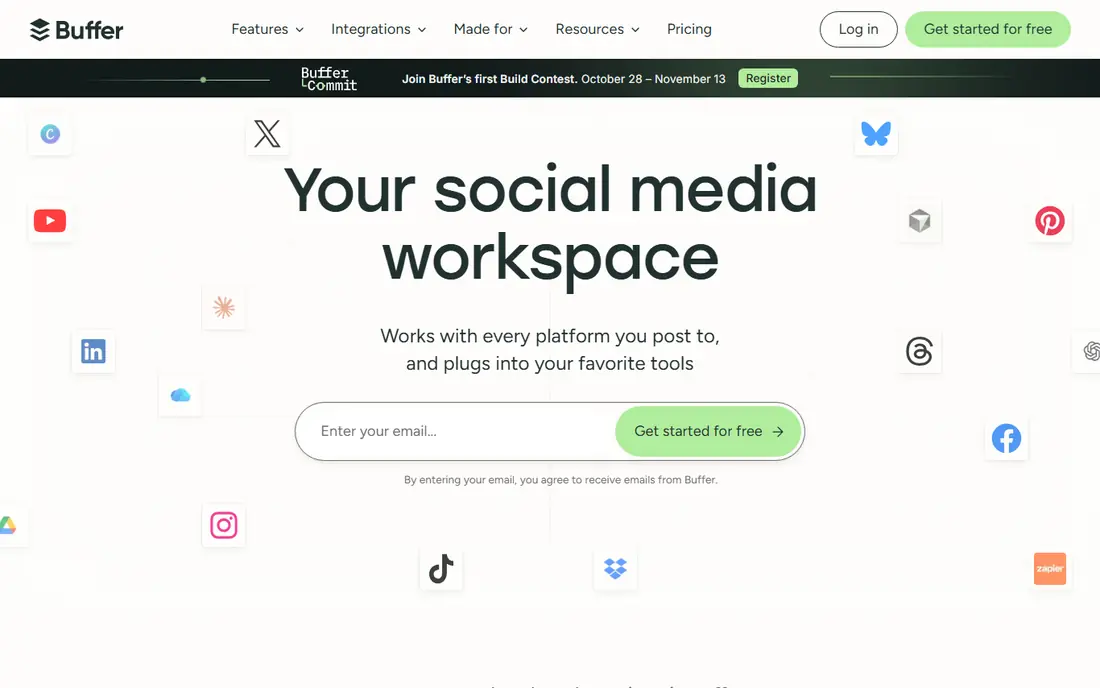
Buffer is our pick for small businesses that want scheduling without a steep learning curve. The interface is simple, the free plan covers a few channels, and paid plans add more channels and analytics at a modest cost. For a solo marketer or a tiny team, that simplicity saves time from day one.
The limit shows when you need deep listening, complex approvals, or a unified inbox for high volume accounts. Buffer handles the basics well and stays out of the way, but it is not built to replace an enterprise suite. Start here if scheduling is your main pain, and move up only when reporting or inbox needs force the change.
- Clean, easy to learn interface
- Free plan for up to three channels
- Straightforward scheduling and basic analytics
- No social listening on lower tiers
- Inbox and advanced reporting are limited compared with enterprise tools
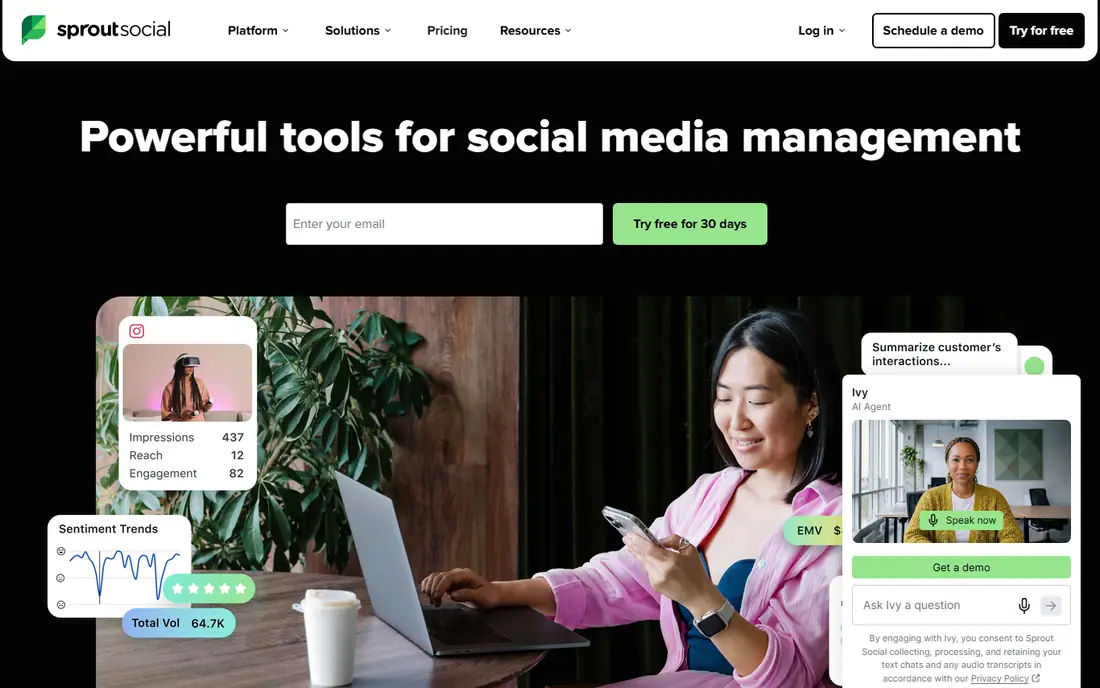
Sprout Social is built for teams that live in their data as much as in their calendar. Its analytics and listening tools help marketers spot trends, track competitors, and report results in a form that managers trust. The unified inbox keeps comments and messages together, which helps larger accounts respond faster.
That depth comes at a higher price, and small teams may pay for features they rarely use. Check the current vendor pricing, since plans and per seat rates change, and test the trial with your real accounts. For analytics led teams, Sprout is one of the strongest tools on this list.
- Strong analytics, reporting, and social listening
- Unified inbox for engagement
- Approval workflows for teams
- Higher starting price than simpler tools
- Pricing varies by plan, so check the vendor page before budgeting
Later suits brands that plan by eye, especially on Instagram and TikTok. The visual calendar makes it easy to see how a feed will look, drag posts into place, and keep a consistent posting rhythm. A link in bio tool helps turn profile visits into website traffic, which matters for creators and small shops.
Teams that need heavy listening or complex team approvals may find Later lighter than Hootsuite or Sprout. For visual first marketing, though, the planning experience is the point, and Later does it well at a price small businesses can accept.
- Visual calendar and drag and drop planning
- Strong Instagram and TikTok support
- Link in bio tool for traffic
- Analytics and inbox features are lighter than enterprise rivals
- Best value for visual first brands
Agorapulse puts engagement first, with a unified inbox that pulls comments, messages, and mentions into one queue. Teams that spend their day answering customers will feel the benefit fast, since nothing sits hidden in a single network app. Scheduling, reporting, and team roles round out a capable all round tool.
Pricing depends on users and profiles, so confirm the current rate on the vendor site before budgeting. It is not the cheapest tool, and it is not the deepest listening platform, but for inbox heavy teams it strikes a practical balance between price and power.
- Unified social inbox for comments and messages
- Solid reporting and scheduling
- Good fit for teams that answer a lot of replies
- Pricing varies by plan and user count
- Listening features are not as deep as Sprout on some tiers
Sendible is built for agencies that need to show clients clear results. Dashboards, scheduled reports, and approval workflows help a small agency look professional without building reports by hand. Scheduling covers the major networks, and bulk tools help when many clients post on the same day.
New users may need a few sessions to learn the full dashboard, and the most advanced analytics require higher tiers. For agencies, the reporting and client management features justify that learning time. Solo brands may find Buffer or Later simpler for the same scheduling job.
- Agency friendly dashboards and client reporting
- Scheduling across major networks
- Approval workflows for client content
- Learning curve for the full feature set
- Some advanced analytics sit on higher tiers
Zoho Social is the budget pick for teams already using Zoho CRM or other Zoho apps. At $10 per month for the entry tier, it covers scheduling, monitoring, and reporting at a price that small businesses can accept without a long approval process. Integration with Zoho tools is a bonus for existing users.
It does not match the depth of Hootsuite or Sprout for listening and enterprise reporting, and its integration range is narrower. If you already live in Zoho, that trade is easy to accept. If you do not, compare Buffer and Later first for a similarly priced, simpler start.
- Low entry price
- Scheduling, monitoring, and basic analytics in one tool
- Fits well with other Zoho apps
- Smaller ecosystem of integrations than Hootsuite or Sprout
- Advanced features are limited
How we picked these
We compared vendor pricing pages, feature pages, and app listings for tools that are actively offered in October 2026. We kept tools that cover scheduling plus at least one of analytics, inbox, or listening, and we favored a mix of free, budget, agency, and enterprise options. Where pricing varied across sources, we wrote See website rather than stating a disputed figure as fact.
How to choose the right tool
Count channels, users, and clients before you price
A tool that looks cheap per user can become expensive for a team of ten, while a per channel tool can punish a brand with many profiles. Write down your real numbers, then ask each vendor for the total monthly cost at that size, including any add ons for analytics or listening.
Test the inbox, not just the calendar
Most tools schedule well, but the daily work is answering replies and comments. Run a trial with your live accounts, check how fast replies surface, and see if approvals and roles match how your team actually works. A pretty calendar that hides replies will cost you time every day.
Check reporting early
Ask for a sample report before you buy, and check whether it answers the questions your manager or clients actually ask. Basic reach and clicks may be enough for a small business, while agencies and larger teams need per client, per campaign, and per network breakdowns.
Frequently asked questions
What is the best social media marketing tool for small business?
Buffer and Later are the best small business picks, since both offer free plans and low cost paid tiers with simple scheduling. Buffer suits teams that want the simplest setup, while Later suits visual brands on Instagram and TikTok. Zoho Social is a strong budget choice if you already use Zoho apps.
What is the best social media management tool overall?
Hootsuite is the broadest all in one tool, covering scheduling, listening, engagement, and reporting for larger teams. Sprout Social is close behind for analytics led teams that value listening and polished reports. The best tool depends on team size, since per user pricing changes the value case for each.
What is the best social media marketing software for agencies?
SocialPilot and Sendible are the strongest agency picks, since both support many accounts, client workspaces, and reporting. SocialPilot offers good value when account count is high, while Sendible stands out for client dashboards and approvals. Test both with a few real clients before moving a full roster across.
Is there a good free social media marketing tool?
Yes, Buffer and Later both offer free plans that cover basic scheduling for a small number of channels, and Agorapulse offers a free option for smaller use. Free plans cap channels, posts, and analytics, so they suit solo marketers and very small teams best. Upgrade when you add channels, team members, or reporting needs.
How much do social media marketing tools cost?
Entry prices range from free to about $10 per month for budget tools, around $25 to $30 per month for mid range agency tools, and $99 per user per month or more for enterprise platforms such as Hootsuite. Per user and per channel models mean the total bill depends on your team size and profile count, so always price your real setup.
Sources
See where you really rank - block by block
ProMapRanker scans Google Maps across a grid of your service area. Simple monthly plans from $19, white-label on every plan.
Start freeKeep reading
 zoom alternatives
Best Zoom Alternatives in 2026
Compare Zoom alternatives in 2026, with free meeting limits and prices, so you can pick the best alternative to Zoom for your team, class, or community.
Read → which software is best for remote work
Which Software Is Best for Remote Work in 2026
Answering which software is best for remote work, we compare Slack, Zoom, Asana, Notion, Teams and more, with pricing and honest tradeoffs in 2026 now.
Read → which ai tool is best for content writing
Which AI Tool Is Best for Content Writing in 2026
Wondering which ai tool is best for content writing? We compare ChatGPT, Claude, Jasper, Grammarly, and more on price, quality, and best use in 2026 now.
Read →
SocialPilot
Great for: Agencies managing many accounts
SocialPilot is priced and built for agencies and teams that manage many accounts at once. Bulk scheduling, client workspaces, and reporting help small agencies handle a full client list without paying per user rates for every staff member. That account based model is the main reason to choose it.
The interface is more functional than beautiful, and some users prefer the polish of Buffer or Later for a single brand. For an agency juggling twenty accounts, function wins, and SocialPilot covers that job at a sensible cost. Check the vendor pricing page for the tier that matches your account count.