 ProMapRanker
Best Small Business Apps in 2026

Small business accounting and invoicing · Pricing starts at: See website
Key takeaways
- QuickBooks Online and FreshBooks cover money tasks, while Square and Shopify cover selling, so most small businesses need two tools, not one.
- Trello, Slack, and Canva handle daily work and marketing, and all three offer a free starting point.
- Free plans are useful for testing, but message history, premium assets, and higher tiers set the real long-term cost.
- The best small business management software for you is the one your team will actually open each day.
Quick comparison
| Pick | Great for | Pricing starts at | Free tier | |
|---|---|---|---|---|
| QuickBooks Online | Small business accounting and invoicing | See website | No | Visit |
 Square Square | Small retailers and in-person sales | Free | Yes | Visit |
 Shopify Shopify | Small businesses selling online | See website | No | Visit |
 Trello Trello | Small team task boards and simple projects | Free | Yes | Visit |
 Slack Slack | Small team messaging and channels | Free | Yes | Visit |
 Canva Canva | Small business design and marketing content | Free | Yes | Visit |
 FreshBooks FreshBooks | Freelancers and small service businesses | See website | No | Visit |
 HubSpot CRM HubSpot CRM | Small business contacts and sales pipeline | Free | Yes | Visit |
The best Small Business Apps
We compared official feature pages, pricing pages, app store listings, and public reviews to build this list. The eight options below cover different budgets and needs, so start with the best-for note and then read the details that match your situation.
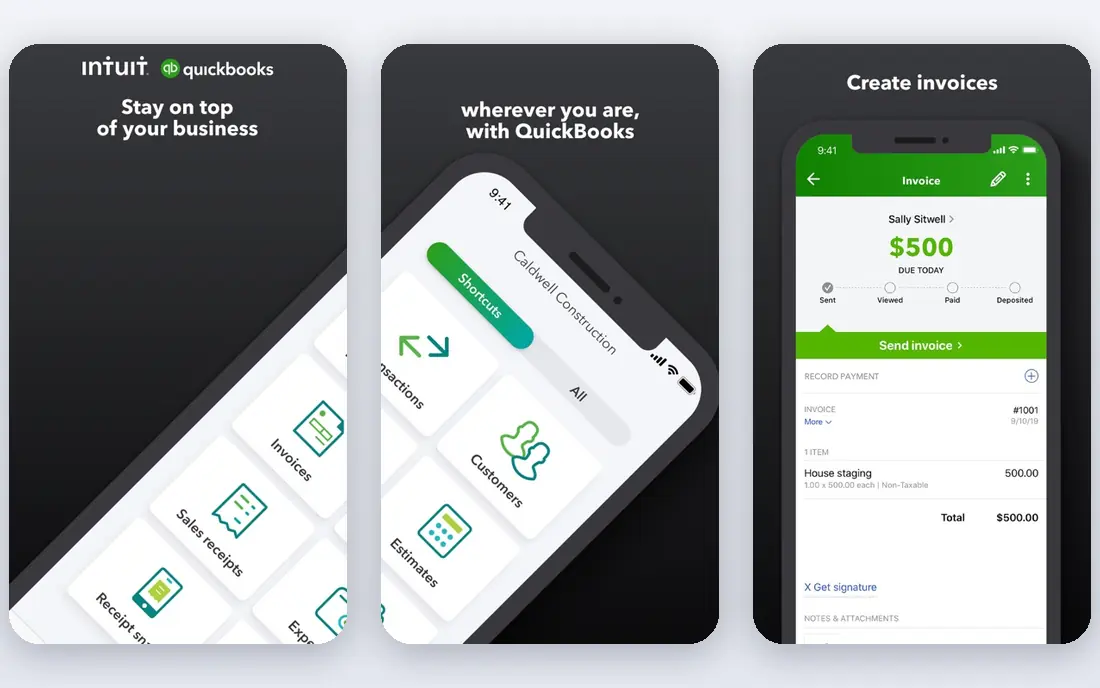
QuickBooks Online suits small business accounting and invoicing. It covers invoicing, expenses, bank connections, and reports in one accounting hub. The product pages describe a focused set of tools rather than a long list of extras, and that focus helps a new user get started without a long setup period. Before you choose it, weigh this limit: Higher tiers are needed for inventory and project tracking. We suggest you test it with a small real task, confirm that it fits your current workflow, and check what happens when you need to cancel or move your data elsewhere.
- Wide accountant support
- Invoicing and expense tracking
- Many integrations
- Price rises with higher tiers
- Setup takes time for new users
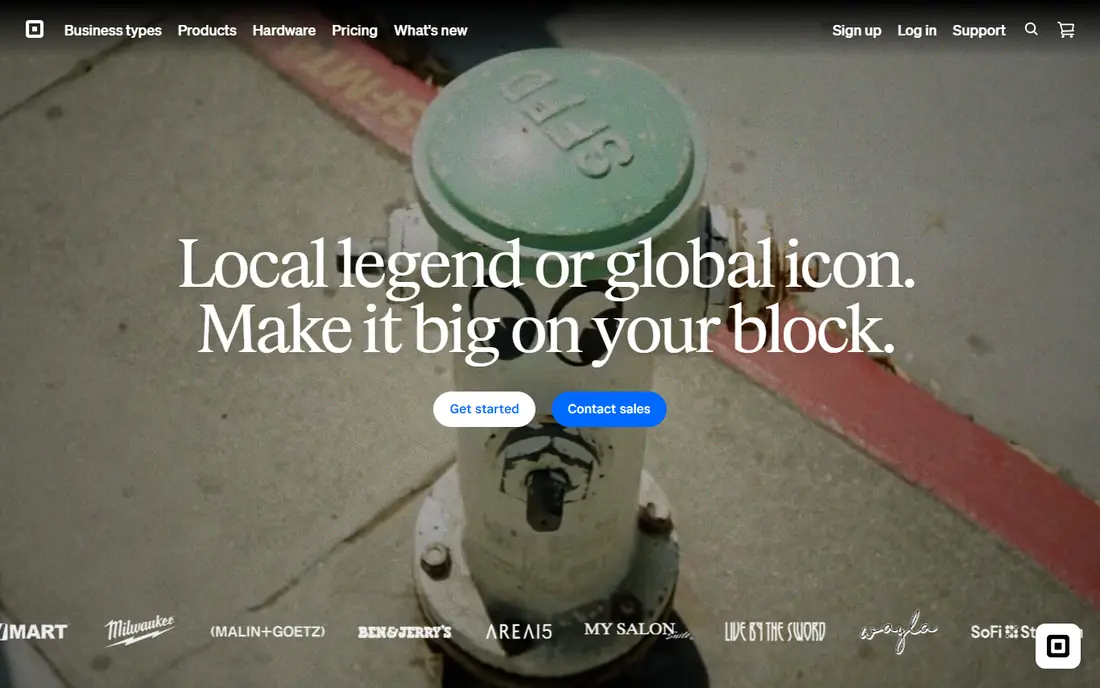
Square works well for small retailers and in-person sales. It lets a small shop take card payments, track sales, and manage items from one dashboard. Its pricing and feature pages point to steady, everyday use, and the free or trial option gives you room to check the fit before you commit. A fair caution is this: Larger stores may need deeper inventory and staff tools. Shortlist it if that trade-off fits your budget and your team size, and keep a second option in mind if your needs grow quickly in the next year.
- Free point-of-sale software
- Simple payment setup
- Sales reports included
- Payment fees apply per sale
- Advanced tools cost extra

Shopify is a practical choice for small businesses selling online. It gives a small seller a storefront, checkout, product pages, and order tracking in one place. We found its official pages clear about what is included at each tier, which makes it easier to compare the real monthly cost with the value you expect to get. The main limit to weigh is this: Sellers who also need full accounting will still need a separate ledger tool. Check the plan limits, the export options, and the support route before you move important work into the tool, since those details matter more over time than a first-week impression.
- Online store setup
- Payment and shipping tools
- Large app store
- Monthly cost plus transaction fees in some cases
- Design limits on basic themes
Trello suits small team task boards and simple projects. It turns tasks into cards on boards, so a small team can see who owns each job and what is due next. The product pages describe a focused set of tools rather than a long list of extras, and that focus helps a new user get started without a long setup period. Before you choose it, weigh this limit: Teams with complex deadlines may outgrow simple boards. We suggest you test it with a small real task, confirm that it fits your current workflow, and check what happens when you need to cancel or move your data elsewhere.
- Visual boards that are easy to learn
- Mobile apps
- Many integrations
- Limited reporting on the free plan
- Large projects need paid features
Slack works well for small team messaging and channels. It keeps team chat, files, and app alerts in channels instead of scattered email threads. Its pricing and feature pages point to steady, everyday use, and the free or trial option gives you room to check the fit before you commit. A fair caution is this: Small teams should set channel rules early or chat can become noisy. Shortlist it if that trade-off fits your budget and your team size, and keep a second option in mind if your needs grow quickly in the next year.
- Organised channels
- Search across messages
- Many app integrations
- Free plan limits message history
- Costs rise with team size
Canva is a practical choice for small business design and marketing content. It helps a small business make social posts, flyers, menus, and presentations without design training. We found its official pages clear about what is included at each tier, which makes it easier to compare the real monthly cost with the value you expect to get. The main limit to weigh is this: Brand control and premium stock need a paid plan. Check the plan limits, the export options, and the support route before you move important work into the tool, since those details matter more over time than a first-week impression.
- Large template library
- Easy editing
- Brand kit on paid plans
- Free plan limits premium assets
- Print costs are separate
FreshBooks suits freelancers and small service businesses. It is built around sending invoices, tracking time, and getting paid by clients. The product pages describe a focused set of tools rather than a long list of extras, and that focus helps a new user get started without a long setup period. Before you choose it, weigh this limit: Product sellers may need a separate inventory system. We suggest you test it with a small real task, confirm that it fits your current workflow, and check what happens when you need to cancel or move your data elsewhere.
- Simple invoicing
- Time tracking
- Client payment links
- Limited inventory tools
- Some features sit on higher tiers
HubSpot CRM works well for small business contacts and sales pipeline. It stores contacts, deals, and notes in one place, so follow-up does not depend on memory or spreadsheets. Its pricing and feature pages point to steady, everyday use, and the free or trial option gives you room to check the fit before you commit. A fair caution is this: Teams that want full marketing automation should budget for paid hubs. Shortlist it if that trade-off fits your budget and your team size, and keep a second option in mind if your needs grow quickly in the next year.
- Free CRM core
- Contact records
- Deal tracking
- Marketing and sales extras add cost
- Setup needs care
How we picked these
We started with the main keyword and the related terms readers use for this topic, then we checked vendor feature pages, pricing pages, app store listings, privacy pages, and public reviews for each candidate. We kept only products that exist and work today, that fit the topic directly, and that publish enough detail for a reader to judge cost and limits. We removed products with unclear pricing, a discontinued product, or a fit that was too narrow for most readers. We did not claim hands-on testing, lab testing, or daily use. Our findings come from published vendor material and public review sources, and prices can change, so we point you to the vendor page for the final figure. Where a price was not clear on the vendor page at the time of research, we wrote See website rather than guessing a number.
How to choose small business apps
Start with the job that costs you the most time each week. If invoicing and tax records are the pain point, pick an accounting tool first. If sales are the bottleneck, pick a selling tool first, then add the rest around it.
Match the app to one clear job
Give each app one job and one owner. An app that tries to cover accounting, chat, design, and sales often does none of them well for a small team. List your top three weekly tasks, then match one tool to each task and check that the tools connect or export data cleanly.
Check the full cost, not just the headline price
Add payment fees, per-user fees, premium assets, and add-ons to the monthly price before you compare options. A free plan can be the right start, but check limits on users, history, storage, and exports, since those limits decide when you must pay.
Test with real work for two weeks
Run one real invoice, one real sale, or one real project through the tool before you commit. Ask the people who will use it daily what slowed them down. A tool that looks simple in a demo can still fail when it meets your actual customers and files.
Frequently asked questions
What are the best apps for small business owners who are just starting out?
Start with a free plan from Trello or Slack for work, Canva for design, and Square if you sell in person. Add QuickBooks Online or FreshBooks once invoices and expenses grow. This order keeps early costs low while covering sales, tasks, and money in a sensible sequence.
What is the best app for small business accounting?
QuickBooks Online is the most widely supported choice for small business accounting, and FreshBooks is a simpler fit for service work and freelancers. Pick QuickBooks Online if your accountant already uses it, and pick FreshBooks if clean invoices and time tracking matter more than inventory.
What is the best small business management software for a team of five?
A small team often needs a mix: Slack for chat, Trello for tasks, and one money tool for invoices and reports. HubSpot CRM can add contact and deal tracking on top. Avoid buying a large suite before you know which daily jobs need the most help.
What is the best 1099 software for small business use?
QuickBooks Online and FreshBooks both help track contractor payments and year-end records, but tax forms and filing rules vary by location and year. Keep clean payment records all year, confirm the current filing steps with your accountant, and do not rely on an app alone for tax advice.
Which tools for small business are free to start?
Square, Trello, Slack, Canva, and HubSpot CRM all offer free plans with real core features. Free plans still have limits, so check user counts, history, and export options before you build a whole workflow on a free tier.
Sources
See where you really rank - block by block
ProMapRanker scans Google Maps across a grid of your service area. Simple monthly plans from $19, white-label on every plan.
Start freeKeep reading
 zoom alternatives
Best Zoom Alternatives in 2026
Compare Zoom alternatives in 2026, with free meeting limits and prices, so you can pick the best alternative to Zoom for your team, class, or community.
Read → which software is best for remote work
Which Software Is Best for Remote Work in 2026
Answering which software is best for remote work, we compare Slack, Zoom, Asana, Notion, Teams and more, with pricing and honest tradeoffs in 2026 now.
Read → which ai tool is best for content writing
Which AI Tool Is Best for Content Writing in 2026
Wondering which ai tool is best for content writing? We compare ChatGPT, Claude, Jasper, Grammarly, and more on price, quality, and best use in 2026 now.
Read →