 ProMapRanker
Best Sleep Sounds App in 2026


Layered sound mixes and full bedtime routines · Pricing starts at: Free
Key takeaways
- BetterSleep is our pick for most people, thanks to its deep sound mixer and saved bedtime mixes.
- myNoise suits listeners who want precise control over each frequency in a soundscape.
- White Noise Lite and Veil are the best simple options, with Veil offering the strongest free tier of the two.
- Keep the volume low and use a fade-out timer, since steady sound should mask noise rather than dominate the room.
- This article gives general information only, not medical advice, and persistent sleep problems should be checked by a clinician.
Quick comparison
| Pick | Great for | Pricing starts at | Free tier | |
|---|---|---|---|---|
| BetterSleep | Layered sound mixes and full bedtime routines | Free | Yes | Visit |
 myNoise | Precise control over every frequency in a soundscape | Free | Yes | Visit |
 Dark Noise | Clean iOS sounds with Shortcuts and widgets | Free | Yes | Visit |
 White Noise Lite | A simple, dependable digital sound machine | Free | Yes | Visit |
 White Noise Deep Sleep Sounds | Long, ad-free white noise playback | Free | Yes | Visit |
 Veil | Tunable noise with a generous free tier | Free | Yes | Visit |
 Noisli | Mixed nature and machine sounds for sleep and focus | Free | Yes | Visit |
 Box Fan Sleep | Realistic fan sounds with no subscription | Free | Yes | Visit |
 Calm | Sleep sounds plus stories and meditation in one app | See website | Yes | Visit |
The best sleep sounds apps
These are the best sleep sounds apps we found in 2026, focused on steady ambient audio rather than meditation courses. We compared official feature pages and app store listings, and we favored apps with reliable playback, useful timers and honest free tiers.
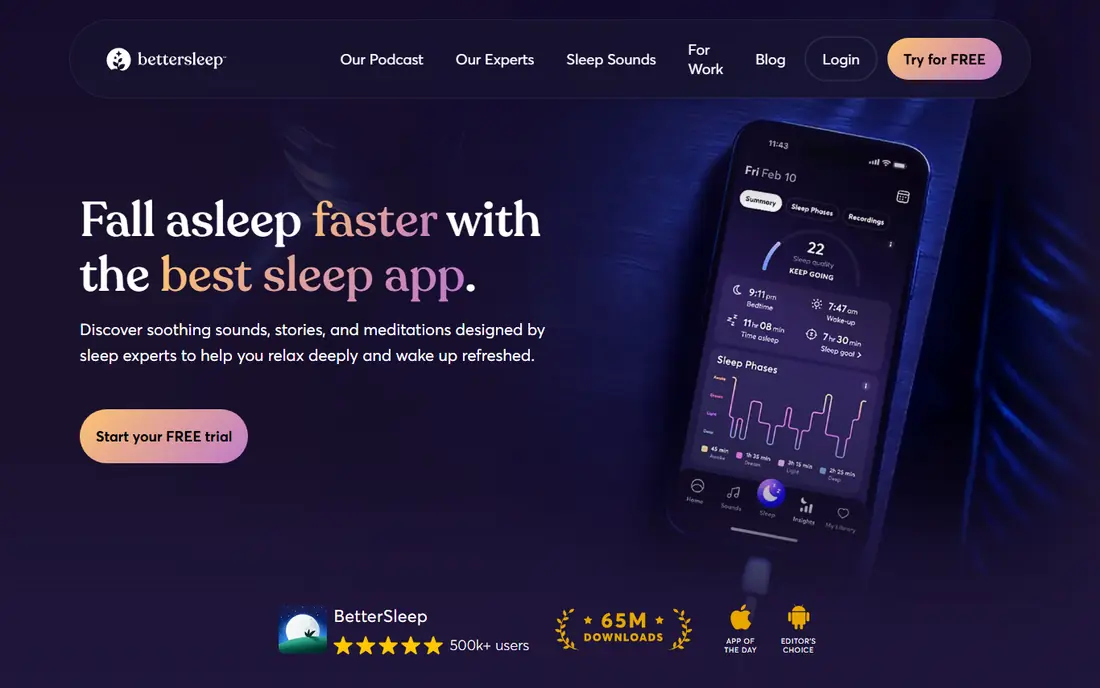
BetterSleep, formerly Relax Melodies, is the app for people who want more than one sound. You can layer rain over a low rumble, add soft wind or a gentle tone, and save the result as a nightly mix. That control matters, since the sound that works on a quiet night may not cover traffic or a snoring partner.
The app also builds a routine around the sound, with wind-down content and sleep tracking extras for those who want them. The free tier covers basic sounds and mixing, while Premium costs $59.99 per year and opens the full library. If you like to shape your own soundscape rather than pick one loop, BetterSleep is the strongest mixer here.
- Deep mixer for layered soundscapes
- Saved mixes and bedtime routines
- Large sound library
- Full library needs Premium at $59.99 per year
- Feature set can feel large for simple needs
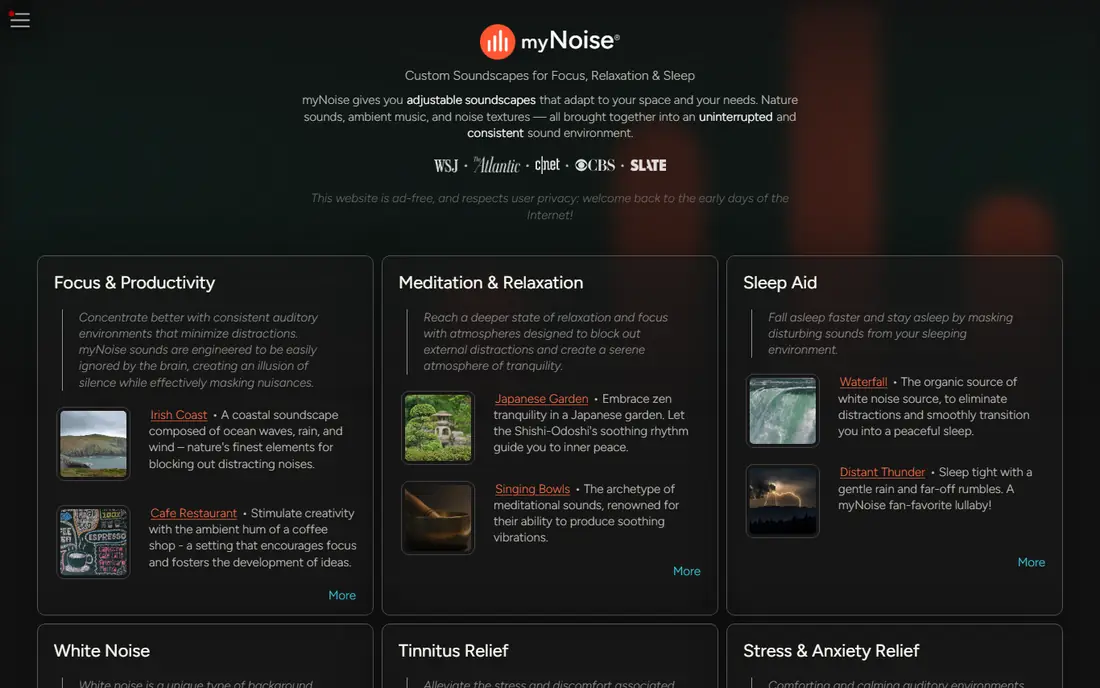
myNoise is the choice for listeners who care about how a sound is built. Each soundscape offers sliders for different frequency bands, so you can shape white noise into brown or pink noise, tune a rain sound to your taste, or mask a specific ringing tone. The audio is generated continuously rather than looped, so it never hits an obvious repeat point in the night.
The design is plain and technical, which can put off first-time users, and full access to every soundscape needs a one-time purchase rather than a subscription. There are no ads and no monthly fee, which makes it a calm long-term choice. For audio purists and for people masking tinnitus, myNoise is the most precise tool on this list.
- Frequency-level sliders for each soundscape
- Sounds never repeat exactly
- No subscription and no ads
- Interface feels technical at first
- Full access needs a one-time purchase
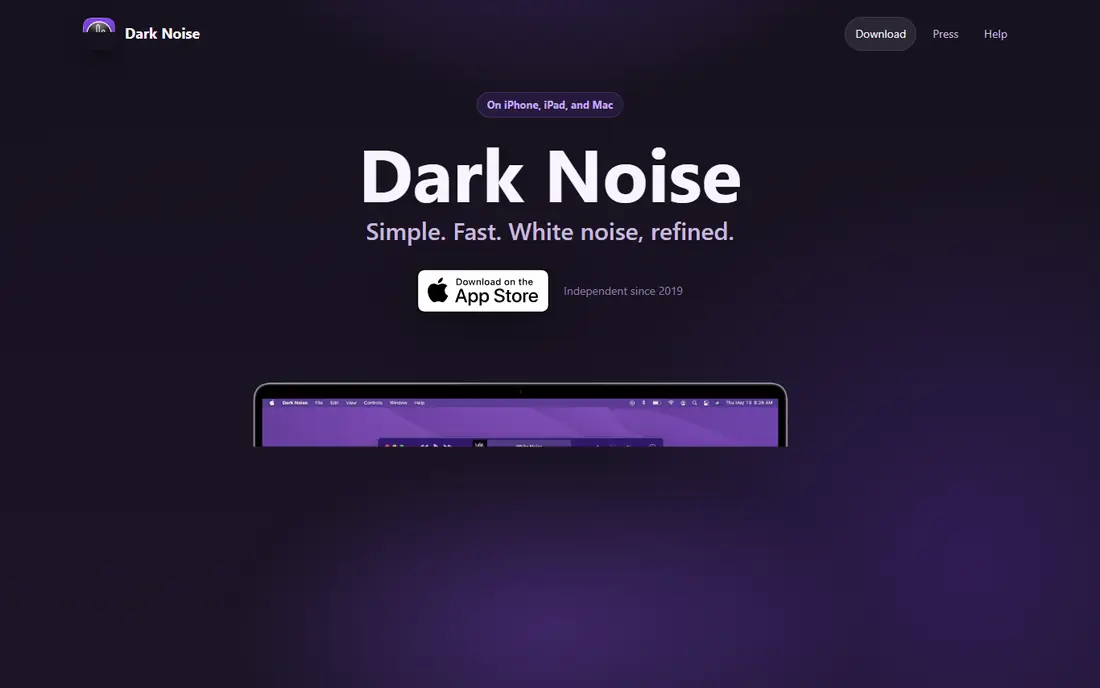
Dark Noise is the best-looking simple noise app for Apple users. The interface is clean, the sounds are well recorded, and Shortcuts, widgets and Siri support make it easy to start a favorite sound from the lock screen or as part of a bedtime routine. Remastered versions of rain, thunderstorm, beach and airplane sounds give the catalog extra polish.
The limits are platform and price. Dark Noise runs on iPhone, iPad and Mac only, so Android users must look elsewhere, and the full catalog needs a Pro subscription at $2.99 per month or $19.99 per year, with a one-time lifetime option also offered. Eight sounds are free without charge, which is enough to judge the quality before paying.
- Simple, attractive iOS design
- Shortcuts, widgets and Siri support
- High-quality remastered sounds
- IOS and Mac only
- Full catalog needs a subscription
White Noise Lite is the app for people who want a sound machine, not a wellness platform. Pick a sound, set it, and go to sleep, with no onboarding, mood tracking or routine builder in the way. That simplicity is the whole point, and many users return to it after trying busier apps.
The free version carries ads, and mixing is basic compared with BetterSleep or myNoise, so layered soundscapes are limited. A small one-time purchase removes ads for those who want a clean experience. If you know you sleep best with one steady sound and you dislike clutter, White Noise Lite is the most straightforward pick here.
- Very easy to use with no learning curve
- Reliable playback
- Free with ads
- Ads on the free tier
- Mixing features are basic next to BetterSleep
White Noise Deep Sleep Sounds, from WhiteNoise.com, suits listeners who want long, uninterrupted playback. The web player offers hours of continuous ad-free white noise at no cost, and the mobile app adds more than 400 sounds and endless mixes, with a new sound each week. That depth covers fans, rain, nature and machine sounds in one place.
The subscription question needs care, since the free app version plays sounds for a limited stretch while continuous all-night play sits behind a yearly subscription. Check the current terms in the app store before you rely on it overnight. For a bedroom speaker or a browser tab that just needs steady sound, the free web player is a strong no-cost option.
- Continuous ad-free playback in the browser and app
- More than 400 sounds and mixes
- New sounds added weekly
- Full app library needs a subscription for continuous play
- Web player suits background use best
Veil is a newer app that gets the free tier right. Six sounds, including white, pink and brown noise plus a slow fan, are free forever with full tuning controls, no ads, no time limit and no account required. A sleep timer with fade and background playback come free too, which covers the core overnight job without paying anything.
Premium starts at $1.99 per month, $9.99 per year, or $19.99 once for lifetime access, and adds all 27 sounds, mixing up to three sounds at once, saved presets and shortcuts. The free tier plays one sound at a time, so layered mixes need Premium. For a clean, honest free app with room to grow, Veil is our favorite simple pick.
- Six free sounds with full tuning controls
- No ads and no account
- Mixing and saved mixes on Premium
- Only one sound at a time on the free tier
- Smaller catalog than BetterSleep
Noisli sits between a pure noise app and a focus tool, which suits people who use sound for sleep and for daytime work. You mix rain, wind, leaves, train sounds, fan noise and more with simple sliders, save favorite combinations, and set a timer for fade-out. The web player means it works on a laptop as well as a phone, which helps for office or study use.
The catalog is smaller than BetterSleep or White Noise Deep Sleep Sounds, and the full feature set needs a paid plan. For a listener who wants one app for both bedtime and focus time, Noisli is a pleasant middle ground, though pure sleep seekers get more depth elsewhere on this list.
- Easy sound mixing with a pleasant interface
- Works on web and mobile
- Timer and saved mixes
- Catalog is smaller than specialist sleep apps
- Full features need a paid plan
Box Fan Sleep is made for people who already sleep with a fan running. It plays realistic box fan sounds with speed and tone control, from brown to white tones, and it works offline without an account, ads or subscription. The free tier covers the fan sound, tone control, background playback and short fade-out timers.
The full set of nature sounds, longer timers and a fan-plus-nature balance slider need a one-time $2.99 Pro purchase, which is refreshingly cheap next to yearly subscriptions. The app is iPhone only, so Android users need another pick. If a fan is your sound, this is the most honest and affordable option here.
- Realistic fan tones with speed and tone control
- No subscription and no ads
- Offline playback
- IPhone only
- Nature sounds beyond the fan need the one-time Pro purchase
Calm is the pick for people whose problem is winding down, not just masking noise. Alongside sleep soundscapes, it offers sleep stories for adults and children, breathing exercises and meditation sessions, all in a polished app with regular new content. For a restless mind, a story can do what plain noise cannot.
The trade-off is price and depth. A Calm subscription costs more than any pure sound app here, and its sound mixing is shallower than BetterSleep or myNoise. Check current pricing on the Calm site, since plans and trials change. If you want one app for the whole bedtime routine, Calm is the most complete, but pure sound seekers get better value elsewhere.
- Large library of sleep stories and soundscapes
- Polished app and regular new content
- Good for winding down
- Subscription cost is higher than pure sound apps
- Sound mixing is less deep than BetterSleep
How we picked these
We compared official feature pages and app store listings for sleep sound apps in October 2026, and we kept apps built around steady ambient audio, including white, pink and brown noise, rain, fans and nature sounds. We favored reliable playback, sleep timers with fade, and honest free tiers, and we left out apps that are mainly meditation courses without a strong sound library. Prices come from vendor pages and app store listings where we could confirm them, and we wrote See website where pricing varies by store.
How to use a sleep sounds app well
Keep the volume low, with the phone a few feet away rather than under your pillow, and set a timer that fades out once you are asleep. A steady sound works by making sudden noises stand out less, so it should sit in the background, not dominate the room. If you share a room, a small speaker often works better than earbuds, which can disturb sleep when you roll over.
Try two or three free tiers before paying, and test the same sound for several nights rather than judging it in one minute. Note which sounds help on noisy nights and which feel irritating by morning, since taste varies a lot. This article gives general information only and is not medical advice. If sleep problems persist, or you suspect snoring-related breathing problems, talk to a clinician rather than relying on an app.
Frequently asked questions
What is the best sleep sounds app that is free?
Veil offers the strongest free tier, with six tunable sounds, no ads and no account. White Noise Lite and Box Fan Sleep are also free for core sounds, and myNoise is free with no ads. Try Veil first if you want tuning controls, and White Noise Lite if you want the simplest option.
What is the best free sleep sounds app for white noise?
Veil, White Noise Lite and the WhiteNoise.com web player all give solid free white noise. Veil adds tuning controls and a fade timer at no cost, while the web player gives long ad-free playback. Pick Veil for a phone and the web player for a bedroom speaker.
What is the best sleep noise app for masking traffic and neighbors?
BetterSleep and myNoise mask best, because both let you layer or tune sounds to cover specific noise. A low brown noise or a rain-plus-rumble mix often covers traffic better than bright white noise. Keep the volume low and steady, and place the speaker between you and the noise source where practical.
What is the best app for sleep sounds with a mixer?
BetterSleep has the deepest mixer on this list, with layered soundscapes, saved mixes and bedtime routines. myNoise offers the most precise control per sound, while Veil Premium adds mixing up to three sounds. Start with BetterSleep if you want ready-made depth, and myNoise if you want to shape each frequency yourself.
Are sleep sounds apps safe to use all night?
Used at low volume with a fade timer, they are generally a comfort tool for most adults, but they are not a treatment for sleep disorders. Keep the volume low, avoid earbuds overnight where possible, and keep sound below the level of normal conversation. For babies, keep sound under 50 dB, at least two feet from the crib, and off once the baby is asleep.
When should I see a clinician about sleep instead of using an app?
See a clinician if poor sleep lasts more than a few weeks, if you snore loudly with pauses in breathing, if you feel very sleepy during the day, or if sleep problems affect your work or mood. An app can mask noise and support a routine, but it cannot diagnose or treat conditions like sleep apnoea. This is general information only, not medical advice.
Sources
See where you really rank - block by block
ProMapRanker scans Google Maps across a grid of your service area. Simple monthly plans from $19, white-label on every plan.
Start freeKeep reading
 free alternatives to grok imagine
Free Alternatives to Grok Imagine in 2026
We compared the best free alternatives to grok imagine for image generation, from fast daily credits to design tools, so you can create without paying.
Read → best tools for instagram content creation
Best Tools for Instagram Content Creation in 2026
Compare the best tools for Instagram content creation, from Canva and CapCut to Later and Buffer, on design, video, planning, scheduling, and price in 2026.
Read → best tool to split pdf files
Best Tool to Split PDF Files in 2026
We compared the best tool to split pdf files on split modes, file limits, privacy and price, so you can split a PDF cleanly and keep every page in one go.
Read →