 ProMapRanker
Best Slack Apps for Productivity in 2026


Structured tasks and projects · Pricing starts at: $10.99 per user per month
Key takeaways
- Asana, Trello and ClickUp bring task work into Slack, so status updates do not need a separate meeting.
- Notion, Google Drive and Zapier reduce tab switching by bringing docs, files and automation into channels.
- Polly and Geekbot suit quick team input, with polls and async standups that replace some live meetings.
- Most tools here offer a free tier, but Slack itself needs a paid plan for full history and larger teams.
- Our pick for most teams is Asana or Trello for tasks, plus one input tool such as Polly or Geekbot, added only when a real meeting or survey pain exists.
Quick comparison
| Pick | Great for | Pricing starts at | Free tier | |
|---|---|---|---|---|
| Asana | Structured tasks and projects | $10.99 per user per month | Yes | Visit |
 Trello | Simple visual task boards | $5 per user per month | Yes | Visit |
 ClickUp | Tasks, docs and time in one place | $7 per user per month | Yes | Visit |
 Notion | Docs, wikis and light projects | $10 per user per month | Yes | Visit |
 Zoom | Video meetings from Slack | See website | Yes | Visit |
 Google Drive | File sharing in channels | Free | Yes | Visit |
 Zapier | Automation between apps | Free | Yes | Visit |
 Polly | Polls and pulse surveys | See website | Free trial | Visit |
 Geekbot | Async standups and check-ins | Free | Yes | Visit |
The best slack apps for productivity
Slack works best when the tools a team already uses meet it halfway. These nine apps do that in different ways: some bring tasks into a channel, some bring files and docs, and some replace a meeting with a short poll or standup. We compared official feature pages, pricing pages and Slack App Directory listings, and we favoured apps with a clear Slack integration, a free tier or trial, and a job a team can name in one sentence.
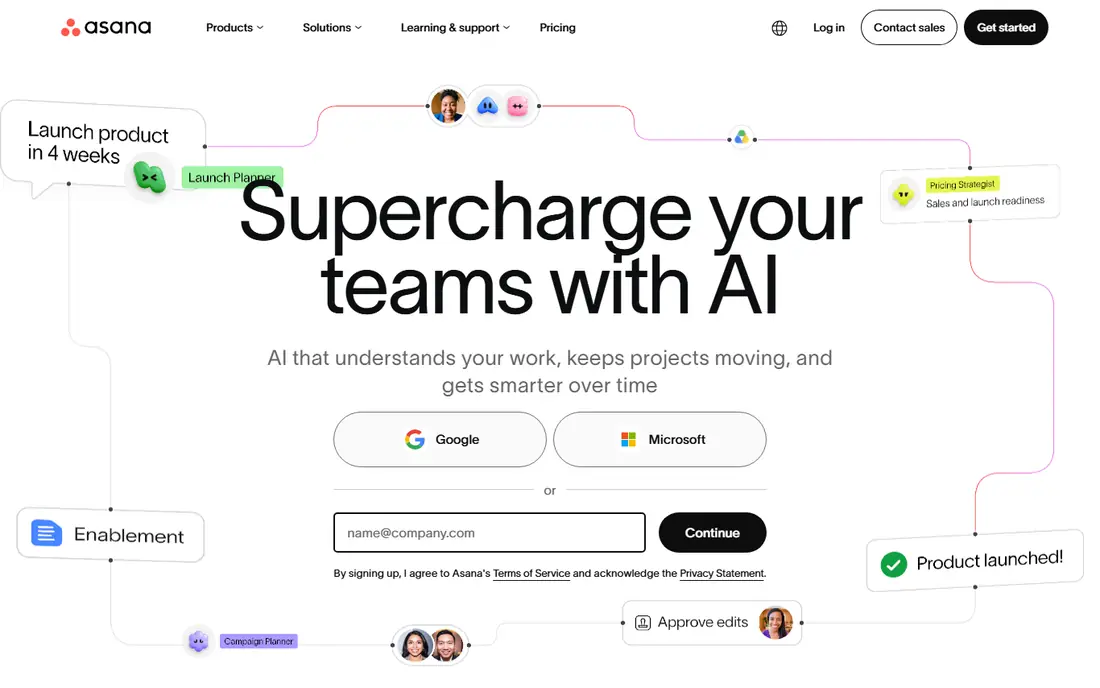
Asana for Slack suits teams that need structure. A message in a channel can become a task with an owner and a due date, without opening another tab, and task updates can flow back into the channel where the work was discussed. That loop keeps decisions and tasks in the same place, which reduces the chance that a promise made in chat is forgotten.
The free tier covers small teams, but larger teams will need a paid plan at $10.99 per user per month, and complex projects need careful setup to stay readable. Asana is the right choice when work has owners, deadlines and dependencies. For simple to-do lists, Trello will feel lighter.
- Turn Slack messages into tasks
- Get task updates in channels
- Clear lists, boards and timelines
- Free tier is limited for larger teams
- Setup takes care for complex projects
- Per-user cost adds up
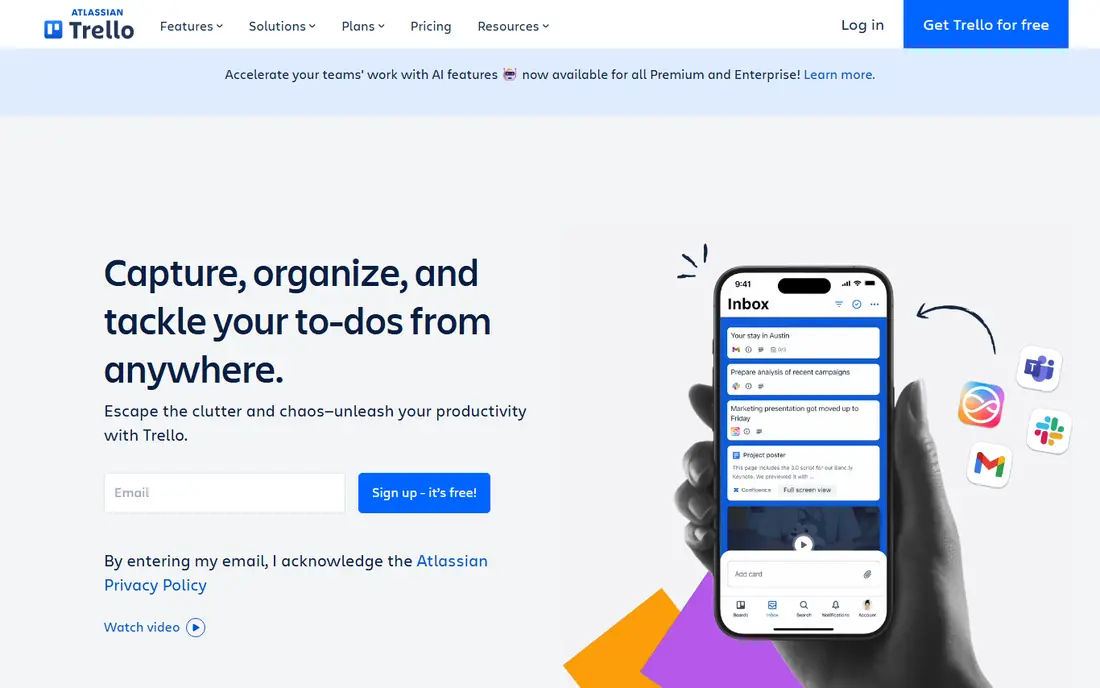
Trello for Slack is the fastest way to make work visible. A board with lists such as To do, Doing and Done lets a team see status without a status meeting, and cards can be created from Slack messages and updated from the channel. That simplicity is why small teams, freelancers and community groups often choose Trello first.
The limit is depth. Trello handles simple workflows well, but it struggles with dependencies, resource planning and detailed timelines. If a project needs those features, Asana or ClickUp will fit better. For a team that wants a board everyone understands on day one, Trello is hard to beat.
- Visual boards anyone can read at a glance
- Create cards from Slack
- Easy for small teams
- Weak for complex dependencies and timelines
- Large boards can get messy
- Advanced features need paid plans
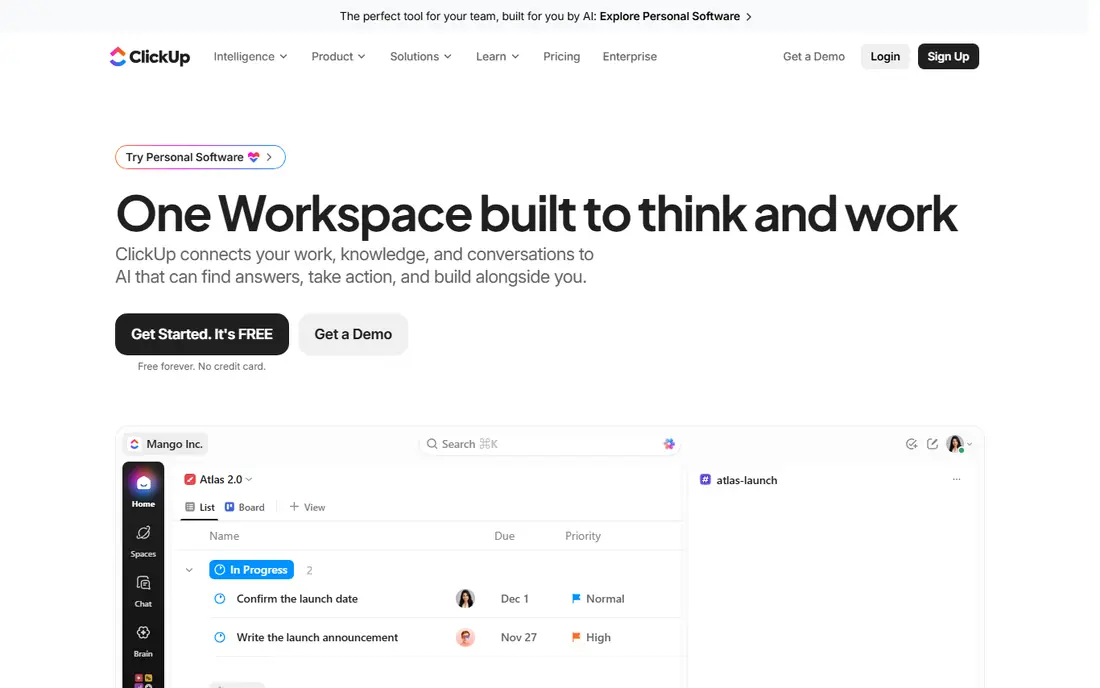
ClickUp for Slack appeals to teams that want fewer tools, not more. It combines tasks, docs, goals and time tracking in one app, and its Slack integration brings task creation and updates into channels. The free tier is generous, which makes it easy to test with a real project before paying.
Breadth is also the risk. A team that turns on every feature at once can end up with a busy workspace that nobody enjoys. Start with tasks and one view, such as a list or board, and add docs or time tracking only when a clear need appears. At $7 per user per month for paid plans, it is also one of the cheaper options here.
- Tasks, docs, goals and time tracking together
- Flexible views
- Generous free tier
- Many features can feel busy at first
- Setup needs discipline
- Some teams use only a small part of it
Notion for Slack helps a team keep knowledge where conversations happen. A page, a wiki entry or a project doc can be shared into a channel, previewed there and opened for editing, which reduces the need to hunt for links in old messages. Teams use Notion for handbooks, meeting notes, product docs and light project tracking.
Notion is flexible, which means it needs someone to set up a clear structure and keep it tidy. Without that care, pages multiply and finding the right doc gets harder, not easier. It is best for teams that already write docs together and want those docs visible in Slack, rather than teams that only need task lists.
- Flexible docs and wikis
- Slack sharing for pages
- Good for team knowledge bases
- Needs setup to stay organised
- Light project features only
- Paid plans needed for larger teams
Zoom for Slack removes a small but frequent friction: finding and sharing a meeting link. A team can start a Zoom meeting from a channel or a direct message, and the link appears where the conversation already is. That saves time when a chat thread turns into a call, and it keeps the meeting context in the channel afterwards.
Zoom remains a separate video app, so it does not replace Slack messaging or task tools. The free plan covers basic meetings, with group calls limited in length, so teams that meet often will need a paid plan. Use it when your team already uses Zoom, and keep the Slack integration as a shortcut rather than a new system.
- Start or join meetings from Slack
- Reliable video for larger calls
- Meeting links in channels
- Free plan limits group meeting length
- Paid plans needed for longer calls
- Still a separate app for video
Google Drive for Slack brings files into the conversation instead of leaving them in email or a separate drive tab. A document, sheet or slide can be shared into a channel, previewed there and commented on, while the file itself stays in Drive. That makes it easier for a team to find the latest version, since the link and the discussion sit together.
Sharing settings still cause trouble. A link that looks shared may still need permission for some teammates, so check access before a deadline. Drive is free up to 15 GB per account, with paid plans for more storage, which suits most small teams. It earns its place when a team already stores work in Google Workspace.
- Share docs, sheets and files in Slack
- Previews in channels
- 15 GB free storage per account
- File organisation still needs care
- Permission errors can confuse sharing
- Large teams need paid storage
Zapier for Slack is the automation layer for teams that repeat the same steps. A new form response can post to a channel, a new task can alert a channel, or a channel message can create a row in a sheet, all without manual copying. Those small automations add up, especially for teams that handle many routine requests.
The free tier covers a limited number of tasks per month, so heavy users will need a paid plan. Complex flows also need testing, since a wrong trigger can post too often or to the wrong channel. Start with one simple flow that saves clear time, check it for a week, and only then add more.
- Automates routine steps between Slack and other apps
- Many supported apps
- No code needed for basic flows
- Free tier limits tasks per month
- Complex flows need care and testing
- Paid plans needed for heavy use
Polly turns Slack into a quick way to ask a team something and get an answer. A manager can run a poll on a meeting time, a pulse survey on workload, or a quiz for a team event, all without a separate form link. Anonymous options help when the topic is sensitive, such as workload or morale, and results appear in the channel for everyone to see.
Survey fatigue is the risk. Too many polls, or polls whose results never lead to action, will teach a team to ignore them. Use Polly sparingly, share what changed because of a survey, and keep questions short. Pricing is listed on the vendor site and varies by plan, so check the per-user cost for your team size before committing.
- Quick polls and surveys inside Slack
- Anonymous options for honest answers
- Results in channels
- Pricing is per user and can add up
- Best for teams that actually act on results
- Survey fatigue if overused
Geekbot replaces a live standup meeting with a short async check-in. Each team member answers a few questions, such as what they did, what they plan and what blocks them, at their own local time, and the answers post to a shared channel. That format suits remote teams across time zones, where a single meeting time suits nobody.
The free Starter plan covers teams of up to 10 users with unlimited standups, which makes it easy to test. Paid plans start at $2.50 per participant per month on annual billing, with deeper integrations on higher plans. Geekbot works only if someone reads the reports and acts on blockers, so assign that job clearly before you start.
- Async standups across time zones
- Free for teams up to 10 users
- Retrospective and well-being templates
- Deeper Jira features need enterprise plans
- Standups need discipline to stay useful
- Reports can pile up if unread
How we picked these
We compared official feature pages, pricing pages and Slack App Directory listings, and we favoured apps that add a clear job to Slack rather than duplicating Slack messaging itself. We checked for a free tier or trial, for current pricing, and for a Slack integration that works from a channel or message, not just through a separate dashboard. Prices change often, so check the vendor page before paying, and confirm that your Slack plan supports the integration you need.
How to add Slack apps without creating noise
Add one app at a time, and name the job it should do. If the job is tasks, pick Asana, Trello or ClickUp, not all three. If the job is input, pick Polly or Geekbot, not both at once. Each new app should reduce a meeting, a manual step or a lost message. If it only adds alerts to a channel, it is probably making Slack noisier, not more productive.
Control channel alerts
Set integrations to post to one channel, not to every channel, and use threads for follow-up. A task update that posts to a busy general channel will be ignored, while the same update in a project channel will be seen by the right people. Review alert channels monthly and mute or remove any feed nobody reads.
Keep the source of truth clear
Slack is for discussion, not for record-keeping. Tasks live in Asana, Trello or ClickUp, docs live in Notion or Drive, and files live in Drive. When a decision is made in Slack, move it to the right tool at once, with an owner and a date. That habit prevents the common problem of a decision that exists only in a chat thread nobody can find later.
Review apps every quarter
Check which apps your team actually opens, which alerts get read, and which subscriptions cost more than the time they save. Remove apps that duplicate a job, that nobody owns, or that post noise. A smaller set of well-used apps beats a long list of installed apps every time.
Frequently asked questions
What are the best slack productivity apps for a small team?
For a small team, Trello or ClickUp for tasks, Google Drive for files and Geekbot for standups cover most needs at low cost. Add Asana only if projects need timelines and dependencies, and add Polly only if you run regular team surveys.
Do Slack apps replace Slack itself?
No. Slack apps add tasks, files, polls and automation to Slack, but Slack remains the messaging layer. A team still needs Slack, and in most cases a paid Slack plan, for full message history and larger workspaces.
Is Asana better than Trello in Slack?
Asana suits structured projects with owners, deadlines and timelines, while Trello suits simple visual boards that anyone can read at once. Choose Asana for complex work and Trello for simple work, and avoid running both for the same team.
Can I automate Slack with Zapier for free?
Yes, on a limited basis. Zapier offers a free tier with a set number of tasks per month, which suits one or two simple flows. Heavy automation, multi-step flows and high volume need a paid plan, so start small and measure time saved before upgrading.
How do async standups work in Geekbot?
Geekbot asks each team member a short set of questions at a set time, collects answers in Slack, and posts a summary to a shared channel. Team members answer at their own local time, which suits remote teams across time zones better than a live meeting.
What is the best slack app for polls?
Polly is the best slack app for polls and pulse surveys, because it runs polls inside Slack, supports anonymous answers, and shows results in the channel. Use it sparingly, share what changed after a survey, and keep questions short to avoid survey fatigue.
Sources
See where you really rank - block by block
ProMapRanker scans Google Maps across a grid of your service area. Simple monthly plans from $19, white-label on every plan.
Start freeKeep reading
 wpforms alternatives
Best WPForms Alternatives in 2026
We compare 9 wpforms alternatives for WordPress forms, with free and paid options, current pricing notes, and honest limits for small business sites in 2026.
Read → windows task scheduler alternatives
Best Windows Task Scheduler Alternatives in 2026
Looking for Windows Task Scheduler alternatives? We compare 9 schedulers for Windows and cross-platform work, from free tools to enterprise automation.
Read → which ai video service is best
Which AI Video Service Is Best in 2026
which ai video service is best? We compare 10 legitimate AI video services on price, avatars, editing and output quality to help you pick the right tool.
Read →