 ProMapRanker
Best Service Autopilot Alternatives in 2026

Key takeaways
- Jobber suits small and growing service businesses that want quoting, scheduling and invoicing in one app.
- Housecall Pro suits home service teams that win work through online booking and reviews.
- ServiceTitan suits larger trades businesses, while Service Fusion suits larger crews that want flat pricing without per-seat fees.
- ServiceM8 and Kickserv suit small teams on a budget, while Workiz suits phone heavy teams.
Quick comparison
| Pick | Great for | Pricing starts at | Free tier | |
|---|---|---|---|---|
 Jobber | Small growing teams | $29 per month | No | Visit |
 Housecall Pro | Home service booking | $59 per month | No | Visit |
 ServiceTitan | Larger trades businesses | See website | No | Visit |
 Service Fusion | Larger crews, flat pricing | $208 per month | No | Visit |
 ServiceM8 | Solo operators and small crews | $29 per month | Yes | Visit |
 Workiz | Phone heavy teams | See website | No | Visit |
 FieldPulse | Custom workflows | See website | No | Visit |
 Kickserv | Budget small teams | See website | Yes | Visit |
 Simpro | Commercial contractors | See website | No | Visit |
The best service autopilot alternatives
We compared official pricing pages and product pages for field service software that is live in October 2026 and covers scheduling, dispatch, quoting, invoicing and payments for home and trade services. Service Autopilot itself is not listed here, since this article covers alternatives to it.
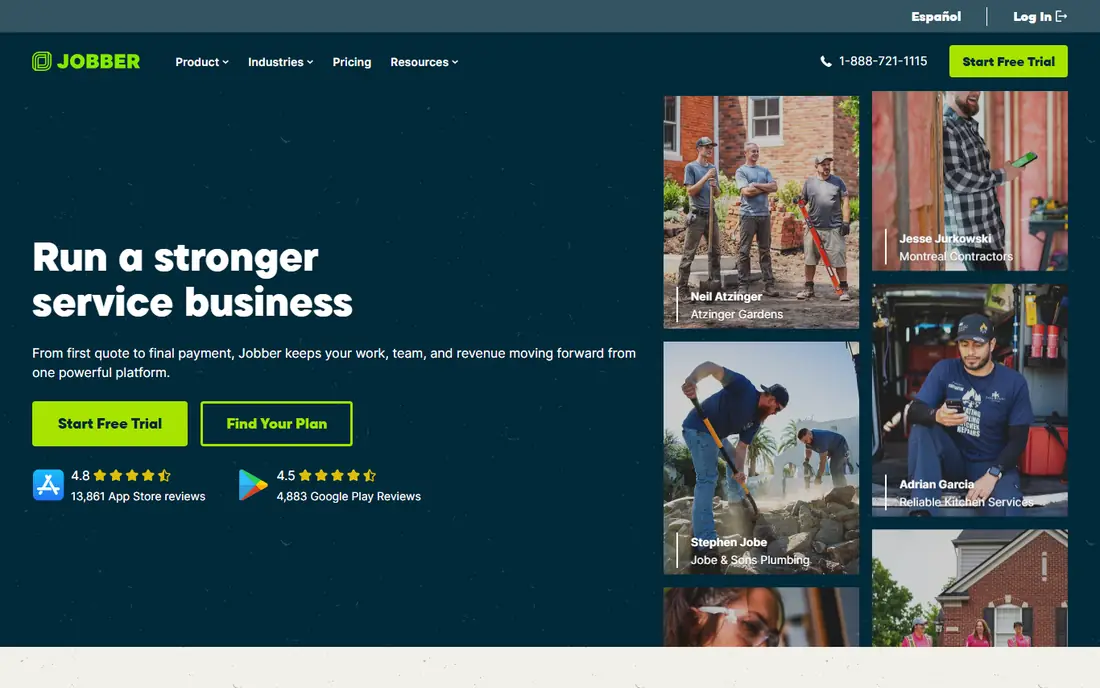
Jobber is the best starting point for most small service businesses moving from spreadsheets or a narrow tool. It covers the core loop: quote a job, schedule it, dispatch a team member, invoice the client and take payment, all from one app. The client hub lets customers book online and view job details, which reduces phone time for the office.
The limits appear as teams grow. Reporting is lighter than ServiceTitan, and per user pricing means a larger crew pays more each month, so model the cost at your expected headcount, not only at launch. For a solo operator or a team of a few, Jobber offers the cleanest balance of features, price and ease of use in this list.
- Quoting, scheduling and invoicing in one app
- Client hub for bookings
- Automated reminders and payments
- Reporting depth is lighter than enterprise tools
- Per user pricing rises as crews grow
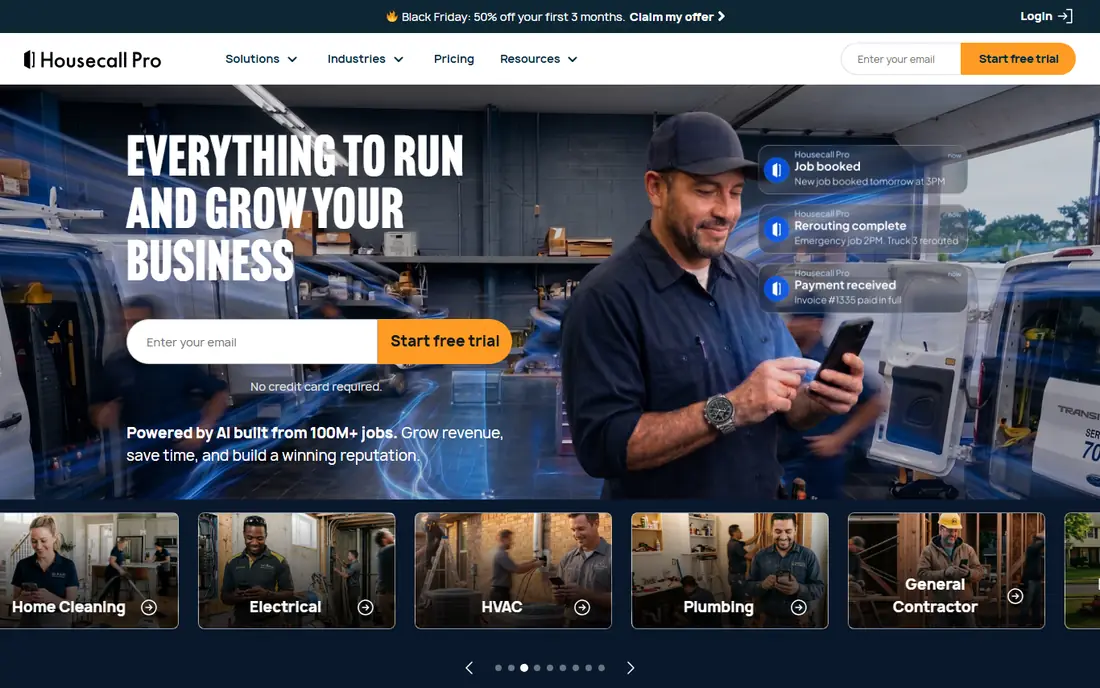
Housecall Pro suits home service businesses that win work through online booking, reviews and fast follow-up. Customers can book online, the office can dispatch from a calendar, and invoicing and payments stay in the same app. Marketing and review features help small teams turn a completed job into the next booking, which is a real advantage for cleaning, plumbing and similar trades.
Entry pricing is higher than Jobber, with the Basic plan at $59 per month on annual billing for one user, so check user limits and add-on costs for your crew size. Housecall Pro is best for teams that value booking and customer communication as much as dispatch. For a very small team on a tight budget, Jobber or ServiceM8 may be cheaper.
- Online booking and review tools
- Scheduling and dispatch
- Invoicing and payments in one app
- Entry price is higher than Jobber
- User limits and add-on pricing need checking
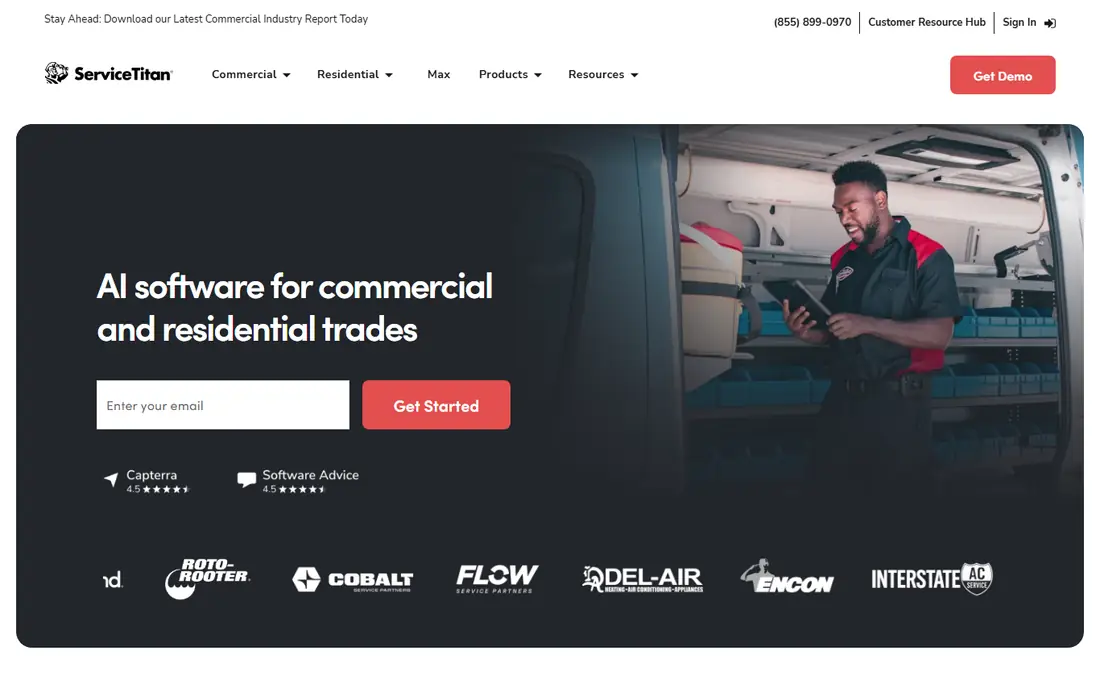
ServiceTitan is built for established residential and commercial trades businesses with larger teams, multiple crews and complex jobs. It offers deeper reporting, custom dashboards, asset tracking and marketing tools that small team apps do not match. For a business with dispatchers, sales staff and technicians, that depth can justify the cost and the longer setup.
For a small team, ServiceTitan is usually too much. Pricing is quoted per technician, adoption takes longer, and many features will sit unused in the first year. We include it because readers scaling beyond a small crew need an enterprise grade option. Smaller teams should trial Jobber or Housecall Pro first and move up only when reporting and scale demand it.
- Deep reporting and dashboards
- Asset and project management
- Marketing and call features for larger teams
- Quote based pricing
- Heavier to adopt and more expensive than small team tools
Service Fusion suits teams of ten or more who are tired of per-seat fees. Its Starter plan at $208 per month on annual billing covers unlimited users, which can be cheaper per crew member than per-seat tools once the team grows. Dispatch, invoicing, GPS tracking and inventory features cover the daily operations of a larger field team.
The flat cost is high for a small team, so a solo operator or a team of three will pay more than on Jobber or ServiceM8. Mobile polish also varies by workflow, so trial the app your technicians will actually use. For a growing crew, though, flat pricing removes the penalty for hiring, which makes budgeting simpler.
- Flat pricing with unlimited users
- Dispatch and invoicing
- GPS and inventory features
- Higher flat monthly cost
- Mobile polish varies by workflow
ServiceM8 is a strong choice for solo operators and very small crews. The free plan covers one user and a limited number of jobs per month, which lets a new business run real jobs before paying. Paid plans start at $29 per month for more jobs and unlimited users, and job checklists, invoicing and client messages keep the workflow simple.
Job limits are the constraint. A busy crew will outgrow the free tier quickly and may outgrow lower paid tiers during peak season. ServiceM8 also lacks the depth of ServiceTitan for large commercial projects. For a small trade business that values simplicity and a low entry cost, it is one of the best alternatives here.
- Free plan for one user and limited jobs
- Simple job checklists
- Invoicing and client communication
- Job limits on lower plans
- Less depth for large commercial work
Workiz suits trades businesses where the phone still drives bookings. It offers call handling, booking and dispatch features that help a phone heavy office turn calls into scheduled jobs without losing details. Scheduling, invoicing and payments round out the core field service loop, and reporting helps owners see which jobs and channels perform best.
Pricing is often quoted rather than published as a simple entry price, so budget comparisons need a sales conversation. That makes Workiz harder to evaluate quickly than Jobber or Housecall Pro. For teams where missed calls mean lost jobs, its phone focus can be worth the extra step. For teams that book mostly online, a simpler tool may be enough.
- Phone and call booking features
- Scheduling and dispatch
- Online payments and reporting
- Pricing is often quoted
- Less transparent entry price than Jobber or Housecall Pro
FieldPulse suits trade businesses that need custom workflows, forms and project tracking beyond a standard job card. Inventory management, structured service catalogs and dashboards help teams with varied job types, from installations to recurring maintenance. That flexibility appeals to mid-size trades that have outgrown a simple scheduling app.
The trade-off is a sales led path. Pricing is custom quoted, and onboarding often involves a demo, so it takes longer to evaluate than a self-serve tool. Teams that need standard scheduling only will find Jobber faster to adopt. Teams that need custom forms and project depth should trial FieldPulse and compare its workflow fit, not only its price.
- Custom workflows and forms
- Inventory and project features
- Dashboards and reporting
- Custom quote pricing
- Sales led onboarding for many teams
Kickserv is a budget friendly option for small field service teams. It offers a free plan to start, with paid plans for larger teams, and covers scheduling, invoicing, payment collection and expense tracking. Custom reports help owners track job profitability without buying an enterprise tool, and the simple interface suits teams that do not need complex automation.
The feature set is smaller than Jobber, Housecall Pro or ServiceTitan, and integrations and support vary. Kickserv is best for a small team that needs the core loop at low cost and can live without deep marketing or asset features. Trial it alongside ServiceM8 if budget is the main constraint, and check which app your technicians prefer on a real job.
- Free plan to start
- Payment collection and custom reports
- Expense tracking
- Smaller feature set than larger rivals
- Support and integrations vary
Simpro suits commercial contractors and larger service businesses with multi-phase projects, asset management and fleet needs. It handles complex job planning, quoting for larger work and tracking assets across sites, which small team tools do not cover well. That depth makes it a strong alternative for readers whose work looks more like contracting than simple home visits.
Simpro is heavier to adopt, with quote based pricing and a longer setup, so small teams will find it excessive. It earns its place for commercial work where project structure matters. If your jobs are mostly single visit home services, Jobber or Housecall Pro will be faster and cheaper to run.
- Multi-phase job planning
- Asset management
- Fleet tracking for larger operations
- Quote based pricing
- Heavier to adopt than small team tools
How we picked these
We compared official pricing pages and product pages in October 2026, and favored tools with a clear field service focus, current availability and a distinct fit by team size. We did not claim hands-on testing of every workflow, and prices that could not be verified are shown as See website. Trial the mobile app with your technicians, since the field experience often decides adoption more than the office dashboard.
How to choose field service software that your crew will actually use
Start with the job loop, not the feature list. Map one real job from first call to final payment, and check each step in the trial: booking, dispatch, on-site checklist, photos, invoice and payment. If any step forces a workaround, that friction will multiply across every job each week.
Model cost at your real crew size
Per-seat pricing looks cheap for one user and expensive for ten, while flat pricing looks expensive for one user and cheap for ten. Chart both curves at your current crew size and at the size you expect in a year, including add-ons for payments, marketing and extra users. The cheapest launch price is not always the cheapest year-two price.
Frequently asked questions
What is the best Service Autopilot alternative?
Jobber is the best all round alternative for small and growing teams, Housecall Pro suits home service booking, and ServiceTitan suits larger trades businesses. Service Fusion suits larger crews that want flat pricing, while ServiceM8 suits solo operators on a budget.
Is there a free Service Autopilot alternative?
Yes, for small use. ServiceM8 offers a free plan for one user with limited jobs, and Kickserv offers a free plan to start. Free plans suit testing and very small volumes, while regular team use needs a paid plan.
Which alternative is best for lawn care?
Jobber, Housecall Pro and ServiceM8 all suit lawn care, with recurring scheduling and invoicing features that fit route work. Service Autopilot itself was strong for lawn care, so compare recurring billing, route tools and mobile checklists on a trial with your own routes.
How much does field service software cost?
It ranges from free for very small use to $29 to $59 per month for small team entry plans, $208 per month flat for Service Fusion Starter, and quoted pricing for ServiceTitan, FieldPulse and Simpro. Add payment processing fees and add-ons to the monthly plan price for a true total.
Can I migrate jobs and customers from Service Autopilot?
Most vendors offer import tools or assisted migration for customers, jobs and invoices, but the ease varies by data volume and format. Ask the vendor about import before you sign, test with a sample of real records, and keep your old data accessible until the new system is proven.
Do these tools handle payments?
Yes. Jobber, Housecall Pro, Service Fusion, ServiceM8, Workiz, Kickserv and others offer invoicing and online payment collection, usually with processing fees. Check processing rates, payout timing and whether customers can pay from the invoice or client portal.
Sources
See where you really rank - block by block
ProMapRanker scans Google Maps across a grid of your service area. Simple monthly plans from $19, white-label on every plan.
Start freeKeep reading
 wpforms alternatives
Best WPForms Alternatives in 2026
We compare 9 wpforms alternatives for WordPress forms, with free and paid options, current pricing notes, and honest limits for small business sites in 2026.
Read → windows task scheduler alternatives
Best Windows Task Scheduler Alternatives in 2026
Looking for Windows Task Scheduler alternatives? We compare 9 schedulers for Windows and cross-platform work, from free tools to enterprise automation.
Read → which ai video service is best
Which AI Video Service Is Best in 2026
which ai video service is best? We compare 10 legitimate AI video services on price, avatars, editing and output quality to help you pick the right tool.
Read →