 ProMapRanker
Best Server Virtualization Software in 2026

Key takeaways
- VMware vSphere remains the enterprise standard, while Proxmox VE leads for cost-conscious teams and labs.
- Microsoft Hyper-V suits Windows-centered shops, and KVM underpins many Linux and cloud platforms.
- Broadcom's VMware licensing changes make total cost, not headline features, the key comparison for many teams.
- We compared official documentation, pricing pages, and public reviews, and used See website where pricing was quote-only.
- A hypervisor choice is a long-term commitment, so test migration and backup before committing a production cluster.
Quick comparison
| Pick | Great for | Pricing starts at | Free tier | |
|---|---|---|---|---|
 VMware vSphere | Enterprise data centers | See website | Free trial | Visit |
 Proxmox VE | Cost-conscious teams and labs | Free | Yes | Visit |
 Microsoft Hyper-V | Windows-centered shops | See website | Yes | Visit |
 KVM | Linux-native virtualization | Free | Yes | Visit |
 Nutanix AHV | Hyperconverged infrastructure | See website | No | Visit |
 XCP-ng | Open-source Xen virtualization | Free | Yes | Visit |
 Citrix Hypervisor | Virtual desktops and high availability | See website | Free trial | Visit |
 Oracle VirtualBox | Desktop testing and development | Free | Yes | Visit |
 OpenNebula | Private cloud orchestration | Free | Yes | Visit |
The best server virtualization software
Server virtualization lets one physical server run many isolated virtual machines, each with its own operating system. The hypervisor allocates CPU, memory, storage, and network resources, while management tools handle provisioning, migration, and high availability. The nine platforms below cover enterprise, open-source, Windows, and private cloud approaches, all in current use.
VMware vSphere, with ESXi and vCenter, remains the reference platform for enterprise virtualization. Live migration, distributed resource scheduling, high availability, and a vast partner ecosystem make it the safe choice for mission-critical workloads. Teams with VMware skills and existing investments often stay because the tooling depth is unmatched.
Broadcom's subscription model changed the cost picture. Perpetual licenses are gone for new purchases, and bundle pricing can raise costs for smaller deployments. Enterprises with complex needs still justify it, but smaller teams should price vSphere against Proxmox and Hyper-V totals first.
- Most mature management and migration tools
- Broad guest OS and vendor support
- Strong high availability features
- Subscription bundles through Broadcom can cost more
- Licensing complexity for smaller teams
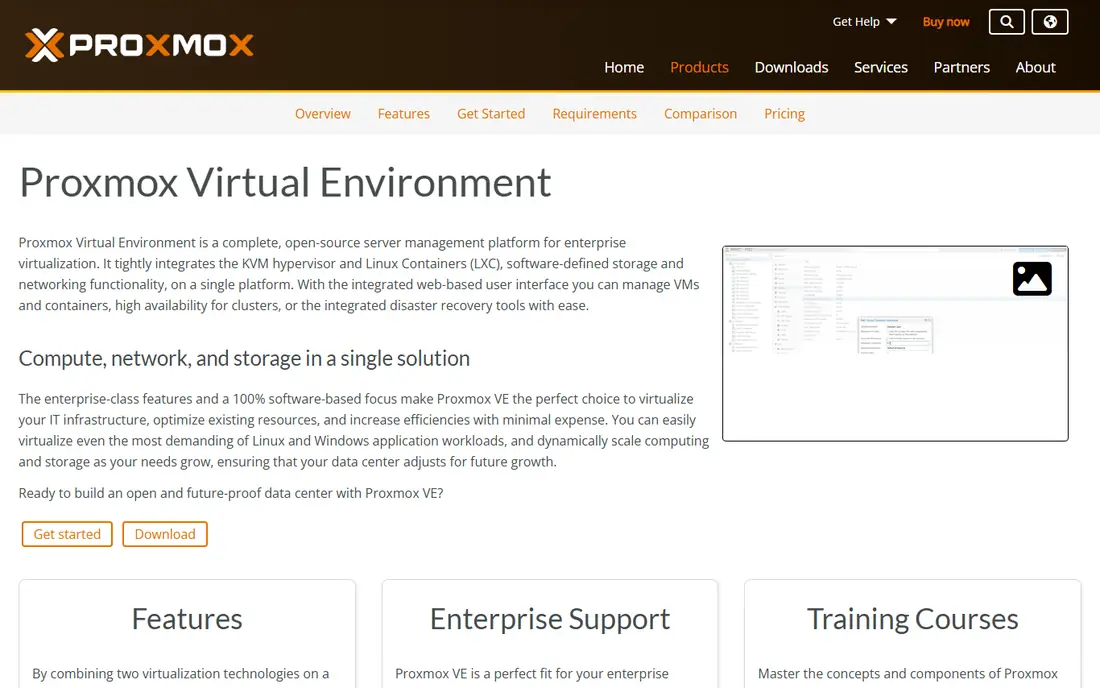
Proxmox VE is the leading open-source alternative for many teams leaving VMware. It runs virtual machines through KVM and containers through LXC in one web interface, with clustering, high availability, and backup tools built in. The core software is free, with paid support subscriptions for teams that want vendor backing.
The trade is ecosystem depth. Third-party backup and monitoring integrations are fewer than VMware's, and enterprise support processes differ. For small and mid-size teams, labs, and private clouds, Proxmox offers remarkable capability at low cost.
- Free core with VMs and containers in one interface
- Built-in clustering and backups
- Active community
- Support subscriptions cost extra
- Smaller enterprise vendor ecosystem than VMware
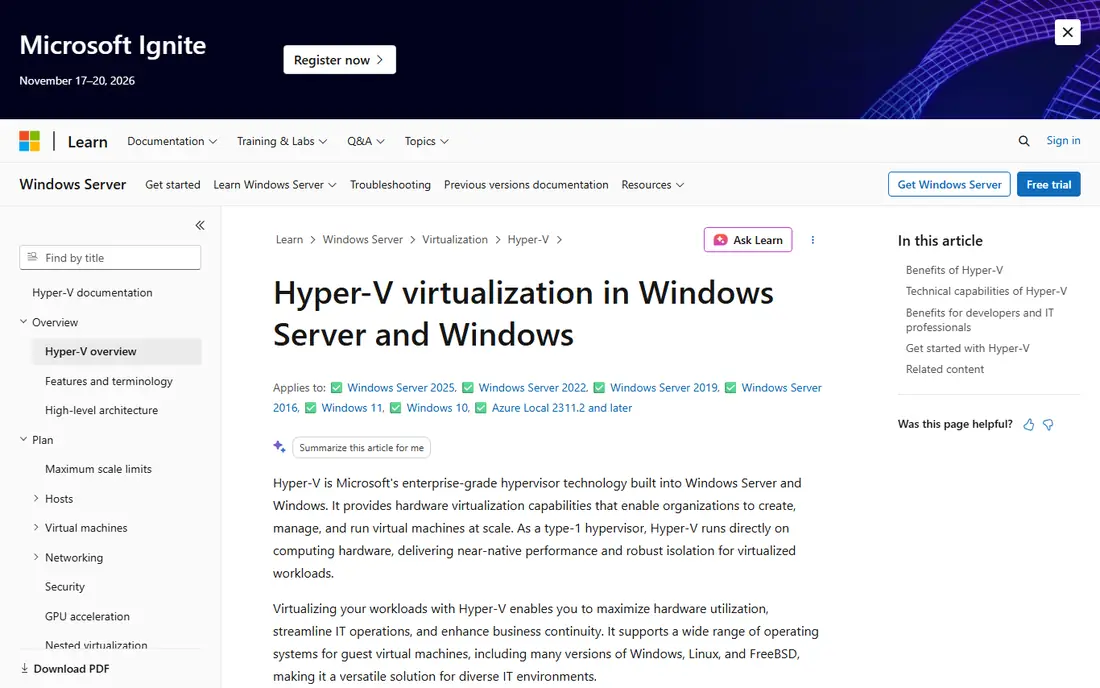
Hyper-V suits organizations already running Windows Server, Active Directory, and Microsoft tooling. The hypervisor is included with Windows Server, so licensed shops add virtualization without a separate hypervisor purchase. Replication, live migration, and failover clustering cover most availability needs.
Linux-heavy teams may find the tooling and guest support less natural than KVM or Proxmox. Hyper-V is best judged inside a Microsoft estate, where its integration removes whole layers of extra tooling and cost.
- Built into Windows Server and Windows Pro
- Strong Active Directory and Microsoft integration
- Replication and migration tools
- Less suited to Linux-heavy workloads
- Management tools feel Microsoft-centric
KVM turns Linux into a hypervisor, and it powers much of the cloud world behind the scenes. Performance is strong, the technology is mature, and it costs nothing to use. Teams building private clouds or custom platforms often start with KVM and add their chosen management tools.
On its own, KVM is a building block, not a finished product. You need libvirt, oVirt, OpenStack, or Proxmox-style tooling for a full management experience. Choose KVM when your team wants control and can build or adopt that layer.
- Built into the Linux kernel
- Strong performance
- Foundation for many cloud platforms
- Needs a management layer on top
- Less polished out of the box than Proxmox
Nutanix AHV runs inside the Nutanix Cloud Platform, combining compute, storage, and networking in one hyperconverged stack. Operations simplify because one vendor manages the whole cluster, and migration tools help VMware shops move workloads. Teams wanting a turnkey stack often shortlist Nutanix first.
Cost and lock-in are the checks. Pricing runs through sales, and the full benefit comes inside the Nutanix stack. Organizations that want a single-vendor HCI platform, rather than a standalone hypervisor, will value AHV most.
- Integrated compute, storage, and networking
- Simplified cluster operations
- Strong migration tools from VMware
- Subscription pricing through sales
- Vendor stack lock-in
XCP-ng is the open-source Xen-based hypervisor, managed through Xen Orchestra. It offers live migration, high availability, and backup features without license fees, with commercial support available from Vates. Xen shops and European organizations often prefer its open governance.
The community is smaller than Proxmox's, and some integrations are thinner. Teams already familiar with Xen, or seeking a fully open Xen stack, will find XCP-ng a credible, cost-free production option.
- Fully open-source Xen hypervisor
- Xen Orchestra management tools
- Good migration tooling
- Smaller community than Proxmox
- Commercial support through a separate vendor
Citrix Hypervisor, built on Xen, fits organizations running Citrix virtual apps and desktops. GPU pass-through, high availability, and disaster recovery tools support desktop workloads well, and Citrix shops gain from a matched stack. Performance for desktop fleets is its main draw.
Outside Citrix desktop estates, its case narrows. Market share and community resources trail the leaders, so teams should confirm backup and monitoring support before adopting it as a general server hypervisor.
- Strong virtual desktop optimizations
- GPU pass-through support
- High availability and disaster recovery tools
- Smaller market share than VMware or Proxmox
- Licensing tiers need a careful check
VirtualBox runs on Windows, macOS, and Linux desktops, making it ideal for testing, training, and development VMs. Setup is quick, guest OS support is broad, and it costs nothing for personal use. Developers and students use it to try operating systems without extra hardware.
It is not a production server platform. No clustering, high availability, or data center management matches the server hypervisors here. Use VirtualBox for desktop work, and choose Proxmox, Hyper-V, or vSphere for always-on servers.
- Free and cross-platform
- Easy desktop VM setup
- Good for testing and training
- Not built for production server clusters
- Performance below bare-metal hypervisors
OpenNebula manages private clouds, provisioning virtual machines across hosts with multi-tenant controls. It works with KVM and other back ends, giving teams a cloud-like self-service layer without a vendor-locked control plane. Research labs, service providers, and private cloud teams use it for that flexibility.
Running it well needs cloud operations skills, and the community is smaller than OpenStack's. Teams that want a leaner private cloud than OpenStack, with open-source control, should trial OpenNebula on a small cluster first.
- Open-source private cloud management
- Multi-tenant VM provisioning
- Works with KVM and other hypervisors
- Needs cloud operations skills
- Smaller community than OpenStack
How we picked these
We compared official documentation, pricing pages, and public reviews, and we kept only hypervisors and platforms that still run production or lab server workloads today. Desktop-only tools were kept only where their testing role is clear, as with VirtualBox. Where pricing was subscription or quote-based, we wrote See website rather than repeating third-party estimates as fact.
We also separated bare-metal hypervisors from management layers, since KVM and OpenNebula play different roles than vSphere or Proxmox. A team should know whether it is buying a hypervisor, a management platform, or both, and that distinction shapes staffing, support contracts, and upgrade planning for years after the first install. Budget holders should also check how each vendor handles security patches, since patch timing can matter as much as feature lists when production workloads are at stake.
What to check before you buy
Test backup and restore first. A hypervisor that cannot back up and restore your VMs cleanly is a risk, whatever its other features. Check backup vendor support, live migration limits, and high availability behavior during a host failure, using your own workloads.
Then price three years, not one. Include licenses, support, hardware, backup, and staff training, since subscription changes can move totals sharply. Run a migration pilot with a real subset of VMs, and measure downtime, performance, and admin effort before moving production.
Frequently asked questions
What is the best server virtualization software overall?
VMware vSphere leads for enterprise data centers, while Proxmox VE leads for cost-conscious teams. Microsoft Hyper-V leads for Windows shops, and KVM leads as a Linux-native foundation.
What is the top virtualization software for a small business?
Proxmox VE is the usual small business pick, since its core is free and clustering and backups are built in. Hyper-V also suits small Windows shops that already license Windows Server.
Is VMware ESXi still available in 2026?
Yes. Broadcom restored a free ESXi edition with caps, alongside subscription vSphere bundles. Check current Broadcom terms before planning, since free edition limits affect backups and central management.
Can I run virtual machines for free?
Yes. Proxmox VE, KVM, XCP-ng, OpenNebula, and VirtualBox all offer free core use, with paid support optional. Free use still needs hardware, backup, and admin time, so total cost is not zero.
Should I choose a hypervisor or a private cloud platform?
Choose a hypervisor like Proxmox or Hyper-V for straightforward VM hosting. Choose a private cloud platform like OpenNebula when you need self-service provisioning, multi-tenant controls, and cloud-style automation.
Sources
- https://www.vmware.com/products/vsphere.html
- https://www.proxmox.com/en/proxmox-virtual-environment
- https://learn.microsoft.com/en-us/virtualization/hyper-v-on-windows/about
- https://www.linux-kvm.org
- https://www.nutanix.com/products/ahv
- https://xcp-ng.org
- https://www.citrix.com/products/citrix-hypervisor
- https://www.virtualbox.org
- https://opennebula.io
See where you really rank - block by block
ProMapRanker scans Google Maps across a grid of your service area. Simple monthly plans from $19, white-label on every plan.
Start freeKeep reading
 wpforms alternatives
Best WPForms Alternatives in 2026
We compare 9 wpforms alternatives for WordPress forms, with free and paid options, current pricing notes, and honest limits for small business sites in 2026.
Read → windows task scheduler alternatives
Best Windows Task Scheduler Alternatives in 2026
Looking for Windows Task Scheduler alternatives? We compare 9 schedulers for Windows and cross-platform work, from free tools to enterprise automation.
Read → which ai video service is best
Which AI Video Service Is Best in 2026
which ai video service is best? We compare 10 legitimate AI video services on price, avatars, editing and output quality to help you pick the right tool.
Read →