 ProMapRanker
Best SEO Audit Tools in 2026

Deep technical crawls · Pricing starts at: $279 per year
Key takeaways
- Screaming Frog remains the deepest technical crawler per dollar, while Sitebulb is the friendlier guided alternative for agencies and in-house teams.
- Semrush and Ahrefs bundle audits into full SEO suites, so buy them when you also need keywords and backlinks, not for audits alone.
- Google Search Console is free and essential, but it does not replace a crawler that checks every page, link and redirect.
- SE Ranking and Ubersuggest offer lower-cost suite options for small agencies and small businesses.
- Our pick for most technical audits is Screaming Frog, with Semrush close behind for teams that need an all-in-one suite.
Quick comparison
| Pick | Great for | Pricing starts at | Free tier | |
|---|---|---|---|---|
| Screaming Frog SEO Spider | Deep technical crawls | $279 per year | Yes | Visit |
 Semrush Semrush | All-in-one SEO suite | $139 per month | Yes | Visit |
 Ahrefs Ahrefs | Backlinks plus site audit | $129 per month | Yes | Visit |
 Sitebulb Sitebulb | Guided audits and reporting | $18 per month | Free trial | Visit |
 SE Ranking SE Ranking | Value suite for agencies | $129 per month | Free trial | Visit |
 Moz Pro Moz Pro | Site crawl plus rank tracking | See website | Free trial | Visit |
 Google Search Console Google Search Console | Free index and performance data | Free | Yes | Visit |
 Ubersuggest Ubersuggest | Beginner-friendly audits | $29 per month | Yes | Visit |
The best SEO audit tools
An SEO audit finds the technical issues that stop a site from ranking well: broken links, duplicate pages, slow pages, missing titles, redirect chains and index problems. A good audit tool crawls your site the way a search engine does, prioritises what to fix first, and tracks whether fixes worked. The tools below range from a desktop crawler to full suites and free Google tools, so you can match the tool to your site size and budget.
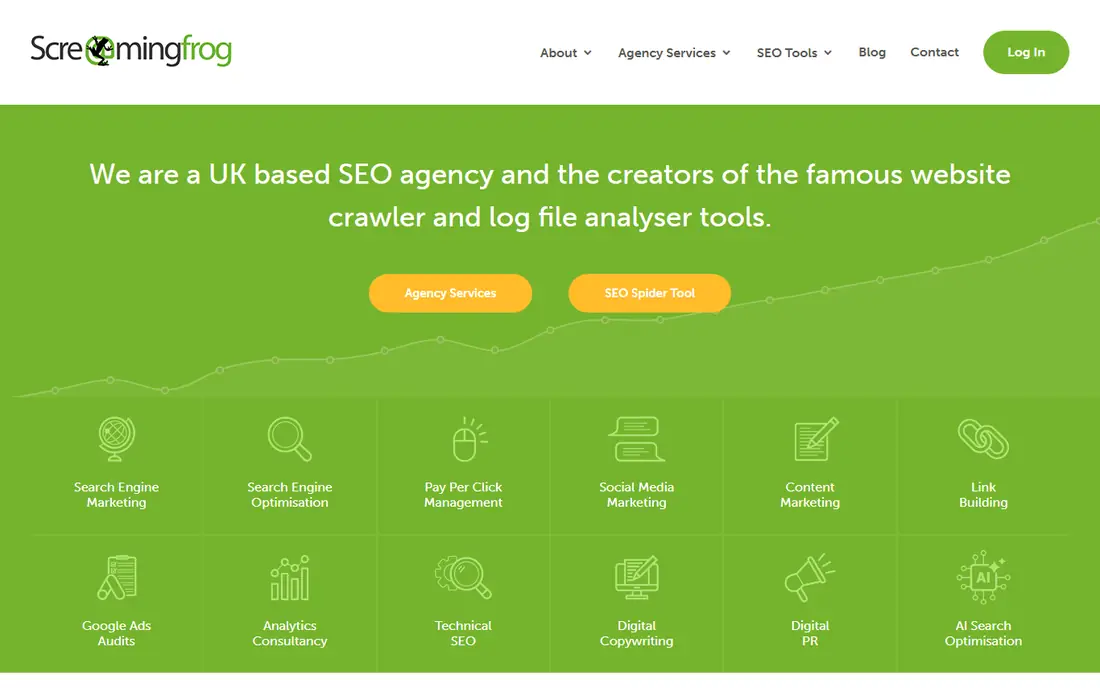
Screaming Frog SEO Spider is the industry standard desktop crawler for technical SEO. It crawls a site, reports status codes, titles, meta descriptions, headings, canonicals, redirects, images and internal links, and it can render JavaScript, extract custom data and integrate with Search Console and analytics on the paid plan. For a site migration, a large audit or a detailed technical review, its depth is hard to match at its price. The free version crawls up to 500 URLs, which is enough for a small site audit.
The main limits are that it runs on your computer, so it is not a cloud dashboard your whole team can open at any time, and its interface assumes some SEO knowledge. Beginners may need a guide to interpret its reports. If you do technical SEO work regularly, or you need to audit a large site thoroughly, Screaming Frog is still the best value technical crawler in this list.
- Deep crawl and custom extraction
- JavaScript rendering on paid plan
- Strong for migrations and large sites
- Desktop app, so team sharing needs extra work
- Interface is technical for beginners
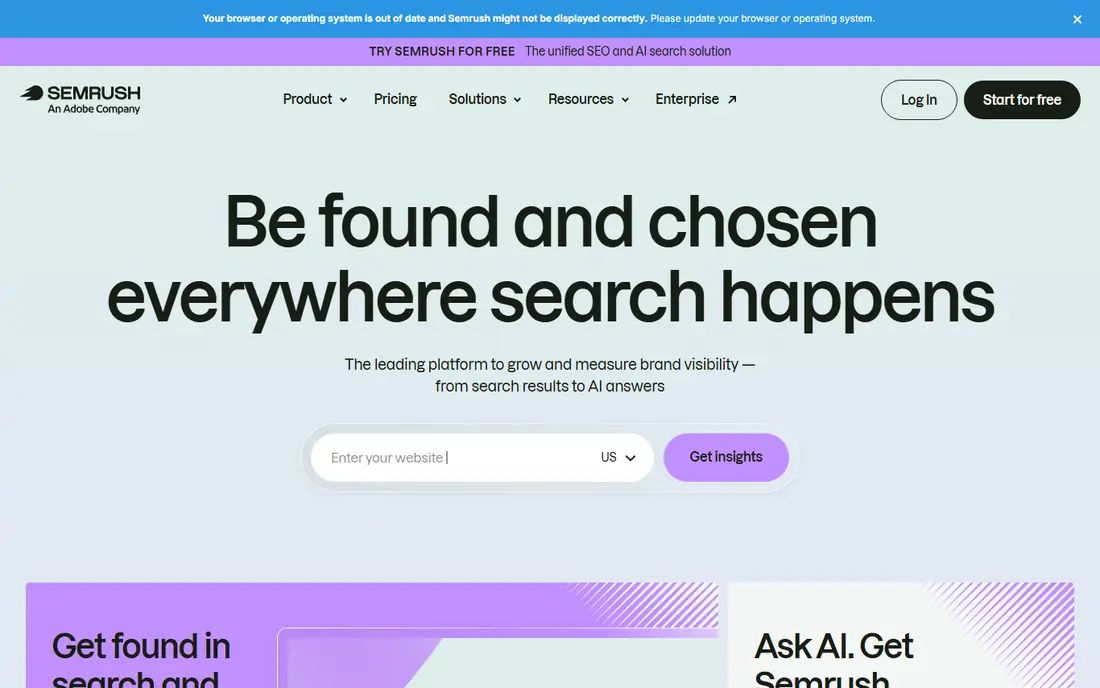
Semrush Site Audit is part of a full SEO suite, and that context is its strength. Its audit checks cover crawlability, internal linking, HTTPS, Core Web Vitals, duplicate content and more, with thematic reports and scheduled crawls that track health over time. Because the same account also covers keyword research, rank tracking, backlink analysis and competitor research, a team can move from an audit finding to a content or link plan without switching tools. A free account offers limited audit pages, with paid plans adding larger crawl limits.
Semrush is expensive if you only need an occasional audit. A small site owner who audits twice a year may do better with Screaming Frog plus Google Search Console. Semrush makes sense for an agency, an in-house SEO team or a business that already uses its keyword and competitor tools daily. Check crawl limits on your plan, since they vary by tier.
- Site Audit with many checks
- Keyword, backlink and competitor tools in one suite
- Scheduled crawls and reports
- Price is high if you only need audits
- Some features are gated by plan
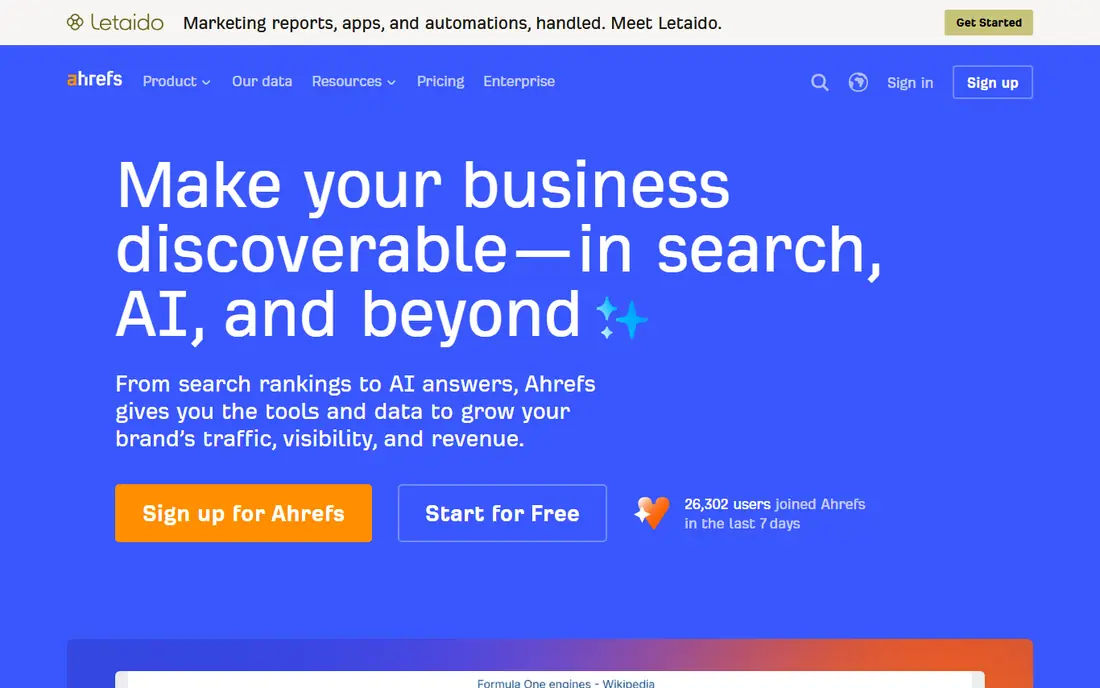
Ahrefs Site Audit gives a clean health score, a list of issues by severity, and a history that shows whether fixes improved the site. Its interface is easier to read than many technical crawlers, which helps when reporting to clients or non-technical stakeholders. Because Ahrefs also has a large backlink index and keyword tools, an audit can be paired with a link profile review in the same account. A free tier offers limited credits for verified projects, with paid plans adding larger crawl allowances.
Like Semrush, Ahrefs is best bought as a suite, not as a single-purpose audit tool. If you only need a crawl, a cheaper crawler will do the same core job. If you already need backlink and keyword data, Ahrefs Site Audit adds strong reporting without a separate tool. Check the credit and page limits on the plan you choose, since they shape how often you can crawl a large site.
- Clear Site Audit interface
- Health score and issue history
- Strong backlink data alongside audits
- Price is high for audits alone
- Credit limits vary by plan
Sitebulb is the friendlier alternative to Screaming Frog for teams that want guidance, not just raw crawl data. It crawls a site, then explains issues as hints, prioritised by importance, with visual reports that show site structure, internal linking and page depth. That guided approach helps an in-house marketer or a junior SEO understand what to fix first, and its client-ready reports suit agencies. It supports JavaScript rendering and crawl comparisons, so you can see how a site changed after fixes.
Sitebulb offers desktop and cloud options with different pricing, so check which version fits your workflow. Its entry desktop plan is low cost, while cloud plans cost more. It is less of a raw data tool than Screaming Frog, which some technical SEOs may miss, but for teams that need clear priorities and readable reports, Sitebulb is a strong choice.
- Prioritised hints and visual reports
- JavaScript rendering
- Crawl comparison over time
- Desktop version and cloud version have different pricing
- Learning curve for advanced settings
SE Ranking bundles a website audit with rank tracking, keyword research, backlink checking and competitor analysis, at a price that suits small agencies. Its audit checks technical issues, on-page factors and page speed, and it supports scheduled audits and white-label reports for client work. That combination makes it a practical all-in-one for an agency that needs audits plus ongoing tracking, without paying for two enterprise suites.
It is not as deep as Screaming Frog for complex technical work, such as custom extraction or large-scale log analysis. Agencies with very large or technical sites may still need a dedicated crawler alongside it. For a small agency or a growing business that wants one suite for audits, rankings and reporting, SE Ranking offers good value, provided you check the current page limits on your plan.
- Website audit plus rank tracking and competitor tools
- White-label reports
- Scheduled audits
- Audit depth is less than a dedicated crawler
- Pricing has risen on some plans
Moz Pro includes Site Crawl, which checks a site for technical issues, gives a health score and shows how that score trends over time. That trend line is useful for a small agency or consultant who wants to show a client that fixes are working. Moz also covers keyword research, rank tracking and link analysis, with guides that help beginners understand SEO concepts. Its interface is approachable, and its metrics are widely recognised in the industry.
The main limit is crawl capacity on lower plans, which can frustrate teams auditing larger sites. Moz is best for small to mid-size sites and for consultants who value its guides and reporting style. Check the current pricing and crawl limits on the Moz site, since plans and limits change, and pair it with Google Search Console for free index data.
- Site Crawl with health score and trend line
- Keyword and link tools in one suite
- Beginner-friendly guides
- Crawl limits can frustrate on larger sites
- Suite pricing varies by plan
Google Search Console is the free baseline every site owner should use, alongside any paid audit tool. It shows which pages Google has indexed, which pages have errors, how a site performs in search, and Core Web Vitals data from real users. Because the data comes directly from Google, it is the most reliable source for index and search performance issues. It is free, and it requires only site verification to start.
Search Console is not a full audit crawler. It does not crawl every internal link, check every redirect chain or give the same technical detail as Screaming Frog or Sitebulb, and it covers only your own site. Use it as the foundation, then add a crawler for technical depth and a suite for keywords and backlinks if you need them. No paid audit is complete without checking Search Console first.
- Direct data from Google
- Index coverage, Core Web Vitals and search performance
- Completely free
- Not a full crawler
- No competitor data
- Reports are limited to your own site
Ubersuggest, from Neil Patel, is a beginner-friendly suite with a simple site audit, keyword ideas, rank tracking and backlink data. Its audit highlights common issues in plain language, which suits a small business owner or a new SEO who does not want a dense technical report. The entry price is lower than Semrush or Ahrefs, and a free plan offers limited daily searches and audits. That low barrier makes it a good first suite for a small site.
Its depth is lighter than a dedicated crawler or a larger suite, so technical SEOs and agencies with large sites will outgrow it. Treat Ubersuggest as a starting point: use it to find obvious issues, track a small set of keywords, and learn SEO basics, then move to Screaming Frog or a larger suite when your site or client list grows. Check current plan terms, since lifetime offers and limits change over time.
- Simple site audit and keyword ideas
- Low entry price
- Lifetime plan options in some offers
- Less depth than dedicated crawlers
- Data is lighter for large sites
How we picked these
We compared official pricing pages, feature documentation and public reviews, and we favoured tools that are actively sold in October 2026 and clearly perform site audits. We mixed desktop crawlers, full suites and free tools, so the list covers small sites, agencies and technical teams. Prices are entry-level list prices where we could verify them, and we used See website where pricing varies by plan or region. We did not claim hands-on testing, and we based our notes on published features and documentation.
How to run a useful audit
Start with Google Search Console, then run a crawler. Fix index and crawl errors first, since a page Google cannot reach cannot rank, no matter how good its content is. Next, fix broken links, redirect chains and duplicate pages, then check titles, meta descriptions and headings for missing or duplicate values. After that, look at page speed and Core Web Vitals, especially on mobile, since slow pages hurt both users and rankings.
Do not try to fix every warning at once. Prioritise issues by severity and by traffic: a broken link on a high-traffic page matters more than a minor warning on a page with no visits. Re-crawl after fixes to confirm they worked, and schedule regular audits, monthly for a small site and more often for a large or frequently changed site. An audit is only useful when its findings turn into a short, ordered fix list with an owner and a re-check date.
Frequently asked questions
What is the best SEO audit tool?
The best SEO audit tool depends on your needs. Screaming Frog is best for deep technical crawls, Semrush and Ahrefs are best for all-in-one suites, Sitebulb is best for guided reporting, and Google Search Console is the essential free baseline. Most teams use Search Console plus one crawler or suite, rather than a single tool alone.
What is the best site audit tool for a small business?
A small business should start with Google Search Console for free, plus Screaming Frog free version for up to 500 URLs, or Ubersuggest for a simple paid audit. That combination finds the most common issues without a large monthly fee. Move to a paid suite only when you also need keyword tracking, competitor data or client reporting.
Which SEO tool is best for SEO audits in a suite?
Semrush and Ahrefs are the leading suite options for audits, because they combine Site Audit with keyword, backlink and competitor tools. Semrush offers many audit checks and scheduled crawls, while Ahrefs offers a clear health score and issue history. SE Ranking is a lower-cost suite alternative for small agencies.
What are the best free SEO audit tools?
Google Search Console is the best free audit starting point, with direct index and performance data from Google. Screaming Frog free version crawls up to 500 URLs, Ahrefs offers a limited free tier for verified projects, and Ubersuggest offers limited free audits. Free tools are enough for small sites, but larger sites will need paid crawl limits.
How often should I run an SEO audit?
Run a full audit monthly for a small site, and more often for a large site, an ecommerce store or a site that changes frequently. Check Search Console weekly for new index errors, and re-crawl after a migration, a redesign or a major content change. Regular audits catch broken links and index problems before they affect rankings for long.
What does an SEO audit check?
An SEO audit checks crawlability, index coverage, status codes, redirects, internal links, titles, meta descriptions, headings, canonicals, duplicate content, images, page speed and Core Web Vitals. It also checks HTTPS, mobile usability and structured data where relevant. The goal is a prioritised list of fixes that help search engines crawl, index and rank your pages.
Sources
See where you really rank - block by block
ProMapRanker scans Google Maps across a grid of your service area. Simple monthly plans from $19, white-label on every plan.
Start freeKeep reading
 zoom alternatives
Best Zoom Alternatives in 2026
Compare Zoom alternatives in 2026, with free meeting limits and prices, so you can pick the best alternative to Zoom for your team, class, or community.
Read → which software is best for remote work
Which Software Is Best for Remote Work in 2026
Answering which software is best for remote work, we compare Slack, Zoom, Asana, Notion, Teams and more, with pricing and honest tradeoffs in 2026 now.
Read → which ai tool is best for content writing
Which AI Tool Is Best for Content Writing in 2026
Wondering which ai tool is best for content writing? We compare ChatGPT, Claude, Jasper, Grammarly, and more on price, quality, and best use in 2026 now.
Read →