 ProMapRanker
Self Service Business Intelligence in 2026: Top 6 Compared

Low cost readers on AWS data · Pricing starts at: $3 per user a month
Direct answer
Amazon QuickSight comes first here, mainly for low cost readers on AWS data. Listed starting prices: Amazon QuickSight from $3 per user a month, Metabase from $100 per month and Microsoft Power BI from $14 per user a month. Metabase fits simple questions and open source hosting; Microsoft Power BI fits Microsoft 365 teams that share reports widely. Prices, free plans and limits for all 6 tools follow.
This ProMapRanker guide covers 6 options for self service business intelligence. Each profile lists a starting price, free plan details, strengths and drawbacks, so you can drop poor fits quickly.
Key takeaways
- Amazon QuickSight takes the first slot, best suited to low cost readers on AWS data.
- Tableau fits visual exploration and governed dashboards.
- One limit worth knowing about Amazon QuickSight: a $250 a month account fee applies with Pro users or Q and A features.
- The cheapest monthly starting price in the list is $0 per month, offered by Looker Studio.
Quick comparison
| Pick | Great for | Pricing starts at | Free tier | |
|---|---|---|---|---|
| Amazon QuickSight | Low cost readers on AWS data | $3 per user a month | Free trial (30 days) | Visit |
 Metabase | Straightforward questions and open source hosting | $100 per month | Yes | Visit |
 Microsoft Power BI | Microsoft 365 teams that share reports widely | $14 per user a month (billed annually) | Yes | Visit |
 Qlik Sense | Guided exploration across plenty of sources | $300 per month (billed yearly) | Free trial | Visit |
 Looker Studio | Free Google data reporting | $0 a month | Yes | Visit |
 Tableau | Visual exploration and governed dashboards | $15 per user a month (billed yearly) | Free trial | Visit |
Self Service Business Intelligence, one by one
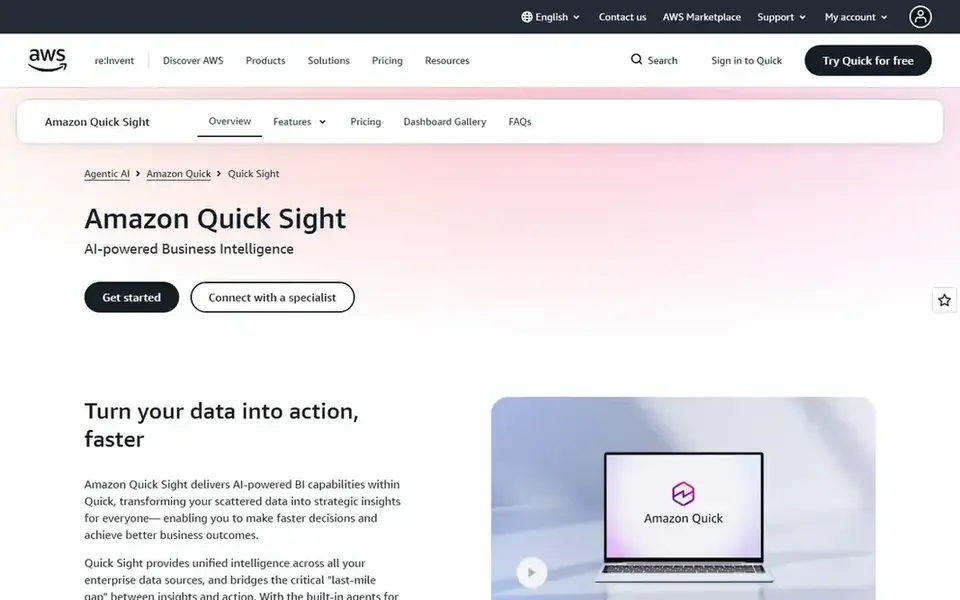
Pick Amazon QuickSight if this describes you: low cost readers on AWS data. Amazon QuickSight, now shown as Amazon Quick Sight inside Amazon Quick, is the low cost reader choice for teams whose data already sits in AWS. From a buyer's view, reader Pro is $20 per user a month and Author Pro is $40 per user a month.
In daily use, a Reader is $3 per user a month and an Author is $24 per user a month. Worth adding: readers can explore interactive dashboards, use filters, receive email reports, download data and ask natural language questions. SPICE, the in memory engine, accelerates large datasets, with 10 GB included per Author and extra capacity at $0.38 per GB a month. The starting price for Amazon QuickSight: $3 per user per month. Free access: Free trial (30 days).
Trade-offs to know: the mix of per user and session pricing is hard to forecast.
- Readers cost only $3 per user a month
- Session pricing fits occasional viewers
- A $250 a month account fee applies with Pro users or Q and A features
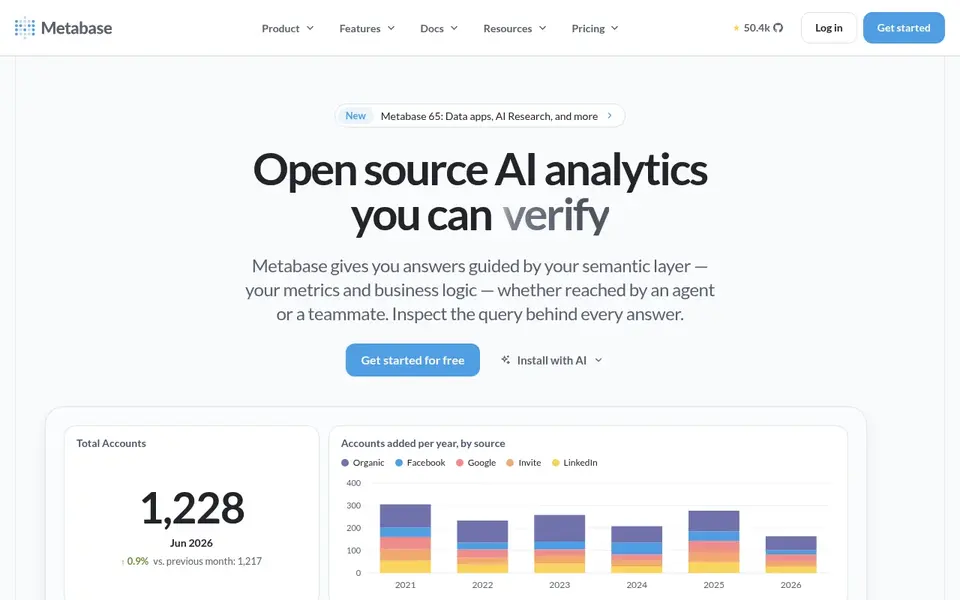
Choose Metabase for straightforward questions and open source hosting. Pro is $575 a month for 10 users, plus $12 per additional user, and brings advanced embedding, row and column security and single sign on controls. Starter is $100 a month for 5 users, plus $6 per additional user, on cloud hosting.
Downsides: Row level security and single sign on controls start on Pro.
In practice, a user picks a table, filters by date or category, picks a chart and saves the result to a dashboard. There is no reason to learn SQL for typical sales, support or operations questions. A SQL editor is there for analysts who want it. The open source edition is free to self host with unlimited users. The starting price for Metabase: $100 per month. Metabase has a free plan.
- No charge per dashboard or query
- Plain language questions suit non technical users
- The free edition needs your own hosting, upgrades and patching
Microsoft Power BI
Great for: Microsoft 365 teams that share reports widely
Microsoft Power BI is aimed squarely at Microsoft 365 teams that share reports widely. Power BI is the natural choice for teams that already live in Microsoft 365, Excel and Teams. In practice, below Fabric F64 capacity, each person who opens a shared report needs a Pro or Premium Per User licence, so reader numbers matter as much as author n Power BI Desktop is free to download and use for building reports.
The service layers on sharing, workspaces and scheduled refresh. More specifically, Pro is $14 per user a month, billed yearly, and Premium Per User is $24 per user a month, billed yearly. Microsoft Power BI starts at: $14 per user per month. You can start on Microsoft Power BI without paying.
Drawbacks to consider: Pro models are restricted to 1 GB and 8 refreshes per day.
- Low per user starting price
- Broad Microsoft 365 and Fabric links
- Every viewer needs a Pro licence below Fabric F64 capacity
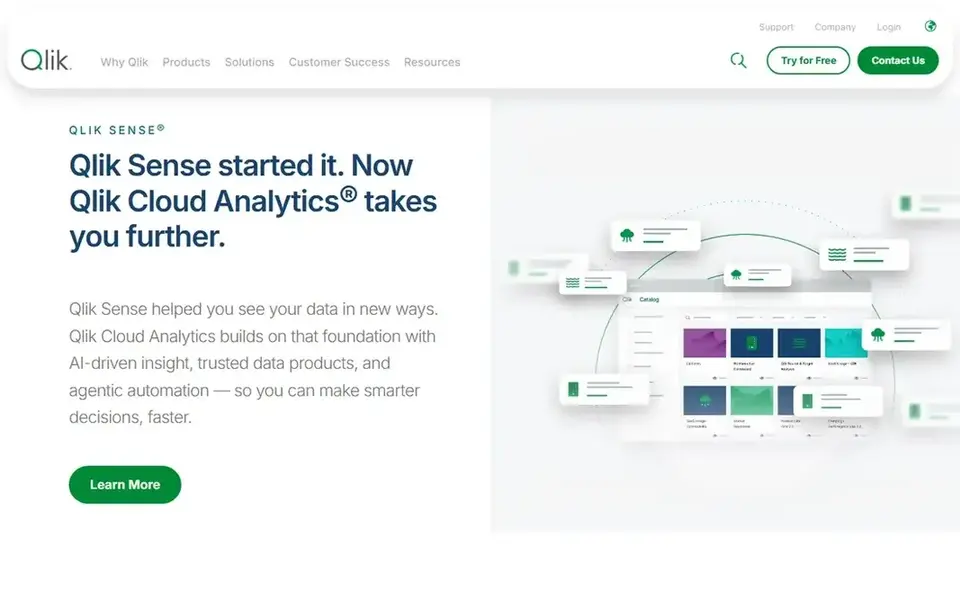
Qlik Sense targets guided exploration across numerous sources. Qlik Sense, sold as Qlik Cloud Analytics, is designed for users who want to explore data without a fixed query path. As for the details, enterprise opens at 250 GB and needs a quote.
Standard begins at $825 a month, billed yearly, for 25 GB of data, with no additional charge for extra users. Worth adding: premium opens at $2,750 a month, billed yearly, for 50 GB of data. Also, starter begins at $300 a month, billed yearly, for 10 users, with 10 GB of data for analysis and a 5 GB maximum app size. On cost, Qlik Sense starts like this: $300 per month. On free options: Free trial.
What to check first: not by user count.
- No additional user charge on Standard and Premium
- Solid data source range
- Higher plans are priced by data volume
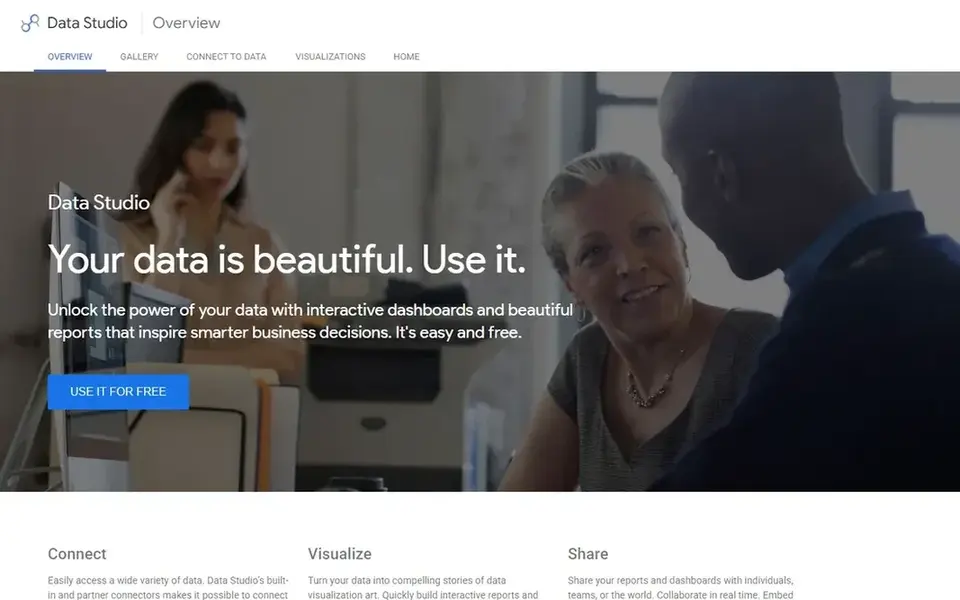
Looker Studio serves free Google data reporting. Looker Studio, now called Data Studio on Google Cloud pages, is the simplest free route to a dashboard. In daily use, a user links a Google Sheet, Google Analytics, Google Ads or BigQuery, picks charts, brings filters and shares a link.
Also, there is no desktop app to install and no seat limit on the free level. That per project wording matters: five users in one project cost $45 a month, whereas the same five users across eight projects cost $360 a month at For everyday use, Pro layers on team content management, version history, Google Cloud support and an uptime service level. Looker Studio starts at: $0 per month. Looker Studio has a free plan.
Honest limits: numerous non Google connectors are partner products with separate charges.
- Direct links to Sheets, Analytics
- Browser based with no install
- Pro is priced per user per project, so the cost repeats across projects
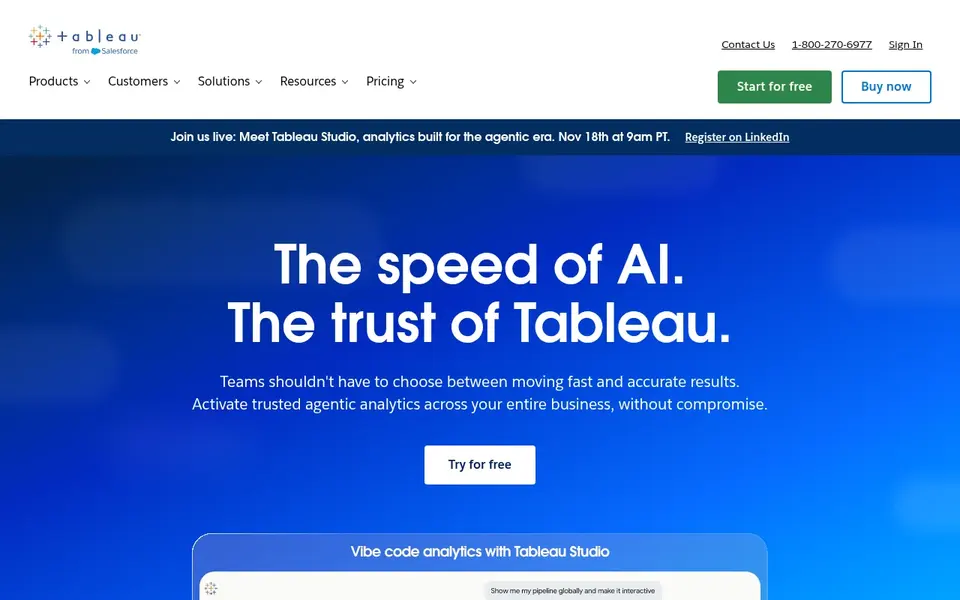
For visual exploration and governed dashboards, Tableau is a natural candidate. Creator licences bundle Tableau Desktop and Tableau Prep Builder.
Watch-outs: every deployment needs a minimum of one Creator at $75 per user a month.
From a buyer's view, Explorer licences suit managers who edit existing workbooks, whereas Viewer licences suit people who chiefly read dashboards. Entry price for Tableau: $15 per user per month. Free options: Free trial.
- Clear Creator
- Explorer and Viewer roles
- Annual contract only
Our selection method
ProMapRanker looked at what each vendor publishes: pricing, plan limits, feature coverage for self service business intelligence and stated drawbacks. No hands-on testing is claimed. Plan names, prices and limits change often. Treat the figures here as a starting point and verify them with the vendor. Position on the page reflects fit for a typical buyer first, with price clarity and free access breaking ties. Treat it as a guide, not a ruling.
What to confirm before you sign up
- Check the vendor page for the current price: Looker Studio starts at $0 per month here, and seats or billing terms can move it.
- Look at free plan limits closely: Metabase, Microsoft Power BI and Looker Studio have one, and the caps decide whether it is usable for real work.
- Use real work to test the free trial from Amazon QuickSight, Qlik Sense and Tableau, rather than a demo project.
- Read the limits listed for Amazon QuickSight first: a $250 a month account fee applies with Pro users or Q and A features.
- Find out whether the entry plan of Tableau covers your must-haves or only a trimmed-down version.
- Check how data leaves Amazon QuickSight: formats, limits and whether exports are available on every plan.
Frequently asked questions
Is Amazon QuickSight the right pick for everyone comparing self service business intelligence?
No single tool suits every team. Amazon QuickSight comes first because it fits low cost readers on AWS data, while Metabase suits simple questions and open source hosting and Microsoft Power BI suits Microsoft 365 teams that share reports widely. Match the tool to your own size, budget and workflow before deciding.
What is the cheapest option for self service business intelligence in this list?
On published monthly entry prices, Looker Studio is the lowest here at $0 per month. Entry price is only part of the cost, because seats, add-ons and billing terms can change the total.
Which self-service BI tool is best for a small team?
Amazon QuickSight comes first here and is built for low cost readers on AWS data. Buyers with other needs may prefer Metabase (for straightforward questions and open source hosting) or Microsoft Power BI (for Microsoft 365 teams that share reports widely). Compare costs and limits first.
Is Looker Studio really free?
The Pro upgrade, now called Data Studio Pro, costs $9 per user per project a month and brings team content management, support and administration features. Some non Google connectors are partner products and may charge separately.
What is self-service business intelligence?
Self-service business intelligence lets business users link data, build charts and share dashboards without asking a specialist to write a query for each report. It fits sales, marketing, finance and operations teams that require answers quick.
How are the tools for self service business intelligence ordered?
Amazon QuickSight sits first and Tableau last because the order follows typical fit for self service business intelligence, then price clarity and free access. It is a judgement call, so read each profile for fit and limits.
Sources
See where you really rank - block by block
ProMapRanker scans Google Maps across a grid of your service area. Simple monthly plans from $19, white-label on every plan.
Start freeBrowse all guides
← Best Legal Matter Tracking Software in 20266 Best Service for Data Analytics in Tech Firms in 2026 →
 best ifta mileage tracking software for small carriers
6 Best IFTA Mileage Tracking Software for Small Carriers for 2026
Best IFTA mileage tracking software for small carriers: 6 tools compared on price, free plans and fit. Details on cost, catches and fit. Full profiles inside.
Read → best gps fleet tracking for landscaping crews
Best Gps Fleet Tracking for Landscaping Crews (2026)
Best gps fleet tracking for landscaping crews: 6 tools compared on price, free plans and fit. Each listing flags where it falls short. Prices checked.
Read → best data wipe software
Data Wipe Software in 2026: Top 6 Compared
Searching for the best data wipe software? Here are 6 options with prices and free plans. The weak spots sit next to the strengths. Current for November 2026.
Read → datadog alternatives
Best Datadog Alternatives in 2026
Compare the best datadog alternatives for monitoring, logs and traces, with free tiers and pricing from New Relic, Grafana and more in 2026 for US teams.
Read → best data catalog platforms
Best Data Catalog Platforms in 2026
Compare the best data catalog platforms in 2026, from Alation and Collibra to Atlan, data.world, OpenMetadata, DataHub, Purview and Secoda, with pricing.
Read → best account data management software
Best Account Data Management Software in 2026
Compare the best account data management software for clean, enriched B2B account records, dedup, routing and CRM data quality for revenue teams in 2026.
Read →More in Data & Analytics · All guides A to Z by date · Latest guides