 ProMapRanker
Data Wipe Software in 2026: Top 6 Compared

Free bootable HDD wipes on old PCs · Pricing starts at: $0 per user/month (billed yearly)
Direct answer
This list puts DBAN first for free bootable HDD wipes on old PCs. Listed starting prices: DBAN from $0 per user/month, Eraser from $0 per user/month and CCleaner from $3.75 per user/month. Look at Active@ KillDisk for bootable wipes without a subscription plan, and at BitRaser Drive Eraser for audit certificates for teams. Prices, free plans and limits for all 6 tools follow.
ProMapRanker compared 6 tools for data wipe software. The goal is a practical shortlist: published prices, free plan facts, best-fit use cases and honest limits for every entry.
Key takeaways
- Number one here is DBAN, a fit for free bootable HDD wipes on old PCs.
- A fair warning about Eraser: Windows only, with no built-in audit certificates.
- DBAN has the lowest monthly starting price in this list: $0 per user/month.
- 5 of 6 tools offer a free plan: DBAN, Active@ KillDisk, BitRaser Drive Eraser, Eraser, CCleaner.
Quick comparison
| Pick | Great for | Pricing starts at | Free tier | |
|---|---|---|---|---|
| DBAN | Free bootable HDD wipes on old PCs | $0 per user/month (billed yearly) | Yes | Visit |
 Active@ KillDisk | Bootable wipes without a subscription plan | Quote only | Yes | Visit |
 BitRaser Drive Eraser | Audit certificates for teams | Quote only | Yes | Visit |
 Eraser | Free file-level wiping on Windows | $0 per user/month (billed yearly) | Yes | Visit |
 Blancco Drive Eraser | Certified enterprise erasure | Quote only | Free trial (14 days) | Visit |
 CCleaner | Everyday PC cleanup with wiping | $3.75 per user/month (billed yearly) | Yes | Visit |
Data Wipe Software profiles
Pick DBAN if this describes you: free bootable HDD wipes on old PCs. DBAN, short for Darik's Boot and Nuke, is a free bootable tool that overwrites every sector of a connected hard drive.
In practice, the last release, version 2.3.0, dates to June 2015, and Blancco now uses the DBAN site to market its commercial eraser instead. Entry price for DBAN: $0 per user/month. Free access exists with DBAN.
Trade-offs to know: Last release was version 2.3.0 in 2015, with no updates since.
- Straightforward autonuke mode for full-drive wipes
- Free bootable tool that wipes entire HDDs
- Not recommended for SSDs
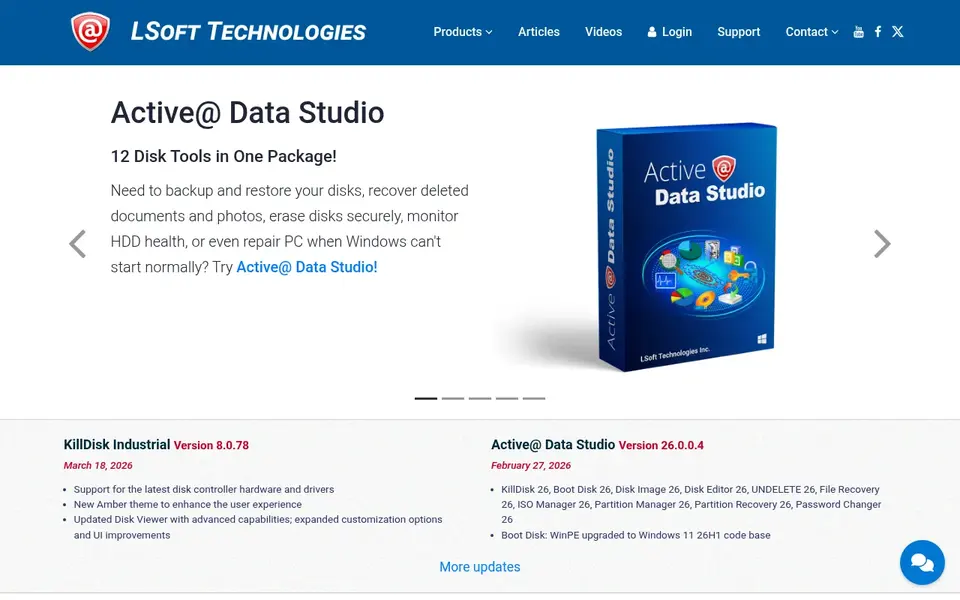
Pick Active@ KillDisk if this describes you: bootable wipes without a subscription plan. Choose KillDisk when you want bootable wiping and numerous standards without per-drive fees, and skip it when you need a modern cloud console or managed r More specifically, licensing brings no additional cost per drive erased, which helps when you wipe numerous drives under one license.
What to check first: higher levels jump sharply in price.
Active@ KillDisk does not show a fixed starting price, so you request a quote. A free plan is available with Active@ KillDisk.
- Including DoD 5220.22-M and NIST 800-88
- More than 20 sanitizing standards
- The interface feels dated next to newer tools
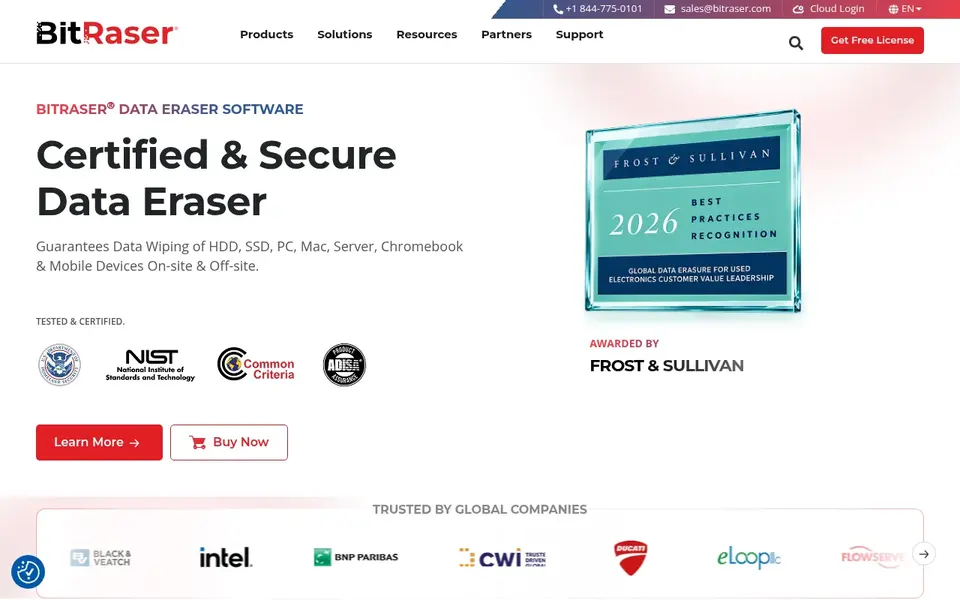
In short, BitRaser Drive Eraser is for audit certificates for teams. Each wipe can produce a tamper-proof certificate of data destruction, and reports can be saved in PDF, CSV, and XML formats for audit trails.
Where it falls short: private cloud and some extras cost additional.
But it is expensive for a home user with numerous old drives. There is no fixed entry price for BitRaser Drive Eraser; pricing comes through a quote. BitRaser Drive Eraser includes a free tier.
- Licenses do not expire until used
- Tamper-proof certificates and 26 erasure standards
- Per-drive pricing layers on up quick at high volume
Eraser is built with free file-level wiping on Windows in mind. It supports 13 erasure methods, including DoD 5220.22-M and Gutmann, and it brings a right-click choice in Windows Explorer for fast erasure. On top of that, you can also schedule recurring tasks that wipe a set folder on a regular basis.
Where it falls short: the interface has changed little in years.
For everyday use, the trade-off is proof and scope. In daily use, Eraser does not issue audit certificates, and it is not a full enterprise erasure suite with central reports. Starting cost for Eraser: $0 per user/month. Free access exists with Eraser.
- Free and open source, with 13 erasure methods
- Right-click erasure and scheduled tasks
- Windows only, with no built-in audit certificates
Blancco Drive Eraser targets certified enterprise erasure. Blancco does not display a list price on its product page, so a buyer must request a quote and discuss volume, device types, and deployment.
Beyond that, choose Blancco when erasure proof and scale matter most, and choose a more straightforward tool when you only have to wipe a single home drive. There is no fixed entry price for Blancco Drive Eraser; pricing comes through a quote. Free plan details: Free trial (14 days).
Downsides: setup suits IT teams better than casual home users.
- Loose drives
- Supports HDDs, SSDs, servers
- No list price shown, so budgeting needs a sales quote
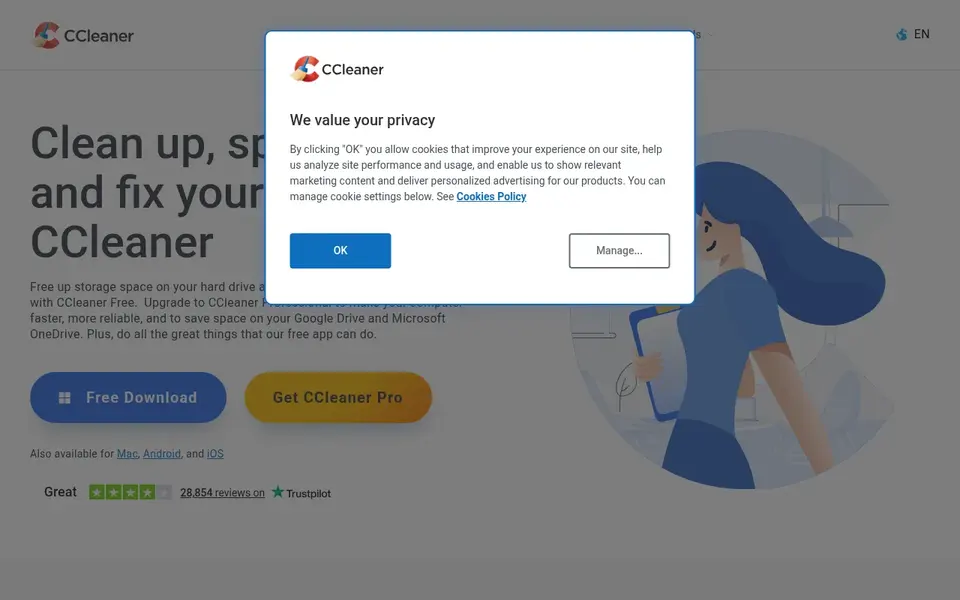
CCleaner is built with Everyday PC cleanup with wiping in mind. The free version handles standard cleaning and entry-level privacy protection, whereas Professional at $44.95 a year for one device brings scheduled cleaning, a driver updater, cloud cleaning, and a Performance Optimizer. Beyond that, professional Plus at $64.95 a year handles up to three devices and brings Recuva and Speccy.
Trade-offs to know: not a full erasure suite; list prices change with frequent gives you.
From a buyer's view, the trade-off is scope. Some recent builds have also changed which legacy tools are shown, so check the current version before you buy it chiefly for wiping. What you pay to start with CCleaner: $3.75 per user/month. CCleaner offers a free plan.
- Free version spans entry-level cleaning
- Professional brings scheduled cleaning and a driver updater
- Drive Wiper is a secondary feature
How we compared the tools
We compared the tools on published pricing, free plan or trial availability, feature coverage for data wipe software, and the limits each vendor documents. Prices and plan limits come from vendor pages and can change, so confirm them on the vendor site before you buy. Order on the page follows fit for the typical buyer first, then price transparency and free access. Your own requirements should decide the final pick.
What to check before you buy
- Confirm the entry price on the vendor page. For Active@ KillDisk, BitRaser Drive Eraser and Blancco Drive Eraser that means a quote rather than a fixed price.
- Look at free plan limits closely: DBAN, Active@ KillDisk, BitRaser Drive Eraser and others have one, and the caps decide whether it is usable for real work.
- Take the trial from Blancco Drive Eraser and push a live task through it before you pay.
- Read the limits listed for DBAN first: last release was version 2.3.0 in 2015, with no updates since.
- Before rolling out DBAN, verify the integrations your workflow depends on.
- A short pilot of Eraser with your real workflow tells you more than a feature table.
Frequently asked questions
Do I need a certificate after wiping a drive?
You need a certificate when you retire a work device, return leased hardware, or sell a device that held client or company data. Home users wiping a personal drive can keep a straightforward note instead.
Is DBAN the right pick for everyone comparing data wipe software?
No single tool suits every team. DBAN comes first because it fits free bootable HDD wipes on old PCs, while Active@ KillDisk suits bootable wipes without a subscription plan and BitRaser Drive Eraser suits audit certificates for teams. Match the tool to your own size, budget and workflow before deciding.
How are the tools for data wipe software ordered?
The order follows typical fit for data wipe software, with DBAN first and CCleaner last, then price clarity and free access. It is editorial judgement, not a score, so another team could rank the tools differently.
Is free data wipe software safe to use?
Free tools like Eraser and DBAN are safe for their stated jobs when you download them from their official sites, back up your files first, and confirm the correct drive.
What is the best data wipe software for most people?
Start with DBAN if you need free bootable HDD wipes on old PCs. Active@ KillDisk is the better match for bootable wipes without a subscription plan, and BitRaser Drive Eraser for audit certificates for teams. The best choice depends on budget, team size and workflow.
What is the cheapest option for data wipe software in this list?
On published monthly entry prices, DBAN is the lowest here at $0 per user/month. Entry price is only part of the cost, because seats, add-ons and billing terms can change the total.
Sources
See where you really rank - block by block
ProMapRanker scans Google Maps across a grid of your service area. Simple monthly plans from $19, white-label on every plan.
Start freeBrowse all guides
← Analytics Tools for Hospitality Tech in 2026: Top 6 ComparedBest Gps Fleet Tracking for Landscaping Crews (2026) →
 best sustainable procurement software for 3pl warehouses
8 Best Sustainable Procurement Software for 3PL Warehouses (2026)
Compare 8 best sustainable procurement software for 3PL warehouses, with prices, free plans and who each fits. Read the caveats before you buy. Costs up front.
Read → best software for batch genealogy tracking
6 Best Software for Batch Genealogy Tracking in 2026
Best software for batch genealogy tracking: 6 contenders ranked by fit, with entry costs and free tiers. Every profile names its biggest catch. Prices checked.
Read → best route analytics software for trucking fleets
Best Route Analytics Software for Trucking Fleets in 2026
6 best route analytics software for trucking fleets, compared on pricing, free plans and best-fit use. Weak spots flagged for every entry. Jump to the table.
Read → bright data alternatives
Best Bright Data Alternatives in 2026
Need bright data alternatives? We compare 9 proxy and web data providers on price per GB, targeting, free trials, and ethical sourcing in detail in 2026.
Read → best data cleansing tools
Best Data Cleansing Tools in 2026
Our guide to the best data cleansing tools covers deduplication, standardization, matching, and profiling for analysts, marketers, and teams in 2026 now.
Read → best dsp platforms
Top 8 DSP Platforms for 2026, Compared
Best DSP platforms: 8 tools compared on price, free plans and fit. For full-stack buying with data control, begin with Adform. Current for November 2026.
Read →More in Data & Analytics · All guides A to Z by date · Latest guides