 ProMapRanker
Best Data Cleansing Tools in 2026

Key takeaways
- OpenRefine is the best free starting point, while Alteryx Designer Cloud and Informatica suit teams that need repeatable pipelines.
- Deduplication and matching are different from simple formatting, so check fuzzy matching if your data has duplicates.
- Most enterprise data quality tools are quote based, so get pricing for your data volume and user count, not just a demo.
- A tool that works inside your current stack, such as Power Query for Microsoft teams, often gets used more than a stronger standalone tool.
Quick comparison
| Pick | Great for | Pricing starts at | Free tier | |
|---|---|---|---|---|
 OpenRefine | Free hands-on cleaning | Free | Yes | Visit |
 Alteryx Designer Cloud | Visual cloud preparation | $250 per user per month | No | Visit |
 Talend Data Preparation | Analyst-led preparation | See website | No | Visit |
 Informatica Cloud Data Quality | Enterprise data quality | See website | No | Visit |
 WinPure Clean and Match | Deduplication and matching | See website | No | Visit |
 Data Ladder DataMatch | Matching large databases | See website | No | Visit |
 Melissa Clean Suite | Contact data verification | See website | No | Visit |
 Ataccama ONE | Governed enterprise cleansing | See website | No | Visit |
The best data cleansing tools
We compared data cleansing tools by profiling, standardization, deduplication, matching, automation, and governance. The list covers free workbenches, analyst tools, and enterprise platforms, so different team sizes can find a fit.
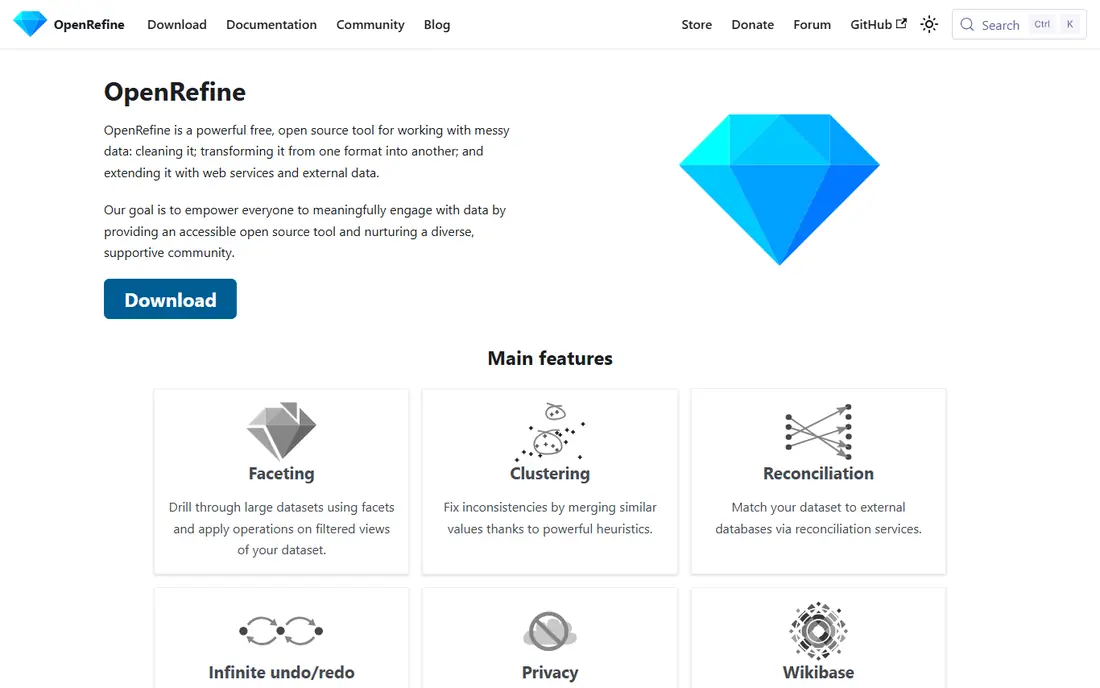
OpenRefine is the tool most analysts try first when a spreadsheet arrives messy. Facets let you explore values, clustering groups variants such as New York, new york, and NY, and transformations can be repeated through a saved history. It runs locally, costs nothing, and handles CSV and JSON files well. For a one-off clean-up or a research dataset, it is hard to beat on value.
The limits appear when cleaning must run on a schedule or inside a warehouse pipeline. OpenRefine is a desktop workbench, not a production system, and large-scale deduplication is not its strength. Teams that outgrow it usually move to a pipeline tool, but they often keep OpenRefine for quick manual work.
- Free and open source
- Clustering finds spelling variants
- Faceted exploration and repeatable history
- Desktop only
- No built-in scheduled pipelines
- Not built for large enterprise automation

Alteryx Designer Cloud, formerly Trifacta, is built for analysts who want to clean data without writing code for every step. The visual builder shows profiling as you work, and predictive suggestions recommend standardization steps based on patterns in the data. Recipes can be reused, so a cleaning job that runs monthly does not need to be rebuilt each time. Cloud delivery also removes the need to manage servers for preparation work.
The starter price of $250 per user per month is high for a solo analyst, and professional and enterprise tiers are custom priced. That model makes sense at three or more users, but not for a single occasional clean-up. For a data team that prepares data for BI or machine learning regularly, the visual workflow is a strong advantage.
- Visual workflow builder
- AI-assisted transformation suggestions
- Cloud-native scaling
- Per-user price punishes small teams
- Higher tiers are quote based
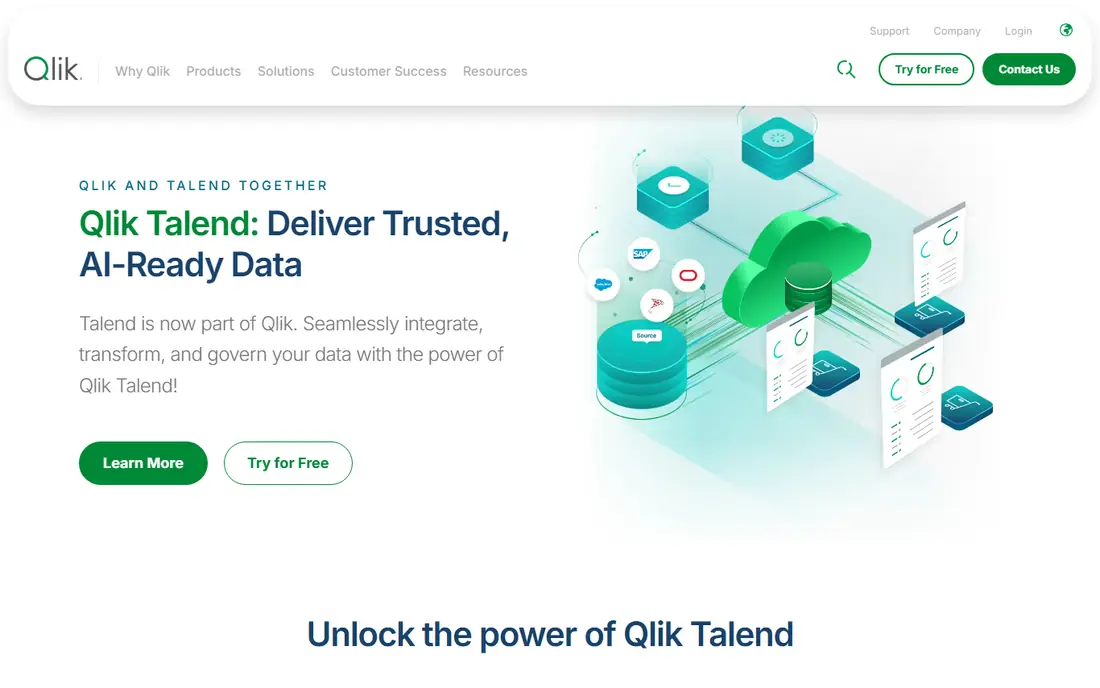
Talend Data Preparation suits analysts who want to prepare data visually and share that logic with a team. Profiling appears during preparation, so errors, null spikes, and format drift are visible while you work. Shareable preparation logic means one analyst's cleaning steps can be reused by others, which keeps definitions consistent. Links to the wider Talend suite help when cleaned data must flow into integration pipelines.
The tool is batch focused, not a real-time data quality monitor, and pricing is quote based. Teams that need continuous monitoring across a warehouse may need a separate quality platform. For analyst-led preparation inside a Talend environment, it is a natural fit.
- Visual preparation with shareable logic
- Links to Talend integration suite
- Profiling during preparation
- Pricing is quote based
- Batch focus rather than real-time monitoring
Informatica Cloud Data Quality is built for large firms where data quality must run across many systems under governance. A rule library can be applied across pipelines, profiling finds patterns and anomalies, and matching links records across sources. That scale suits regulated industries and firms with mature data programs. Integration with cloud data platforms also helps when data lives in several warehouses.
The cost is complexity and price. Setup needs governance, ownership, and technical skill, and pricing is quote based on scale. Small teams will find it larger than they need. For an enterprise that must prove data quality across systems, Informatica is a leading platform.
- Enterprise rule library
- AI-assisted matching and profiling
- Broad pipeline and cloud support
- Pricing is quote based
- Needs governance and technical setup
WinPure Clean and Match focuses on the painful part of many datasets, which is duplicates. It cleans, standardizes, and matches records with fuzzy logic, so near-duplicates that differ by spelling or formatting can be found and merged. The interface is more approachable than enterprise quality platforms, which helps small and mid-size teams. Past listings put starting prices near $1,000 per year, though current pricing should be confirmed on the vendor site.
Enterprise governance and cloud pipeline features are thinner than in Informatica or Ataccama. WinPure is a cleaning and matching tool, not a full data governance platform. For a team whose main problem is duplicate customers or contacts, that focus is exactly right.
- User-friendly deduplication
- Fuzzy matching
- Clear cleaning and matching workflow
- Windows focused in past listings
- Less enterprise governance than Informatica
Data Ladder DataMatch Enterprise is built for matching and deduplication at database scale. Fuzzy matching finds records that are similar but not identical, and survivorship rules decide which values win when records merge. The visual workflow helps teams design cleaning and matching jobs without coding every rule. For firms with large customer or product databases, that matching depth matters more than simple formatting tools.
Pricing is quote based, and the tool is more technical than a free workbench. Smaller teams with a single spreadsheet may not need its scale. For a business cleaning a large database before a migration or a CRM consolidation, DataMatch is a strong specialist choice.
- Advanced fuzzy matching
- Visual cleansing workflow
- Handles large databases
- Pricing is quote based
- Interface is more technical than OpenRefine
Melissa Clean Suite focuses on contact data, which is where many marketing and sales teams feel data quality pain first. It verifies addresses, emails, phones, and names, and it can clean data inside CRM systems or in real time as records arrive. That focus helps teams reduce bounced emails, failed mail, and duplicate contacts. CRM plugins mean cleaning happens where sales teams already work.
The limit is scope. Melissa is not a general-purpose tool for cleaning product, financial, or sensor data. Firms with broader data quality needs will need another platform alongside it. For contact and address quality, Melissa is a specialist worth shortlisting.
- Address, email, phone, and name verification
- CRM plugins
- Real-time cleaning options
- Pricing is quote based
- Focused on contact data rather than general datasets
Ataccama ONE combines data cleansing with catalog, governance, and lineage, so cleaning rules sit inside a governed foundation. Profiling, cleansing, and validation run with ownership and definitions attached, which helps large teams trust the results. AI-assisted rule suggestions speed up rule creation, while lineage shows where cleaned data came from. That combination suits firms that must manage data as an asset, not just clean a file once.
The platform needs governance maturity to get full value, and pricing is quote based. Small teams will find it larger than required. For an enterprise that wants cleaning tied to catalog and ownership, Ataccama offers a broader platform than a standalone cleaner.
- Data quality plus catalog and governance
- AI-assisted rule suggestions
- Profiling and validation depth
- Pricing is quote based
- Implementation needs data governance maturity
How we picked these
We compared official product pages, pricing information where published, and public comparisons of data cleaning tools current in October 2026. We favored tools that are actively sold, with a clear cleansing job such as profiling, standardization, matching, or verification. We did not claim hands-on testing, and we used See website where pricing was quote based or not verifiable. The list mixes free, analyst, and enterprise tools because data cleansing needs vary widely by team size.
What to check before you buy
Start with a sample of your worst data, not a clean demo file. Run deduplication, standardization, and profiling on that sample, and count how many duplicates and errors each tool finds. A tool that looks good on a tidy sample may miss the messy cases that matter. Check whether rules can be reused and scheduled, or whether every clean-up is manual work again.
Next, check where the tool fits your stack. A Microsoft team may get more value from Power Query inside Excel and Power BI, while a cloud team may prefer Alteryx Designer Cloud or Informatica. Confirm data security and handling, especially for customer data, and get pricing for your data volume and user count. Finally, assign an owner for data quality rules, since a tool without an owner quickly drifts back to messy data.
Frequently asked questions
What is the best data cleansing software?
For free one-off work, OpenRefine is the usual starting point. For repeatable analyst work, Alteryx Designer Cloud and Talend Data Preparation are strong. For enterprise governance, Informatica and Ataccama lead. The best choice depends on volume, automation needs, and governance.
Can data cleansing tools remove duplicates automatically?
Yes, tools such as WinPure and DataMatch use fuzzy matching to find near-duplicates and merge them under survivorship rules. Automatic merging still needs review rules, since two similar records are not always the same person or company. Set a review step for borderline matches.
Is OpenRefine enough for enterprise data quality?
OpenRefine is excellent for manual cleaning, but it is not built for scheduled pipelines or enterprise monitoring. Large firms usually pair a workbench like OpenRefine with a pipeline or governance platform. Use OpenRefine for exploration and one-off jobs, not as the sole production system.
How much does data cleansing software cost?
Costs range from free for OpenRefine to $250 per user per month for Alteryx Designer Cloud starter, with enterprise tools quote based. Contact verification and matching tools vary by volume. Ask for a quote based on your records, users, and refresh frequency.
What is the difference between data cleansing and data quality?
Cleansing fixes errors, standardizes formats, and removes duplicates in a dataset. Data quality is broader and includes profiling, monitoring, governance, and ongoing rules. Cleansing is one job inside a data quality program, not the whole program.
Sources
See where you really rank - block by block
ProMapRanker scans Google Maps across a grid of your service area. Simple monthly plans from $19, white-label on every plan.
Start freeKeep reading
 zscaler alternatives
Best Zscaler Alternatives in 2026
Looking for zscaler alternatives? We compare 9 SASE and zero trust platforms on architecture, data protection, pricing, and fit for your network and team.
Read → zapier alternatives free
Best Zapier Alternatives Free in 2026
Nine automation tools for zapier alternatives free in 2026, all with genuinely free tiers, plus free plan limits, starting prices and upgrade paths explained.
Read → which platform is best for online reputation
Which Platform Is Best for Online Reputation in 2026
Wondering which platform is best for online reputation? We compare 8 review, listing, and response tools for small and multi-location businesses and agencies.
Read →