 ProMapRanker
Best Security Software in 2026


Best all-around protection with low system impact · Pricing starts at: From $29.99 per year (first year)
Key takeaways
- Bitdefender and Norton lead on breadth, with first-year prices from 29.99 and 49.99 dollars in published comparisons.
- McAfee unlimited-device plans suit large households, while Avast and Malwarebytes offer usable free tiers.
- Renewal prices are often higher than first-year prices, so check the renewal rate before you buy.
- Application security tools differ from consumer antivirus, so teams needing code scanning should shortlist developer tools separately.
Quick comparison
| Pick | Great for | Pricing starts at | Free tier | |
|---|---|---|---|---|
| Bitdefender Total Security | Best all-around protection with low system impact | From $29.99 per year (first year) | Yes, free antivirus tier | Visit |
 Norton 360 Deluxe Norton 360 Deluxe | Families wanting identity protection and backup | From $49.99 per year (first year) | No, free trial | Visit |
 McAfee Total Protection McAfee Total Protection | Households with many devices | From $49.99 per year (first year, unlimited devices) | No, free trial | Visit |
 Kaspersky Premium Kaspersky Premium | Privacy-conscious users wanting strong detection | From $39.99 per year (first year) | Yes, free tier | Visit |
 Avast Premium Security Avast Premium Security | Users who want a capable free tier plus a paid upgrade | Free; Premium from $49.99 per year (first year) | Yes | Visit |
 ESET Home Security ESET Home Security | Performance-sensitive users and gamers | From $29.99 per year (first year) | No, free trial | Visit |
 Malwarebytes Premium Malwarebytes Premium | Cleaning infected systems and layered protection | From $44.99 per year | Yes, free scanner | Visit |
 Trend Micro Maximum Security Trend Micro Maximum Security | Families wanting web and social protection | From $19.95 to $54.95 per year range reported | No, free trial | Visit |
The best security software in 2026 in 2026
Our picks cover the best computer security software for homes and small teams, from full suites to focused malware tools.
Bitdefender Total Security
Great for: Best all-around protection with low system impact
Bitdefender Total Security covers up to five devices across Windows, Mac, Android, and iOS, with malware protection, ransomware rollback, and webcam protection. Its low system impact suits older computers as well as new ones.
First-year pricing starts at 29.99 dollars per year in published comparisons, with higher tiers adding VPN and identity features. Check the renewal price, since it is typically higher than the first-year rate.
- Malware protection, ransomware rollback, VPN with daily limit, password manager
- VPN limit is 200 MB per day on basic tier, some features are Windows only
Norton 360 Deluxe covers five devices and adds identity protection, dark web monitoring, and cloud backup to core antivirus. Parental controls make it a strong family suite, not only a malware scanner.
First-year pricing starts at 49.99 dollars per year in published comparisons, with LifeLock integration on higher tiers. Families that value identity monitoring may find the extra cost justified, but check device limits for larger households.
- Unlimited VPN, dark web monitoring, parental controls, 50 GB cloud backup
- Higher price than some rivals, system impact is slightly higher
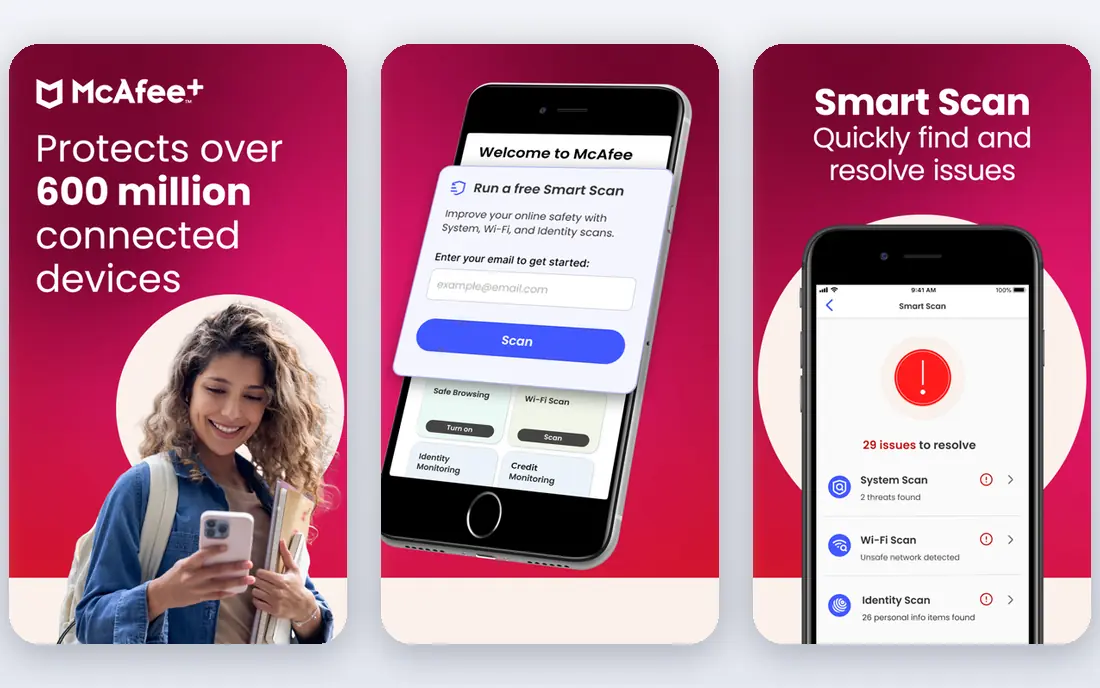
McAfee Total Protection stands out for unlimited device coverage, which suits households with phones, laptops, tablets, and shared computers. Its VPN, identity monitoring, and web protection sit alongside core malware scanning.
First-year pricing starts at 49.99 dollars per year for unlimited devices in published comparisons. That device policy is the main reason to pick McAfee over rivals that cap coverage at five devices.
- Unlimited devices, secure VPN, identity monitoring, web protection
- System impact can be higher, interface can feel busy
Kaspersky Premium offers malware protection, password management, and parental controls, with a reputation for strong detection in independent comparisons. It covers multiple devices across major platforms.
First-year pricing starts at 39.99 dollars per year in published comparisons, with Standard and Plus tiers below Premium. Users with privacy concerns should read the vendor privacy policy and data handling terms before choosing.
- Strong detection, password manager, parental controls, file protection
- Some users raise questions about vendor origin, premium tiers cost more
Avast Premium Security
Great for: Users who want a capable free tier plus a paid upgrade
Avast Premium Security builds on a widely used free antivirus with firewall, webcam protection, and sandbox features on paid tiers. The free tier suits users who need basic protection without an immediate subscription.
Premium pricing starts at 49.99 dollars per year for the first year in published comparisons, with a free tier available. Free users should expect upgrade prompts, and paid users should check which features sit on each tier.
- Free antivirus, firewall, webcam protection, sandbox on paid tiers
- Paid features are tiered, upsell prompts appear in free tier
ESET Home Security is known for low system impact, which suits gamers and users on modest hardware. Banking protection and ransomware shielding sit alongside core antivirus without heavy background load.
First-year pricing starts at 29.99 dollars per year in published comparisons, with higher tiers adding parental controls and password management. Technical users will appreciate the controls, while beginners may prefer a simpler dashboard.
- Low system impact, gamer mode, ransomware protection, banking protection
- Interface is more technical, fewer bundle extras than Norton
Malwarebytes Premium
Great for: Cleaning infected systems and layered protection
Malwarebytes Premium is often used to clean systems that already have malware, thanks to its removal focus and layered web protection. It also works alongside other antivirus tools for users who want a second layer.
Pricing starts at 44.99 dollars per year, with a free scanner available for on-demand checks. Plus tiers add VPN, so compare the total cost if VPN is a must-have feature.
- Malware removal strength, web protection, ransomware layers, VPN on Plus
- Full suite is narrower than Norton or Bitdefender, VPN needs Plus tier
Trend Micro Maximum Security
Great for: Families wanting web and social protection
Trend Micro Maximum Security covers up to ten devices on higher tiers, with web protection, parental controls, and privacy checks for social accounts. It suits families that spend much time online across devices.
Pricing is reported in a range from 19.95 to 54.95 dollars per year depending on tier and offer. Confirm device count and renewal price at checkout, since both vary by plan.
- Web threat protection, parental controls, social media privacy checks
- Device limits vary by tier, renewal pricing is higher
How we picked these
We compared official feature pages, pricing pages, app store listings, privacy policies, and public reviews for each option on this list. We weighted fit for the stated use, clarity of pricing, breadth of core features, and how plainly the vendor states limits such as device counts, prompt allowances, or free tier restrictions. We did not claim hands-on testing, and where a vendor did not publish a clear price, we wrote See website rather than estimating a figure.
Choosing the right security software
Count devices first
Device limits decide value faster than feature lists. A five-device suite suits a small household, while McAfee unlimited coverage suits a large one. Count phones and tablets too, since many households forget mobile devices when comparing prices.
Check renewal prices
First-year discounts are common, and renewal prices can be 40 to 100 percent higher in published comparisons. Note the renewal rate and set a reminder before renewal, or choose a vendor whose renewal price you accept on day one.
Application security is a different category
The best application security platforms, such as tools for code scanning and dependency checks, serve developers rather than home users. If you need those, shortlist developer security tools separately, and do not judge them by consumer antivirus features.
General information only: security software reduces risk but cannot guarantee protection against every threat, and users should keep systems updated and back up important files separately.
Before you pay, read the cancellation and renewal terms, check whether your data can be exported, and confirm support hours for your time zone. A short trial or a monthly plan, where offered, is a safer first step than an annual plan, even when annual billing looks cheaper per month. Keep a note of the renewal date, since many services renew automatically.
Frequently asked questions
What is the best computer security software for a family?
Norton 360 Deluxe suits families with parental controls, backup, and identity monitoring, while McAfee suits larger households with unlimited devices. The best computer security software for a family depends on device count and whether identity protection matters.
What is the best virus protection software with a free plan?
Avast and Bitdefender offer capable free tiers, and Malwarebytes offers a free scanner. Free plans cover basic scanning, while paid plans add VPN, firewall controls, and identity monitoring.
Which are the best application security tools for developers?
Developer teams should look at application security platforms that scan code, dependencies, and containers, rather than consumer antivirus. Those tools are priced per developer or per project, and they belong in a separate comparison from home antivirus.
What is the best software security tool for an older computer?
Bitdefender and ESET are known for low system impact, which helps older computers stay responsive during scans. Check system requirements and trial performance before committing to a yearly plan.
Should I pay for antivirus if Windows already includes protection?
Built-in Windows protection covers basic needs for careful users. Paid suites add VPN, password management, identity monitoring, and support, so pay only if you will use those extras or need coverage across Mac, Android, and iOS too.
Finally, compare two finalists side by side on the same task, using the same inputs and the same time of day where timing matters. Note where each tool saves time, where it adds steps, and where it forces a workaround. That direct comparison usually reveals the better fit faster than a longer feature list, and it gives you a clear reason to defend the choice to a team or a client.
Sources
See where you really rank - block by block
ProMapRanker scans Google Maps across a grid of your service area. Simple monthly plans from $19, white-label on every plan.
Start freeKeep reading
 zoom alternatives
Best Zoom Alternatives in 2026
Compare Zoom alternatives in 2026, with free meeting limits and prices, so you can pick the best alternative to Zoom for your team, class, or community.
Read → which software is best for remote work
Which Software Is Best for Remote Work in 2026
Answering which software is best for remote work, we compare Slack, Zoom, Asana, Notion, Teams and more, with pricing and honest tradeoffs in 2026 now.
Read → which ai tool is best for content writing
Which AI Tool Is Best for Content Writing in 2026
Wondering which ai tool is best for content writing? We compare ChatGPT, Claude, Jasper, Grammarly, and more on price, quality, and best use in 2026 now.
Read →