 ProMapRanker
Best Search Visibility Checking Tools in 2026


Teams that want rank checks inside a full SEO suite · Pricing starts at: See website
Key takeaways
- A checking tool is only useful if it refreshes often enough for the decisions you make from it, so daily or on-demand checks matter more than a long feature list.
- Google Search Console is the free baseline every site should run, because it reports what Google actually recorded for your own pages.
- Paid checkers add competitor positions, local results, and AI answer mentions that Search Console does not show.
- Small sites do well with Wincher or SERPWatcher, while agencies with many keywords tend to need SE Ranking, AccuRanker, or Semrush.
- Prices rise with keyword count and check frequency, so count your keywords before you compare plan prices.
Quick comparison
| Pick | Great for | Pricing starts at | Free tier | |
|---|---|---|---|---|
| Semrush | Teams that want rank checks inside a full SEO suite | See website | Free trial | Visit |
 Ahrefs | Rank checks backed by backlink data | See website | No | Visit |
 SE Ranking | Agencies that need solid checks at a fair price | See website | Free trial | Visit |
 AccuRanker | High-volume teams that need instant refreshes | See website | Free trial | Visit |
 Wincher | Small sites that want simple daily checks | See website | Free trial | Visit |
 Nightwatch | Local checks down to postcode level | See website | Free trial | Visit |
 SERPWatcher | Bloggers and small teams that want a calm dashboard | See website | Free trial | Visit |
 Google Search Console | Every site owner who wants free first-party data | Free | Yes | Visit |
The best search visibility checking tools
These tools answer a plain question: where do we show up in search right now, and has that changed. We focused on checking and monitoring, not on deep reporting or content planning, and we compared official feature and pricing pages, plus public documentation, to build this list.
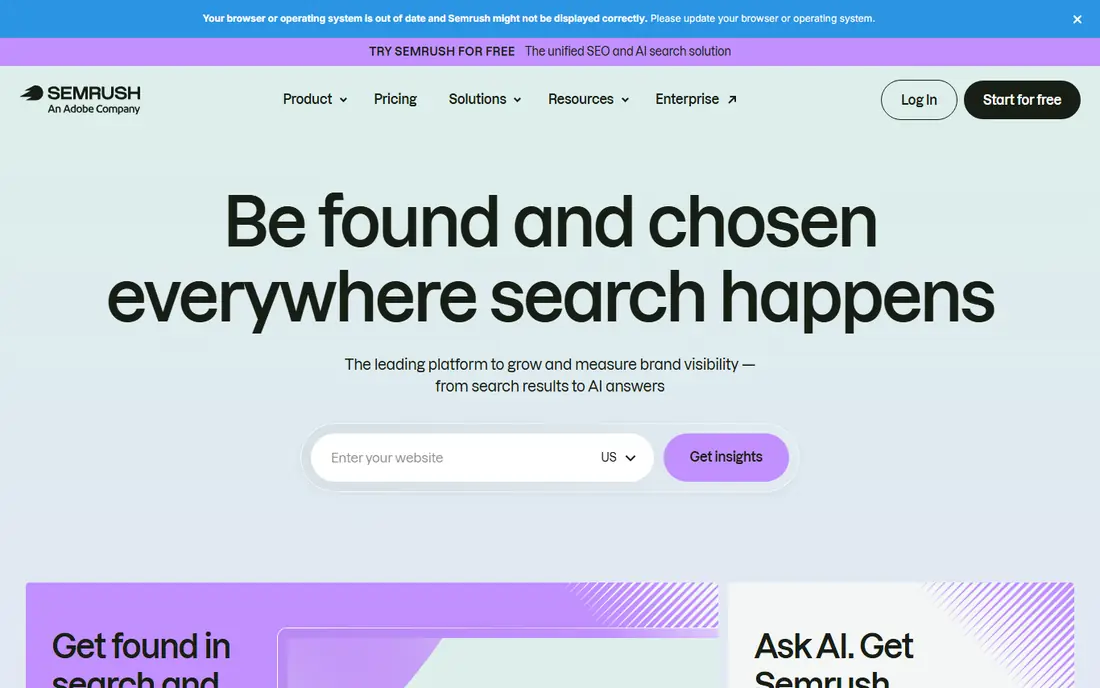
Semrush Position Tracking is the checking core here. You add keywords, set a location and device, and watch positions move day by day, with SERP feature data showing whether a result holds a featured snippet, a local pack slot, or an AI Overview mention. That mix is helpful for a team that needs to explain a traffic change, because a position can stay the same while the page around it changes. The suite around it covers keyword research and site audits, so a check that looks odd can be investigated without switching tools.
The catch is scope and cost. Semrush is priced as a platform, not as a single-purpose checker, so a solo site owner who only tracks 50 keywords may pay for far more than they use. The interface also packs a lot into each project, and new users often need a week to learn where each check lives. If you already use Semrush for research, though, its checking tools are a natural fit, and our pick for most teams that want one tool for several jobs is Semrush.
- Daily position tracking
- Checks for Google AI Overviews and other AI surfaces on higher plans
- Large keyword database for competitor checks
- Price climbs fast as keyword limits rise
- The full suite can feel heavy if you only need rank checks
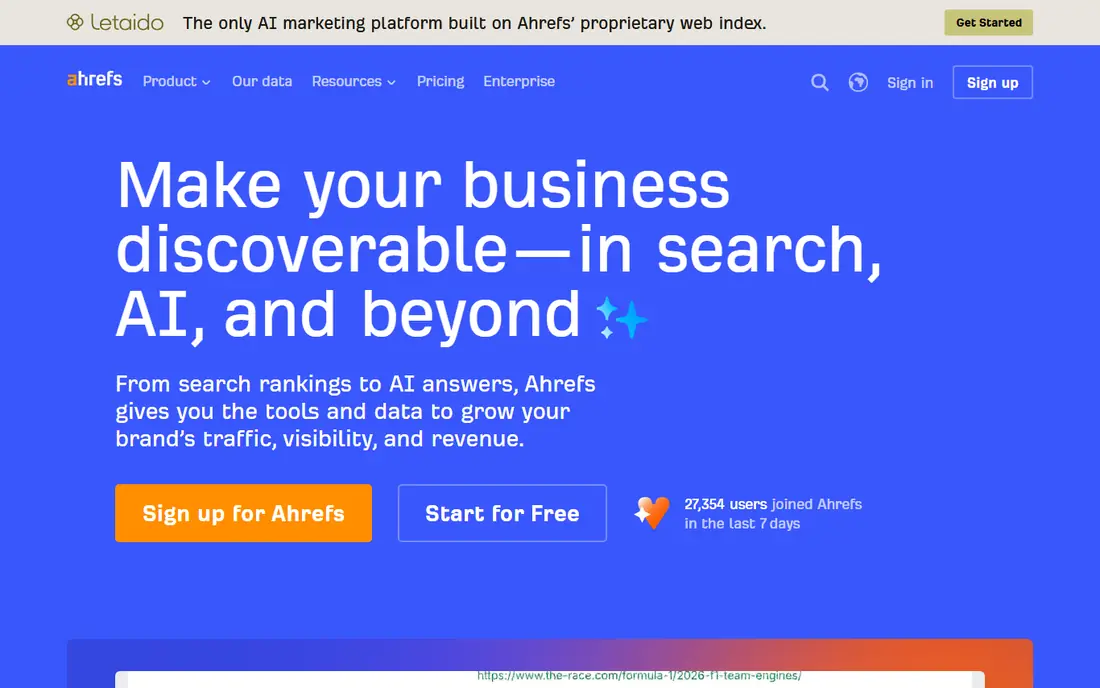
Ahrefs Rank Tracker checks positions and shows how your visibility compares with named competitors over the same period. That competitor view is the reason many SEOs keep Ahrefs even when a cheaper checker would do the basic job. When a ranking drops, you can look at the same site in Site Explorer and see whether links, content changes, or a competitor move offer a plausible explanation. It turns a simple check into a short investigation.
The trade-off is that Ahrefs is built for data-heavy users, and its pricing reflects that. Weekly checks are standard on some plans, with more frequent updates available as an add-on, so read the plan details before you assume daily data. Beginners may also find the number of reports distracting at first. For a team that already values backlink data, the checking tools fit well, but a buyer who only wants a daily position list can find a cheaper home elsewhere.
- Rank Tracker with competitor comparison
- Huge backlink index for context
- Brand Radar checks AI mentions on higher plans
- Daily tracking can cost extra on some plans
- Pricing is credit based in places, which takes care to manage
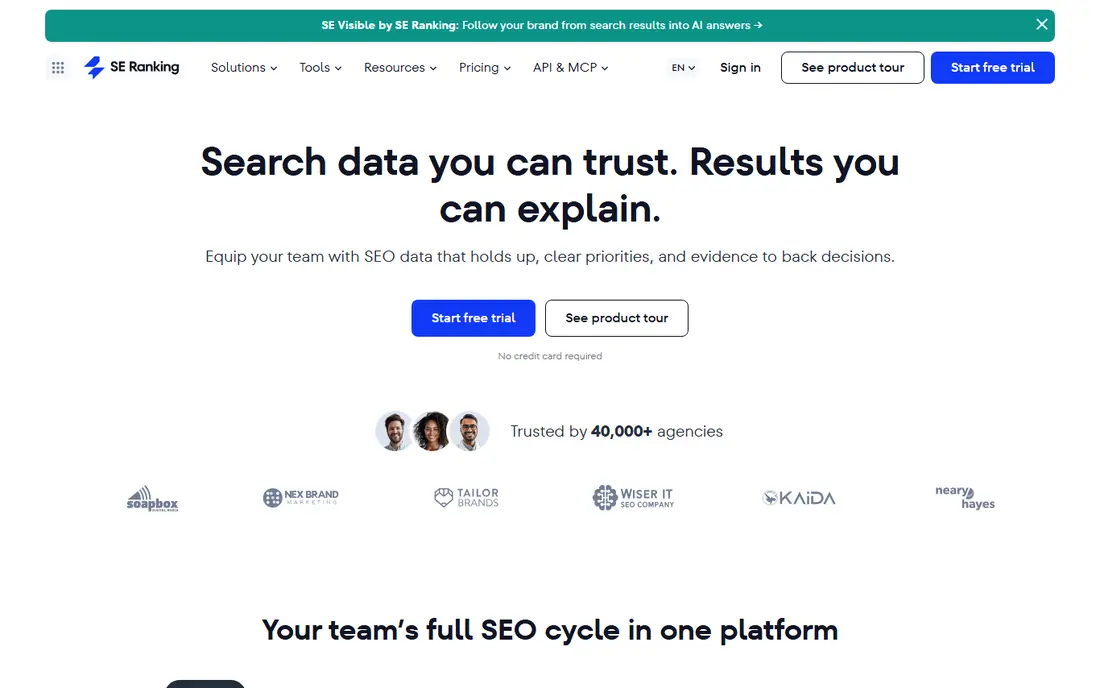
SE Ranking has become a steady choice for agencies because its checking tools cover the basics well and its pricing scales in clear steps. You can track keywords by location, device, and search engine, and the AI Results Tracker adds checks for AI Overviews, AI Mode, ChatGPT, Gemini, and Perplexity on relevant plans. That combination suits an agency that must answer two questions for clients each month: where do we rank in Google, and do AI answers mention us.
The limits show up when you compare depth rather than breadth. Its backlink data does not match the largest indexes, so link-led investigations still need another source. Some AI checks also sit on higher plans, which means the entry price does not buy the whole AI picture. Even with those limits, SE Ranking is a strong value pick for teams that check many keywords across many client sites and want one dashboard for the routine work.
- Daily rank checks
- AI Results Tracker across several AI surfaces
- Flexible keyword limits by plan
- Backlink history is thinner than Ahrefs
- Higher tiers are needed for the full AI checking set
AccuRanker is built around speed. Instead of waiting for the next scheduled update, you can refresh a keyword on demand and see the current position right away, which matters when a client calls about a drop or after a site change goes live. It also handles large keyword sets without slowing down, and its share of voice view turns a long keyword list into a single trend line that a manager can read at a glance.
That focus is also its limit. AccuRanker does not try to be a keyword research tool, a site auditor, or a content planner, so teams that want those jobs done will pair it with another product. Its entry price reflects its agency audience and its minimum keyword allowances, which can put it out of reach for a single small site. For a team that checks thousands of keywords and needs answers in minutes rather than tomorrow, the speed is worth the price.
- On-demand rank refreshes
- Fast updates for large keyword sets
- Clear share of voice reporting
- Higher entry price than simple checkers
- It is a checker first, not a full SEO suite
Wincher keeps the checking job small and clear. You add a site, add keywords, and get daily positions with a simple chart that shows movement over time. There is little to configure, which is a real advantage for a blogger, a freelancer, or a small business owner who does not want to learn a full SEO platform just to answer where they rank. The ability to track more than one site without a complex plan structure also helps people who run a few projects at once.
The honest catch is depth. Wincher does not offer the AI answer checking or the deep competitor analysis that larger tools now include, and its extra reports are modest. If your main question is still classic Google rankings, that is fine, and the price stays friendly. If AI visibility is already part of your reporting, you will need a second tool or a different pick from this list.
- Daily position updates on all plans
- Easy setup for beginners
- Tracks unlimited websites on paid plans
- No AI surface tracking of note
- Reporting and research features are lighter than full suites
Nightwatch stands out for local checking. It can track rankings down to postcode level, which matters for a business that serves one town well and another poorly, since a national average would hide that gap. Its dashboards are clean and client-ready, and recent plans include AI search tracking, so a local agency can show both classic rankings and AI mentions in the same report. Segmentation by location, device, and intent also helps turn a position list into a useful conversation with a client.
The downsides are modest but real. Pricing in euros means US buyers should check the converted cost before budgeting, and Nightwatch is a tracker rather than a full platform, so site audits and content tools are not its strength. The interface can also feel technical at first for a complete beginner. For local SEO work, though, its checking precision is hard to beat at this price level.
- Daily checks with fine local granularity
- AI tracking included at every tier in recent plans
- Strong visual reports
- Priced in euros, which adds a conversion step for US buyers
- Site audit and content tools are thin
SERPWatcher, from Mangools, takes a different approach to the same job. Instead of a long table of positions, it gives a Performance Index that summarises overall visibility, plus daily positions for each keyword. That summary helps a small team that wants to know whether things are broadly improving, without reading every row each week. It is easy to set up, the design is friendly, and it pairs with Mangools keyword and backlink tools if you want more context later.
Its limits are clear. It is mainly a Google tracker, so Bing or YouTube checks are not its focus, and it lacks the local precision and AI checking depth of Nightwatch or SE Ranking. Heavy agency reporting also needs more than SERPWatcher offers on its own. For a solo creator or a small business with a modest keyword list, that simplicity is the point, and the price fits that audience.
- Clean Performance Index for overall visibility
- Simple daily tracking
- Part of the Mangools suite
- Google only in many setups
- Fewer advanced checking options than agency tools
Google Search Console
Great for: Every site owner who wants free first-party data
Google Search Console is the one tool on this list that every site should use, regardless of which paid checker they choose. It reports clicks, impressions, average position, and queries for your own verified properties, straight from Google, so it is the closest thing to ground truth for your own site. It also flags indexing problems and shows which pages Google can and cannot read, which no third-party checker can replace.
The limits matter for comparison work. You cannot check a competitor in Search Console, you cannot track a keyword you do not already rank for in a useful way, and results arrive with a delay of a day or two rather than instantly. It also says nothing about AI chat answers. Use it as the baseline, then add a paid checker from this list for competitor, local, or AI checks, and reconcile the two when their numbers differ.
- Free
- Shows real clicks, impressions, and positions Google recorded
- Index coverage and page experience data included
- Your own sites only, no competitor checks
- Data arrives with a short delay
- No AI answer tracking
How we picked these
We compared official feature pages, pricing pages, and public documentation for tools that check search visibility, and we favoured tools with current daily or on-demand checking, clear location controls, and a published pricing or trial route. We kept the focus on checking and monitoring, so tools that only analyse past data or only plan content did not make this list. We did not claim hands-on testing, and prices change, so check the vendor page before you buy.
What to check before you choose a visibility checker
Start by counting keywords, locations, and devices. A tool priced per keyword can look cheap at 100 keywords and expensive at 2,000, and local tracking multiplies that count fast. Next, decide how fresh the data must be. Daily checks suit most reporting, while on-demand refreshes matter after launches, migrations, or sudden drops. Then check which surfaces you must cover: classic Google results, local pack results, Bing, and AI answers are different jobs, and not every tool covers all four.
Match the tool to the reporting you owe
If you report to clients, white-label reports and scheduled exports save real time each month. If you report only to yourself, a simple chart and an email alert may be enough. Also check how the tool handles SERP features, because a position alone can mislead when a featured result or an AI answer sits above the organic list. A good checker shows what kind of result you hold, not just a number.
Avoid paying twice for the same check
Many suites overlap. If you already pay for Semrush or Ahrefs, check whether their rank tools already cover your needs before adding a specialist checker. A specialist earns its place when it is faster, more local, or better at AI checks than the suite you own. Run a short trial with your real keywords and locations, compare the numbers with Search Console, and keep the tool whose data you trust and actually open each week.
Frequently asked questions
What is the best search visibility checking tool?
There is no single best tool for every site. Semrush suits teams that want checks inside a full suite, SE Ranking suits agencies that want value, AccuRanker suits high-volume teams that need instant refreshes, and Google Search Console suits every site as a free baseline. Pick by keyword count, location needs, and whether AI checks matter to your reporting.
What is the best search visibility checking software for a small business?
Wincher or SERPWatcher suit most small businesses, because both offer simple daily checks without a large platform to learn. Add Google Search Console for free first-party data, and only move to a larger tool when your keyword list or your client reporting outgrows the simpler option.
How often should search visibility be checked?
Daily checks suit most active sites, because weekly checks can hide a short drop and its recovery. On-demand checks are useful after a site change, a content launch, or a sudden traffic change. For a stable small site, a weekly review of daily data is often enough, as long as alerts are set for large moves.
Do these tools check AI search visibility too?
Some do, and the coverage varies by plan. SE Ranking, Nightwatch, Semrush, and Ahrefs now include AI surface checks on relevant plans, while simpler checkers such as Wincher and SERPWatcher focus on classic search results. Check the plan details for the exact AI surfaces covered before you buy for that reason.
Why do checker numbers differ from Google Search Console?
Third-party checkers estimate positions from sampled searches at a set location and time, while Search Console reports aggregated clicks and impressions Google recorded. Location, device, personalisation, and timing all shift a single position, so small differences are normal. Use Search Console as the baseline for your own site and the checker for trends and competitor comparison.
Can I check search visibility for free?
Yes, with limits. Google Search Console is free for your own sites, and several paid tools offer free trials. A free trial is a good way to test a checker with your real keywords, but long-term competitor and local checking normally needs a paid plan.
Sources
See where you really rank - block by block
ProMapRanker scans Google Maps across a grid of your service area. Simple monthly plans from $19, white-label on every plan.
Start freeKeep reading
 free alternatives to grok imagine
Free Alternatives to Grok Imagine in 2026
We compared the best free alternatives to grok imagine for image generation, from fast daily credits to design tools, so you can create without paying.
Read → best tools for instagram content creation
Best Tools for Instagram Content Creation in 2026
Compare the best tools for Instagram content creation, from Canva and CapCut to Later and Buffer, on design, video, planning, scheduling, and price in 2026.
Read → best tool to split pdf files
Best Tool to Split PDF Files in 2026
We compared the best tool to split pdf files on split modes, file limits, privacy and price, so you can split a PDF cleanly and keep every page in one go.
Read →