 ProMapRanker
Best Search Visibility Analysis Tools in 2026


Teams that want analysis across keywords, competitors, and AI surfaces · Pricing starts at: See website
Key takeaways
- Analysis tools explain why visibility changed, while simple checkers only show that it changed, so the two jobs need different strengths.
- The strongest analysis comes from pairing first-party Search Console data with a third-party estimate, then checking which story both sources support.
- Semrush and Ahrefs lead on breadth of analysis, while Moz Pro and Similarweb suit teams that want a clearer, narrower view.
- Reporting tools such as AgencyAnalytics and DashThis earn their place when analysis must reach clients or managers in readable form.
- Looker Studio is free, but it only analyses well when the data sources feeding it are clean and complete.
Quick comparison
| Pick | Great for | Pricing starts at | Free tier | |
|---|---|---|---|---|
| Semrush | Teams that want analysis across keywords, competitors, and AI surfaces | See website | Free trial | Visit |
 Ahrefs | Analysts who start from links and content gaps | See website | No | Visit |
 Moz Pro | Teams that want readable domain analysis | See website | Free trial | Visit |
 SE Ranking | Competitor benchmarking without enterprise cost | See website | Free trial | Visit |
 Similarweb | Market-level traffic and audience analysis | See website | Free trial | Visit |
 BrightEdge | Large teams that need enterprise visibility insights | See website | No | Visit |
 AgencyAnalytics | Agencies that turn analysis into client reports | See website | Free trial | Visit |
 Google Looker Studio | Free custom dashboards from your own data | Free | Yes | Visit |
The best search visibility analysis tools
Analysis starts where checking stops. A checker gives you a position, and an analysis tool helps you answer why that position moved, who gained instead, which pages drove the change, and what to do next. We compared official feature and pricing pages for tools that analyse visibility data, build comparisons, and turn raw positions into reports a team can act on.
Semrush
Great for: Teams that want analysis across keywords, competitors, and AI surfaces
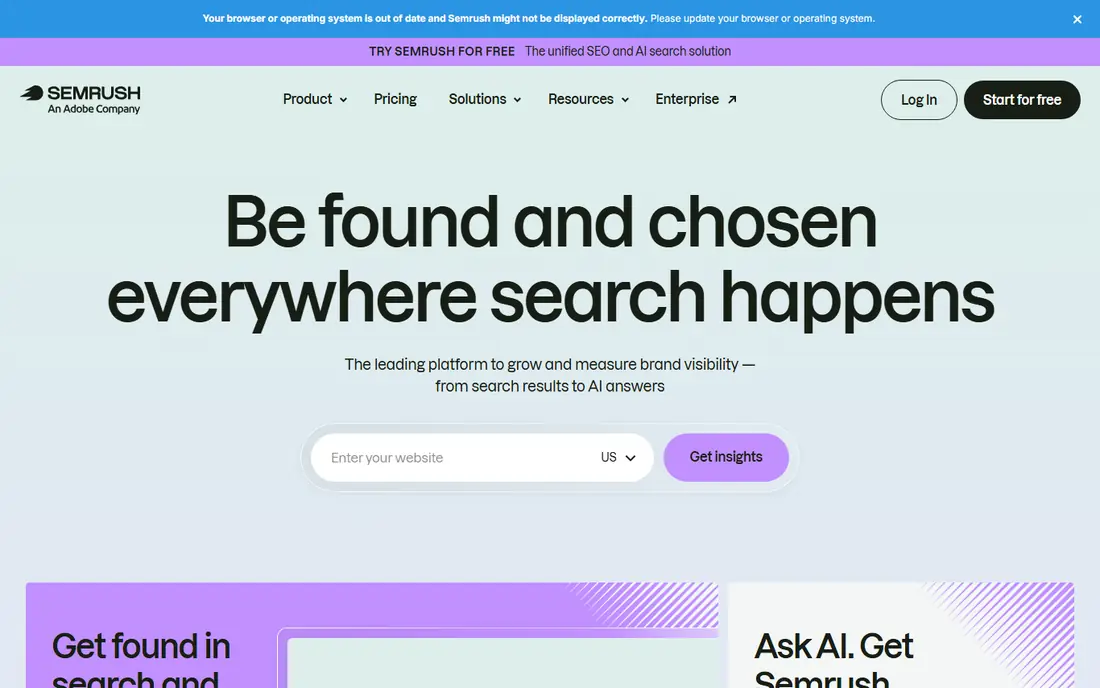
Semrush analysis strength is how it connects separate questions. Domain Overview puts organic visibility, estimated traffic, backlink authority, and AI mentions in one view, so a drop in one metric can be read against the others. Keyword Gap then shows which terms competitors rank for that you do not, which turns a vague goal such as more visibility into a concrete list of pages to build or improve. For a team that reports monthly, that chain from overview to gap to task list is the practical value.
The catch is complexity and price. The suite holds many reports, and a new analyst can spend weeks learning which ones matter for their site. AI visibility analysis also needs the right plan, so the entry tier does not tell the whole AI story. Even so, for a team that needs one analysis home for search, paid, and AI visibility, Semrush remains the broadest option on this list.
- Domain Overview combines rankings, traffic estimates, and AI visibility
- Competitor gap analysis
- Large keyword and backlink databases
- Analysis can overwhelm new users
- AI visibility features sit on higher plans or add-ons
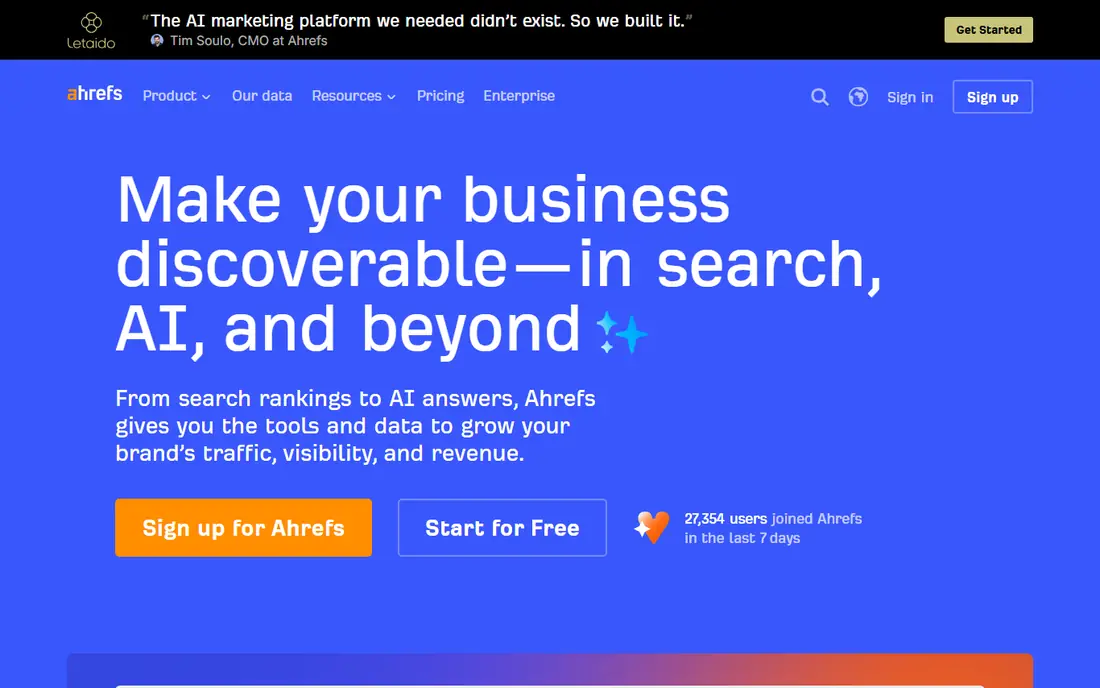
Ahrefs analysis is strongest when the question is about authority and content. Site Explorer shows which pages earn links, which keywords they rank for, and how that picture compares with a competitor, all from one of the largest backlink indexes available. Content Gap then turns that comparison into a work list, showing terms where competitors appear and you do not. That makes Ahrefs a natural second step after a rank checker flags a change.
The limits are pricing structure and presentation. Credits and add-ons mean the cost of deep analysis can rise with use, and client-ready reporting is not as smooth as a dedicated reporting tool. A team that already uses Ahrefs for research will find its analysis tools familiar and strong, but a team that mainly needs polished monthly reports may pair it with a reporting layer from this list.
- Site Explorer gives deep backlink and content analysis
- Content Gap finds missed keywords
- Brand Radar adds AI mention analysis on higher plans
- Credit-based pricing needs careful management
- Reporting for clients is less polished than dedicated reporting tools
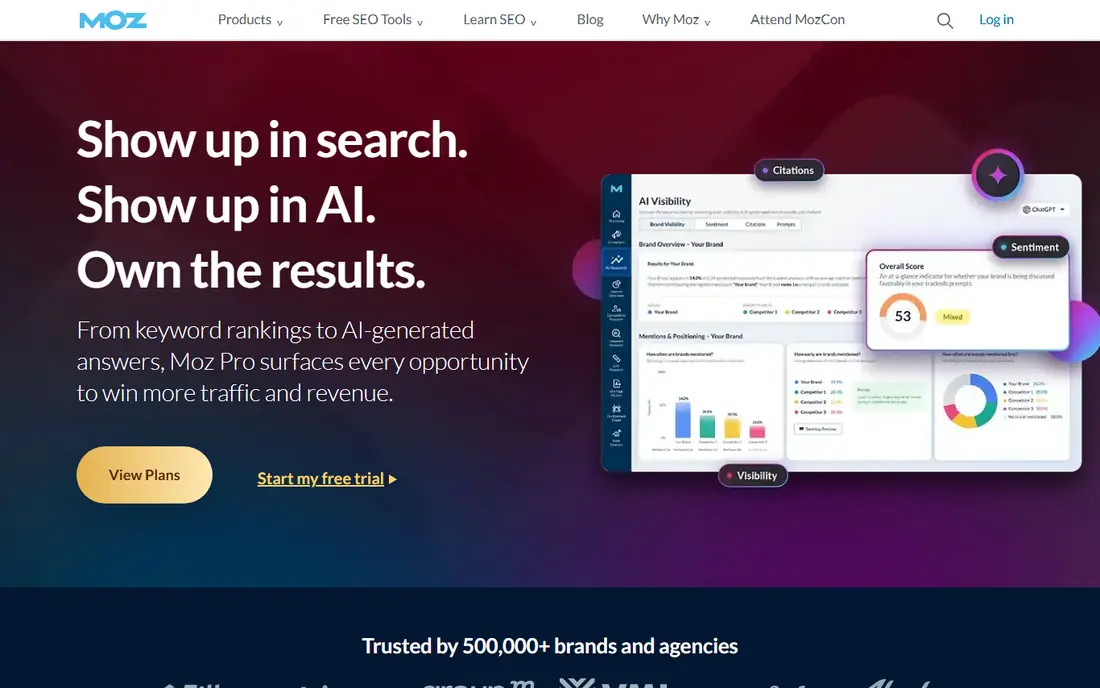
Moz Pro takes a calmer approach to analysis. Its domain and keyword reports focus on trends a manager can follow without learning a new vocabulary for every chart, and its authority metrics give a quick sense of how a site compares with competitors. Recent plans add AI visibility dashboards, so a team can watch prompt-based mentions beside classic rankings. For a small in-house team, that clarity is worth more than a longer feature list they will never open.
The trade-off is refresh speed and depth. Weekly updates by default suit monthly analysis, but they suit a fast-moving campaign less well, and link analysis does not match the deepest indexes. Moz Pro fits a team that analyses on a monthly rhythm and wants trustworthy trend lines, not a team that needs hourly answers or the largest link database.
- Domain Authority and keyword analysis in plain form
- Clear rank and visibility trends
- AI visibility dashboards on relevant plans
- Rank updates are weekly by default on some plans
- Backlink index is smaller than the largest rivals
SE Ranking analysis work is about benchmarking. Its competitor module measures organic and paid visibility, plus AI answer visibility on relevant plans, against the same set of rivals over time, so a team can see whether a visibility loss went to one competitor or spread across many. That framing helps prioritise work, because losing ground to a single rival suggests a different response than losing ground to the whole field.
The honest limit is that competitor traffic and keyword figures are modelled estimates, not measured counts, and their accuracy varies by country and niche. SE Ranking is open about that distinction in its own documentation, and good analysts treat the numbers as directional and check them against Search Console. For a growing agency or in-house team that needs regular benchmarking at a fair price, that balance is a good deal.
- Competitor analysis across organic, paid, and AI visibility
- Clear share of voice views
- API access on plans
- Competitor traffic figures are estimates and vary by market
- Analysis depth is thinner than the largest suites
Similarweb answers a question the other tools on this list answer only in part: how big is the market, and what share do we hold. It estimates total visits, traffic channels, top pages, and audience behaviour for a site and its competitors, which helps a team judge whether a ranking change mattered in traffic terms. That market view is useful for planning, because a site can gain positions in a shrinking topic and still lose visits.
The catch is reliability at small scale. Estimates for large, high-traffic sites are generally steadier than estimates for small sites with little panel data, so a small business should treat Similarweb as a market guide rather than a precise traffic count. Pricing also rises for full analysis access. Used with that care, Similarweb adds a market layer that rank-focused tools cannot supply on their own.
- Website traffic estimates across channels
- Audience and competitor benchmarking
- App and search traffic views
- Small-site estimates are less reliable
- Full analysis needs a higher tier
BrightEdge is built for organisations where visibility analysis must reach leadership, not just the SEO team. Its StoryBuilder dashboards turn ranking, traffic, and AI surface data into narratives a director can follow, with recommendations linked to specific pages. That matters in a large company, where the hard part is often getting a fix approved, not finding the fix. Its AI analysis also covers Google AI Overviews and related surfaces, which enterprise teams now ask about in every review.
The trade-off is access. Pricing is by quote, setup is heavier than a small-team tool, and the platform assumes a team with the time to work its recommendations. A small business will find simpler tools faster and cheaper. For a large brand with many pages, many stakeholders, and a need for executive-ready analysis, BrightEdge fits the job it was built for.
- StoryBuilder dashboards for leadership reporting
- AI surface analysis
- Recommendations tied to pages and keywords
- Enterprise pricing by quote
- Heavier setup than small-team tools
AgencyAnalytics is an analysis layer rather than a data owner. It connects to rank trackers, Search Console, analytics, and other sources, then builds dashboards and scheduled reports that clients can read without learning SEO vocabulary. That separation is useful, because an agency can keep its preferred checking tool and still deliver a consistent report format across all clients. White-label branding and client logins also save the monthly scramble to format a report by hand.
The limit follows from that design. If a connected source has weak data, AgencyAnalytics will present that weak data cleanly, so the underlying checker still matters. Cost also scales with client count, which agencies should model before committing. For an agency whose bottleneck is reporting rather than data collection, this tool solves the right problem.
- Pulls rank, traffic, and search data into white-label dashboards
- Client logins without paid seats on many plans
- Scheduled reports
- It reports on data from other tools rather than owning the data
- Cost scales per client
Google Looker Studio
Great for: Free custom dashboards from your own data
Looker Studio is the free analysis workbench on this list. It connects to Search Console, Google Analytics, and many other sources, and lets you build dashboards that show exactly the visibility cuts your team needs, from query groups to page-level trends. For a team with clean data and someone comfortable building charts, it can replace a paid reporting tool for internal analysis, and viewers can read reports without a paid seat.
The catch is effort. Looker Studio holds no search data itself, so a weak or incomplete source gives a weak dashboard, and a good dashboard takes real time to design, test, and maintain. It also offers no competitor estimates on its own. Use it when you have solid first-party data and want full control, and pair it with a competitor tool from this list when market comparison matters.
- Free
- Connects to Search Console and Analytics
- Fully custom charts and filters
- No data of its own, so source quality decides everything
- Building a good dashboard takes time and skill
How we picked these
We compared official feature pages, pricing pages, and public documentation for tools that analyse search visibility, not just record positions. We favoured tools that explain change, compare competitors, measure share of voice, or turn analysis into readable reports, and we kept tools whose data sources are clearly described. We did not claim hands-on testing, and prices change, so check the vendor page before you buy.
How to analyse visibility without fooling yourself
Start with Search Console as your measured baseline, then add one third-party estimate for competitor context. When the two disagree, trust Search Console for your own clicks and use the third-party tool for direction and comparison, not as a precise count. Next, split visibility by intent, page type, and location before you judge a trend, because a single average can hide a strong gain in one section and a loss in another.
Build a monthly analysis habit
A useful monthly review answers four questions: which queries and pages gained or lost, which competitors moved, whether AI surfaces changed the picture, and what single fix matters most next. Write the answers down, link each one to a page or a task, and review the same four questions next month. That habit beats a long dashboard nobody reads, because it turns analysis into work with an owner and a date.
Choose depth or clarity on purpose
A large suite gives depth but needs an analyst to run it, while a reporting tool gives clarity but depends on the data you feed it. Many teams do well with one analysis suite plus one reporting layer, and no more. Adding a third tool rarely adds insight, and it often adds conflicting numbers that waste meeting time. Pick the pair you will actually use, and drop the rest.
Frequently asked questions
What is the best search visibility analysis tool?
Semrush suits teams that want the broadest analysis in one place, Ahrefs suits link-led and content-gap analysis, and Moz Pro suits teams that want clearer trend reporting. Agencies that must report to clients often add AgencyAnalytics or DashThis as a reporting layer, so the best setup is often a pair of tools rather than one product.
What is the best search visibility analysis software for a small business?
Moz Pro or SE Ranking suit most small businesses, because both offer competitor benchmarking and trend analysis without enterprise setup. Add Google Search Console for measured data and Looker Studio for a free custom dashboard, and only add an enterprise tool when reporting or scale demands it.
How is analysis different from checking?
Checking records a position at a point in time, while analysis compares positions, traffic, competitors, and AI mentions over time and tries to explain the change. A checker tells you that you fell from position three to six, and an analysis tool helps you see which competitor rose, which page gained, and whether search demand itself changed.
Should I trust competitor traffic estimates?
Treat them as directional, not exact. Competitor figures from third-party tools are modelled from panels, crawls, and SERP samples, so they vary by market and site size. Use them to spot trends and gaps, and use Search Console and your own analytics for measured results on your own site.
What is share of voice in search visibility analysis?
Share of voice estimates what proportion of visible search results for a keyword set belongs to a site, often weighted by position and search volume. It is useful because it turns a long keyword list into one trend, but it is still an estimate, so compare it over time rather than treating a single value as exact.
Can I analyse search visibility for free?
Yes, for your own site. Google Search Console gives measured queries, clicks, and positions for free, and Looker Studio builds custom dashboards from that data for free. Competitor analysis and AI surface analysis normally need a paid tool or a trial.
Sources
See where you really rank - block by block
ProMapRanker scans Google Maps across a grid of your service area. Simple monthly plans from $19, white-label on every plan.
Start freeKeep reading
 free alternatives to grok imagine
Free Alternatives to Grok Imagine in 2026
We compared the best free alternatives to grok imagine for image generation, from fast daily credits to design tools, so you can create without paying.
Read → best tools for instagram content creation
Best Tools for Instagram Content Creation in 2026
Compare the best tools for Instagram content creation, from Canva and CapCut to Later and Buffer, on design, video, planning, scheduling, and price in 2026.
Read → best tool to split pdf files
Best Tool to Split PDF Files in 2026
We compared the best tool to split pdf files on split modes, file limits, privacy and price, so you can split a PDF cleanly and keep every page in one go.
Read →