 ProMapRanker
Best Search Engine Software in 2026

Key takeaways
- Algolia and Elastic cover very different needs, with Algolia favouring fast product and site search and Elastic favouring developer controlled search infrastructure.
- Workplace tools such as Glean suit companies whose staff waste time hunting across many apps, while Coveo suits customer facing search and support deflection.
- Permission handling is the test that matters most for internal search, so check that a result respects the same access rules as the source system.
- Open source options such as Typesense, Meilisearch, and OpenSearch can cut licence costs, but they add hosting and tuning work.
- Rank results by task success, not by feature count, and test with real queries from support tickets, sales calls, and internal help requests.
Quick comparison
| Pick | Great for | Pricing starts at | Free tier | |
|---|---|---|---|---|
 Algolia | Fast product and website search | See website | Yes | Visit |
 Elastic | Developer controlled search infrastructure | $99 per month | Free trial | Visit |
 Coveo | Customer facing and commerce search | See website | No | Visit |
 Glean | Workplace search across many apps | See website | No | Visit |
 Lucidworks | Complex search programs with tight control | See website | No | Visit |
 Sinequa | Governed search in regulated industries | See website | No | Visit |
 Typesense | Fast open source search for developers | Free | Yes | Visit |
 Meilisearch | Simple search for apps and sites | Free | Yes | Visit |
 OpenSearch | Self hosted search at scale | Free | Yes | Visit |
The best search engine software
We compared search quality, connectors, permission controls, ranking tools, and pricing for tools that power search inside websites, products, and workplaces. The list covers hosted services and open source engines, because the right choice depends on who builds and maintains the search experience.
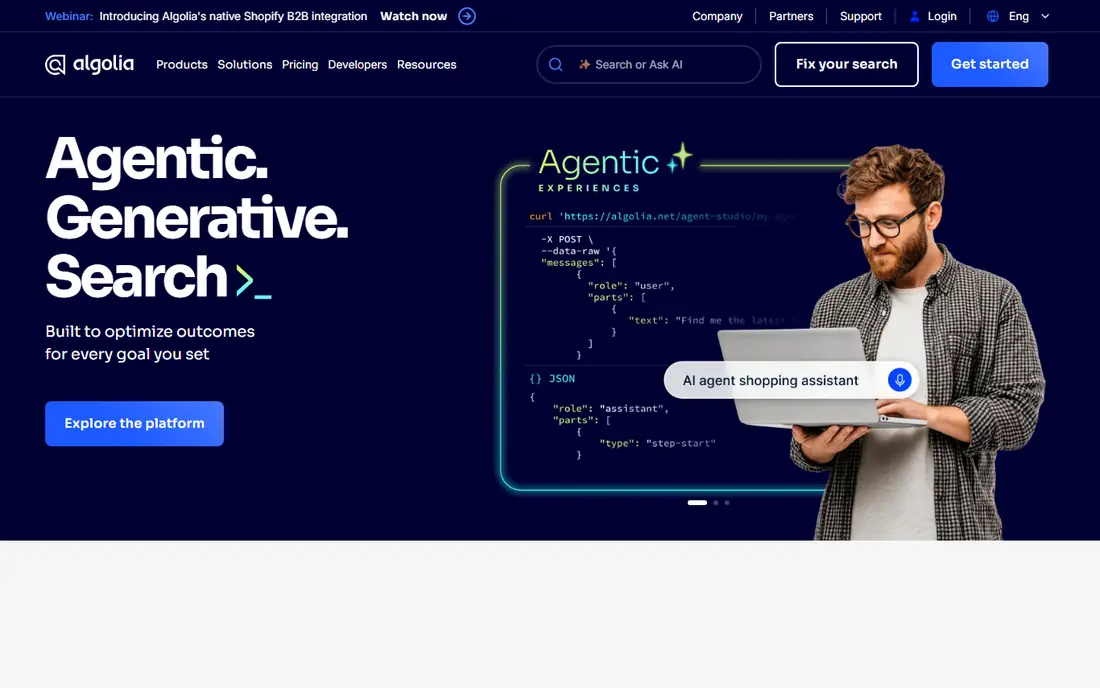
Algolia is the go to choice for online stores and content sites that need instant, typo tolerant search. Results appear as the user types, filters and facets feel immediate, and merchandising rules let teams promote items or content without rebuilding the index. That speed and control explain why so many product teams pick it for customer facing search.
The pricing model rewards careful index design. Record counts and search operations drive cost, so a large catalogue with heavy traffic needs a modelled budget. For a site where search drives sales or support deflection, the performance usually justifies the spend. For a small internal tool, a simpler engine may be enough.
- Very fast results
- Strong typo tolerance
- Clear ranking and merchandising controls
- Costs rise with records and operations
- Large custom setups need developer time
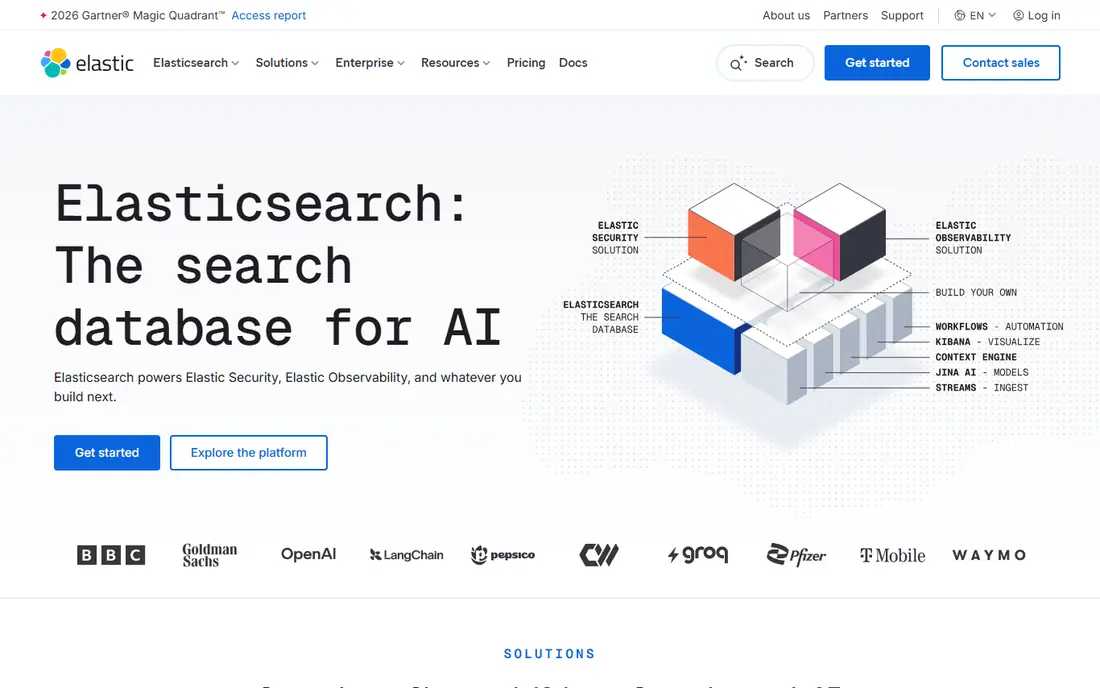
Elastic, built on Elasticsearch, gives engineering teams full control over indexing, ranking, and deployment. You can run it in the cloud, on your own servers, or as a managed service, and you can combine classic keyword matching with vector search for more natural queries. That flexibility suits teams building search into a product or an internal platform.
The trade off is effort. Elastic is a toolkit, not a finished search page, so your team builds the interface, connectors, and relevance tuning. Teams with developers and a clear search roadmap get a powerful foundation. Teams that want a plug in search box should look at Algolia or a hosted workplace tool instead.
- Hybrid keyword and vector search
- Flexible deployment
- Strong analytics and observability links
- Needs engineering skill
- No ready made search interface out of the box
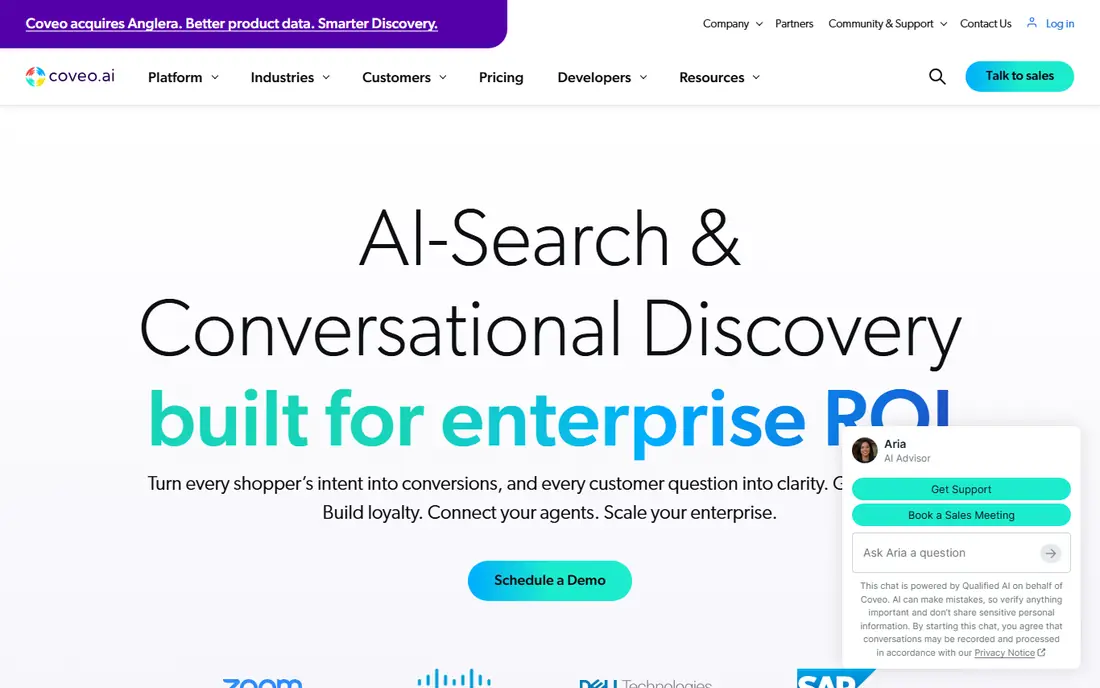
Coveo serves companies that use search to sell products and deflect support tickets. Query pipelines learn from behaviour, product search can promote items likely to convert, and help site search can surface answers before a visitor files a ticket. Analytics show which queries fail, which helps content teams fix gaps.
Pricing is quoted and projects need scoping, especially for large catalogues or multiple sites. Smaller sites may find that cost hard to justify. For mid market and enterprise teams where search directly affects revenue and support volume, Coveo is a strong contender.
- AI relevance for commerce and support
- Strong analytics
- Broad connector set
- Quote based pricing
- Implementation takes planning
Glean answers the daily question of where a document, message, or decision lives. It connects to many work apps, respects source permissions, and returns ranked results plus answers that point back to the source. Staff spend less time asking colleagues for links, and new hires find context faster.
The main limits are price and fit. Glean is aimed at larger organisations, and smaller teams with only a few apps may not need its breadth. Test it with your most used apps and your trickiest permission cases, such as shared folders and external guests, before committing.
- Broad app connectors
- Permission aware results
- Natural language answers with citations
- Quote based pricing
- Best value for larger organisations
Lucidworks suits organisations that treat search as a program, not a feature. Teams can tune ranking signals, build data pipelines from many sources, and control how different content types rank for different queries. That control matters for large retailers, publishers, and enterprises with varied content.
It is not a quick plug in. You need people who understand search relevance and data quality, and the buying process is sales led. Companies with that team and that scale get a platform they can shape precisely. Smaller teams will move faster with a hosted, opinionated service.
- Deep relevance tuning
- Flexible data pipelines
- Strong for large catalogues
- Needs skilled search staff
- Pricing is quoted
Sinequa is a fit for regulated and large enterprises where audit trails, access control, and data governance sit alongside search quality. It connects to many enterprise sources, understands natural language queries, and returns results with context about the source. That combination helps teams in fields where a wrong or unauthorised result carries real risk.
Deployment takes time, and pricing is quoted, so it suits organisations with a formal buying process. Teams that mainly need a fast site search will find it heavy. Teams that need governed, cross system search across a large estate will find the controls worth the effort.
- Strong governance and audit controls
- Broad connectors
- Language aware search
- Quote based pricing
- Longer deployment cycles
Typesense is an open source engine that developers can set up quickly for site and product search. It handles typos, filters, and faceting well, and the API is clear enough that a small team can build a good search experience without a large platform. A managed cloud option removes hosting work for teams that prefer it.
The ecosystem is smaller than Elastic, so some advanced connectors and tooling may need custom work. Self hosted users also own upgrades and monitoring. For teams that want open source speed at low cost, Typesense is a practical and modern choice.
- Free open source core
- Fast typo tolerant search
- Simple API and cloud option
- Smaller ecosystem than Elastic
- Self hosting needs upkeep
Meilisearch wins on simplicity. A developer can index content and add a search box in a short time, and results feel instant with sensible defaults for typos and ranking. Documentation is clear, and the cloud option suits teams that do not want to manage servers.
Larger enterprise programs with complex governance, many sources, and deep relevance tuning may outgrow it. That is not a flaw for its target audience. Meilisearch is best for product teams, docs sites, and small stores that want good search without a platform project.
- Very easy setup
- Instant results
- Clear documentation
- Less suited to very large enterprise search programs
- Advanced tuning is limited
OpenSearch is the open source search and analytics suite that many teams use when they want scale without licence fees. It supports full text and vector search, clustering for larger workloads, and dashboards for exploring indexed data. Organisations with operations skill can run it for logs, product search, and internal search alike.
The cost is expertise. Clusters need sizing, monitoring, and upgrades, and the search interface is yours to build. Teams that already run similar infrastructure will find it a strong, low licence cost foundation. Teams without that skill should prefer a managed service.
- Free open source software
- Scalable clustering
- Broad analytics and dashboard tools
- Needs operations skill
- Search interface must be built
How we picked these
We compared official feature and pricing pages, connector coverage, permission handling, and public review themes about relevance tuning and support. We favoured tools that are live and supported in October 2026, that cover site, product, or workplace search, and that offer a distinct trade off in price, control, or ease of use. We excluded tools closed to new customers and tools that are only SEO software, since this article covers search engines themselves.
How to test search before you buy
Collect fifty real queries from support tickets, sales conversations, and internal chats. Include misspellings, partial product names, and questions phrased in plain words. Run those queries on each shortlisted tool and score whether the best answer appears in the top three results.
Then test permissions with care. Create test users with different roles, share a document with one group only, and confirm the other group cannot find it through search. Check what happens when access is removed, since stale index entries are a common governance gap. Finally, price the index at your real record count and query volume, not at demo scale.
Ranking tips that help every tool
Clean titles, clear metadata, and consistent product names improve results on any engine. Remove duplicate pages, fix broken links, and add synonyms for terms customers actually use. Relevance tuning works best after the content itself is in good shape.
Frequently asked questions
What is search engine software?
It is software that indexes content from websites, products, or workplace apps and returns ranked results for a query. Some tools power customer facing site or product search, while others power internal search across documents, messages, and tickets. Modern tools often add natural language understanding and vector search alongside classic keyword matching.
Is Algolia or Elastic better?
Algolia is better when you want fast, hosted product or site search with merchandising controls and little infrastructure work. Elastic is better when developers need full control over indexing, ranking, and deployment, and can build the interface themselves. Choose by who will build and maintain search, not by feature count alone.
Can open source search save money?
Open source engines such as Typesense, Meilisearch, and OpenSearch remove licence fees, but they add hosting, monitoring, and tuning work. For a small site, the saving can be large. For a large program, staff time may outweigh the licence saving, so compare total cost, including engineering time.
How important are permissions for internal search?
Permissions are critical for internal search, because a search index can surface a document to someone who should not see it if access rules are not enforced. Test role based access, group membership, external guests, and removed access before launch. A tool that only filters results after ranking is weaker than one that enforces permissions during retrieval.
What is hybrid search?
Hybrid search combines keyword matching with vector search, which compares meaning rather than exact words. Keyword search finds exact product codes and names, while vector search helps with natural questions and synonyms. Many modern tools offer both, and the mix can be tuned for different content types.
How do I measure search success?
Track task success, not just clicks. Measure how often users find the right product, article, or document, how often searches return no results, and how often support tickets follow a failed search. Review failed queries weekly at first, fix content gaps, and adjust ranking rules based on what users actually asked.
Sources
See where you really rank - block by block
ProMapRanker scans Google Maps across a grid of your service area. Simple monthly plans from $19, white-label on every plan.
Start freeKeep reading
 wpforms alternatives
Best WPForms Alternatives in 2026
We compare 9 wpforms alternatives for WordPress forms, with free and paid options, current pricing notes, and honest limits for small business sites in 2026.
Read → windows task scheduler alternatives
Best Windows Task Scheduler Alternatives in 2026
Looking for Windows Task Scheduler alternatives? We compare 9 schedulers for Windows and cross-platform work, from free tools to enterprise automation.
Read → which ai video service is best
Which AI Video Service Is Best in 2026
which ai video service is best? We compare 10 legitimate AI video services on price, avatars, editing and output quality to help you pick the right tool.
Read →