 ProMapRanker
Best-Reviewed PDF Extraction Tools in 2026

Key takeaways
- Parseur is our pick for most teams, because it handles varied layouts with AI extraction and offers a small free plan for testing.
- Docparser is the better choice for fixed layouts, where the same invoice or statement format arrives every week and rules can be reused.
- Nanonets and Rossum suit larger operations that need trained models, review queues, and higher volumes, but they cost more and take longer to set up.
- Always test with your own worst document, not a clean sample, since scanned pages, rotated tables, and faint text reveal accuracy gaps fast.
- Export format matters as much as extraction, so confirm CSV, Excel, JSON, and your accounting or database links before you buy.
Quick comparison
| Pick | Great for | Pricing starts at | Free tier | |
|---|---|---|---|---|
 Parseur | Varied layouts with AI extraction | $39 per month | Yes | Visit |
 Docparser | Fixed-layout documents with rules | See website | Free trial | Visit |
 Nanonets | High-volume trained models | See website | Free trial | Visit |
 Rossum | Invoice and document automation | See website | Free trial | Visit |
 Docsumo | Finance teams needing review queues | See website | Free trial | Visit |
 ABBYY FineReader PDF | Scanned PDFs and OCR accuracy | See website | Free trial | Visit |
 Adobe Acrobat Pro | Everyday PDF text and table extraction | See website | Free trial | Visit |
 Tabula | Free table extraction from PDFs | Free | Yes | Visit |
The best-reviewed PDF extraction tools
PDF extraction sounds simple until you try it on a real invoice: tables split across pages, totals in odd places, and scans that blur key numbers. The tools below are widely reviewed for turning PDF content into usable data, and they differ in how much setup, training, and review they need. Pick based on document variety, not just price.
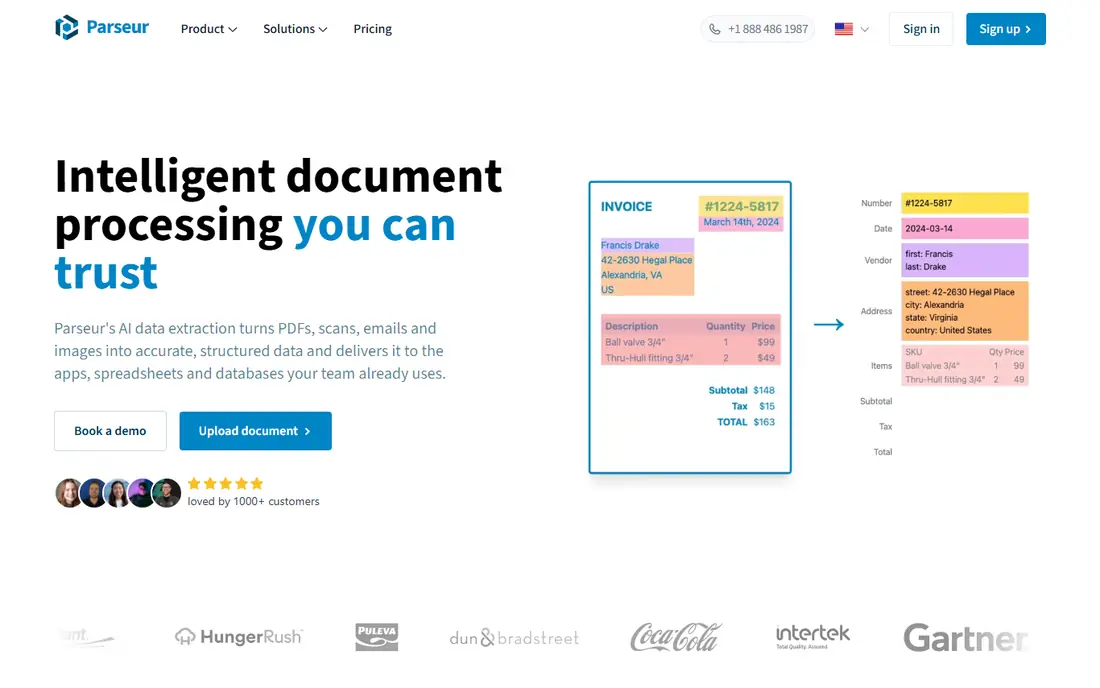
Parseur stands out because it was built for documents that do not all look alike. Instead of writing a rule for every supplier format, you point it at invoices, orders, and emails, and its AI extraction pulls fields and line items into structured output. That flexibility helps operations teams that receive documents from many senders and cannot force them all into one template.
The free plan is genuinely useful for testing, with 20 pages per month, but it will not cover a busy accounts team. Paid plans scale by pages, so price your monthly volume honestly, including the messy documents you will reprocess. For finance and operations work where layout variety is the main problem, Parseur is the easiest starting point.
- AI extraction handles varied layouts without a template per type
- Free plan includes 20 pages per month
- Exports to spreadsheets, databases, and apps
- Free page limit is small for daily use
- Per-page costs rise with volume
- Review is still needed for critical numbers
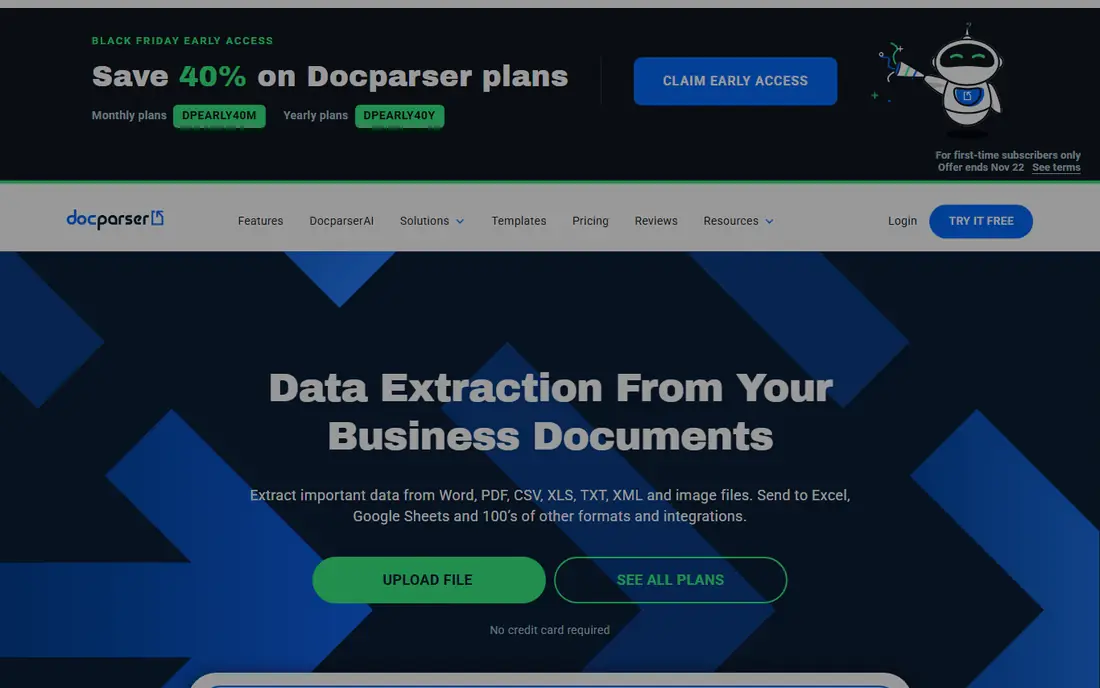
Docparser is the classic choice when your documents repeat. If the same supplier sends the same invoice layout every month, you build a parsing rule once, and Docparser applies it reliably to each new file. That control appeals to bookkeepers and operations staff who value predictable output over AI guesswork, and its templates cover many common document types.
The weakness is variety. When layouts change often, maintaining a rule per format becomes tedious, and newer AI tools handle those cases with less setup. Docparser also offers a trial rather than a lasting free plan, so test it on a full month of real documents before you commit, not just on two clean samples.
- Rule-based control for predictable documents
- Templates for common types such as invoices and bank statements
- OCR for scanned files
- Rules take time to learn
- Varied layouts need separate parsers
- No perpetual free plan, only a trial
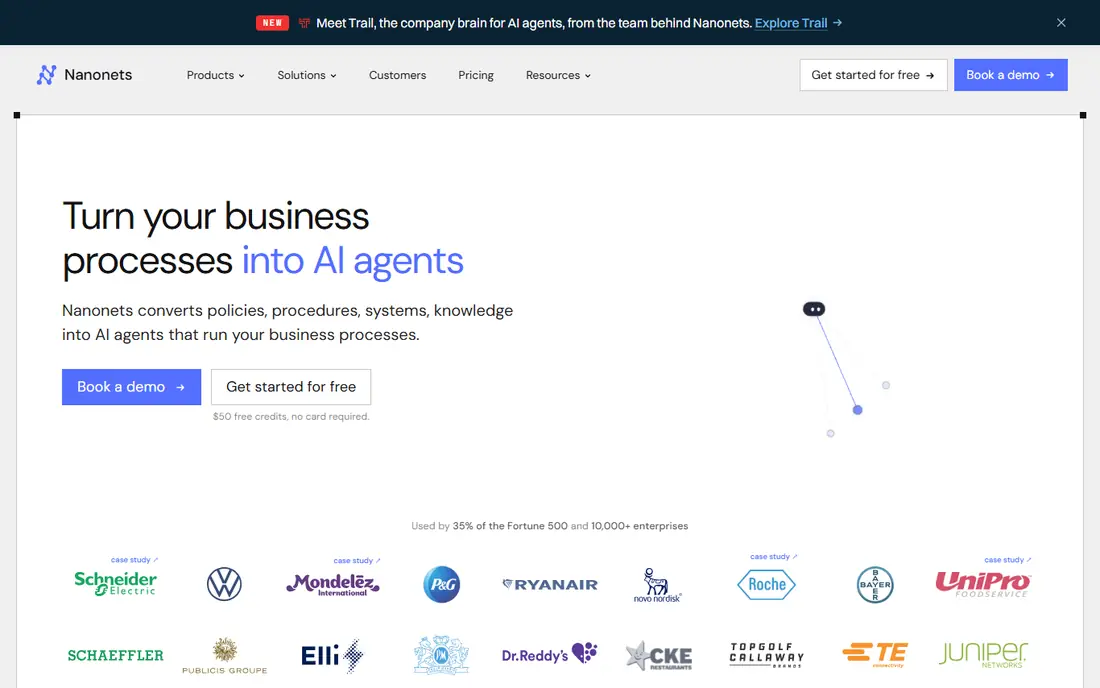
Nanonets suits teams that process large numbers of similar documents and can invest in training. You build or use a model for invoices, receipts, or other types, and the platform extracts fields and tables at scale, with workflow steps to route results onward. For accounts payable teams with thousands of pages a month, that scale is the main draw.
Smaller teams should be cautious. The pricing model, based on blocks and usage, can be hard to predict, and training a custom model takes time and sample documents. Nanonets also offers trial credits rather than a lasting free tier, so budget a proper pilot and measure accuracy on your own documents before signing a larger plan.
- Trained models for invoices and common documents
- Built for high volumes
- API and workflow options for larger teams
- Pricing is complex and usage-based
- Training takes annotated examples
- Smaller teams may find it heavy
Rossum focuses on turning business documents into data that flows into accounting and operations systems. Its AI reads invoices and related documents, presents results for review, and learns from corrections, which helps accuracy improve over time. Teams that handle supplier invoices, orders, and delivery notes will find its workflow more complete than a simple converter.
The main barrier is that pricing is often quoted rather than published, so small teams cannot budget from the website alone. Rossum is also overkill for someone who just needs a table from one PDF now and then. It fits best when extraction is a daily business process with a review step, not a one-off task.
- AI extraction tuned for invoices and business documents
- Review interface for checking results
- Integrations with accounting systems
- Pricing is quote-based for many buyers
- Best value is for business volumes, not one-off use
- Setup needs document samples
Docsumo is built for teams that cannot afford to trust extraction blindly. It extracts data, flags uncertain fields, and routes documents through a review queue, so a person checks the numbers that matter before they reach a ledger. That human review step is valuable for lending, accounting, and finance operations where a wrong total has real consequences.
Like Rossum, Docsumo prices by quote for many buyers, and its trial covers a limited period and page count. It is not the cheapest way to pull a table from a PDF, but it is a strong choice when accuracy, audit trails, and team review matter more than the lowest per-page cost.
- Review queues and validation for finance workflows
- Models for invoices and bank statements
- Security and compliance features
- Pricing is quoted
- Trial limits apply
- Smaller teams may not need its full workflow depth
ABBYY FineReader PDF is the desktop pick when your PDFs are scans, photos, or image-based pages rather than born-digital files. Its OCR reads text and tables from scanned pages with a level of accuracy that simple converters often miss, and you can edit and export the result from the same app. For archives, legal files, and older records, that OCR strength matters.
It is not a cloud automation platform, so teams that need automatic inbox-to-database flows should pair it with another tool or choose a cloud parser instead. Pricing also varies by edition, so check if you need the standard or corporate version for your volume. For individual and small-team scan work, it remains a reliable choice.
- Strong OCR for scanned and image-based PDFs
- Text and table extraction with editing
- Desktop control over output
- Desktop software, not a cloud workflow
- Price varies by edition
- Large batch automation needs a higher-tier product
Adobe Acrobat Pro is the tool many offices already have, and its extraction features cover everyday needs well. You can select text, export a table to a spreadsheet, and run OCR on a scanned page, all without learning a new platform. For occasional extraction from reports, statements, and forms, that familiarity saves time.
Acrobat Pro is not a replacement for a dedicated parser when you process hundreds of invoices a month. It lacks automated rules, review queues, and direct accounting pipelines, so high-volume work will still need manual steps. Choose it when extraction is occasional and you already use Acrobat for editing and signing, not as your main data pipeline.
- Widely available and familiar
- Exports tables to Excel and text
- OCR for scanned pages
- Editing and signing in one app
- Not a dedicated data pipeline
- No review queue or accounting workflow
- Subscription cost is high for extraction alone
Tabula is the free, focused option for one common job: pulling a table out of a digital PDF. You open a file, draw a box around the table, and export the rows to CSV, which you can then clean in a spreadsheet. For researchers, journalists, and analysts working with public reports, that manual control is often more accurate than a fully automatic guess.
Tabula will not help with scanned pages, since it has no OCR, and it will not automate a daily invoice flow. It also needs a desktop install and a little practice to select tables cleanly. Within those limits, it is an excellent no-cost tool, and it pairs well with a spreadsheet for one-off research tasks.
- Free and open source
- Lets you select table areas manually
- Exports to CSV and spreadsheet formats
- Requires a desktop install and some patience
- No AI or OCR for scanned pages
- Best for digital PDFs with clear tables
How we picked these
We compared vendor feature pages, pricing pages, and public review comparisons, and we favored tools that still extract text, tables, or structured fields from PDFs in October 2026. We included both cloud parsers and desktop tools, because a scanned archive and a daily invoice flow need different products. Where pricing was quoted or complex, we wrote See website rather than present a single figure that would not match most buyers.
What to check before you choose
Test your worst document first
A clean, born-digital invoice tells you little. Test with a rotated scan, a table that spans two pages, and a document with faint print, and compare the output line by line. Accuracy on your hardest files is the number that matters, since those are the files that will eat staff time if extraction fails.
Decide how much review you can afford
Fully automatic extraction sounds appealing, but finance and legal data need a check step. Tools with review queues cost more, yet they catch errors before bad data reaches a ledger. If you choose a cheaper tool without review, build your own check into the workflow, such as spot-checking totals against source files each week.
Confirm the export and the next step
Extraction is only useful if the data lands where you need it. Confirm CSV, Excel, and JSON exports, plus direct links to your spreadsheet, database, or accounting app. A tool that extracts well but exports awkwardly will create a second manual job, which defeats the purpose of buying it.
Frequently asked questions
What is the best-reviewed pdf extraction tool for invoices?
Parseur is our pick for most invoice work, because it handles varied supplier layouts and offers a free plan for testing. Docparser is better if your invoices share one fixed layout, and Rossum or Docsumo suit larger finance teams that need review queues. Test all shortlisted tools on your own invoices before deciding.
Can these tools extract data from scanned PDFs?
Yes, but only tools with OCR can read scanned or image-based pages. ABBYY FineReader PDF and Adobe Acrobat Pro both offer OCR, and cloud parsers such as Parseur, Docparser, and Nanonets also handle scans. Tabula does not offer OCR, so it suits digital PDFs with selectable text and clear tables.
Do I need to train a model to extract PDF data?
Not always. Parseur uses AI extraction that works without training a model per document type, while Docparser uses rules you set for fixed layouts. Nanonets and some enterprise tools offer trained models, which take annotated examples but can improve accuracy for high-volume, similar documents.
What export formats should I expect?
Most tools export to CSV and Excel, and cloud parsers also offer JSON and links to spreadsheets, databases, and business apps. Check the export options for your chosen tool, since a clean CSV is enough for one-off work, while an automated flow needs a direct app link or API.
How accurate is PDF extraction?
Accuracy depends on document quality, layout variety, and whether the file is digital or scanned. Clean digital files extract well, while faint scans and complex tables need review. Always spot-check totals, dates, and amounts, especially for finance data, and treat any tool claim about accuracy as a starting point, not a guarantee.
Is free PDF extraction good enough?
For one-off tables, yes. Tabula is free and effective for digital PDFs, and Parseur offers a small free plan. For daily volumes, varied layouts, or finance workflows, a paid tool with review, automation, and support will save more time than it costs.
Sources
See where you really rank - block by block
ProMapRanker scans Google Maps across a grid of your service area. Simple monthly plans from $19, white-label on every plan.
Start freeKeep reading
 wpforms alternatives
Best WPForms Alternatives in 2026
We compare 9 wpforms alternatives for WordPress forms, with free and paid options, current pricing notes, and honest limits for small business sites in 2026.
Read → windows task scheduler alternatives
Best Windows Task Scheduler Alternatives in 2026
Looking for Windows Task Scheduler alternatives? We compare 9 schedulers for Windows and cross-platform work, from free tools to enterprise automation.
Read → which ai video service is best
Which AI Video Service Is Best in 2026
which ai video service is best? We compare 10 legitimate AI video services on price, avatars, editing and output quality to help you pick the right tool.
Read →