 ProMapRanker
Best Retirement Planning Software in 2026

Key takeaways
- Boldin is our pick for most DIY planners because it combines a free basic planner with a paid tier for tax, Social Security and Roth conversion modeling.
- ProjectionLab and MaxiFi suit hands-on planners who want detailed what-if modeling, while RightCapital, eMoney and MoneyGuide Pro are mainly reached through an advisor.
- Free calculators such as Fidelity and FireCalc are useful for a quick check, but they lack the detailed tax and withdrawal modeling of full planners.
- This is not financial advice. Projections depend on assumptions about returns, taxes and longevity, and terms and prices vary, so check current pricing before you buy.
Quick comparison
| Pick | Great for | Pricing starts at | Free tier | |
|---|---|---|---|---|
 Boldin | DIY retirement modeling | See website | Yes | Visit |
 ProjectionLab | Hands-on what-if modeling | See website | Yes | Visit |
 MaxiFi | Sustainable spending math | See website | No | Visit |
 Empower | Free tracking and planning tools | Free | Yes | Visit |
 Fidelity | Free retirement readiness check | Free | Yes | Visit |
 Pralana | Spreadsheet-style detail | See website | No | Visit |
 OnTrajectory | Light projections with guidance | See website | Yes | Visit |
 RightCapital | Advisor-built financial plans | See website | No | Visit |
The best retirement planning software
Retirement software is only as good as the numbers you enter. Use a full planner if you need tax, Social Security and withdrawal order modeling, and use a free calculator if you only need a quick readiness check. This is not financial advice, and projections are estimates, not guarantees.
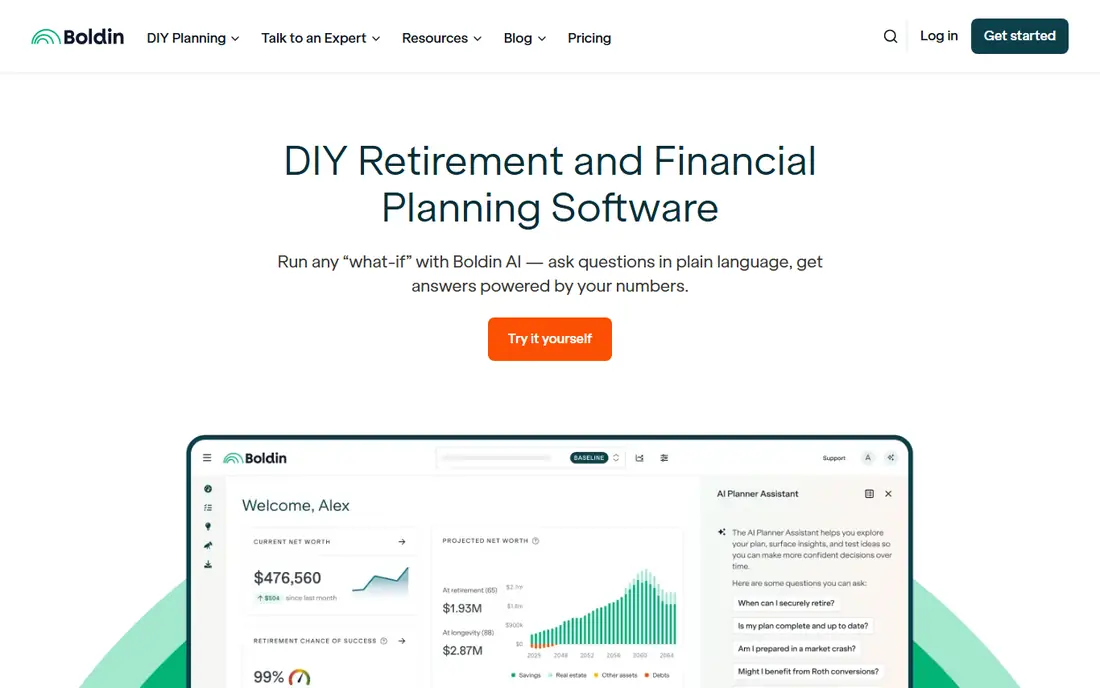
Boldin, formerly NewRetirement, is built specifically for retirement planning rather than general budgeting. The free planner helps you answer whether your savings may last, while the paid PlannerPlus tier adds state and federal tax projections, Social Security claiming comparisons, Roth conversion modeling and side-by-side scenario checks. That depth makes it the strongest DIY choice in this list.
The trade-off is complexity. With hundreds of planning inputs available, new users can spend a long time entering data before they see a clear plan. Start with the core inputs, income, spending, accounts and retirement age, and add detail only where it changes your decision.
- Free basic planner
- Paid tier adds tax projections, Social Security explorer and Roth conversion tools
- Scenario comparisons
- Depth can overwhelm new users
- Account linking depends on aggregators
- Some users will want advisor help for complex cases
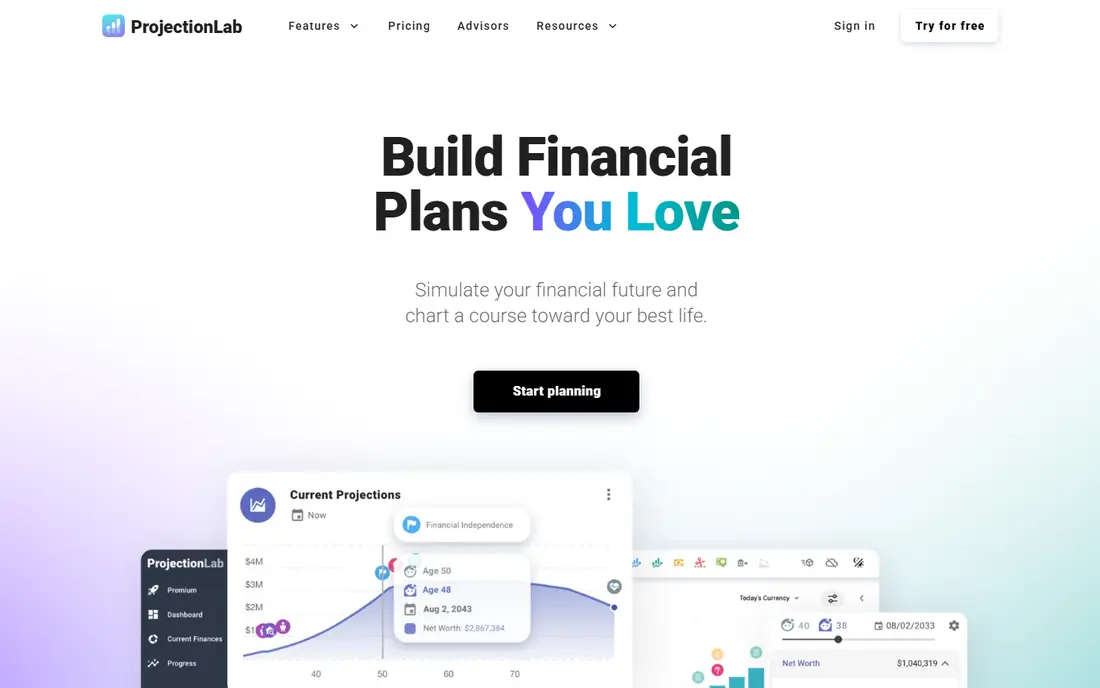
ProjectionLab appeals to planners who like to test ideas themselves. You can model different retirement ages, spending levels, income changes and market paths, and see how each choice affects your plan over decades. The interface favors experimentation, which suits people who enjoy building and comparing scenarios.
It is less of a guided service than Boldin, so you need to know which questions to ask. If you want classes, coaching or advisor access built in, Boldin may suit you better. If you want a modeling sandbox with a free starting tier, ProjectionLab is a strong pick.
- Flexible scenario and life-path modeling
- Free tier for basic plans
- Clear charts for income and spending over time
- No built-in advisor service
- Tax detail is lighter than Boldin in some areas
- Learning curve for advanced scenarios
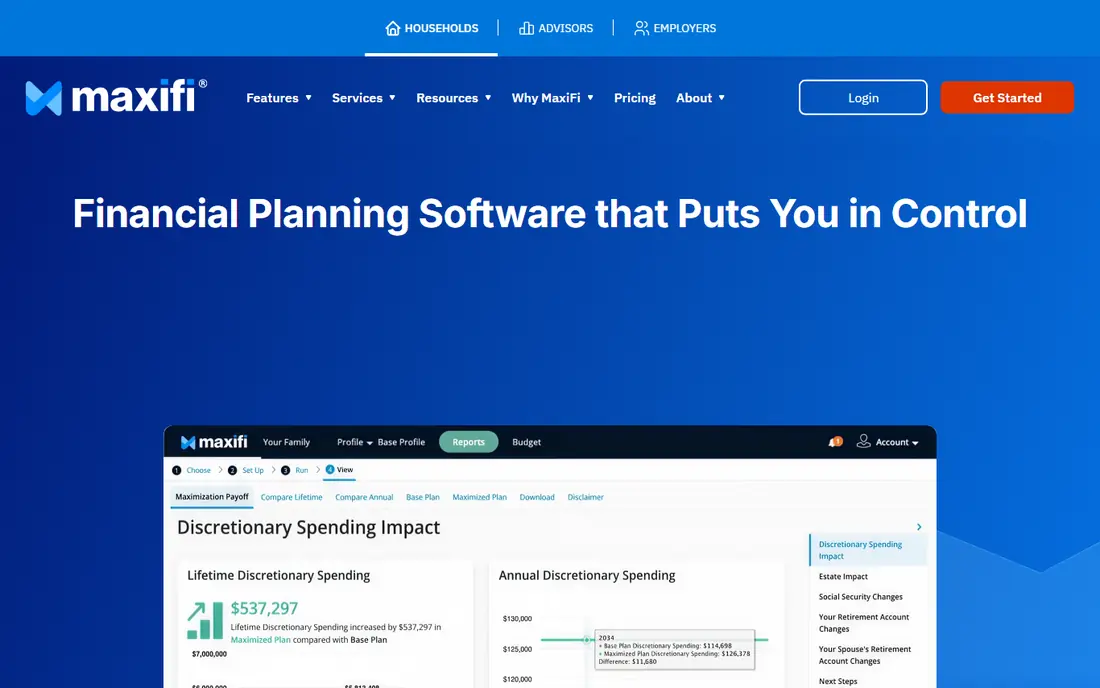
MaxiFi takes a different approach from most planners. Instead of asking how much you can spend in a good year, it calculates a sustainable living standard across your lifetime, smoothing spending so you avoid running short late in life. That math helps people who worry about overspending early in retirement.
The style is more numbers-focused than story-focused, and there is no free tier to test it first. If you prefer a visual, guided planner, Boldin or ProjectionLab may feel friendlier. If you want economics-based optimization and detailed tax-aware planning, MaxiFi is worth the trial period.
- Economics-based approach to sustainable spending
- Lifetime optimization for taxes and Social Security
- Detailed annual projections
- No free tier
- Interface is more academic than visual
- Setup takes time for accurate results
Empower, formerly Personal Capital, offers free tools that track net worth, investments and fees, plus a retirement planner that projects income gaps. For people who already track investments in one place, adding a retirement projection in the same dashboard is convenient and costs nothing for the basic tools.
The planner is lighter than Boldin or MaxiFi on tax-aware withdrawal order and Roth conversion detail. Use Empower for tracking and a first projection, then use a dedicated retirement planner if you need detailed tax or Social Security modeling. Note that Empower also sells managed investment services, which are separate from the free tools.
- Free net worth tracking and investment fee analysis
- Retirement planner for linked accounts
- Budgeting tools included
- Planner skips some withdrawal order and Roth detail
- Advisor management service costs extra
- Account linking can break
Fidelity offers free retirement calculators that estimate monthly and annual income in retirement, plus fuller planning tools for account holders. The tools are useful for a quick readiness check, especially if you already hold Fidelity accounts and want projections based on real balances.
For detailed Roth conversion, tax bracket and withdrawal order work, a dedicated planner such as Boldin or MaxiFi gives more control. Fidelity is best as a free first check and an educational starting point, not as the only tool for a complex retirement tax plan.
- Free retirement calculators and planning tools
- Detailed income projections for account holders
- Strong educational material
- Full planner features need sign-up
- Guidance is general, not personal advice
- Tool depth varies by account type
Pralana suits planners who want spreadsheet-level control over every assumption. You can model detailed tax, income, Roth conversion and spending scenarios, and the tool is popular with DIY planners who enjoy working through manuals and detailed reports. For complex cases with rentals, pensions or irregular income, that depth can be valuable.
The cost is usability. Pralana takes time to learn, and new users may feel lost without reading the guides first. If you want a quick visual plan, choose Boldin or ProjectionLab. If you want maximum detail and are willing to study the tool, Pralana rewards the effort.
- Very detailed inputs for taxes, income and spending
- Long track record with DIY planners
- Annual plan options
- Learning curve is steep
- Documentation is long
- Interface feels dated compared with newer planners
OnTrajectory is a lighter planner for people who want a clear projection without hundreds of inputs. The free tier covers basic income, spending and net worth paths, and guided prompts help you add life events such as a home purchase or a career change. That simplicity makes it a good first planner for younger savers.
Advanced features, including fuller Roth conversion modeling, sit behind the paid tier, and the tool does not match the tax depth of Boldin or MaxiFi. Use OnTrajectory to get a first picture and test retirement ages, then move to a deeper tool if tax planning becomes central to your decisions.
- Free tier for basic projections
- Guided prompts for life events
- Simple charts for income and net worth over time
- Roth and tax modeling need the paid tier
- Less depth than Boldin or MaxiFi
- Fewer advisor options
RightCapital is financial planning software used by advisors, not a direct consumer app. If your advisor uses it, you get a client portal with your plan, projections and what-if scenarios, plus detailed tax and Social Security modeling behind the scenes. The reports are clear, and the portal makes it easy to update data between meetings.
The limit is access. You cannot buy RightCapital as an individual and run your own plan in the same way as Boldin. If you work with an advisor, ask which software they use and how you can view and update your plan. If you plan alone, choose a consumer tool from the rest of this list.
- Modern advisor planning with client portal
- Strong tax, Social Security and Roth modeling
- Clear client-ready reports
- Reached mainly through an advisor
- No direct consumer plan
- Pricing is per advisor, not per household
How we picked these
We compared official vendor sites, pricing pages and product documentation, plus public planner comparisons. We kept only tools that exist today and offer retirement-specific modeling, tracking or advisor planning. We favored tools with clear pricing, Social Security and tax features, and we noted where a tool is advisor-only so DIY readers do not waste time on a product they cannot buy directly.
How to pick a retirement planner for your situation
Start with your main question. If you only want to know if you are roughly on track, a free calculator from Fidelity or Empower is enough. If you need to decide when to claim Social Security, how to handle Roth conversions or how to order withdrawals, choose a full planner such as Boldin, ProjectionLab or MaxiFi.
Next, test your assumptions. Change retirement age, spending, return rates and longevity in the tool and see how sensitive your plan is to each change. A plan that only works with high returns and low spending is fragile, and a good planner will show you that clearly. Update the plan yearly and after major life changes such as a job change, a home move or a health event.
Finally, know when to get advice. Software can model numbers, but it cannot replace personal advice for complex tax, estate or health situations. If your case involves pensions, rental income, business assets or large Roth conversions, consider a fee-only advisor alongside your planner. This is not financial advice, and projections are estimates based on the assumptions you enter.
Frequently asked questions
What is the best retirement planning software?
For most DIY planners, Boldin is the best choice because it combines a free planner with paid tax, Social Security and Roth conversion tools. ProjectionLab suits hands-on modelers, and MaxiFi suits planners who want economics-based spending math.
What is the best retirement planning app?
Boldin and ProjectionLab both offer web and mobile access for DIY planning, while Empower and Fidelity offer free planning tools inside broader finance apps. The best app depends on whether you want deep retirement modeling or simple tracking.
Is there a best free retirement planning software?
Boldin offers a free basic planner, ProjectionLab offers a free tier, and Fidelity and Empower offer free calculators and planning tools. Free tiers cover basic projections, while detailed tax and Roth modeling usually need a paid plan.
Do I need an advisor to use retirement software?
No, for most DIY cases. Consumer tools such as Boldin, ProjectionLab and MaxiFi are built for individuals. Advisor tools such as RightCapital, eMoney and MoneyGuide Pro are mainly reached through an advisor, so choose a consumer tool if you plan alone.
How accurate are retirement projections?
Projections are estimates based on your inputs for returns, inflation, taxes, spending and lifespan. Small changes in those assumptions can change results a lot over decades, so test a range of scenarios and update your plan regularly rather than treating one projection as a promise.
Sources
See where you really rank - block by block
ProMapRanker scans Google Maps across a grid of your service area. Simple monthly plans from $19, white-label on every plan.
Start freeKeep reading
 free alternatives to grok imagine
Free Alternatives to Grok Imagine in 2026
We compared the best free alternatives to grok imagine for image generation, from fast daily credits to design tools, so you can create without paying.
Read → best tools for instagram content creation
Best Tools for Instagram Content Creation in 2026
Compare the best tools for Instagram content creation, from Canva and CapCut to Later and Buffer, on design, video, planning, scheduling, and price in 2026.
Read → best tool to split pdf files
Best Tool to Split PDF Files in 2026
We compared the best tool to split pdf files on split modes, file limits, privacy and price, so you can split a PDF cleanly and keep every page in one go.
Read →