 ProMapRanker
Best Resume Builder App in 2026

Key takeaways
- Teal and Canva offer the most usable free routes to a finished resume, while most paid builders charge to download a PDF.
- Zety, Resume Genius and Resume.io lead on guided writing help, with large libraries of suggested phrases for each role.
- Novoresume stands out for one-time pricing with no auto-renewal, which makes its total cost easier to predict.
- Kickresume and Enhancv are the design-led picks, best when visual polish matters as much as the wording.
- Read trial and renewal terms before entering card details, since several builders convert a cheap trial into a recurring plan.
Quick comparison
| Pick | Great for | Pricing starts at | Free tier | |
|---|---|---|---|---|
 Zety | Guided step-by-step building | $25.95 per 4 weeks | No | Visit |
 Resume.io | Fast polished resumes | $29.95 per 4 weeks | No | Visit |
 Novoresume | One-time pricing | $23.99 one-time | Yes | Visit |
 Kickresume | Design-forward templates | $24 per month | Yes | Visit |
 Enhancv | Creative professional layouts | $24.99 per month | Free trial | Visit |
 Resume Genius | Beginner-friendly content help | $23.95 per 4 weeks | No | Visit |
 MyPerfectResume | Guided building plus job tools | $23.95 per 4 weeks | No | Visit |
 Teal | Free resumes plus job tracking | $29 per month | Yes | Visit |
 Canva | Visual resumes and portfolios | Free | Yes | Visit |
The best resume builder apps
These are the best resume builder apps and best resume builder tools we found for job seekers in 2026, from first-time applicants to experienced professionals changing fields.
Zety walks you through each section in order, which helps when a blank page feels hard to face. You pick a template, enter your roles, and the builder suggests bullet points matched to your job title. That guidance is the main reason many beginners finish a resume here rather than stalling on wording.
The catch is the free tier. You can build a resume without paying, but downloading it as a PDF needs a plan, and the low-cost trial renews automatically if you do not cancel. Set a reminder on the day you start the trial, and check the renewal price on the pricing page before you pay.
- Deep phrase suggestions
- Clean templates
- Cover letter builder included
- PDF download needs a paid plan
- Trial converts to a recurring plan
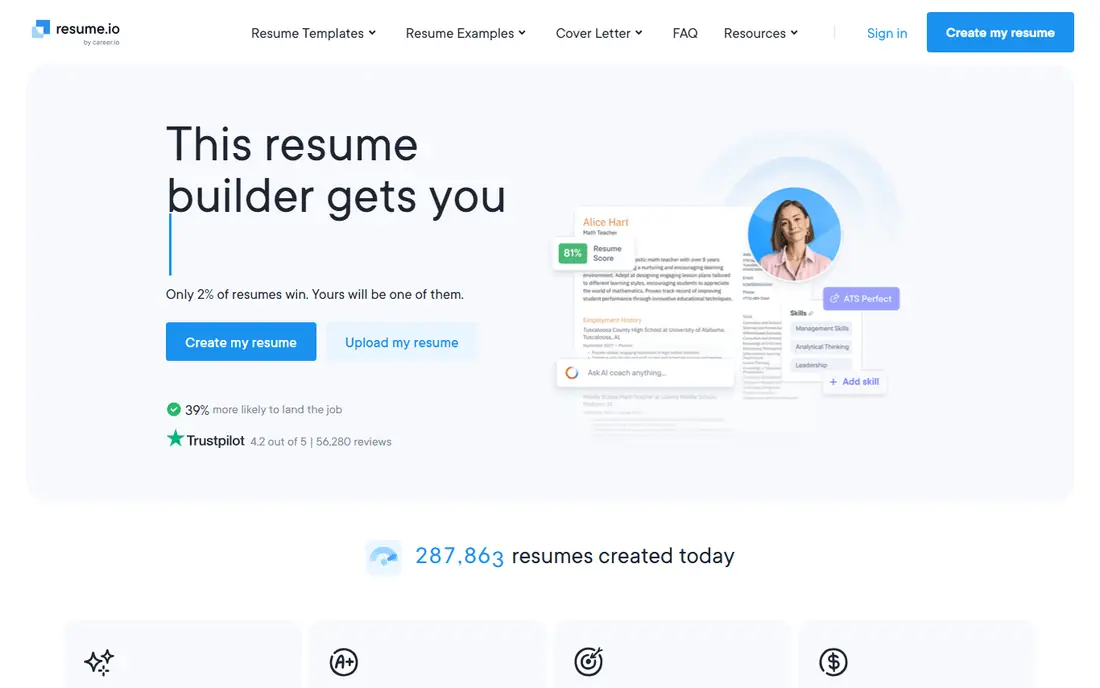
Resume.io is built for speed. The editor stays simple, templates look professional without fiddly layout controls, and you can move from a blank document to a finished resume in one sitting. It also offers a cover letter builder, so your application documents keep the same look.
Like Zety, Resume.io limits its free tier to a text export, which is rarely what an employer expects. The paid plan gives you PDF and Word downloads. If you need one resume quickly and you will cancel after downloading, it works well, but do not treat the trial price as the full price.
- Quick editor
- Polished templates
- Multiple export formats
- Free tier allows text export only
- Trial also auto-renews
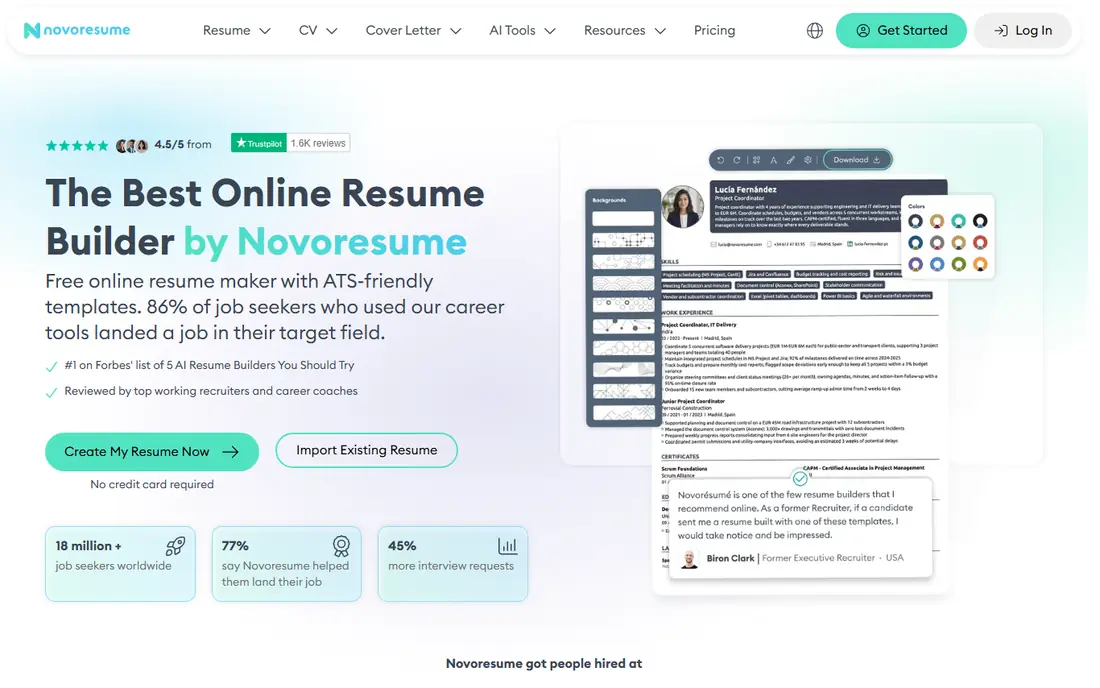
Novoresume appeals to people who dislike subscriptions. Its premium plans are sold as one-time purchases for a set period, with no auto-renewal to watch, which makes budgeting simple. The editor gives real-time feedback on length and content, and its templates keep formatting safe for applicant tracking systems.
The free plan covers a single one-page resume, which suits students and early-career applicants. Experienced professionals with longer histories may need the paid tier for extra pages and sections. If honest pricing matters to you as much as design, Novoresume is our pick for most people.
- One-time payment option
- Clean one-page layouts
- Helpful content feedback
- Free plan limited to one page
- Template range is smaller than some rivals
Kickresume suits applicants in design, marketing, media and other fields where a resume needs to look considered. Templates use color and layout with restraint, and the AI writer can draft bullets from your job title and experience. You can also build a simple personal website from the same profile.
The free plan includes a small set of basic templates, which is enough to test the editor. Full AI writing and the wider template library sit behind Premium. Check the annual price too, since monthly billing costs more over a long job search.
- Attractive templates
- AI writing help
- Portfolio and cover letter tools
- Best AI features need a paid plan
- Monthly price is high without annual billing
Enhancv is the builder to try when a standard two-column resume feels too plain for your field. It offers sections for skills, projects and personal strengths, with layouts that still read in a clear order. LinkedIn import saves time if your profile is already up to date.
The warning here applies to any visual builder. Very creative layouts can confuse older applicant tracking systems, so keep a plain version ready for large corporate portals. Use Enhancv for direct applications and recruiter emails, and keep the simpler layout for automated systems.
- Distinctive modern layouts
- Helpful content sections
- LinkedIn import
- Some layouts risk ATS parsing issues
- Free access is a trial, not a lasting plan
Resume Genius is aimed squarely at people writing a resume for the first time. The wizard asks short questions about each job, then offers ready-made phrases you can edit to match what you actually did. That library is deep, and it helps when you know your duties but struggle to phrase them as achievements.
As with other builders in this group, building is free and downloading a polished PDF is not. The trial price is low, but the renewal price is the real cost, so read the billing terms and cancel promptly if you only needed one document.
- Large phrase library
- Simple wizard
- ATS check included
- PDF download needs payment
- Trial renews as a recurring plan
MyPerfectResume combines a guided builder with job search features, including help finding openings and tracking applications. Its strength is the sheer volume of pre-written content, which speeds up drafting for common roles in admin, retail, healthcare and customer service.
The editor is less flexible than Canva or Enhancv, and templates follow a fairly fixed structure. That is a benefit if you want decisions made for you, and a limit if you want full control over layout. As ever, watch the trial renewal terms before you enter payment details.
- Guided builder with expert phrasing
- Cover letters
- Job search tools
- Free tier limited to text export
- Layouts feel less flexible than rivals
Teal is the best free resume builder tool in this list for active job seekers. The free plan lets you build resumes and download them as PDFs, which most rivals reserve for paying users. The job tracker adds real value too, letting you save roles, track stages and tailor a resume version to each posting.
Teal Plus adds AI writing and extra features for a monthly fee, but you can run a serious search on the free tier alone. The platform takes a little time to learn, since it does more than build a single document. For volume applications, that extra effort pays off quickly.
- Usable free plan with PDF downloads
- Job tracker included
- Tailored resume versions
- Paid tier needed for AI features
- Interface has a learning curve
Canva is not a dedicated resume builder, yet it belongs here because so many job seekers already use it. The drag-and-drop editor makes visual resumes simple, templates cover many industries, and the free tier lets you download a finished PDF. It also works well for portfolios and one-page creative resumes.
The risk is applicant tracking. Highly designed templates with text boxes, icons and columns can parse badly in automated systems. Use Canva for creative roles and direct sends, and keep a plain, single-column version for online portals. For the best free resume builder apps overall, Canva pairs well with Teal.
- Huge template library
- Free tier usable
- Easy visual editing
- Not all templates suit ATS systems
- Pro needed for premium templates
How we picked these
We compared official pricing pages, free tier limits, template libraries and export options for each builder, and we checked public reviews for recurring billing complaints. We favored builders that produce clean, readable documents and that state their trial and renewal terms plainly. We did not claim hands-on testing, and we left out builders with no working product or no clear way to download a finished resume.
What to check before you pay for a builder
Start with the job, not the template. Read three postings for roles you want, note the skills and duties they repeat, and make sure your resume answers those points in plain language. A pretty template cannot fix a resume that misses the core requirements of the role.
Check ATS formatting and exports
For large employers, use a single-column layout, standard section headings and common fonts, and export as PDF or Word as the posting requests. Save a plain version alongside any visual version, and test it by copying the text into a plain document to see if the order still reads correctly.
Compare the real cost, not the trial price
Add up the trial, the renewal price and the months you expect to search. A one-time Novoresume purchase can cost less than three months of a subscription you forgot to cancel. Set a calendar reminder for every trial, and cancel the day you download your final resume if you no longer need the tool.
Frequently asked questions
What is the best resume builder app for beginners?
Zety and Resume Genius are strong for beginners because both guide you section by section and suggest phrases for your role. Teal is a good free alternative if you also want to track applications.
Which is the best free resume builder tool?
Teal offers the most usable free plan, with PDF downloads included, while Canva offers a wide free template library for visual resumes. Novoresume also gives a free one-page resume, which suits students and early-career applicants.
Are the best resume builder apps ATS friendly?
Most dedicated builders use ATS-safe layouts, but visual templates from Canva and Enhancv can parse less cleanly. Use a simple single-column layout for corporate portals, and keep a plain version ready.
What is the best resume builder software for experienced professionals?
Novoresume and Kickresume suit experienced applicants, since both handle longer histories and richer layouts without forcing a rigid wizard. Teal also helps when you need tailored versions for different roles.
Do resume builders charge after a free trial?
Several do. Zety, Resume.io, Resume Genius and MyPerfectResume convert low-cost trials into recurring plans, so read the renewal terms and set a cancellation reminder before you start a trial.
Can I build a resume on my phone?
Yes, most builders work in a mobile browser, and Canva and Teal have usable mobile experiences. For careful editing and final checks, a laptop or desktop is still easier, especially for spacing and export settings.
Sources
See where you really rank - block by block
ProMapRanker scans Google Maps across a grid of your service area. Simple monthly plans from $19, white-label on every plan.
Start freeKeep reading
 free alternatives to grok imagine
Free Alternatives to Grok Imagine in 2026
We compared the best free alternatives to grok imagine for image generation, from fast daily credits to design tools, so you can create without paying.
Read → best tools for instagram content creation
Best Tools for Instagram Content Creation in 2026
Compare the best tools for Instagram content creation, from Canva and CapCut to Later and Buffer, on design, video, planning, scheduling, and price in 2026.
Read → best tool to split pdf files
Best Tool to Split PDF Files in 2026
We compared the best tool to split pdf files on split modes, file limits, privacy and price, so you can split a PDF cleanly and keep every page in one go.
Read →