 ProMapRanker
Best Restaurant Software in 2026

Key takeaways
- Toast and Square for Restaurants cover the widest range of restaurant sizes, but they take different routes to that coverage, with Toast leaning to full service and Square leaning to low upfront cost.
- Lightspeed Restaurant and TouchBistro suit table service and multi-site work best, while Clover and SpotOn appeal to owners who want hardware and marketing in one place.
- 7shifts and Restaurant365 are not full point of sale systems, so pair one with a POS when staffing or accounting is the main gap.
- Always compare the full monthly bill, including payment processing, hardware, add-ons and contract length, not only the headline software price.
Quick comparison
| Pick | Great for | Pricing starts at | Free tier | |
|---|---|---|---|---|
 Toast | Full-service restaurants | $69 per month | No | Visit |
 Square for Restaurants | Low-cost starts | Free | Yes | Visit |
 Lightspeed Restaurant | Multi-location reporting | $69 per month | No | Visit |
 TouchBistro | iPad table service | $69 per month | No | Visit |
 Clover | Hardware bundles | See website | No | Visit |
 SpotOn | Marketing and loyalty | See website | No | Visit |
 7shifts | Staff scheduling | Free | Yes | Visit |
 Restaurant365 | Back-office accounting | See website | No | Visit |
The best restaurant software
We compared official pricing pages, feature lists and public documentation for eight tools that US restaurants actually use day to day. Here is how each one fits a different kind of operation.
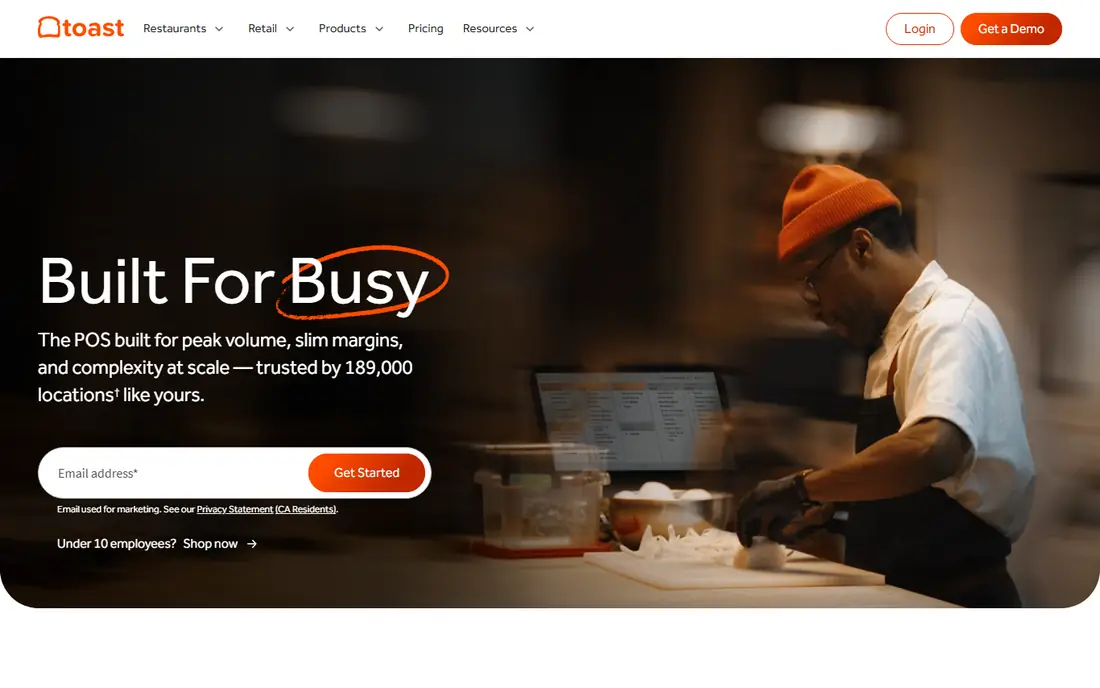
Toast is built around restaurant service rather than general retail, and that focus shows in table management, kitchen routing and menu controls. A busy dining room can send orders to the right prep stations, track courses and adjust menus without switching tools. Our pick for most full-service restaurants is Toast when the team wants one system for the floor, the kitchen and online orders.
The catch is commitment. Toast hardware is proprietary, so moving away later takes more work than with an iPad based system. Add-ons for payroll, loyalty and advanced reporting also add up, so ask for a written quote that lists every monthly charge before signing.
- Purpose-built restaurant POS
- Kitchen display tools
- Online ordering and reporting in one system
- Proprietary hardware
- Contracts and add-on costs can raise the total bill
Square for Restaurants suits cafes, food trucks and counter-service spots that want to start fast and keep fixed costs low. The free plan covers core ordering and payments, and paid plans add table service, kitchen tools and team permissions. Owners already using Square hardware or Square Online can often add restaurant features without rebuilding their setup.
The trade-off is depth at the high end. Very large or complex full-service operations may find reporting, inventory and floor controls thinner than Toast or Lightspeed. Still, for a first POS or a small second site, the low entry cost and month-to-month flexibility are hard to beat.
- Free starter plan
- No long contract on core plans
- Broad add-ons for payments, payroll and marketing
- Floor-plan and advanced table tools are less deep than specialist rivals
- Payment processing is tied to Square
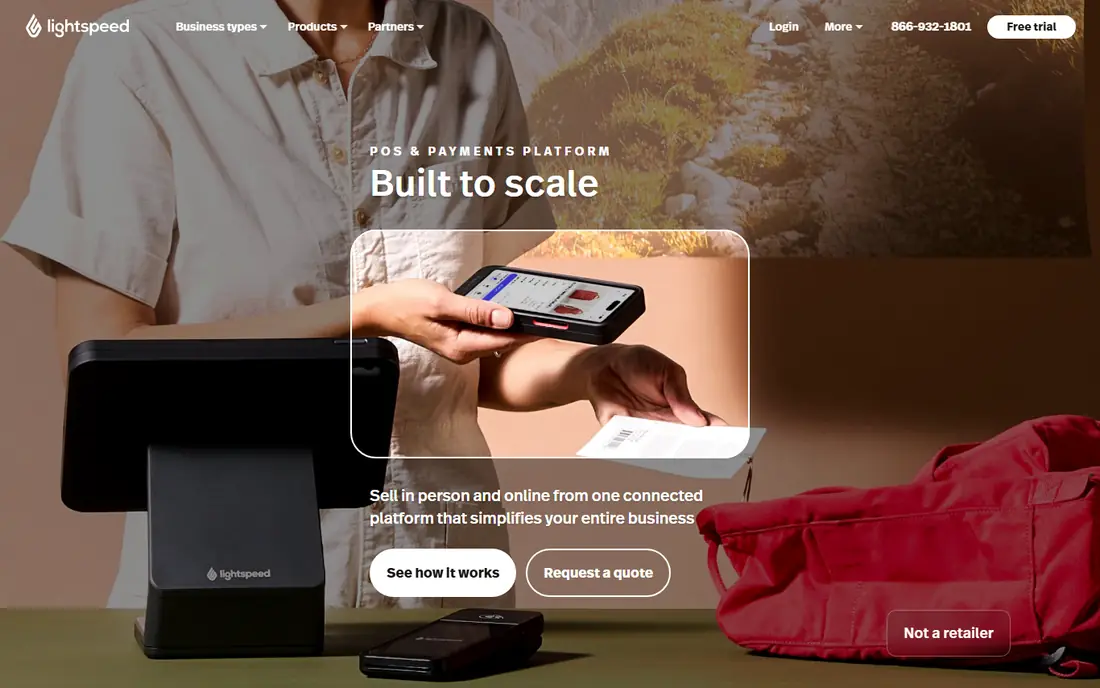
Lightspeed Restaurant gives owners with more than one site a single place to manage menus, prices and sales data. A change made centrally can reach each location, and reporting makes it easier to compare sites, shifts and menu items. Bars and hotels also benefit from tab handling and support for multiple revenue areas.
The main drawback is cost creep. The base plan is only the start, and inventory, accounting links and advanced tools sit in higher tiers or add-ons. Lightspeed is best when the owner will actually use the reporting and central control, not when a simple till would do.
- Central menu and pricing control
- Strong reporting
- Inventory and multi-site tools
- Add-ons raise the price
- IPad only for the main POS app
TouchBistro is a clear choice for table-service restaurants that prefer iPads to locked hardware. Staff can take orders at the table, split bills, manage floor plans and send items to the kitchen from a familiar device. Training tends to be quick, which matters when turnover is high and weekend shifts are busy.
Online ordering, loyalty and some integrations cost extra, so the final price depends on the bundle chosen. Owners should also confirm payment processing terms in writing, since rates and contract details can differ by provider and region.
- IPad based and easy to train on
- Table and floor tools
- Offline mode for payment handling
- Online ordering is an add-on
- Payment terms vary by partner
Clover works well for restaurants that want a polished counter setup with a customer display, card reader and printer in one bundle. The app marketplace lets owners add ordering, loyalty, inventory and staff tools as needs grow. It suits both counter service and full service, depending on the hardware and plan selected.
The limit is lock-in. Clover runs through its payment provider, so owners cannot simply bring a cheaper processor. App fees also stack up, so it pays to list only the apps the team will use every week and drop the rest.
- Wide hardware range
- Large app marketplace
- Counter and table options
- Payment processing is tied to the provider
- Useful apps often add monthly fees
SpotOn stands out when repeat visits matter as much as the till. Email marketing, loyalty and review tools sit beside ordering and payments, so a small team can run a promotion without buying a separate marketing platform. That mix suits independent restaurants that rely on regulars and local search.
Owners who only need core POS functions may find the extra tools distracting or unnecessary. Pricing is quote based for many plans, so compare the quoted monthly total, processing rate and hardware cost against a simpler rival before deciding.
- Built-in marketing and loyalty tools
- Flexible plan options
- POS and payments in one account
- Marketing depth may exceed what simple operations need
- Pricing varies by quote
7shifts solves a different problem from the POS tools above: who works, when, and at what labor cost. Managers can build schedules, handle shift swaps, track time and message the team in one place. Integrations with major POS systems pull sales data in, so labor can be viewed as a share of sales for each shift.
It does not take orders or payments, so it works best as a companion to a POS, not a replacement. The free plan suits a small team, while larger sites will need a paid plan for forecasting, multiple locations and deeper reporting.
- Scheduling, time tracking and team messaging
- Labor cost views
- POS integrations
- Not a POS system
- Advanced forecasting sits in paid plans
Restaurant365 is for owners and finance teams who feel the pain in the back office, not at the till. It brings accounting, inventory counts, purchasing and scheduling together, with reporting across units. When several sites share suppliers and menus, that central view can save hours of spreadsheet work each week.
The cost is complexity and price. Pricing is quoted, implementation takes planning, and small single-site restaurants may not need this depth. It makes most sense once a group has grown past what a POS report and a general accounting tool can handle cleanly.
- Accounting, inventory and scheduling in one back office
- Multi-unit reporting
- POS integrations
- Quote-only pricing
- More setup than a POS alone
How we picked these
We compared official pricing pages, feature descriptions and integration lists, and favored tools with a clear US presence, live restaurant customers and a distinct job to do. We excluded generic retail POS tools that lack restaurant table, kitchen or menu features, except for scheduling and back-office tools that solve a named restaurant problem. Prices shown are starting points from vendor pages or public summaries of them, and payment processing, hardware and add-ons are separate in most cases.
Choosing the right restaurant software
Match the tool to your service style
Counter service, table service, bars and multi-site groups need different tools. A cafe can often run well on Square, while a full-service restaurant with a large kitchen benefits from Toast or TouchBistro. Write down your top five daily tasks before any demo, then test those tasks, not the sales presentation.
Add up the full monthly cost
Ask each vendor for the software fee, payment rate, hardware cost, add-on fees and contract length in one written quote. A low software price can hide a high processing rate, and a free plan can still charge for hardware, online ordering or payroll. Compare totals at your real monthly sales level.
Test training and support
A system is only good if the team can use it on a busy Friday night. Check how long setup takes, what training is included, how support is reached out of hours, and what happens if the internet drops. A short trial with real menu items and real staff will reveal more than any feature list.
Frequently asked questions
What is the best software for restaurants?
There is no single winner for every restaurant. Toast suits busy full-service sites, Square suits low-cost starts, and Lightspeed suits multi-site reporting. Match the pick to service style, size and budget, then compare total monthly cost.
What is the best restaurant app for small restaurants?
Square for Restaurants is a strong small-restaurant pick because the free plan covers core ordering and payments with no long contract. TouchBistro and SpotOn also suit small table-service sites, depending on whether iPad hardware or marketing tools matter more.
What is the best app for restaurant reviews?
Review tools are usually part of a marketing add-on rather than a POS itself. SpotOn includes review and marketing features, and several POS tools connect to review platforms. Check whether reviews, replies and reporting are included or sold separately.
Is a free restaurant POS good enough?
A free plan can be enough for a small counter-service site with simple menus and low order volume. Larger sites often need paid table management, kitchen displays, inventory and reporting, so test the free tier with real service before relying on it.
How much does restaurant software cost per month?
Starting software prices in this guide range from free to about $69 per month, but processing fees, hardware, add-ons and contracts change the total. Always request a full written quote and compare it at your actual sales volume.
Sources
See where you really rank - block by block
ProMapRanker scans Google Maps across a grid of your service area. Simple monthly plans from $19, white-label on every plan.
Start freeKeep reading
 top rated pdf scanner software
Best PDF Scanner Software in 2026
Looking for top rated pdf scanner software? We compare 8 scanner apps on scan quality, OCR, price, watermarks and privacy to find your best fit for daily use.
Read → expensify alternatives
Best Expensify Alternatives in 2026
Looking for expensify alternatives? We compare 8 top expense tools on price, cards, receipts and approvals to help your team pick the right one in 2026.
Read → best tools for drawing diagrams
Best Tools for Drawing Diagrams in 2026
Compare the best tools for drawing diagrams, from Lucidchart and Miro to free diagrams.net. See pricing, templates, and collaboration features for teams.
Read →