 ProMapRanker
Best Reputation Management Software for Dentists in 2026

Reviews plus patient messaging in one place · Pricing starts at: See website
Direct answer
Birdeye is my top pick for dentists because it combines review requests, patient messaging and a review-focused inbox in one place, which fits how dental front desks actually work. Pricing is quote-based, so check its pricing page. If you mainly want automated review invites after appointments, NiceJob is a simpler fit, and if you want to manage reviews across many practice locations, Reputation.com is built for that scale.
I compared these tools from vendor documentation and public sources, not from hands-on testing. I looked at how each one handles review requests, response workflows, location management and the practical realities of a dental front desk, then noted where each one fits and where it does not.
Key takeaways
- Dentists get most new patients from local search and word of mouth, so a steady flow of recent Google reviews matters more than a single burst of feedback.
- The best tool for a single practice is usually the one that plugs into your practice management or appointment reminders without extra staff work.
- Multi-location dental groups need location-level dashboards and permissions, not just a shared inbox.
- Review responses should follow Google's guidelines: no incentives for reviews, no review gating, and no asking patients to remove honest negative feedback.
- Check how each vendor handles HIPAA-related concerns before you send any patient communication through it.
Quick comparison
| Pick | Great for | Pricing starts at | Free tier | |
|---|---|---|---|---|
| Birdeye | Reviews plus patient messaging in one place | See website | Not stated | Visit |
 Podium | Text-first review requests and front-desk messaging | See website | Not stated | Visit |
 NiceJob | Simple automated review invites after visits | See website | Not stated | Visit |
 Grade.us | Agencies managing reviews for dental clients | See website | Not stated | Visit |
 Broadly | Review requests for local service businesses | See website | Not stated | Visit |
 ReviewTrackers | Review analytics across multiple locations | See website | Not stated | Visit |
 Reputation.com | Large dental groups and enterprise programs | See website | Not stated | Visit |
The best reputation management software for dentists compared
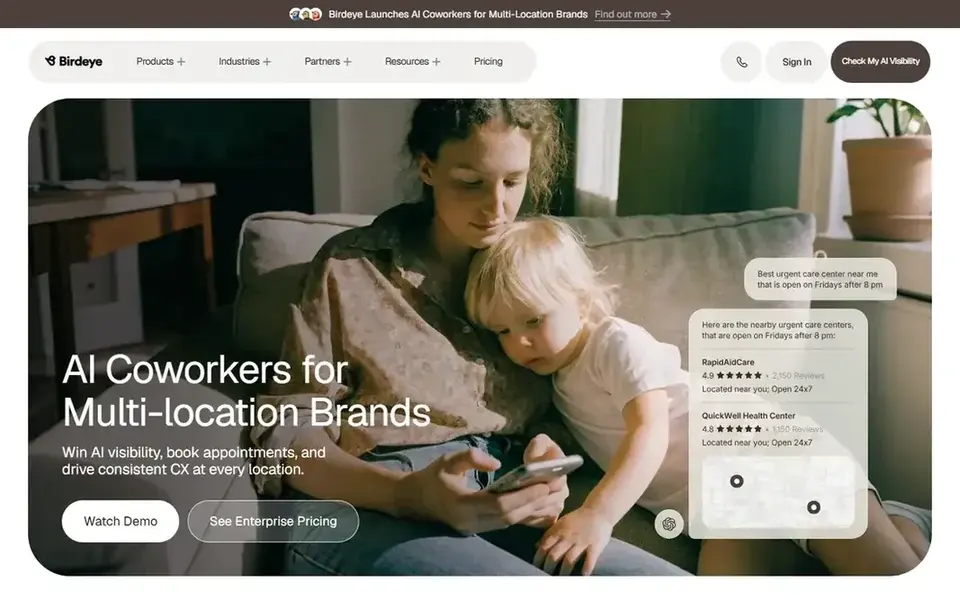
Birdeye is a reputation and customer experience platform that covers review collection, messaging and surveys. For a dental practice, the appeal is that review requests can sit alongside appointment reminders and follow-up messages, so the front desk is not juggling several tools. It suits practices that want one vendor for patient communication and reviews rather than stitching together separate products.
In a dental workflow, the useful part is timing. You can trigger a review request after a visit, route replies to a single inbox, and keep an eye on which locations or providers are getting mentioned. That matters because patients often name the dentist or hygienist in a review, and you want someone to respond promptly and politely without arguing about clinical details in public.
The limits are mostly about scale and budget. A solo practice may find the platform larger than it needs, and the quote-based pricing means you have to talk to sales before you know the real cost. Skip it if you only want a basic review widget and nothing else.
- Combines review requests with messaging and a shared inbox
- strong multi-location reporting
- broad integration list
- supports review responses from one dashboard
- Pricing is quote-based
- more features than a single practice may need
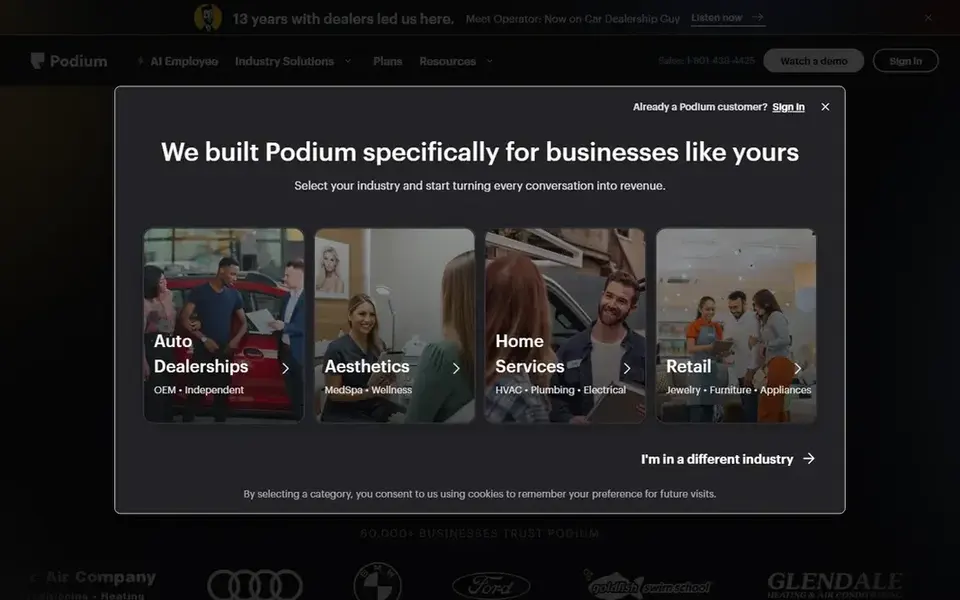
Podium is known for text messaging and review collection aimed at local businesses, and dental practices are a common fit. The core idea is that a patient gets a text after an appointment with a link to leave a review, and the practice can reply from a shared inbox. It is built around how front desks actually communicate with patients.
For dentists, the practical benefit is that review requests ride along with the messages you already send. You can ask for feedback at the right moment, respond to questions quickly, and keep a record of conversations. The review side is straightforward: send the invite, watch responses arrive, and reply in a tone that matches the practice.
The main caution is cost. Podium sells in modules, and the value depends on how many you use. A small practice that only wants review requests may pay for features it never touches. Check what is included before you commit, and confirm how patient data is handled.
- Strong text messaging workflow
- review invites fit appointment follow-ups
- inbox handles patient conversations
- payments and other modules available
- Modular pricing can climb
- best value comes from using several modules
NiceJob focuses on getting more reviews through automated requests and follow-ups. It is a good fit for a single dental practice or a small group that wants a clean, simple workflow without a large platform. The setup is usually quick, and the interface is aimed at people who are not marketers.
For a dental office, the workflow is easy to explain to staff: after a visit, the system sends a request, follows up if there is no response, and surfaces new reviews for a reply. That keeps the process consistent even when the front desk is busy. You can also use it to nudge happy patients toward Google without offering incentives, which keeps you within Google's guidelines.
The trade-off is depth. NiceJob is not a full patient communication platform, and its multi-location controls are lighter than enterprise tools. If you run several practices with separate teams, you may outgrow it. A single practice that wants reviews handled well will likely be satisfied.
- Easy setup for review campaigns
- automated follow-ups
- simple dashboard for small teams
- supports review responses
- Fewer messaging features than larger suites
- lighter multi-location tooling
Grade.us is a review management platform aimed at agencies and consultants, which makes it relevant if an SEO or marketing agency runs reputation for dental clients. It supports review funnels, monitoring and reporting across client accounts, so one team can manage several practices without logging in and out of separate tools.
For dentists working with an agency, Grade.us can be the back end that sends requests and tracks responses. The agency gets reporting and client views, and the practice gets a steady stream of reviews. It is less about patient messaging and more about organizing review campaigns and showing results.
If you are a practice owner buying directly, the agency-oriented design may feel like more than you need. It is also not the most consumer-friendly interface for a front desk that just wants to send a request. Consider it when a marketing partner is involved.
- Built for agencies and multi-client workflows
- white-label options
- review funnels and monitoring
- good for consultants serving dentists
- Less polished for practice owners using it directly
- agency focus may add complexity
Broadly is a reputation and customer interaction tool for local service businesses, and dental practices fit the same pattern: a patient visit, a follow-up message, and a request for feedback. It is designed to make review collection part of the normal customer conversation rather than a separate campaign.
In a dental setting, Broadly can send review requests after appointments and collect responses in one place. The value is consistency. When every visit triggers the same polite request, reviews accumulate over time instead of arriving in unpredictable bursts. Staff can reply to reviews and messages without switching tools.
The limits are integration depth and scale. Broadly has a smaller ecosystem than the largest platforms, so check whether it connects to your practice management or scheduling system before you buy. Large dental groups with complex reporting needs may want a heavier platform.
- Review collection tied to customer interactions
- simple request flow
- inbox for messages
- works for service businesses like dental offices
- Smaller integration ecosystem
- less known for large multi-location groups
ReviewTrackers is a review monitoring and analytics platform. It is a good fit for a dental group that wants to see what patients say across several locations, compare trends, and route responses to the right manager. The reporting is the main draw.
For dentists, the practical use is oversight. A group can watch each practice's review volume and sentiment, spot recurring complaints about wait times or scheduling, and respond before small issues become patterns. It helps managers see which locations need attention without reading every review manually.
It is not the tool to buy if your main goal is automated review requests tied to appointments. Review collection exists, but messaging and patient communication are not its focus. A single practice may find the analytics heavier than needed.
- Strong review monitoring and reporting
- location-level dashboards
- sentiment analysis
- good for groups tracking many practices
- Not a full patient messaging suite
- review requests are only part of the product
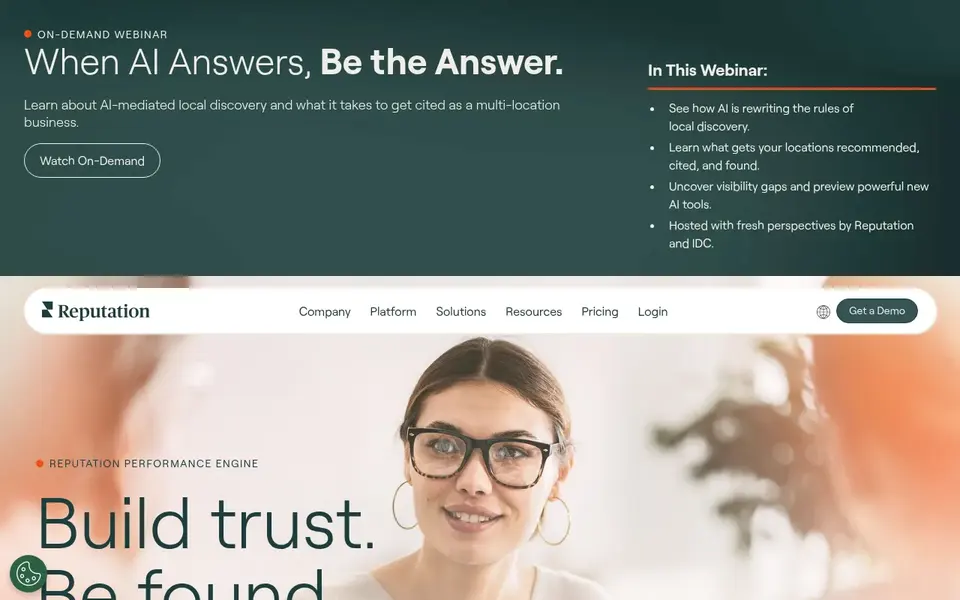
Reputation.com is an enterprise reputation platform used by multi-location brands. For a dental group with many practices, it offers location-level management, review monitoring and response workflows, and reporting that rolls up to a head office. It is built for organizations, not solo dentists.
In a dental group, the value is control and visibility. Head office can set standards for review responses, see how each location performs, and give managers the right level of access. That structure matters when you have dozens of practices and cannot rely on informal processes.
The downside is weight. Setup takes time, pricing is quote-based, and a single practice would be paying for scale it does not have. Consider it only when your group is large enough to need formal governance across locations.
- Enterprise-scale location management
- review monitoring and response workflows
- reporting for many locations
- suited to franchise and group structures
- Heavier setup
- overkill for a single practice
- quote-based pricing
How I chose
I built this list from vendor documentation and public sources, and I did not run hands-on tests. My focus was fit for dental practices: how review requests get triggered after appointments, how responses are handled, how locations are managed, and whether the tool creates extra work for a busy front desk. I also checked each vendor's official site for what the product actually covers.
I left out tools that are mainly general SEO suites or that do not clearly support review collection and response. I also avoided ranking anything on claims I could not verify, such as user counts or ratings. Where a vendor's pricing is quote-based, I say so rather than guessing. The result is a shortlist organized by practice size and workflow, not a scoreboard.
What to check before you buy
- Confirm how review requests are triggered: manual, scheduled, or tied to appointment completion in your practice management system.
- Ask whether the tool supports Google review links directly and whether it follows Google's guidelines on incentives and review gating.
- Check how responses are handled: shared inbox, role permissions, and whether managers can reply on behalf of a location.
- Ask about patient data handling and any HIPAA-related agreements before sending messages through the platform.
- For multiple practices, confirm location-level dashboards, user permissions and roll-up reporting.
- Review the contract terms: setup fees, minimum terms, cancellation, and what happens to your review data if you leave.
Frequently asked questions
Do dentists need reputation management software?
Not strictly, but it helps. Most dental practices get new patients from local search and referrals, and recent reviews influence both. Software makes review requests consistent and keeps responses organized, which is hard to do manually when the front desk is busy. A small practice can start with a simple review request tool and add features later.
Is it against Google's rules to ask patients for reviews?
No. Asking patients for reviews is allowed. What is not allowed is offering incentives, selectively asking only happy patients (review gating), or asking patients to remove negative reviews. Keep requests neutral, send them to everyone, and respond to feedback honestly. Those practices keep you within Google's guidelines and build trust.
Can reputation software help with negative reviews?
It helps you see and respond to them faster. Most tools alert you when a new review arrives and let you reply from a dashboard. A calm, factual response that invites the patient to contact the office privately often does more good than trying to remove the review. Software does not guarantee removal, and you should not expect it to.
What is the difference between review software and patient messaging?
Review software focuses on collecting and managing reviews. Patient messaging covers appointment reminders, follow-ups and two-way conversations. Some platforms, like Birdeye and Podium, combine both. If your practice management system already handles reminders well, you may only need the review side.
How many locations can these tools handle?
It varies. NiceJob and Broadly are aimed at smaller practices, while ReviewTrackers and Reputation.com are built for multi-location groups. Birdeye and Podium also support multiple locations. Check the vendor's documentation for location limits and permissions before you buy, especially if you plan to add practices later.
Sources
See where you really rank - block by block
ProMapRanker scans Google Maps across a grid of your service area. Simple monthly plans from $19, white-label on every plan.
Start freeBrowse all guides
← Best Reputation Management Software for Churches in 2026Best Reputation Management Software for Electricians in 2026 →
 best local seo tools for tree service companies
Best Local SEO Tools for Tree Service Companies in 2026
A practical guide to the best local SEO tools for tree service companies in 2026, covering listings, reviews, rank tracking and call tracking.
Read → best local seo tools for storage facilities
Best Local SEO Tools for Storage Facilities in 2026
A practical guide to the best local SEO tools for storage facilities in 2026, covering listings, reviews, rank tracking and call tracking.
Read → best local seo tools for pediatricians
Best Local SEO Tools for Pediatricians in 2026
A practical guide to the best local SEO tools for pediatricians in 2026, covering listings, reviews, rank tracking and reporting for pediatric practices.
Read → local seo for notary services
Local SEO for Notary Services
A local SEO guide for notary services: Google Business Profile setup, reviews, and mobile-notary and same-day local SEO.
Read → promapranker vs synup
ProMapRanker vs Synup: Local Rank Tracking Compared
How ProMapRanker compares to Synup for local rank tracking, reporting, and pricing.
Read → how to add photos to google business profile
How To Add Photos To Google Business Profile?
Everything you need to know about how to add photos to google business profile: what it is, why it matters for local SEO, and exactly how to act on it.
Read →More in Local SEO & Google Maps · All guides A to Z by date · Latest guides