 ProMapRanker
Best Reputation Management Software for Churches in 2026

All-in-one reviews, listings, and messaging · Pricing starts at: See website
Direct answer
Birdeye is my top pick for churches because it handles review requests, review monitoring, and direct messages in one place, which fits a church office that wants one dashboard for its online reputation. Pricing is quote-based, so request a quote from the vendor. If you want a lower-cost review request tool, look at Grade.us, and if you mainly need accurate map and directory listings for your campus, look at Yext.
I compared these tools from vendor documentation and public sources, not from hands-on testing. I looked at what each product actually does for reviews, listings, and messages, then matched those features to how a church office works: a small staff team, irregular event schedules, and a need to answer visitors quickly.
Key takeaways
- A church's reputation lives in Google reviews, Facebook recommendations, and directory listings, so the software you pick should cover all three rather than only one.
- Review request tools matter most after events, weddings, funerals, and community programs, when visitors are most likely to leave feedback.
- Listings tools keep your address, service times, and phone number correct across Google, Apple Maps, and other directories, which reduces confusion for first-time visitors.
- Message and review monitoring helps a small staff team respond to questions and complaints before they spread.
- No tool replaces a clear process for who in the church office answers reviews and how quickly.
Quick comparison
| Pick | Great for | Pricing starts at | Free tier | |
|---|---|---|---|---|
| Birdeye | All-in-one reviews, listings, and messaging | See website | Not stated | Visit |
 Grade.us | Affordable review requests for small teams | See website | Free trial | Visit |
 Podium | Text messaging with review requests | See website | Not stated | Visit |
 NiceJob | Simple review collection and monitoring | See website | Not stated | Visit |
 ReviewTrackers | Monitoring reviews across many sites | See website | Not stated | Visit |
 Yext | Accurate listings across directories | See website | Not stated | Visit |
 BrightLocal | Local SEO checks with review tools | See website | Not stated | Visit |
The best reputation management software for churches compared
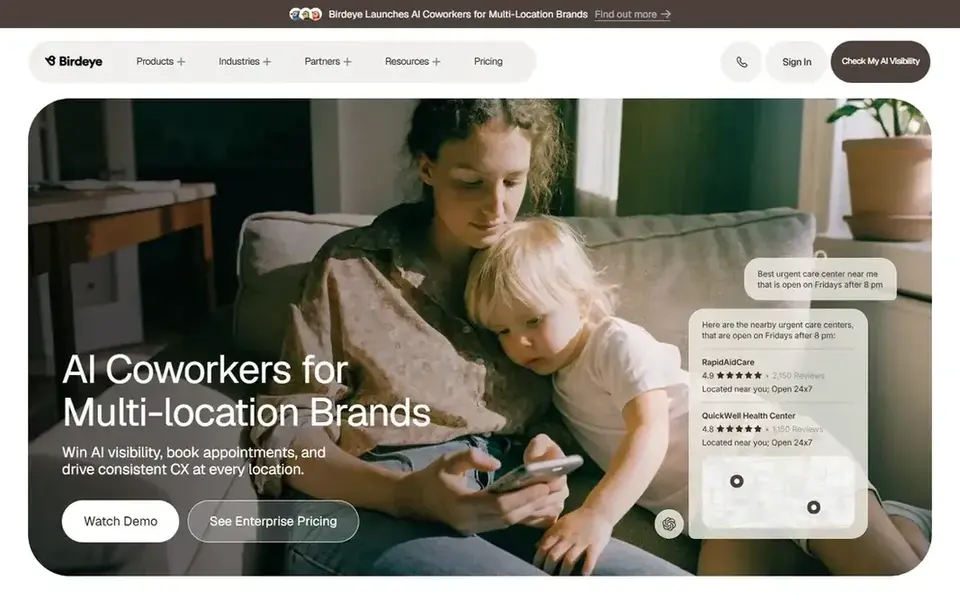
Birdeye is a reputation and customer experience platform that bundles review requests, review monitoring, listings management, and messaging. For a church, that means one login for the things visitors check before they come: Google reviews, the address on maps, and a way to ask questions. It fits churches with a staff person or volunteer team who can own the dashboard.
The review request flow is the part that maps to church life. After a community event, a wedding, or a funeral service, the office can send a request to attendees and point them to the Google Business Profile or Facebook page. Monitoring then shows new reviews in one inbox, so the person who replies is not hunting across three platforms.
The limit is size. A small congregation with one campus and a few reviews a month will pay for features it does not use, and the quote-based pricing means a sales call before you know the cost. Skip it if you want a single-purpose review tool.
- Review requests and monitoring in one dashboard
- web chat and messaging for visitor questions
- listings management for address and hours
- Quote-based pricing needs a sales conversation
- more features than a small church may use
Grade.us is a review management tool built around campaigns that ask people for reviews and then route them to the right platform. For a church, the appeal is simplicity: set up a campaign after a service or event, send it to a list, and watch reviews arrive on Google and Facebook. It is a good fit for a church that wants review collection without a large platform.
The workflow suits volunteers. A campaign can be created once and reused after recurring events, and the monitoring view shows new reviews so someone can respond. It does not try to be a listings manager or a full local SEO suite, which keeps the tool easier to learn for a small office team.
The limit is scope. If your church also needs address and service-time corrections across many directories, or a text messaging inbox, Grade.us will not cover that. Skip it if you want one platform for everything.
- Focused on review requests and monitoring
- simple campaign setup
- works for single-location organizations
- Fewer listing and messaging features
- not a full local SEO suite
Podium is a messaging and reputation platform that many local businesses use to text customers and collect reviews. For a church, the messaging side is the interesting part: a first-time visitor can text a question about service times or parking and get an answer from the office. Review requests can be sent in the same conversation.
That combination fits churches that already answer a lot of questions by phone and email. Moving those questions into one inbox with review requests attached means the office sees the whole relationship, not just a review link. It works best when someone is assigned to the inbox during office hours.
The limit is fit. Podium is built for businesses with steady customer volume, and a church with a few inquiries a week may find the setup heavier than needed. Skip it if messaging is not a real need.
- Strong text messaging for visitor questions
- review requests tied to conversations
- inbox for multiple channels
- Priced for high-volume local businesses
- more than a small church needs
NiceJob is a review and reputation tool that focuses on collecting reviews and showing them in one place. For a church, it is a practical way to ask attendees for feedback after events and to keep an eye on new Google and Facebook reviews without a complex setup.
The workflow is easy to hand to a volunteer: add contacts, send a request, and check the dashboard for responses. Monitoring shows new reviews so the office can reply while the event is still fresh in people's minds, which is when a reply feels personal.
The limit is breadth. NiceJob does not go deep on directory listings or messaging, so a church that needs those should pair it with another tool or choose a broader platform. Skip it if listings accuracy is your main problem.
- Straightforward review request flow
- monitoring for new reviews
- simple reporting for a small team
- Less depth in listings management
- not built for multi-channel messaging
ReviewTrackers is a review monitoring platform that pulls reviews from many sources into one dashboard. For a church, that means Google, Facebook, and other sites where people leave comments are visible in one place, with alerts when something new arrives.
The value is in the monitoring and reporting. A church with several campuses or a busy community program can see which locations get mentioned and what people talk about, then route replies to the right person. Alerts help the office respond before a negative comment sits unanswered for weeks.
The limit is that review collection is not the core. If your main goal is to ask more people for reviews after events, a request-focused tool fits better. Skip it if you want requests and monitoring in equal measure.
- Wide review site coverage
- alerts for new reviews
- reporting that shows trends over time
- Review requests are a smaller part of the product
- pricing needs a quote
Yext is a listings management platform that pushes business information to a large network of directories and maps. For a church, the practical benefit is consistency: the address, phone number, service times, and website stay the same wherever someone looks, which matters when a visitor is deciding whether to come.
The workflow is central control. Update the record once and the changes flow to the connected directories, which saves the office from editing each site by hand. For a church with multiple campuses, that consistency is the main reason to consider it.
The limit is that Yext is not a review request engine. It helps with listings and some review monitoring, but if collecting reviews after events is your priority, pair it with a review tool. Skip it if listings are already accurate.
- Wide directory network
- central control of address, hours, and phone
- good for multi-campus churches
- Listings focus rather than review requests
- quote-based pricing
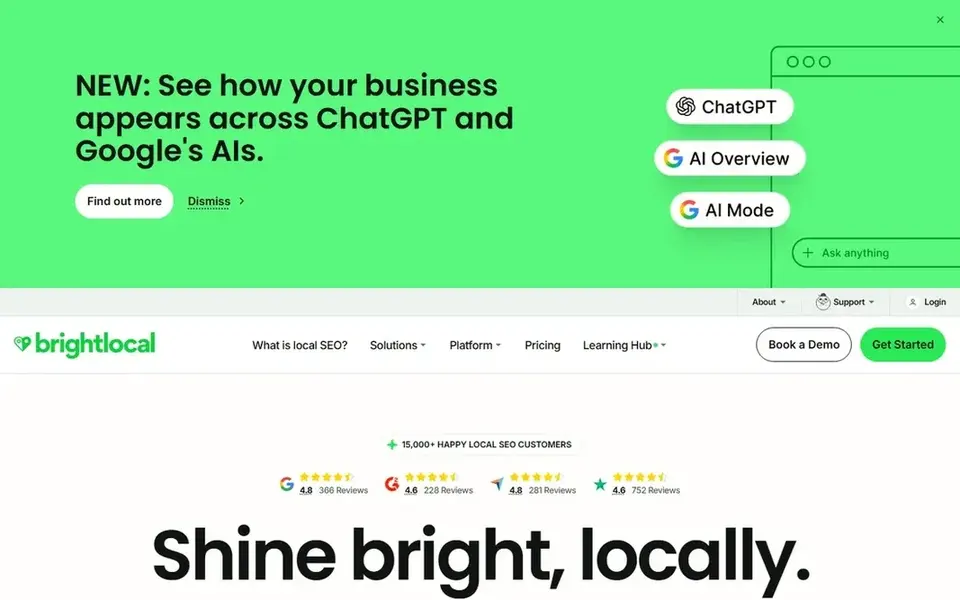
BrightLocal is a local SEO platform with review monitoring, review requests, citation checks, and audit tools. For a church, the useful parts are the review tools and the citation checks, which show whether the address and phone number match across directories.
The workflow fits a church that wants to check its local presence once a quarter. Run an audit, fix listing mismatches, and use the review tools to monitor new comments. It is more of a periodic check than a daily inbox, which suits a volunteer who handles this alongside other tasks.
The limit is complexity. BrightLocal is designed for agencies and marketers, so a church office may find the reporting and terminology heavy. Skip it if you want a simple review inbox.
- Review monitoring and request tools
- local SEO audit tools
- citation checks in one place
- Built with agencies in mind
- more reporting than a church office needs
How I chose
I built this list from vendor documentation and public sources. I read each product's feature pages, help documentation, and public descriptions, then matched the features to the way a church office actually works: a small team, event-driven review requests, and a need for accurate listings so visitors can find the building.
I did not run hands-on tests, and I did not use client results or case studies to rank anything. The order reflects fit for churches first, then breadth of features, then how much of the product a church would realistically use. I left out tools that are built only for high-volume retail or that lack review or listing features a church would need.
What to check before you buy
- Confirm the tool can monitor Google reviews and Facebook recommendations, since those are where most church feedback appears.
- Check whether review requests can be sent to a list after events, and whether the flow is simple enough for a volunteer.
- Ask whether listings management covers Google, Apple Maps, and the directories your visitors actually use.
- Confirm how many users can log in, because a church office often shares the work between staff and volunteers.
- Ask about message and inbox features if visitors regularly call or email with questions about service times and parking.
- Request a quote and ask what happens to your data and reviews if you cancel.
Frequently asked questions
What is the best reputation management software for a church?
Birdeye is my top pick because it covers review requests, review monitoring, listings, and messaging in one dashboard. Grade.us is a good lower-cost option for review requests, and Yext fits churches that mainly need accurate listings across directories. The right choice depends on whether your priority is reviews, listings, or visitor messaging.
Do churches need reputation management software?
Churches benefit from it when visitors check reviews and maps before attending. A tool helps you ask for reviews after events, reply to comments in one place, and keep the address and service times correct across directories. A small church with few reviews can start with a simple review request tool and add listings management later.
Can a church ask people for reviews?
Yes, if you ask everyone the same way and do not offer incentives or filter out unhappy people. Send a neutral request after an event and let people decide what to write. Do not gate reviews or ask only satisfied attendees, and do not write reviews on anyone's behalf. Follow Google's review policies and the policies of each platform.
How do I keep service times and address correct online?
Use a listings management tool to update the record in one place and push it to connected directories. Check Google Business Profile and Apple Maps first, since those are where most people look. Review the listings quarterly and after any change to service times, campus locations, or contact details.
What should a small church with one campus start with?
Start with a review request and monitoring tool, then add listings management if you find mismatched addresses or hours. A single-campus church rarely needs the full feature set of an enterprise platform, so pick a tool with a simple dashboard and a price that fits a volunteer-run office.
Sources
See where you really rank - block by block
ProMapRanker scans Google Maps across a grid of your service area. Simple monthly plans from $19, white-label on every plan.
Start freeBrowse all guides
← Best Local SEO Tools for Tree Service Companies in 2026Best Reputation Management Software for Dentists in 2026 →
 best local seo tools for storage facilities
Best Local SEO Tools for Storage Facilities in 2026
A practical guide to the best local SEO tools for storage facilities in 2026, covering listings, reviews, rank tracking and call tracking.
Read → best local seo tools for pediatricians
Best Local SEO Tools for Pediatricians in 2026
A practical guide to the best local SEO tools for pediatricians in 2026, covering listings, reviews, rank tracking and reporting for pediatric practices.
Read → best local seo tools for martial arts schools
Best Local SEO Tools for Martial Arts Schools in 2026
A practical guide to the best local SEO tools for martial arts schools in 2026, covering listings, reviews, rank tracking, call tracking and GBP management.
Read → dns servers near me
Dns Servers Near Me: A Complete Guide
Everything you need to know about dns servers near me: what it is, why it matters for local SEO, and exactly how to act on it.
Read → local seo for real estate agents
Local SEO for Real Estate Agents: Owning Your Local Market
A local SEO guide for real estate agents to dominate neighborhood searches with GBP and geo-grid tracking.
Read → free google business profile audit
Free GBP and Geo-Grid Audit: Check Your Local Visibility Instantly
Run a truly free GBP and geo-grid audit with no signup wall and see your real local visibility instantly.
Read →More in Local SEO & Google Maps · All guides A to Z by date · Latest guides