 ProMapRanker
Best Reputation Management Software for Deck Builders in 2026
Direct answer
Grade.us is my top pick for deck builders because it is built around review requests and review monitoring, which is exactly where a deck contractor's reputation is won or lost. It has no free plan stated, so check its pricing page. If you also want to manage your Google Business Profile and local listings in one place, look at Uberall, and if you mainly want to track how your reviews and rankings move on Google Maps, Places Scout is worth a look.
I put this list together from vendor documentation and public sources, not from hands-on tests. I read what each product says it does, checked who it is built for, and looked at where it fits a deck builder's workflow: a small service area, jobs that finish in days or weeks, and homeowners who check Google before they call. I did not run trials or measure results for any tool here.
Key takeaways
- Deck builders get most of their work from a small area, so reviews on your Google Business Profile matter more than reviews spread across many sites.
- A good tool should send review requests after the job is finished and paid, when the homeowner is most willing to write.
- Review monitoring matters because a complaint about a delayed deck build can sit unanswered for weeks without an alert.
- Listing management keeps your name, address and phone number consistent across the directories homeowners check before they call.
- None of these tools fix a bad job; they help you ask for honest feedback and reply to it in public.
Quick comparison
| Pick | Great for | Pricing starts at | Free tier | |
|---|---|---|---|---|
 Grade.us | Review requests and review monitoring | See website | Not stated | Visit |
 Uberall | Listings and reviews in one place | See website | Not stated | Visit |
 Places Scout | Local rank tracking and audits | See website | Not stated | Visit |
 BrightLocal | Citation building and local audits | See website | Not stated | Visit |
 Whitespark | Citation building and local search data | See website | Not stated | Visit |
 Birdeye | Multi-channel review and messaging | See website | Not stated | Visit |
 SOCi | Reputation for multi-location teams | See website | Not stated | Visit |
The best reputation management software for deck builders compared
Grade.us is a review management tool. You add your customers, and it sends them a request to leave a review on the site you choose, such as your Google Business Profile. For a deck builder, that fits the natural end of a job: the deck is finished, the final payment clears, and the homeowner is standing on a new structure they are happy with. That is the moment to ask.
The workflow is simple. You import or add a customer, pick a request template, and the tool sends the ask and tracks whether a review appears. You can set up a funnel where people who had a problem are invited to contact you privately instead of posting a public complaint. That does not hide anything from Google, and it should not be used to block negative reviews; it just gives you a chance to fix a problem before it becomes public. Monitoring alerts you when a new review lands so you can reply.
The limits are about scope. Grade.us does not try to be your listing manager or your rank tracker, so if you want one dashboard for everything, you will need another tool alongside it. A solo deck builder who mainly wants more Google reviews will find it a good fit; a company with several crews and many locations may want a broader platform.
- Focused on asking for and tracking reviews
- supports review requests by email and SMS
- lets you route unhappy customers to private feedback first
- Not a full listing management suite
- smaller feature set than all-in-one platforms

Uberall is a listings and reputation platform. It keeps your business name, address, phone number and hours consistent across directories, and it pulls reviews from multiple sites into one place so you can read and reply to them. For a deck builder, the listing side matters because homeowners often find contractors through map results and directory pages before they ever see your website.
The review side is where it earns a place on this list. You get one inbox for reviews across platforms, and you can reply from there. If you run more than one location or serve several towns with separate profiles, the location-level controls help keep each one accurate. That is useful for a deck company that has grown from one truck to a few crews.
The trade-off is weight. Uberall is designed for businesses with multiple locations, and a one-person deck builder may find the setup and the dashboard more than needed. If you only have one profile and a handful of reviews a month, a simpler review tool will do the job with less overhead.
- Manages business listings across many directories
- brings reviews into one inbox
- supports location-level control
- Setup takes more effort than a simple review tool
- built with multi-location businesses in mind
Places Scout is a local search tool built for agencies and consultants. It tracks where a business ranks in Google Maps across a grid of points around a location, and it runs audits of local presence. For a deck builder, that answers a practical question: when someone in a nearby town searches for a deck contractor, does your profile show up?
The reputation angle is indirect but real. Rankings and reviews are linked in local search, so tracking your position alongside your review count helps you see whether your profile is gaining or losing ground. If you work with an SEO consultant, Places Scout is the kind of tool they may use to show you where you stand.
It is not a review request platform, and it is desktop software with a learning curve. A deck builder who wants to send review requests and reply to reviews should look at Grade.us or Uberall instead. Places Scout fits when the priority is measuring local visibility.
- Tracks local rankings across grid points
- runs local audits
- handles many locations
- Desktop software with a learning curve
- not a review request tool at its core
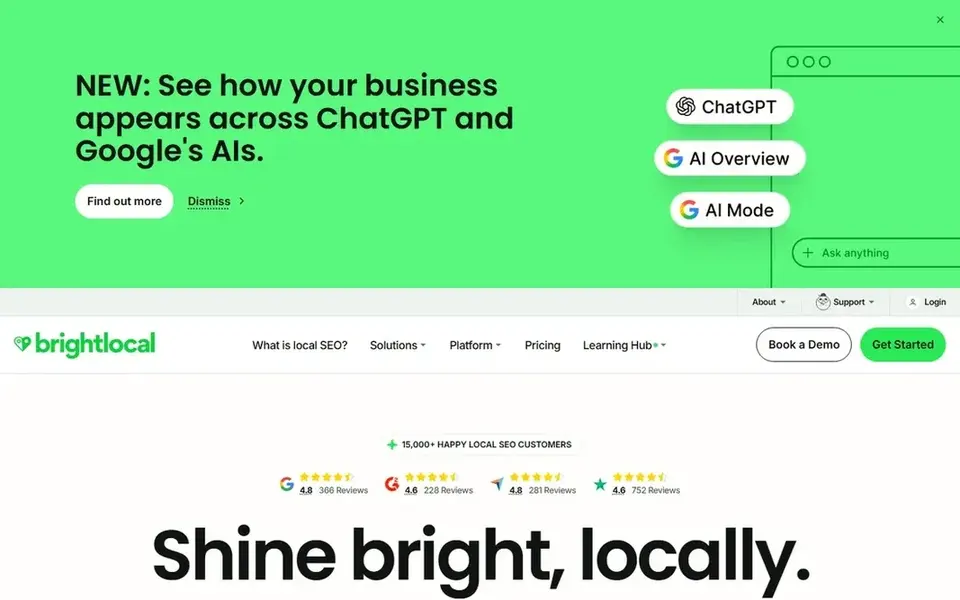
BrightLocal is a local SEO platform with a strong citation building side. Citations are the listings of your business name, address and phone number on directories, and keeping them consistent helps local search. For a deck builder, that means your details match across the places homeowners check, so they reach the right number.
It also includes review monitoring and some review tools, so you can keep an eye on new reviews and reply. The citation tools let you build and clean up listings, which is useful if your business moved or changed its phone number over the years and old listings still show the wrong details.
The review request side is not as deep as a dedicated review tool. If reviews are your main goal, start there. BrightLocal fits when you want citation cleanup and local audits alongside basic review monitoring, and it is often used by agencies that manage several contractors.
- Citation building and cleanup
- local audit reports
- review monitoring included
- Review requests are a smaller part of the platform
- citation work needs care to stay accurate
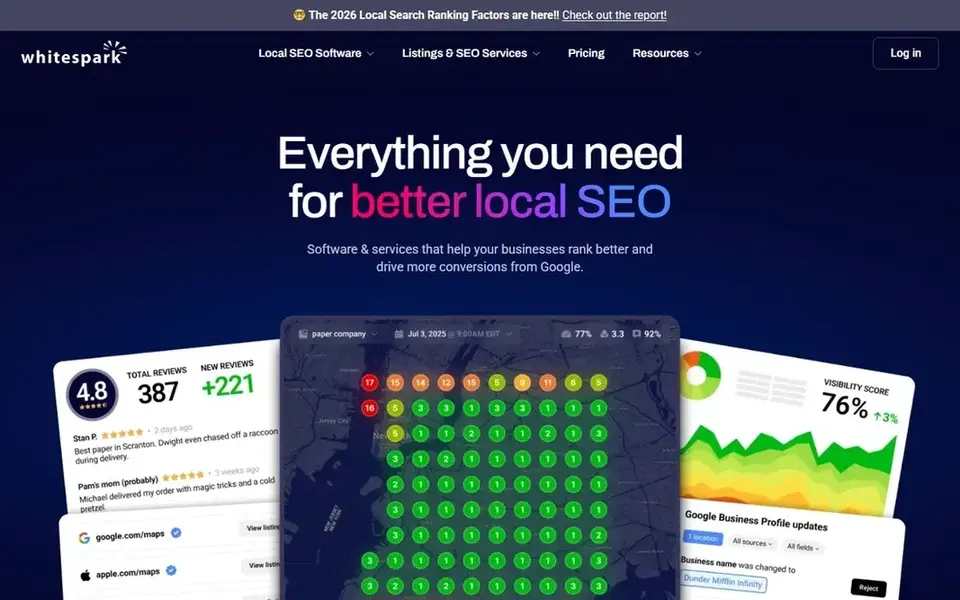
Whitespark is a local search company known for citation building and local search data. Its citation services find and fix listings across directories, and its tools track local rankings. For a deck builder, the value is in making sure the directories that show up when someone searches for a contractor list your correct details.
It is not a review management platform in the way Grade.us is. You will not get a review request workflow or a single review inbox from it. What you get is help with the listings and data that support local visibility, which in turn supports the reviews and rankings you already have.
This fits a deck builder who works with an SEO consultant or agency and wants the citation side handled properly. If you want to send review requests yourself and reply to reviews daily, pair it with a review tool rather than expecting Whitespark to cover that.
- Citation building and cleanup tools
- local search data and rank tracking
- useful for agencies
- Not a full reputation inbox
- needs someone to act on the data
Birdeye is a reputation and customer messaging platform. It sends review requests, collects reviews from multiple sites, and gives you an inbox to reply. It also handles messaging, which some contractors use to confirm appointments and follow up after a job.
For a deck builder, the review request flow is the main draw. You can ask for a review after the job closes and route the ask through the channel the customer prefers. The reporting shows how many requests went out and how many reviews came back, which helps you see whether your ask is working.
One limitation is size. Birdeye is built for businesses that want a broad customer communication platform, and a small deck crew may pay for features it never uses. It fits better once you have a front office handling messages and reviews across several crews.
- Review requests across channels
- messaging and inbox tools
- reporting on review activity
- More features than a small builder needs
- pricing is quote-based
SOCi is a reputation and local marketing platform built for multi-location businesses. It brings reviews from many sites into one dashboard, helps teams respond, and gives a central view of how each location is doing. For a deck builder with several branches or a franchise model, that central view is the point.
The review response tools are the practical part. A manager can see new reviews across locations, draft replies, and keep the tone consistent. For a company where each branch has its own Google Business Profile, that saves a lot of switching between accounts.
A solo deck builder should skip it. The platform is built for teams managing many locations, and the setup and cost reflect that. It earns a place here for growing deck companies, not for one-truck operations.
- Central reputation dashboard
- review response tools
- built for multi-location brands
- Aimed at larger operations
- not a fit for a solo builder
How I chose
I chose these tools by reading vendor documentation and public sources, then judging each one against how a deck builder actually works. That means a small service area, jobs that finish in days or weeks, homeowners who check Google before calling, and a crew that does not have time for a complicated dashboard. I did not run hands-on tests, and I did not measure results for any tool.
I also looked at limits. A tool that is built for multi-location brands may be too heavy for a solo builder, and a review tool that ignores listings may leave gaps. I noted where each product is strong and where it stops, so you can match it to your size and your goals. Where I was not sure about a free plan, I said so rather than guess.
What to check before you buy
- Confirm the tool can send review requests to your Google Business Profile, since that is where most deck builder reviews should land.
- Check whether review monitoring covers the sites your customers actually use, not just one platform.
- Ask whether the tool supports multiple locations if you have more than one crew or branch.
- Make sure the review request workflow lets you ask every customer, not just happy ones, so you stay within Google's guidelines.
- Check how replies work: you want a single inbox and a clear way to respond from the tool.
- Confirm the listing features cover the directories that matter in your area, and that you can fix wrong details.
Frequently asked questions
What is the best reputation management software for deck builders?
Grade.us is my top pick because it focuses on review requests and monitoring, which fits the end of a deck job. Uberall is the better choice if you also want listing management in one place, and Places Scout fits if you mainly want to track local rankings. The right pick depends on whether reviews, listings or rank tracking is your priority.
Do deck builders need reputation management software?
Not strictly, but it helps. A deck builder's next job often comes from a homeowner who checked Google reviews first. Software makes it easier to ask every customer for a review after the job, and to reply when a review appears. You can do this by hand, but it is easy to forget once the crew gets busy.
Can I ask customers for reviews without breaking Google's rules?
Yes, if you ask everyone and do not offer incentives. Ask after the job is finished, keep the request simple, and never filter out customers you think might leave a negative review. Do not buy reviews or write them yourself. Replying to reviews, positive or negative, is allowed and is a good habit.
Should a deck builder manage listings as well as reviews?
It helps. Listings keep your name, address and phone number consistent across directories, so homeowners reach the right number. Reviews and listings both feed local search, so a tool that covers both, like Uberall, can save you from juggling two systems. If you only have one location, a review tool plus a citation cleanup once in a while may be enough.
How do I reply to a negative review about a deck job?
Reply publicly, stay calm, and keep it short. Acknowledge the problem, say what you did or will do to fix it, and invite the customer to continue the conversation offline. Do not argue or reveal private details. A clear, professional reply shows other homeowners how you handle problems, which matters as much as the review itself.
Sources
See where you really rank - block by block
ProMapRanker scans Google Maps across a grid of your service area. Simple monthly plans from $19, white-label on every plan.
Start freeBrowse all guides
← Best Local SEO Tools for Sign Companies in 2026Best Reputation Management Software for Dry Cleaners in 2026 →
 best local seo tools for rv dealers
Best Local SEO Tools for RV Dealers in 2026
A practical guide to the best local SEO tools for RV dealers in 2026, covering listings, reviews, rank tracking and calls, with vendor-based notes.
Read → best local seo tools for occupational therapists
Best Local SEO Tools for Occupational Therapists in 2026
A practical guide to the best local SEO tools for occupational therapists, covering rank tracking, listings, reviews and calls, with vendor details.
Read → best local seo tools for notaries
Best Local SEO Tools for Notaries in 2026
A practical guide to the best local SEO tools for notaries in 2026, covering listings, reviews, maps tracking and citation building for mobile signing agents.
Read → google reviews disappeared
Google Reviews Disappeared: Why and How to Get Them Back
Common reasons Google reviews disappear from a business profile, and what you can actually do about it.
Read → google business profile attributes
Google Business Profile Attributes: The Hidden Ranking and Trust Signals
GBP attributes signal trust and relevance to customers and Google. Learn which to enable and why they matter.
Read → google maps relevance prominence distance
Relevance, Prominence, Distance: Google's Local Ranking Trio Explained
A clear breakdown of relevance, prominence, and distance, the three pillars of local ranking.
Read →More in Local SEO & Google Maps · All guides A to Z by date · Latest guides