 ProMapRanker
Best Reporting Software for Franchises (2026)

Wide app connectivity and dashboards · Pricing starts at: See website
Direct answer
For wide app connectivity and dashboards, Zoho Analytics is where this list starts. Listed starting prices: Tableau from $15 per user a month and Klipfolio from $120 a month. For a different need, Domo covers governed data pipelines and AI readiness and Tableau covers visual exploration and dashboards. The remaining 3 options are covered below with prices and limits.
Choosing reporting software for franchises usually comes down to price, fit and limits. This ProMapRanker guide sets 6 tools side by side on those three points, with the facts kept short and checkable.
Key takeaways
- This list starts with Zoho Analytics, which is built for wide app connectivity and dashboards.
- Tableau is the only tool of the 6 with a free plan.
- Before buying Domo, weigh this: wide system may need implementation planning.
- Starting prices begin at $15 per user per month with Tableau.
Quick comparison
| Pick | Great for | Pricing starts at | Free tier | |
|---|---|---|---|---|
| Zoho Analytics | Wide app connectivity and dashboards | See website | Not stated | Visit |
 Domo | Governed data pipelines and AI readiness | See website | Free trial | Visit |
 Tableau | Visual exploration and dashboards | $15 per user a month | Yes | Visit |
 Looker | Consistent metrics across franchise locations | See website | Not stated | Visit |
 Qlik Sense | Data integration and analytics combined | See website | Not stated | Visit |
 Klipfolio | Spreadsheet-like dashboards and distribution | $120 a month | Free trial | Visit |
The 6 tools in detail
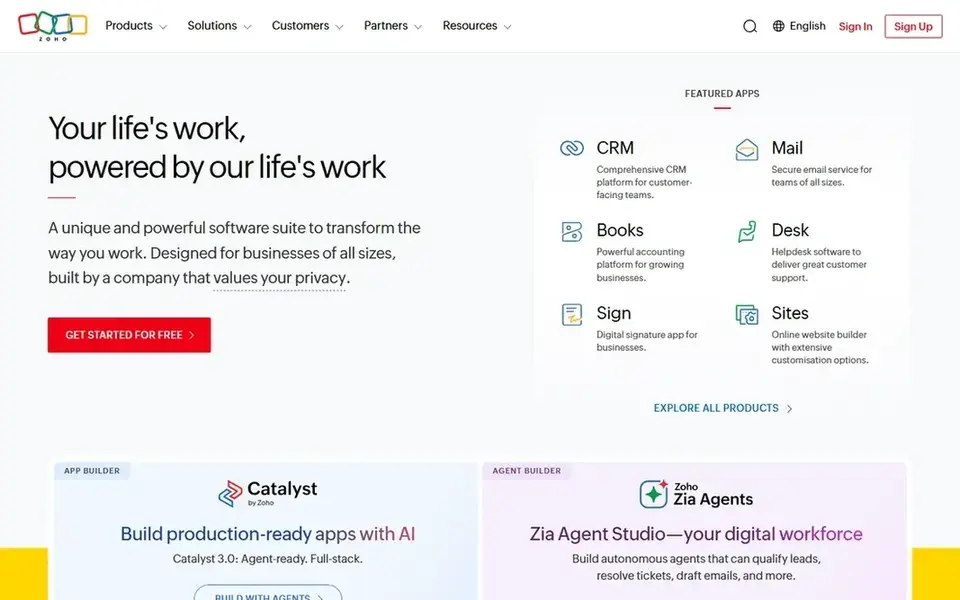
Pick Zoho Analytics if this describes you: wide app connectivity and dashboards. The product may be most valuable within the Zoho ecosystem, and highly complicated customization could be restricted.
Where it falls short: Customization may be restricted for complicated needs.
From a buyer's view, franchises already using Zoho products or needing wide app connectivity may find it a practical choice for reporting across locations. This comparison lists no price for Zoho Analytics; ask the vendor. On free options: Not stated.
- Build dashboards rapidly
- Links to plenty of apps
- Best value within Zoho ecosystem
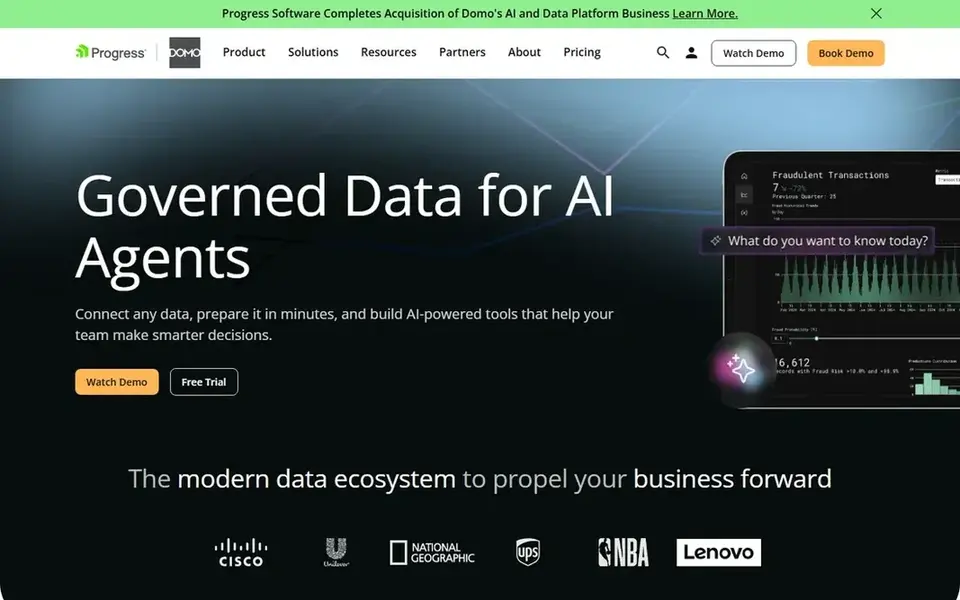
Where Domo fits: governed data pipelines and AI readiness. Franchises with more straightforward reporting needs may prefer a focused dashboard tool, whereas those building a governed data foundation for AI will see more value in Domo's broader scope.
In practice, Domo positions itself around governed data for AI agents, offering products to link and move data from any source, prepare it, and expand access for exploration. Check the vendor site for Domo pricing; none is listed in this comparison. As for free access: Free trial.
Honest limits: Feature depth varies by use case.
- Prepare and expand data access
- Link data from any source
- Wide system may need implementation planning
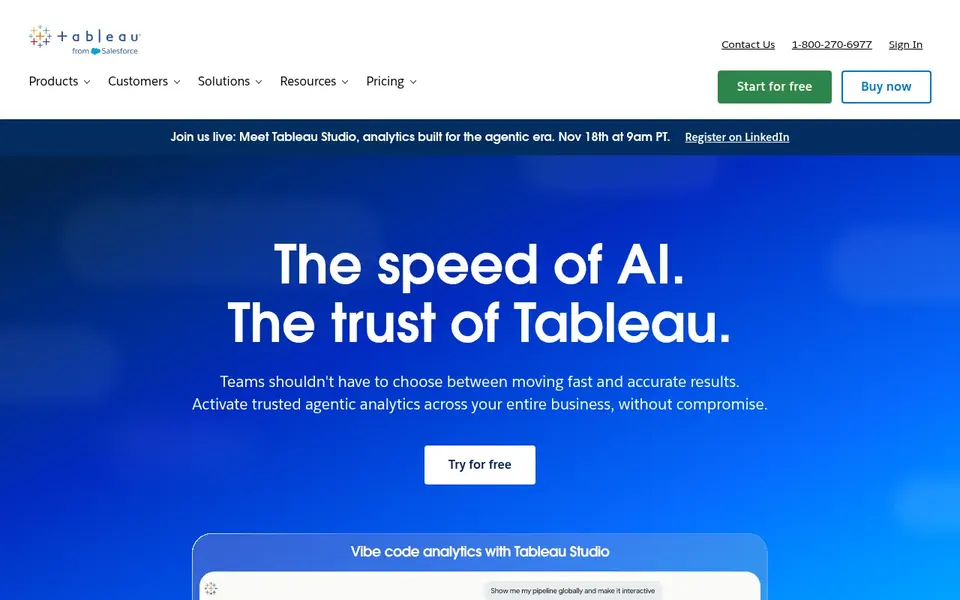
Think of Tableau for visual exploration and dashboards. Tableau helps users see and understand their data through visual analytics.
From a buyer's view, franchise teams that value exploratory dashboards and want business users to build their own views commonly choose Tableau. What you pay to start with Tableau: $15 per user per month. Tableau has a free plan.
Downsides: Can require training for advanced use.
- Share with a click
- Drag-and-drop visualizations
- Dashboard performance relies on data source
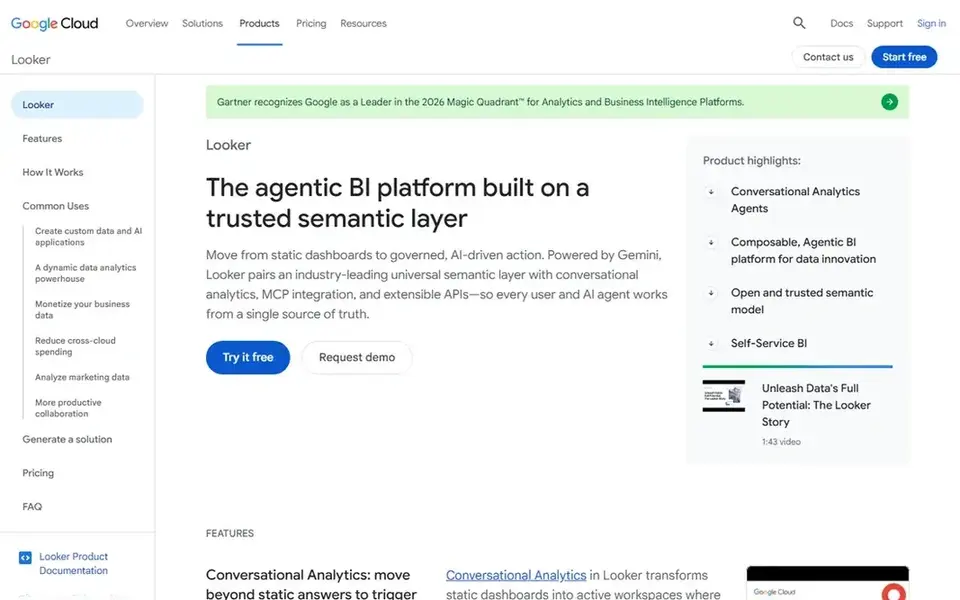
Looker serves consistent metrics across franchise locations. Looker is Google Cloud's agentic business intelligence and embedded analytics product.
Honest limits: Requires setup of semantic model.
On top of that, franchises without dedicated data staff may find more straightforward dashboard tools simpler to start with, whereas bigger networks will benefit from the governance Looker offers. Looker shows no starting price here, so confirm the cost on the vendor site. Free access: Not stated.
- Trusted semantic layer
- Gemini AI agents
- May be complicated for small teams
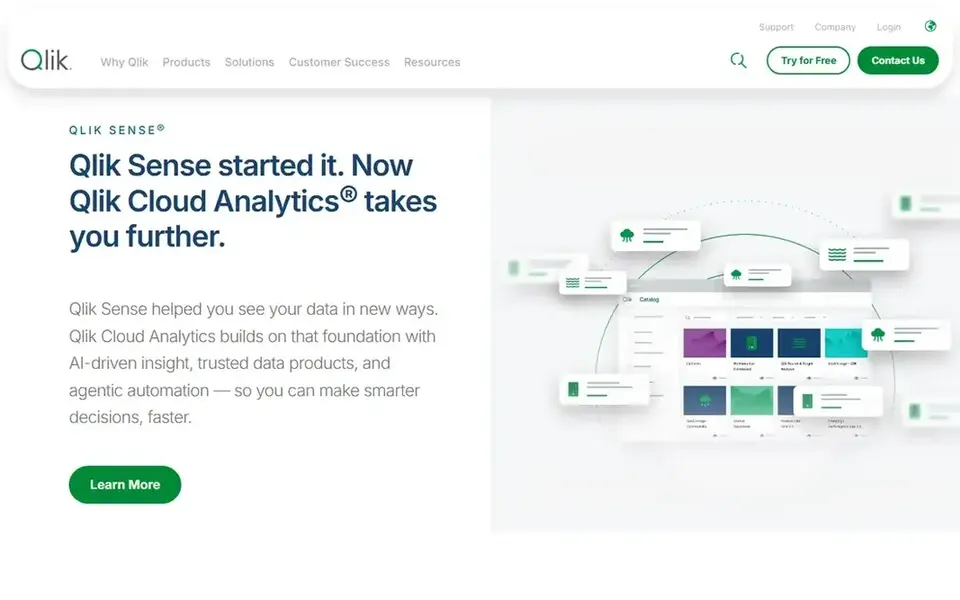
Qlik Sense makes the most sense for data integration and analytics combined. Qlik, now with Talend, provides a data fabric and insights through end-to-end data integration, data quality, and analytics options.
Limits to weigh: Product naming can be confusing.
Franchises seeking a light reporting tool may find it heavy, whereas those prioritizing integrated data quality and analytics will appreciate the breadth. Qlik Sense does not show a starting price in this comparison, so check the vendor site for current pricing. Free access: Not stated.
- Data quality capabilities
- End-to-end data integration
- May need technical setup
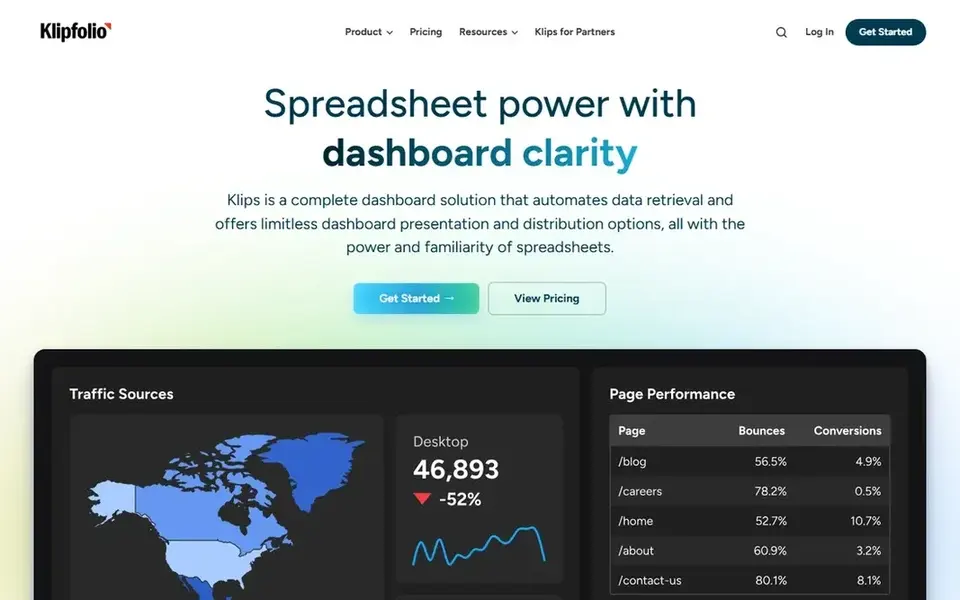
Klipfolio makes the most sense for spreadsheet-like dashboards and distribution. Franchises that want straightforward, spreadsheet-like dashboards distributed to plenty of stakeholders may find Klipfolio approachable.
Klipfolio may lack the advanced AI and semantic layer features of bigger systems. What you pay to start with Klipfolio: $120 per month. As for free access: Free trial.
The main drawbacks: May need setup for complicated data sources.
- Automates data retrieval
- Spreadsheet familiarity
- Less advanced AI features
Our selection method
Pricing pages, product documentation and feature lists were the main sources, and every entry carries at least one honest drawback. Plan names, prices and limits change often. Treat the figures here as a starting point and verify them with the vendor. The order reflects how well each tool fits the most common buying scenario for reporting software for franchises, then price clarity, then free plan access. It is a starting point, not a verdict.
What to check before you buy
- Ask Zoho Analytics, Domo, Looker and Qlik Sense for a written quote, since no starting price is shown.
- Test the free plan from Tableau against your real workload before relying on it.
- Run a trial of Domo and Klipfolio with real work before paying for a year; your own workflow is the best test.
- Before choosing Zoho Analytics, weigh its main limit: best value within Zoho ecosystem.
- Ask whether Tableau integrates with your current software, and whether that comes standard or as an add-on.
- Check the support hours and onboarding help Domo offers; smaller vendors vary a lot here.
Frequently asked questions
How are the tools for reporting software for franchises ordered?
Zoho Analytics sits first and Klipfolio last because the order follows typical fit for reporting software for franchises, then price clarity and free access. It is a judgement call, so read each profile for fit and limits.
Do these tools publish their prices?
Not all of them. Zoho Analytics, Domo, Looker and Qlik Sense publish no starting price, so expect a quote request for those. The rest, Tableau included, show a starting price, though seats and billing terms still change the final cost.
Is Zoho Analytics the right pick for everyone comparing reporting software for franchises?
No single tool suits every team. Zoho Analytics comes first because it fits broad app connectivity and dashboards, while Domo suits governed data pipelines and AI readiness and Tableau suits visual exploration and dashboards. Match the tool to your own size, budget and workflow before deciding.
What should franchises look for in reporting software?
Franchises should prioritize consistent metric definitions across locations, simple dashboard distribution to owners, and integration with existing systems. Embedded analytics and data governance features are also important for scaling reporting.
Which options for reporting software for franchises have a free plan?
Tableau is the only tool in this list with a free plan. Free plans usually cap users, projects or features, so check the limits on the vendor page. Several others offer a trial instead.
Sources
See where you really rank - block by block
ProMapRanker scans Google Maps across a grid of your service area. Simple monthly plans from $19, white-label on every plan.
Start freeBrowse all guides
← Best Multi-Location Reporting Software for Salons in 2026
 best digital asset management software for franchises
6 Best Digital Asset Management Software for Franchises for 2026
Best digital asset management software for franchises: 6 contenders ranked by fit, with entry costs and free tiers. With pricing notes and limits. No hype.
Read → best data integration software for franchises
Data Integration Software for Franchises: Best Picks of 2026
Compare 5 best data integration software for franchises, with prices, free plans and who each fits. The catches are listed up front. Read before you buy.
Read → best bi software for franchise operators
BI Software for Franchise Operators in 2026: Top 6 Compared
Need the best BI software for franchise operators? We compare 6 tools on cost, free access and who each suits. Prices and drawbacks included. See which fits.
Read → best radar app
Best Radar App in 2026: 9 Apps Compared
Find the best radar app for 2026 with our comparison of nine free weather radar apps, from fast daily maps to pro-level storm data for every kind of user.
Read → best data integration tools
Best Data Integration Tools in 2026
Compare the best data integration tools for ELT and ETL, with pricing models, connector counts, deployment options, and fit by team size here in 2026.
Read → netlify alternatives
Best Netlify Alternatives in 2026
We compared 9 netlify alternatives for static sites, frontend apps, and full-stack projects, covering free tiers, paid plans, and limits that affect real teams.
Read →More in Data & Analytics · All guides A to Z by date · Latest guides