 ProMapRanker
Best Recording Software in 2026

Key takeaways
- Audacity and OBS Studio give you strong free starting points for voice and screen recording, with no subscription to manage.
- GarageBand and Logic Pro suit Apple users who want a clear path from a first song to a finished mix.
- Adobe Audition and REAPER suit editors who need deep cleanup, routing, and format control.
- BandLab and Soundtrap suit collaboration and browser based recording, while FL Studio suits beatmakers who want lifetime updates.
Quick comparison
| Pick | Great for | Pricing starts at | Free tier | |
|---|---|---|---|---|
 Audacity | Free voice and podcast editing | Free | Yes | Visit |
 GarageBand | Apple beginners making music | Free | Yes | Visit |
 Adobe Audition | Professional audio cleanup | $22.99 per month | Free trial (7 days) | Visit |
 Logic Pro | Mac music production | $199 one-time | Free trial (90 days) | Visit |
 REAPER | Custom recording and mixing | $60 one-time | Free trial (60 days) | Visit |
 FL Studio | Beatmaking and electronic music | $199 one-time | Free trial | Visit |
 OBS Studio | Free screen and live recording | Free | Yes | Visit |
 BandLab | Free browser and mobile music | Free | Yes | Visit |
 Ocenaudio | Simple, fast audio editing | Free | Yes | Visit |
 Descript | Text based podcast editing | $16 per month | Yes | Visit |
The best recording software
We compared official feature pages, pricing pages, app store listings, and public reviews to find tools that record clean audio without forcing a costly subscription on every user. The list below covers voice recording, podcast editing, music production, and screen capture, so start with the job you do most often.
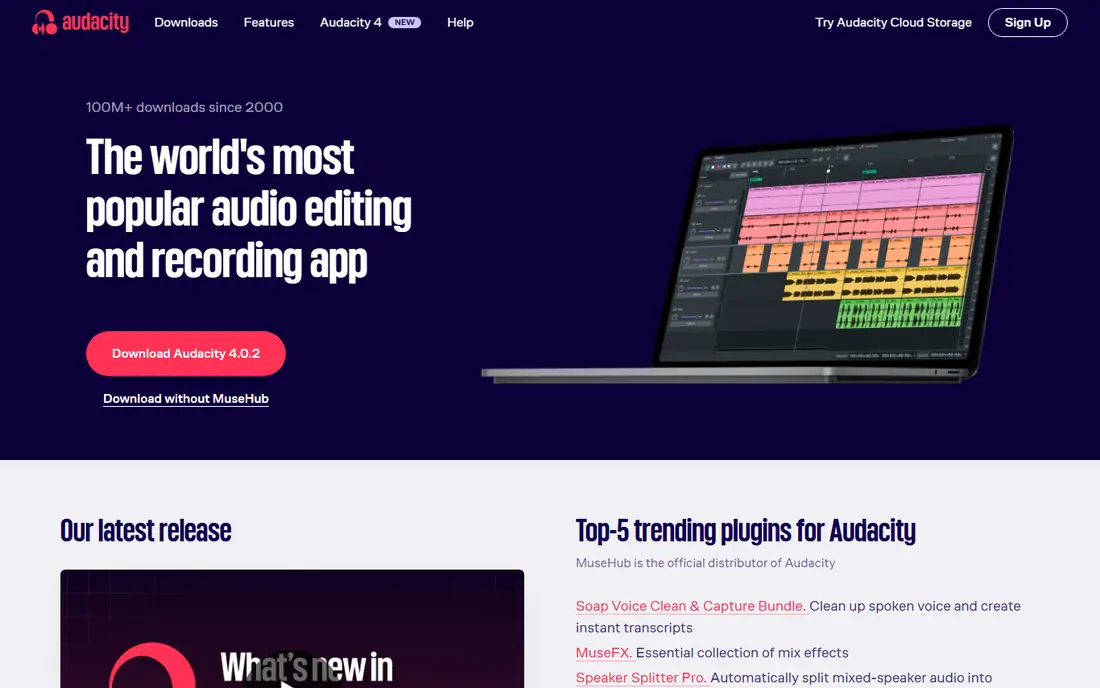
For most people asking what the best recording software is for voice work, Audacity is still the sensible first download. It records from a microphone or interface, lets you cut and arrange clips on multiple tracks, and includes noise reduction, compression, and equalization. Export options cover common formats such as MP3, WAV, and FLAC, which makes it easy to hand a finished file to a podcast host or video editor.
The trade is polish, not capability. Audacity does not include a large library of virtual instruments, and it is not the best choice for composing with MIDI. If your main need is a best recording app for spoken word, interviews, or voiceovers, that limit rarely matters. We like it because the price never gets in the way of practice, and the core editing tools are strong enough for regular publishing.
- Free and open source
- Multi-track recording and editing
- Wide format support and plugin support
- Interface looks dated
- No built in MIDI instruments for music production
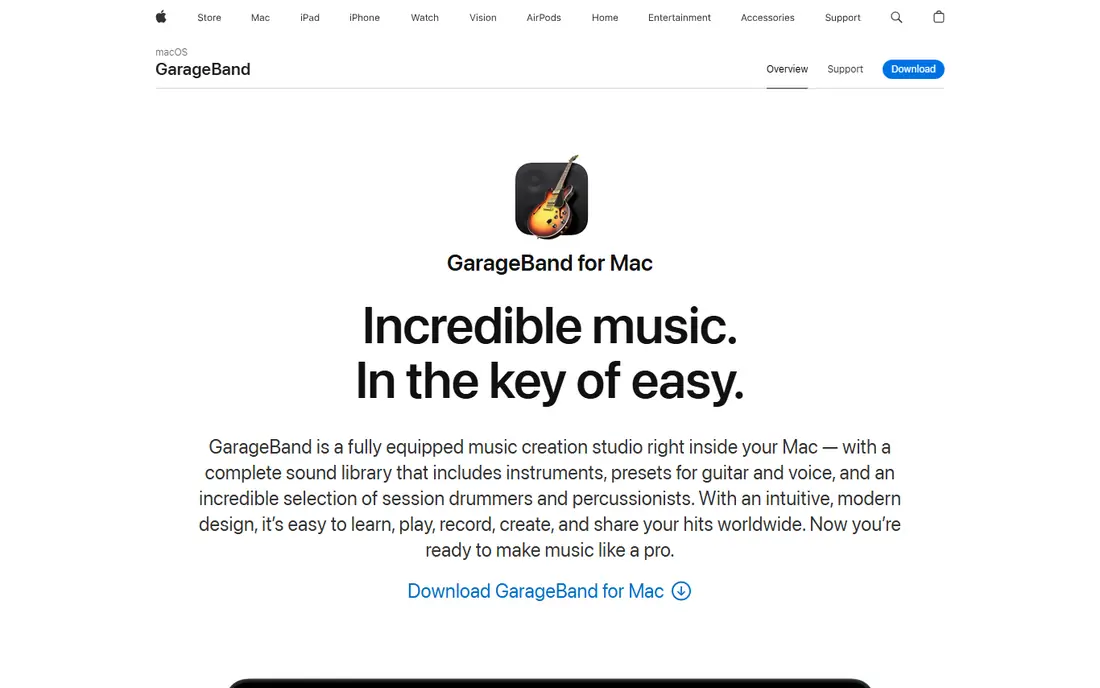
GarageBand remains the best free music recording software for people who already use a Mac, iPhone, or iPad. It includes software instruments, drum tracks, loops, and a simple recording view that keeps a first project from feeling like homework. You can record vocals and guitar, layer instruments, and share a finished song without buying extra software first.
The clear limit is platform. Windows and Android users need another pick, and large sessions can feel cramped compared with Logic Pro. Still, for songwriters and students, GarageBand covers the basics with a friendly layout and sound quality that holds up well in a simple mix. If you later want more control, projects can move to Logic Pro.
- Free with Apple devices
- Built in instruments, loops, and lessons
- Easy upgrade path to Logic Pro
- Mac and iOS only
- Less depth for large professional mixes
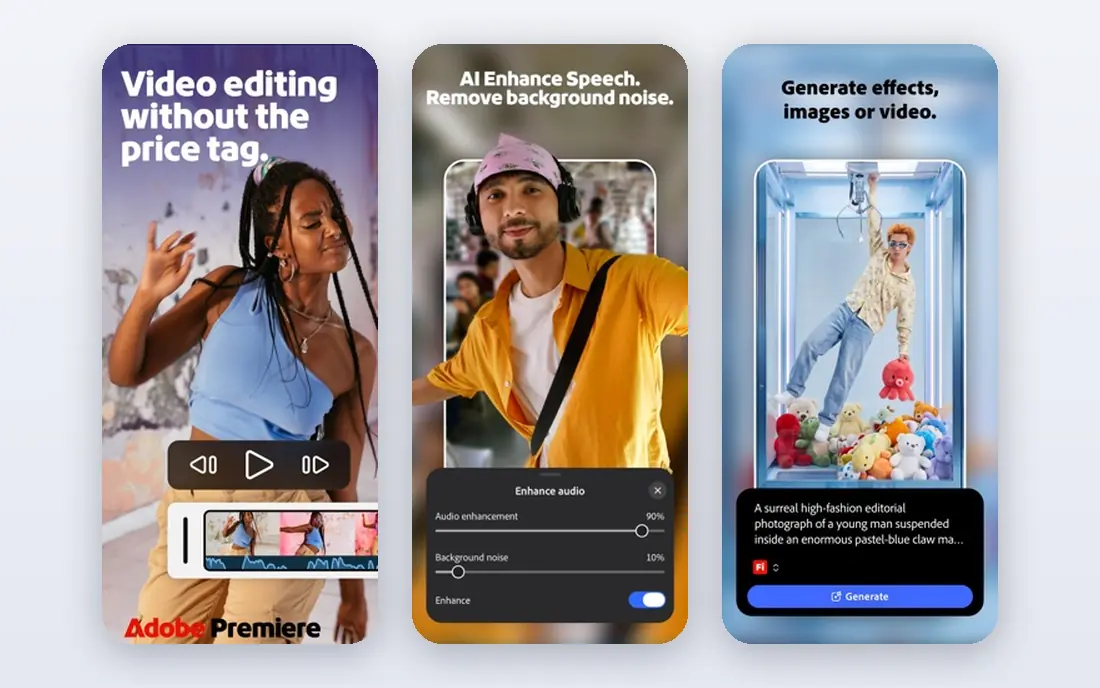
Adobe Audition is built for editors who spend as much time fixing audio as recording it. Its spectral view helps you see clicks, hum, and unwanted sounds, and its Essential Sound panel gives podcasts, dialogue, and music a faster route to consistent loudness. Multitrack sessions support many inputs, and the link to Premiere Pro helps video editors repair dialogue without leaving the Adobe workflow.
That power comes with a subscription, listed at $22.99 per month on an annual plan, and a 7 day trial. Occasional recorders may find Audacity or Ocenaudio enough for basic cuts. For broadcast, corporate video, and regular podcast production, Audition earns its place through restoration tools and precise editing that free editors do not match as cleanly.
- Strong spectral editing and restoration tools
- Multitrack mixing
- Close link to Premiere Pro
- Subscription only
- Cost adds up for occasional users
Logic Pro is our pick for Mac users who want a full studio without a monthly bill. The $199 one-time purchase includes a deep sound library, virtual instruments, drum tools, and mixing features that cover most genres. MIDI editing is detailed, and the arrangement view stays clear even when a project grows from a sketch to a finished song.
New users should expect a learning period, and the full library takes time and disk space to install. Windows users are out of luck, since Logic Pro runs only on Mac. For Apple based musicians, though, the value is hard to beat: one payment, no subscription, and a tool that can grow with a songwriter for years.
- Large sound library and instruments
- One-time purchase
- Strong MIDI and mixing tools
- Mac only
- Large download and learning curve for beginners
REAPER is the best recording software for people who value control over a ready made sound library. It records, edits, mixes, and masters audio with flexible routing, support for common plugin formats, and an interface you can reshape to match your workflow. It also runs well on modest hardware, which makes it a practical choice for a home studio that does not need the newest computer.
The discounted license is listed at $60, with a $225 commercial license for higher revenue use, and a 60 day evaluation period. The catch is that you must bring your own instruments and samples for many music styles, since REAPER ships light on bundled content. If you like building a setup around your own plugins, that freedom is a strength rather than a flaw.
- Very low price for a full DAW
- Highly customizable routing and interface
- Runs on Windows, Mac, and Linux
- Few built in instruments and loops
- Setup takes time
FL Studio has long been a favorite for beatmakers, and its pattern based workflow still explains why. You can build drum patterns, bass lines, and melodies quickly, then arrange them into a full track with a piano roll that many producers praise for speed. The Producer Edition is listed at $199, and Image-Line includes lifetime free updates, which keeps long term costs predictable.
Pure voice recording is possible, but FL Studio feels less direct than Audacity or Audition for a simple podcast edit. The trial lets you test the workflow before paying, though saving and reopening projects is limited in the trial. For hip hop, electronic music, and loop based songwriting, it remains one of the best recording software tools available.
- Pattern based workflow for beats
- Lifetime free updates
- Strong piano roll and plugin set
- Audio recording workflow feels less direct than some rivals
- Higher editions cost more
OBS Studio answers a different question from the music tools above: how do you record a screen, a game, a lesson, or a live stream with clean audio? It captures multiple sources at once, mixes microphone and system audio, and streams to common platforms. For tutorials, gameplay, and remote presentations, it is the best free recording software in this guide.
It is not an audio editor, so you will still want Audacity or a similar tool for detailed cleanup. The settings panel also asks more of a beginner than a simple voice recorder app. Once sources and audio levels are set, however, OBS Studio is steady, free, and widely supported by creators and teachers.
- Free and open source
- Records screen, webcam, and audio together
- Strong live streaming support
- Setup can confuse beginners
- No built in audio editing suite
BandLab is the easiest free route into music recording when you do not want to install a large desktop program. Its browser and mobile studio covers audio and MIDI recording, loops, virtual instruments, effects, and collaboration, so a vocalist and a producer can work on the same project from different devices. The free tier is useful for complete songs, not just a short demo.
Complex sessions with many third party plugins will outgrow a browser studio, and serious mix engineers will still prefer a desktop DAW. BandLab also offers paid plans for extra sounds and tools, listed from $14.99 per month for Pro in recent pricing summaries. For beginners, students, and remote collaborators, the free core is a strong place to start.
- Free core studio in browser and mobile apps
- Collaboration and sharing built in
- Large loop library
- Browser studio has limits for complex sessions
- Paid plans add sounds and tools
Ocenaudio suits people who want the best app to record audio and make quick edits without learning a full DAW. It opens fast, shows a clear waveform, and lets you preview effects in real time before applying them. That makes it a good fit for trimming interviews, normalizing a voice note, or preparing a file for a video project.
It is not a replacement for a multitrack mixer, and its restoration tools are lighter than Audition. If you record one voice at a time and need clean, quick results, that simplicity is the point. Ocenaudio also works on Windows, Mac, and Linux, which helps households and classrooms with mixed computers.
- Free and easy to learn
- Real time effect previews
- Clean single track workflow
- No multitrack mixing depth
- Fewer advanced restoration tools
Descript changes podcast editing by turning speech into text you can cut like a document. Delete a sentence from the transcript and the audio follows, which makes trimming interviews far faster than scrubbing a waveform. It also offers transcription, filler word cleanup, and video editing, so a podcast team can produce audio and clips in one workspace.
Pricing starts at $16 per seat per month billed annually for the Hobbyist plan, with a free plan for shorter work. Long or frequent projects will need a paid tier, and transcription works best with clear recordings. For podcasters who dread waveform editing, Descript is the best voice recorder app companion in this list, even though it works best after recording rather than as a bare recorder.
- Edit audio by editing a transcript
- Transcription and filler word removal
- Video editing in the same project
- Paid plans needed for longer projects
- Accuracy depends on recording quality
How we picked these
We compared official feature pages, pricing pages, app store listings, privacy policies, and public reviews for tools that are still maintained in October 2026. We favored tools with clear pricing, a working free tier or trial where claimed, and a real fit for voice, music, or screen recording. We did not claim hands-on testing that did not happen, and we left out tools that are discontinued or limited to a single niche use.
What to check before you choose
Start with your main job, then check platform, price, and export options. A voice recorder needs a quiet room and a decent microphone more than it needs a large instrument library. A music producer needs MIDI tools, plugin support, and a workflow that stays fast after the tenth track. A teacher or streamer needs stable screen capture and simple audio mixing.
Check the trial or free tier first. Audacity, OBS Studio, Ocenaudio, and BandLab let you learn the basics at no cost, while Logic Pro, REAPER, and FL Studio offer trials that show if the workflow suits you. Confirm that your computer meets the system needs, that your interface or microphone is supported, and that exports match the format your podcast host, video editor, or distributor expects. If you plan to collaborate, pick a tool your partners can open, or export stems and a mixed file they can use elsewhere.
Frequently asked questions
What is the best recording software for beginners?
Audacity is a strong free start for voice and podcasts, while GarageBand suits Apple users who want music tools without paying. Both let you record, cut, and export a finished file, and both have large tutorial libraries online. Move to a paid DAW only when you need deeper mixing, MIDI tools, or restoration features.
What is the best free recording software?
Audacity is our top free pick for audio editing, and OBS Studio is the top free pick for screen and live recording. BandLab adds free music production in a browser and on mobile, while Ocenaudio covers fast single track edits. The best free option depends on if you record voice, music, or a screen.
What is the best app to record audio on a phone?
BandLab and GarageBand on iOS cover music and voice recording on mobile, while simple voice recorder apps on Android and iOS suit quick notes and interviews. For a polished podcast, record on a phone only as a backup and edit on a desktop tool. A close microphone and a quiet room matter more than the app alone.
What is the best recording software for music?
Logic Pro and FL Studio suit most songwriters, with Logic Pro best on Mac and FL Studio best for beat based production on Windows and Mac. REAPER suits producers who want low cost and deep control, while BandLab suits beginners and collaborators. Choose by platform, genre, and if you prefer loops, MIDI, or live instruments.
Is Audacity really free?
Yes, Audacity is free and open source, with no subscription and no paid tier for the core editor. Some companion services may have separate terms, so check the Audacity site before signing up for anything linked to it. The desktop editor itself remains free to download and use.
Do I need to pay for good voice recording?
No, a free editor such as Audacity or Ocenaudio can produce clean voice recordings when paired with a decent microphone and a quiet space. Paid tools help most with restoration, multitrack mixing, and faster workflows for frequent publishing. Start free, then pay only for a feature you miss every week.
Sources
See where you really rank - block by block
ProMapRanker scans Google Maps across a grid of your service area. Simple monthly plans from $19, white-label on every plan.
Start freeKeep reading
 free alternatives to grok imagine
Free Alternatives to Grok Imagine in 2026
We compared the best free alternatives to grok imagine for image generation, from fast daily credits to design tools, so you can create without paying.
Read → best tools for instagram content creation
Best Tools for Instagram Content Creation in 2026
Compare the best tools for Instagram content creation, from Canva and CapCut to Later and Buffer, on design, video, planning, scheduling, and price in 2026.
Read → best tool to split pdf files
Best Tool to Split PDF Files in 2026
We compared the best tool to split pdf files on split modes, file limits, privacy and price, so you can split a PDF cleanly and keep every page in one go.
Read →