 ProMapRanker
Best Real Estate Development Software in 2026

Key takeaways
- TestFit stands out for fast site feasibility work, with published pricing that starts at $195 per month for its Parking Solver plan.
- Northspyre and Procore suit larger teams that need budget control, reporting and construction coordination in one place.
- Buildertrend and Mastt are easier entry points for residential builders and smaller development teams.
- Most of these tools price by quote or by project scale, so a demo and a written quote matter more than a headline price.
- No single tool covers feasibility, accounting, construction and investor reporting equally well, so check your weakest workflow first.
Quick comparison
| Pick | Great for | Pricing starts at | Free tier | |
|---|---|---|---|---|
 Northspyre | Budget and reporting control | See website | No | Visit |
 Procore | Large construction projects | See website | No | Visit |
 Buildertrend | Residential builders | See website | Free trial | Visit |
 TestFit | Site feasibility testing | $195 per month | No | Visit |
 Yardi Voyager | Portfolio and property operations | See website | No | Visit |
 Acumatica Construction Edition | Finance-led development teams | See website | No | Visit |
 Autodesk Construction Cloud | Document and BIM coordination | See website | Free trial | Visit |
 Sage Intacct | Multi-entity accounting | See website | No | Visit |
 Mastt | Project reporting and dashboards | See website | Free trial | Visit |
The best real estate development software
Real estate development work spans land, money, approvals, construction and sales. These tools help teams keep that chain in one place instead of stitching it together from spreadsheets and email.
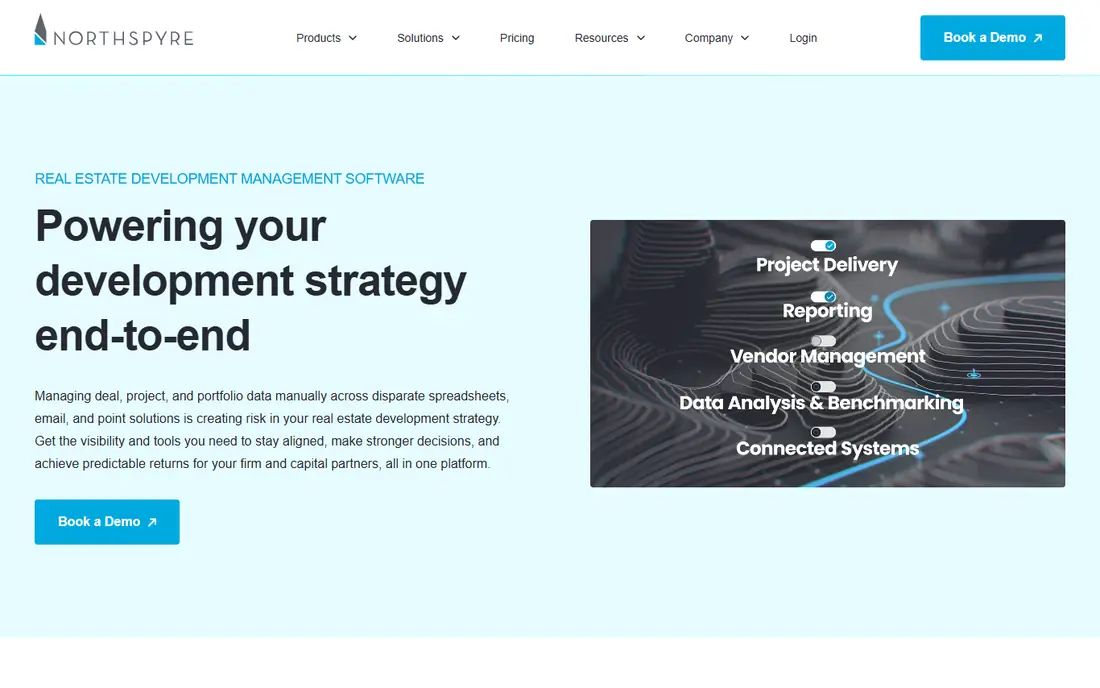
Northspyre is built for development teams that need tight control over budgets, draws and forecasts. It brings project budgets, commitments and cash flow into one view, which helps managers spot overruns before they become serious. The reporting tools also suit teams that must keep lenders and investors updated on a regular cycle.
The trade-off is scope and cost. Northspyre is aimed at professional development firms rather than a single-project builder, and pricing is not published, so you will need a sales conversation to judge value. Teams with only one small project may find a simpler project tool does the job for less.
- Central budget tracking
- Investor reporting tools
- Approval workflows
- Pricing is by quote
- Setup takes time for smaller teams

Procore covers the construction side of development in depth, from drawings and requests for information to change orders, inspections and daily logs. Field teams can work from mobile devices, while office teams keep a clear record of decisions and costs. That audit trail matters when a project involves many contractors and consultants.
The catch is that Procore is a large platform, and smaller developers may use only a fraction of it. Pricing depends on project volume and scope, so costs can rise with a growing pipeline. It fits best when construction coordination is the main pain point, not just finance or feasibility.
- Wide construction feature set
- Strong document control
- Field tools
- Pricing is by quote
- Can feel heavy for small teams
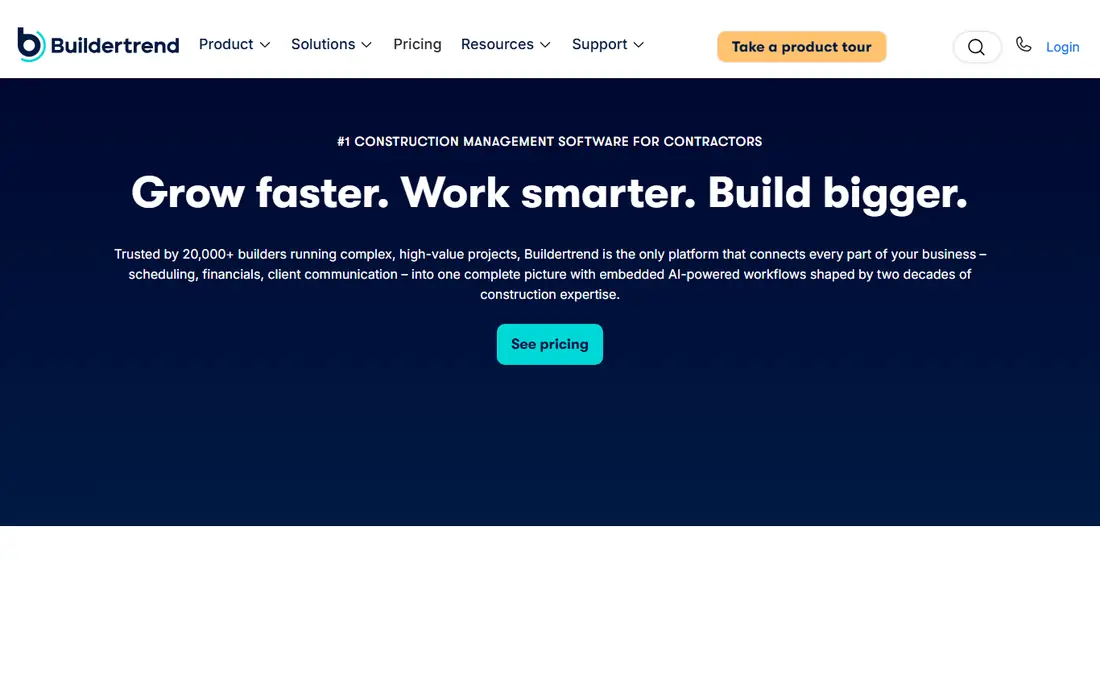
Buildertrend is a practical choice for residential builders and smaller developers who need scheduling, budgeting and client updates without enterprise complexity. Homeowners can follow progress, make selections and approve changes, which cuts down on phone calls and email threads. The scheduling and daily log tools keep site teams aligned on what happens next.
It is less convincing for large commercial development, where multi-entity finance and investor reporting carry more weight. Pricing is quoted rather than published, so compare the plan tiers carefully against the number of projects and users you actually need.
- Scheduling and client communication
- Selection and change order tools
- Mobile access
- Less suited to large commercial portfolios
- Pricing is by quote
TestFit helps developers test whether a site works before committing serious money. You draw a parcel, set zoning rules, and the tool generates massing options with unit counts, parking layouts and financial outputs. That speed matters in land deals, where a slow feasibility study can mean losing a site to a faster buyer.
Pricing is unusually clear for this category. Parking Solver starts at $195 per month when billed monthly, while Site Solver starts at $15,000 per year, with a portfolio tier from $20,000 per year. Small firms should note that jump, and teams that only test sites occasionally may prefer a consultant or a lower-cost tool.
- Fast feasibility studies
- Live unit and parking counts
- Published pricing
- Full Site Solver plans start at $15,000 per year
- No free plan
Yardi Voyager suits developers who also operate a portfolio and need property management, leasing and accounting in one system. It handles leases, tenant billing, maintenance and financial reporting at scale, which helps when completed projects move into operations. The platform is widely used across commercial and residential portfolios.
The downside is implementation effort. Yardi Voyager is an enterprise system, and getting it configured for a specific portfolio takes time and training. It is a stronger fit for established operators than for a developer running a first project from a spreadsheet.
- Deep property and lease management
- Accounting integration
- Portfolio reporting
- Implementation can be long
- Pricing is by quote
Acumatica Construction Edition gives finance-led developers a single system for project accounting, commitments, loan draws and compliance tracking. Managers can follow contract details, subcontractor retainage and insurance certificates alongside live financial data. Multi-entity support helps groups that run projects through separate companies.
That depth comes with setup work. Customising Acumatica to match a specific chart of accounts or approval chain can take time and outside help, and pricing is quoted. Teams that mainly need scheduling or site coordination will find lighter tools a better match.
- Financial management and project control
- Commitment and retainage tracking
- Multi-entity support
- Customisation can be lengthy and costly
- Pricing is by quote
Autodesk Construction Cloud brings drawings, models, documents and issues into a shared workspace for owners, designers and contractors. Version control reduces the risk of building from an outdated drawing, and model coordination helps teams catch clashes before they reach site. It works well alongside design tools from the same vendor.
The platform rewards teams that already work with BIM and formal document control. Smaller teams that only need simple file sharing may find it more formal than they need, and pricing depends on the modules chosen. Check which modules your consultants already use before committing.
- Central document management
- BIM model coordination
- Issue tracking
- Pricing is by quote
- Learning curve for non-technical teams
Sage Intacct is a strong pick when accounting is the centre of the development operation. It handles multi-entity books, project costing, budgets and reporting, and it can consolidate results across companies and projects. Finance teams get cleaner close processes and clearer visibility into project performance.
It is not a field management tool, so site teams will still need separate tools for drawings, daily logs and inspections. That split suits finance-led firms, but teams that want one system for office and site may prefer Procore or Buildertrend. Pricing is by quote, so budget for implementation as well as licences.
- Strong multi-entity finance
- Project accounting
- Reporting and dashboards
- Not a construction field tool
- Pricing is by quote
Mastt focuses on capital project reporting, giving development teams dashboards that show budget, schedule and risk without a heavy enterprise rollout. Managers can share consistent updates with stakeholders instead of rebuilding reports in spreadsheets each month. The cleaner setup suits teams that need reporting discipline fast.
Mastt does not try to replace full construction management or accounting systems, so teams with deep field or finance needs will pair it with other tools. That narrower scope is also its strength, since the team can adopt it without reorganising every workflow. Confirm the reporting templates fit your lender and investor formats before you buy.
- Clear project dashboards
- Capital project reporting
- Easier setup than enterprise systems
- Narrower construction feature set
- Pricing is by quote
How we picked these
We compared official product pages, pricing pages where published, and public reviews, and we kept only tools that are live in October 2026 and fit real estate development work rather than general project management. We favoured tools that cover a clear part of the chain, from feasibility and finance to construction and portfolio operations, and we noted where pricing is quoted instead of published. We did not claim hands-on testing, and we treated vendor claims as claims to check in a demo.
What to check before you commit
Start with the workflow that causes the most pain. If feasibility studies are slow, TestFit deserves the first look. If budget overruns and investor reporting are the problem, Northspyre, Acumatica or Sage Intacct fit better. If site coordination and documents are the bottleneck, Procore or Autodesk Construction Cloud make more sense.
Questions for every demo
Ask how the tool handles your project structure, including multiple entities, lenders and phases. Ask who owns setup, how long onboarding takes, and what happens to your data if you leave. Check whether field staff can use it on mobile with poor connectivity, and whether reports can be exported in the format your lenders accept.
Budget for more than the licence
Implementation, training and data migration often cost as much as the first year of licences on enterprise tools. Smaller tools look cheaper at first, but per-user pricing can add up as a team grows. Get a written quote that covers users, projects and support, and test the tool on one live project before rolling it out across a portfolio.
Frequently asked questions
What is the best real estate development software for small teams?
Buildertrend and Mastt are practical starting points, since they are easier to set up than enterprise platforms. TestFit also suits small teams that test land deals often, though its full plans are priced for active developers. Match the tool to your main bottleneck rather than buying the largest platform first.
Is there top real estate development software with published pricing?
TestFit publishes pricing for Parking Solver and Site Solver, which is rare in this category. Most other tools on this list price by quote, based on users, projects and modules. Ask for a written quote and check whether implementation and training are included.
Can one tool cover feasibility, construction and accounting?
No tool on this list covers all three equally well. TestFit leads on feasibility, Procore and Autodesk Construction Cloud lead on construction coordination, and Acumatica and Sage Intacct lead on finance. Many firms use two tools and connect them, rather than forcing one platform to do everything.
How long does implementation usually take?
Smaller tools can be live in weeks, while enterprise systems such as Yardi Voyager and Acumatica can take months to configure and train. Ask the vendor for a realistic timeline for a team your size, and plan for data migration from spreadsheets or older systems.
Should a developer buy construction software before the first project?
It depends on scale. A single small project may not justify an enterprise platform, and a simple scheduling and budgeting tool may be enough. Once you run several projects at once, or report to lenders and investors, a dedicated development platform starts to pay for itself in saved reporting time.
Sources
See where you really rank - block by block
ProMapRanker scans Google Maps across a grid of your service area. Simple monthly plans from $19, white-label on every plan.
Start freeKeep reading
 wpforms alternatives
Best WPForms Alternatives in 2026
We compare 9 wpforms alternatives for WordPress forms, with free and paid options, current pricing notes, and honest limits for small business sites in 2026.
Read → windows task scheduler alternatives
Best Windows Task Scheduler Alternatives in 2026
Looking for Windows Task Scheduler alternatives? We compare 9 schedulers for Windows and cross-platform work, from free tools to enterprise automation.
Read → which ai video service is best
Which AI Video Service Is Best in 2026
which ai video service is best? We compare 10 legitimate AI video services on price, avatars, editing and output quality to help you pick the right tool.
Read →