 ProMapRanker
Best Reading Apps for Kids in 2026


Free early learning for ages 2 to 8 · Pricing starts at: Free
Key takeaways
- Khan Academy Kids and Duolingo ABC are the strongest free starting points for early readers.
- Epic suits children who already read and want choice, while Reading Eggs and HOMER suit structured phonics work.
- Age range matters more than brand, since a tool built for age four will bore a child aged nine.
- Check age ratings and privacy settings before a child uses any reading app, and keep an adult nearby for account setup.
Quick comparison
| Pick | Great for | Pricing starts at | Free tier | |
|---|---|---|---|---|
| Khan Academy Kids | Free early learning for ages 2 to 8 | Free | Yes | Visit |
 Epic Epic | Large digital library for young readers | See website | Yes | Visit |
 Reading Eggs Reading Eggs | Structured phonics and early reading lessons | See website | No | Visit |
 ABCmouse ABCmouse | Guided early learning for ages 2 to 8 | See website | Yes | Visit |
 HOMER HOMER | Personalised reading path for ages 2 to 8 | See website | No | Visit |
 Raz-Kids Raz-Kids | Levelled reading practice for school-age children | See website | No | Visit |
 Starfall Starfall | Learn-to-read basics for preschool and early grades | See website | Yes | Visit |
 Duolingo ABC Duolingo ABC | Free phonics for ages 3 to 6 | Free | Yes | Visit |
The best Reading Apps for Kids
We compared official feature pages, pricing pages, app store listings, and public reviews to build this list. The eight options below cover different budgets and needs, so start with the best-for note and then read the details that match your situation.
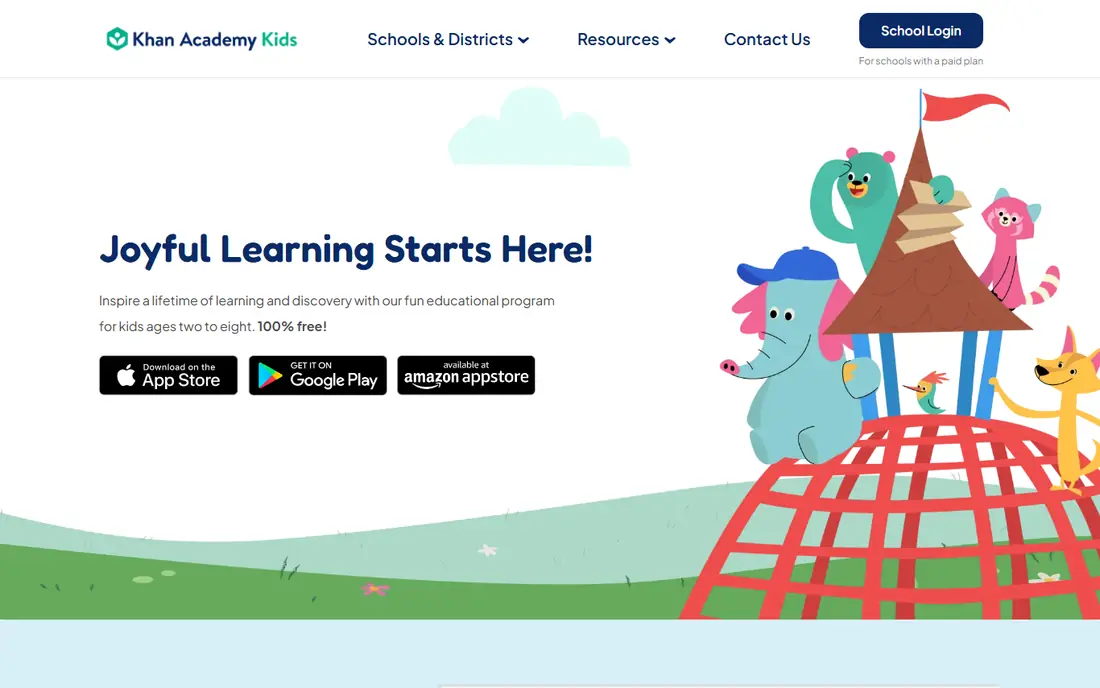
Khan Academy Kids suits free early learning for ages 2 to 8. It offers stories, letters, sounds, and simple reading games for young children in one free app. The product pages describe a focused set of tools rather than a long list of extras, and that focus helps a new user get started without a long setup period. Before you choose it, weigh this limit: Children past early reading levels will need a library app as a next step. We suggest you test it with a small real task, confirm that it fits your current workflow, and check what happens when you need to cancel or move your data elsewhere.
- Completely free with no ads
- Stories and early literacy activities
- Parent view
- No web version for full use
- Older readers may outgrow it
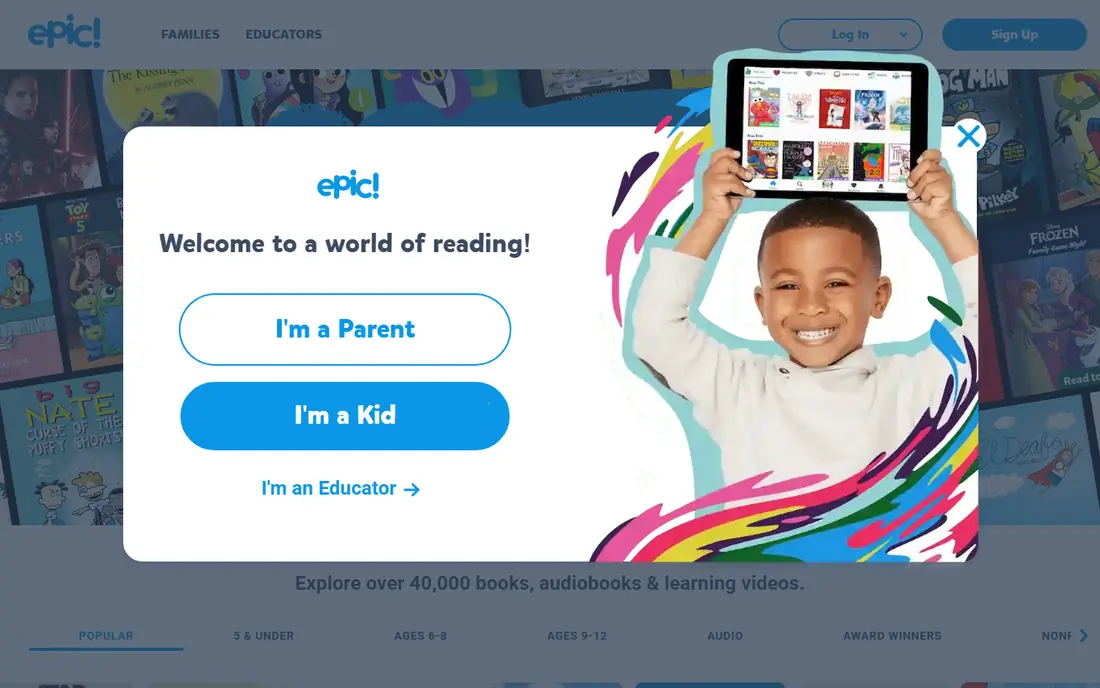
Epic works well for large digital library for young readers. It gives children thousands of books, videos, and audiobooks to browse by age and interest. Its pricing and feature pages point to steady, everyday use, and the free or trial option gives you room to check the fit before you commit. A fair caution is this: A child who reads little may not get value from a paid library plan. Shortlist it if that trade-off fits your budget and your team size, and keep a second option in mind if your needs grow quickly in the next year.
- Large book and audiobook library
- Read-to-me options
- Teacher accounts
- Full home access is paid
- Screen time needs parent limits
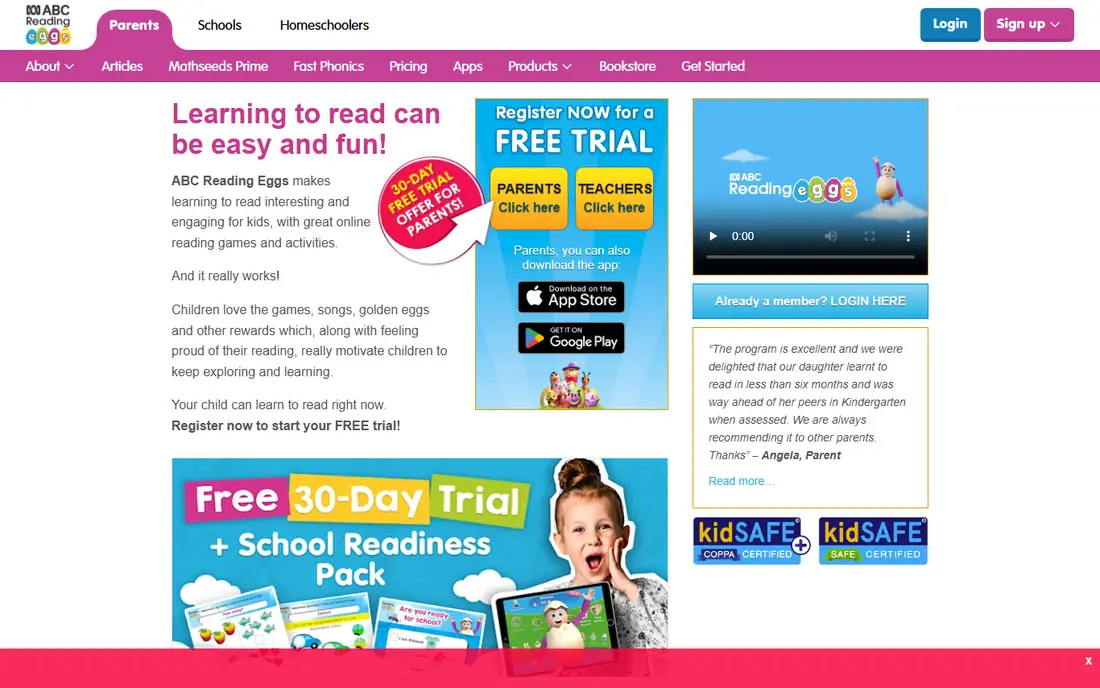
Reading Eggs is a practical choice for structured phonics and early reading lessons. It teaches letter sounds, sight words, and simple sentences through short lessons and games. We found its official pages clear about what is included at each tier, which makes it easier to compare the real monthly cost with the value you expect to get. The main limit to weigh is this: Parents should check lesson pace, since a fast path can frustrate a new reader. Check the plan limits, the export options, and the support route before you move important work into the tool, since those details matter more over time than a first-week impression.
- Step-by-step phonics path
- Games and rewards
- Progress reports
- Paid subscription
- Some children tire of repeated lessons
ABCmouse suits guided early learning for ages 2 to 8. It follows a long learning path with stories, songs, and activities across many subjects. The product pages describe a focused set of tools rather than a long list of extras, and that focus helps a new user get started without a long setup period. Before you choose it, weigh this limit: Families who want reading only may prefer a narrower app. We suggest you test it with a small real task, confirm that it fits your current workflow, and check what happens when you need to cancel or move your data elsewhere.
- Large guided curriculum
- Reading, maths, and art activities
- Multiple profiles
- Monthly cost adds up
- Some children find it busy
HOMER works well for personalised reading path for ages 2 to 8. It builds a reading path from a short starting check, then adds stories matched to that level. Its pricing and feature pages point to steady, everyday use, and the free or trial option gives you room to check the fit before you commit. A fair caution is this: Children who want free browsing may prefer a library app beside it. Shortlist it if that trade-off fits your budget and your team size, and keep a second option in mind if your needs grow quickly in the next year.
- Reading path based on age and skill
- Stories and phonics games
- Paid plan
- Content range is narrower than a full library
Raz-Kids is a practical choice for levelled reading practice for school-age children. It gives children books at a set reading level, with quizzes that check understanding after each book. We found its official pages clear about what is included at each tier, which makes it easier to compare the real monthly cost with the value you expect to get. The main limit to weigh is this: Home buyers should confirm access and pricing, since school plans differ. Check the plan limits, the export options, and the support route before you move important work into the tool, since those details matter more over time than a first-week impression.
- Levelled books
- Quizzes
- Teacher assignment options
- Best with a school account
- Home price varies
Starfall suits learn-to-read basics for preschool and early grades. It teaches letters and sounds with short, calm activities that suit new readers. The product pages describe a focused set of tools rather than a long list of extras, and that focus helps a new user get started without a long setup period. Before you choose it, weigh this limit: Older children may find the style too simple after early levels. We suggest you test it with a small real task, confirm that it fits your current workflow, and check what happens when you need to cancel or move your data elsewhere.
- Free learn-to-read section
- Simple phonics games
- Low-pressure design
- Full membership is paid
- Design is simpler than newer apps
Duolingo ABC works well for free phonics for ages 3 to 6. It teaches letter sounds, tracing, and early words through short, game-like lessons. Its pricing and feature pages point to steady, everyday use, and the free or trial option gives you room to check the fit before you commit. A fair caution is this: Children past age six will need a wider reading app next. Shortlist it if that trade-off fits your budget and your team size, and keep a second option in mind if your needs grow quickly in the next year.
- Free with no ads for children
- Letter tracing
- Short lessons
- Age range is narrow
- No full book library
How we picked these
We started with the main keyword and the related terms readers use for this topic, then we checked vendor feature pages, pricing pages, app store listings, privacy pages, and public reviews for each candidate. We kept only products that exist and work today, that fit the topic directly, and that publish enough detail for a reader to judge cost and limits. We removed products with unclear pricing, a discontinued product, or a fit that was too narrow for most readers. We did not claim hands-on testing, lab testing, or daily use. Our findings come from published vendor material and public review sources, and prices can change, so we point you to the vendor page for the final figure. Where a price was not clear on the vendor page at the time of research, we wrote See website rather than guessing a number.
How to choose a reading app for your child
Match the app to your child's current reading stage, not just their age. A new reader needs letter sounds and short words. A growing reader needs levelled books and choice. A confident reader needs a library and time to read for fun.
Start with reading stage, then add choice
Ask what your child can already do: name letters, sound out words, or read short books alone. Pick one structured app for skills and, if needed, one library app for choice. Two apps used well beat five apps opened once.
Check age ratings, ads, and privacy settings
Read the age rating, check whether the app shows ads, and review what data it collects before setup. Turn on parent controls, use a child profile where offered, and keep purchases behind a password. This short check matters for every kids app, free or paid.
Keep app time short and pair it with print books
Use 15 to 30 minutes of focused app time as a supplement, not a replacement for books, read-aloud time, and classroom teaching. If a child resists the app, try a different level or a print book rather than pushing longer sessions.
Frequently asked questions
What are the best free reading apps for kids?
Khan Academy Kids is the best free reading app for kids aged 2 to 8, with no ads and a broad early learning range. Duolingo ABC is also free and suits ages 3 to 6 for phonics. Both work well as a first step before any paid plan.
What is the best reading app for kids who are learning to read?
Reading Eggs and HOMER are strong picks for learning to read, since both follow a structured phonics path. Duolingo ABC is a free option for younger children. Pick the pace and style your child enjoys, since regular short practice matters most.
What is the best app to help kids read more books?
Epic is the best library-style pick, with a large range of books and read-to-me options for children who already read. Raz-Kids suits levelled practice with quizzes. Let your child choose books inside a safe range to build a reading habit.
What are the best kindergarten reading apps?
Khan Academy Kids, Duolingo ABC, and Starfall all fit kindergarten readers, with letter sounds, simple words, and short activities. Start free where you can, watch how your child responds, and move to a paid structured app only if extra lessons help.
What is the best app for learning to read at home?
The best learning to read app depends on stage: Duolingo ABC or Starfall for early sounds, Reading Eggs or HOMER for a fuller phonics path, and Epic for wider reading. Pair any app with print books and adult read-aloud time for the best result.
Sources
See where you really rank - block by block
ProMapRanker scans Google Maps across a grid of your service area. Simple monthly plans from $19, white-label on every plan.
Start freeKeep reading
 zoom alternatives
Best Zoom Alternatives in 2026
Compare Zoom alternatives in 2026, with free meeting limits and prices, so you can pick the best alternative to Zoom for your team, class, or community.
Read → which software is best for remote work
Which Software Is Best for Remote Work in 2026
Answering which software is best for remote work, we compare Slack, Zoom, Asana, Notion, Teams and more, with pricing and honest tradeoffs in 2026 now.
Read → which ai tool is best for content writing
Which AI Tool Is Best for Content Writing in 2026
Wondering which ai tool is best for content writing? We compare ChatGPT, Claude, Jasper, Grammarly, and more on price, quality, and best use in 2026 now.
Read →